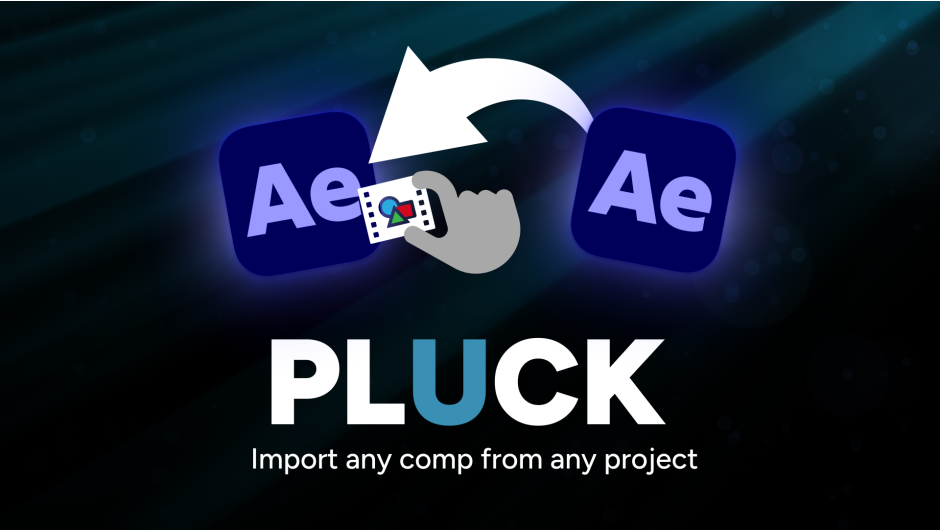
Mooviemakers Pluck is an After Effects panel for moving selected compositions and layers between project files. Drop an .aep onto the panel, choose what you need, and import it with the dependencies it uses. You can also export comps as self-contained project files for sharing or archiving.
Import comps without opening the source
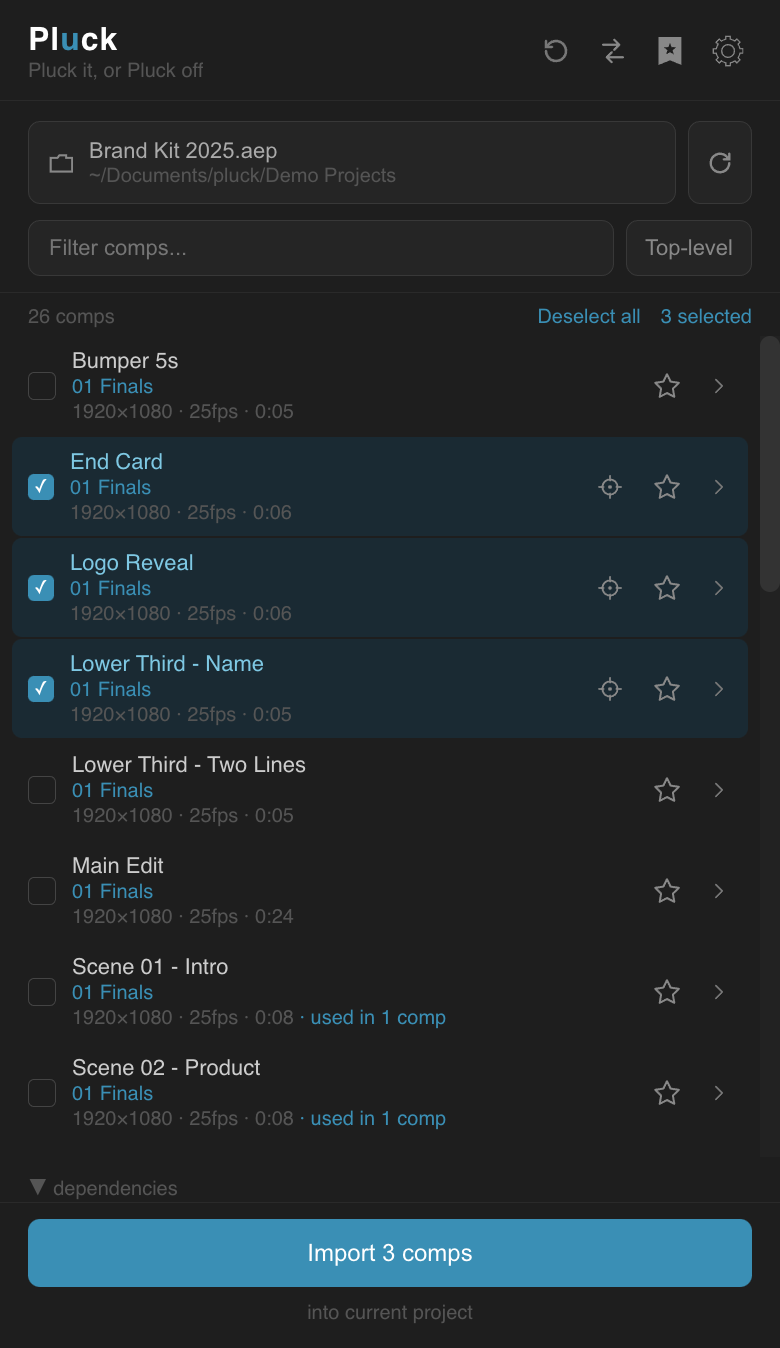
Pluck reads a dropped .aep directly and lists its compositions with dimensions, frame rate, and duration. Search or filter by name, select one or more comps, and import those selections with their precomps and footage.
Choose layers and their relationships
When a full comp includes more than you need, Pluck can show its layers and build a reduced copy from the ones you select. It can include parents, track mattes, effect targets, and expression-linked layers. An Ask first setting previews extra layers before import. You can also place selected layers into an existing comp, preserving their order, parenting, and mattes.
Resolve duplicates and organize the project
For a comp or footage item already in the destination, Pluck offers Replace, Use current, or Keep both; Keep both is the default. Replace makes existing users use the imported item, keeps the existing item's folder, and removes the old item. Use current keeps the existing item and points matching precomps and footage in the import to existing project items. Keep both imports a separate copy into the Plucked folder. Ask lets you choose per item or once for all, and Settings can change the default. Footage that points to the same file on disk is reused. Imports can mirror the source folder structure, sort items by type, use a flat folder, or go into a custom subfolder. Pluck can also apply label colors and open an imported comp in the timeline.
Export and revisit reused work
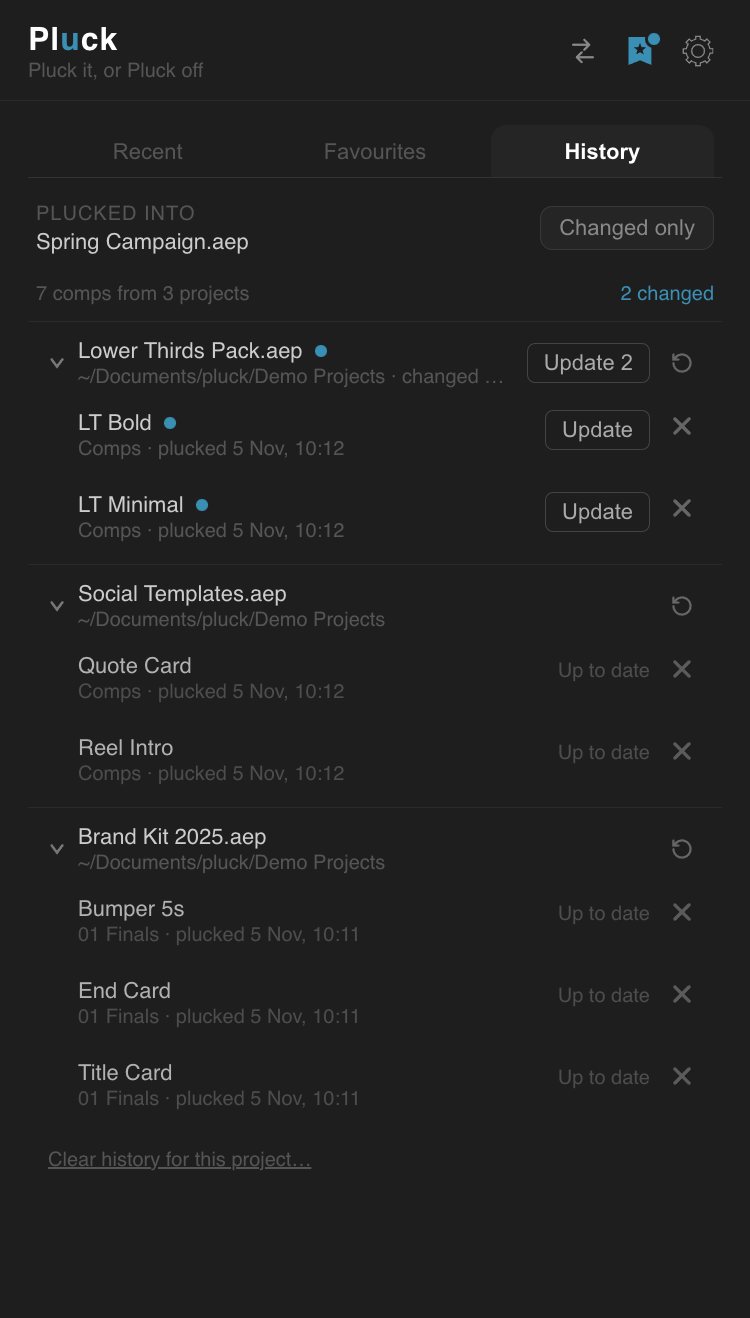
Pluck Off exports selected comps as standalone .aep files with footage alongside, or as a self-contained ZIP. Filename tokens can use the comp name, project name, and date; batch exports can use separate filenames. For saved projects, the History tab groups imported comps by source project and lets you update them when that source changes. One Undo reverts an update.
The aescripts listing gives After Effects 2022 through 2026 as compatible versions for macOS and Windows. The aescripts product page has current details on features, trials, and licensing.