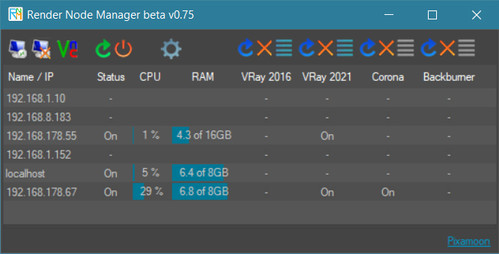
Muster 9.0.14 is Virtual Vertex’s render farm management system for film, game development, and visual effects work. It monitors farm usage, recovers from faults, and can power down racks when they are no longer needed. You can add or disconnect hosts and start renders when no one is logged in; Muster assigns tasks across the farm. The Autodesk Marketplace listing says the software is free for up to four concurrent render nodes.
Coordinate jobs across hosts and operating systems
Muster runs natively on Windows, Linux, and macOS. Its internal substitution path engine supports running the same job across mixed operating systems. This can suit studios whose render hosts do not all use the same platform. Virtual Vertex’s supported-engines list, updated at Muster 9.0.13, lists Autodesk 3D Studio Max and its image-slicing engine as supporting all 3ds Max versions; it does not say whether that entry changed for Muster 9.0.14.
Configure render engine submissions
A built-in template system uses a macro language to integrate with external batch renderers. Templates can define submission controls such as fields, selectors, and checkboxes, then translate those choices into commands for the renderer. They can also set engine-specific actions, licensing limits, and rules. Check with Virtual Vertex about support for a particular render engine.
Split still images across multiple hosts
For Autodesk 3ds Max and Maya, Muster can divide a single-frame image into slices, render them on several hosts at once, and assemble the result with its Dispatcher. The Autodesk listing identifies high-resolution print images as one use for this feature.
The Autodesk listing notes that Muster uses a custom installer rather than the standard App Store installer. It lists Virtual Vertex’s support forum and [email protected] for help.