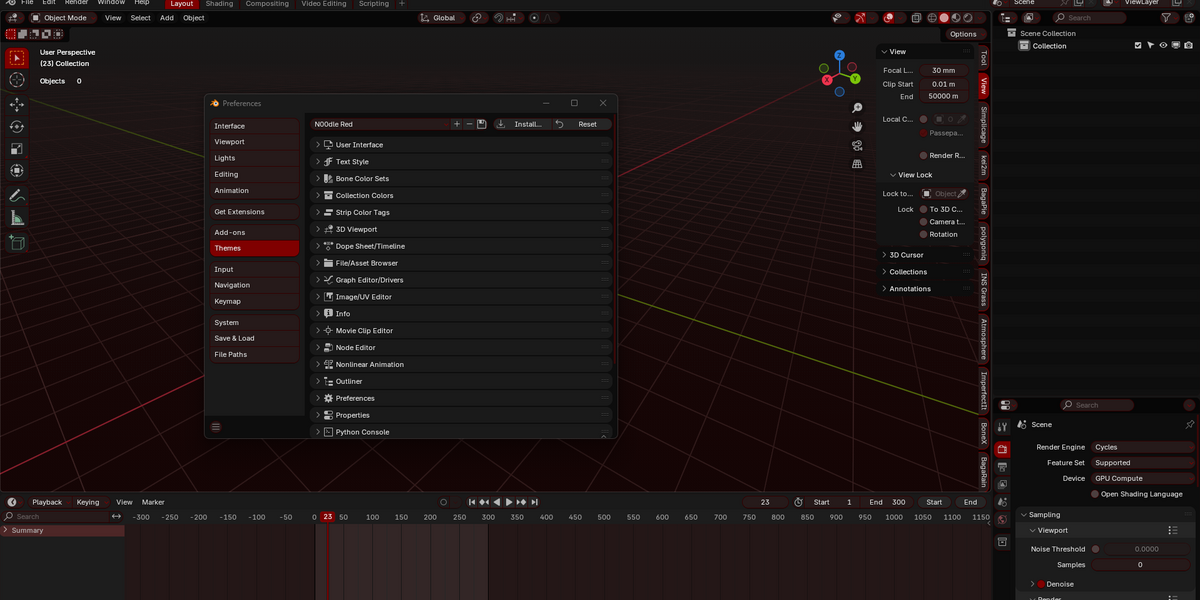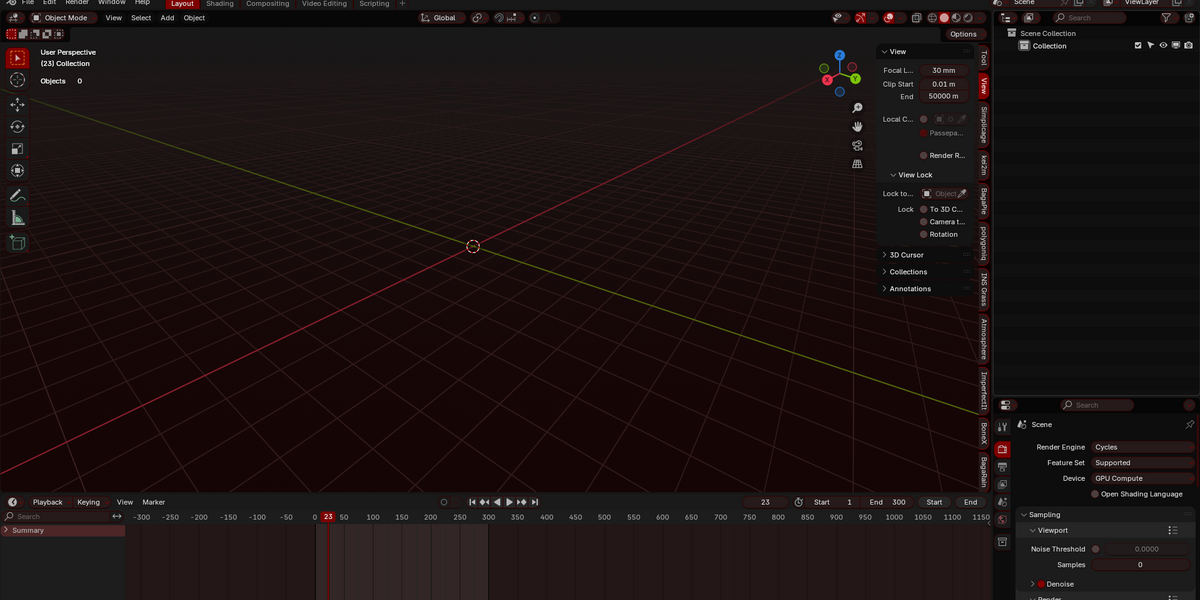
N00Dle Red by N00dle & D00dle is a visual theme for Blender. It uses a dark neutral background with warm red and orange accents for active elements and selections. The dark neutral background is intended to keep attention on the content and minimize eye strain.
How the interface looks
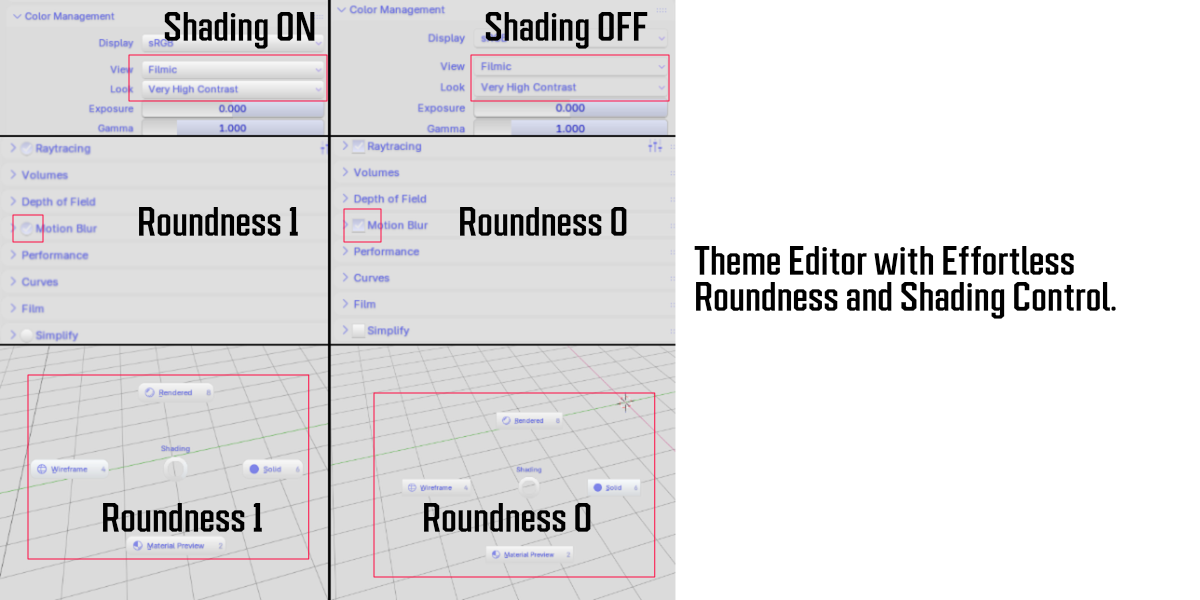
The theme uses a flat UI with minimal embossing, consistent rounded elements, and low-saturation icons. These choices give Blender's interface a coordinated look.
Editors covered
N00Dle Red's unified color system carries the same palette across Blender's editors, including the 3D Viewport, Node Editor, Graph Editor, and Text Editor.
Install it as a Blender theme
N00Dle Red is loaded through Blender's theme preferences. After unzipping the package, open Edit > Preferences > Themes, choose Install, and select the included N00dle Red.xml file.
Compatibility and license
The Superhive product listing includes Blender 4.0, 4.1, 4.2, 4.3, and 4.4 as supported versions, and identifies the license as MIT. The listing does not confirm compatibility with later Blender releases, so check its current details before installing on one.
Who this theme suits
N00Dle Red may suit Blender users who prefer a dark interface with warm selection cues and muted icons across the listed editors. Its documented changes are visual; the product listing does not describe added modeling tools or changes to Blender's editing functions.