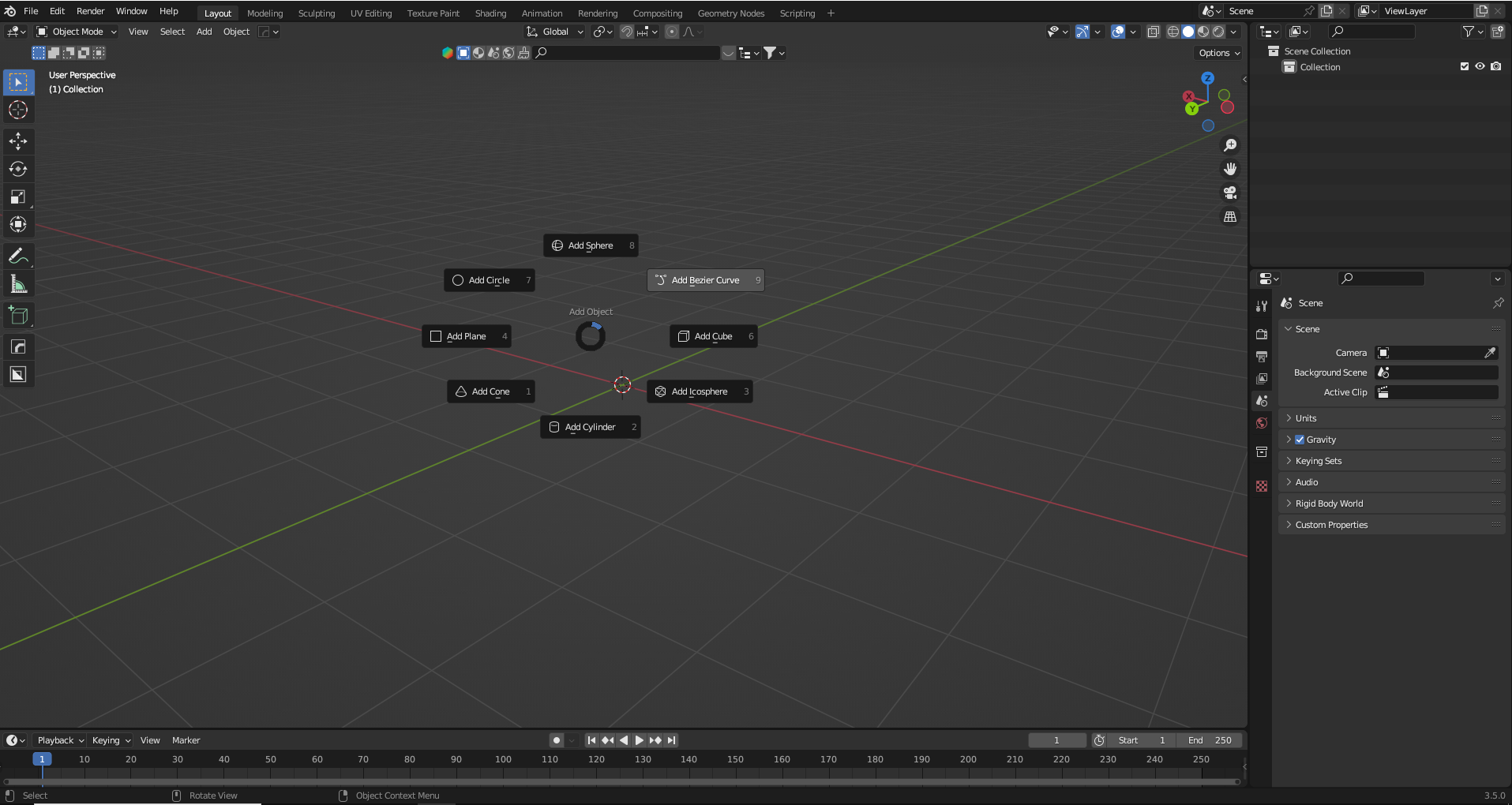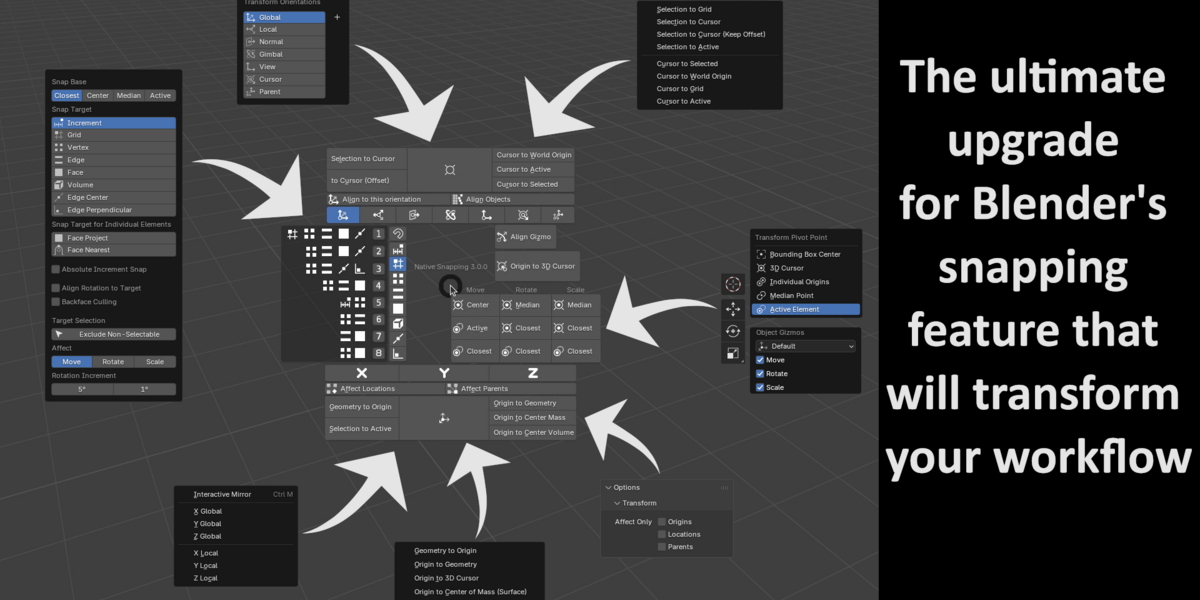
Native Snapping is a Blender add-on by Nilson Borges. It brings Blender's primary native snapping tools into one radial menu and configures them for the movement you choose. The Superhive product page describes the radial menu as making Blender's snapping tools easier to access.
How the radial menu works
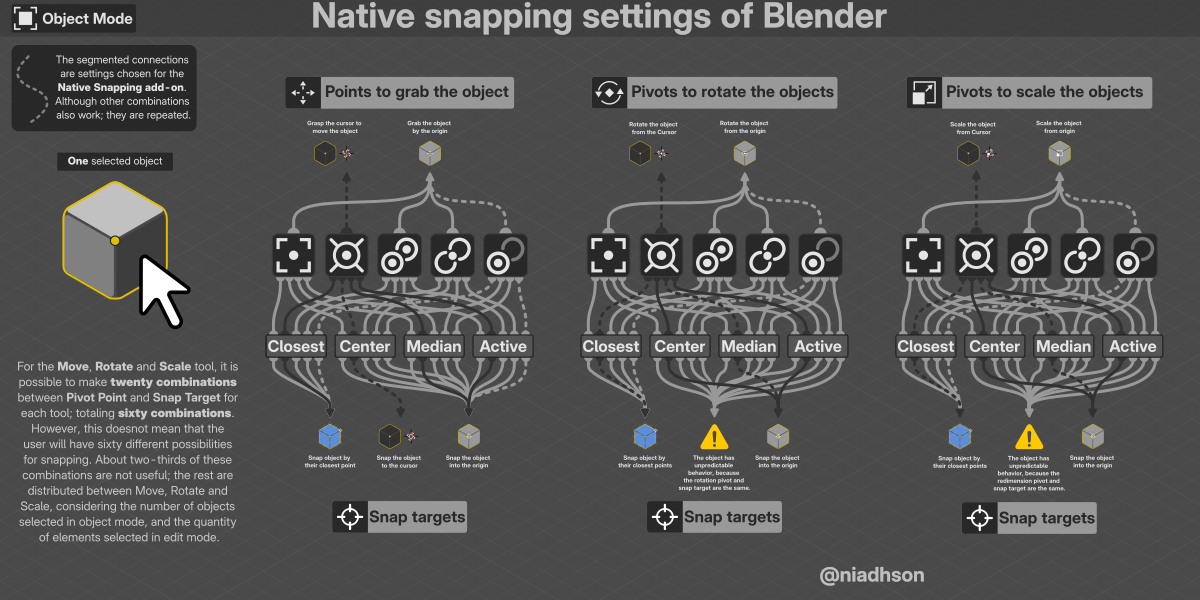
The add-on's combinations were mapped using pivot points and snap targets for different contexts. Results can depend on which objects or elements are selected, and the creator notes that the infographic cannot show every possible outcome. For example, the 3D Cursor pivot can change how a snap target behaves during Rotate or Scale. Without an active selection in Object or Edit Mode, the Active snap target may be ignored and behave like Median.
When a snap result differs from what you expect, check the pivot, selection and current context. The documentation also describes Cursor orientation and snapping on instances. Its free high-resolution infographic maps the pivot and snap-target combinations.
Setup and shortcut
Install Native Snapping like another Blender add-on. Choose a shortcut in the add-on preferences and make sure Blender has not assigned it elsewhere. The default shortcut is Shift + X.
Compatibility and license
Superhive lists compatibility with Blender 4.2 through 5.0 and says the update for Blender 4.2.1 and later is complete. Since the explicit compatibility range ends at 5.0, check the current listing if you use a later Blender version. The add-on is released under the GPL license.
The creator says the add-on configures Blender's own default features and that it will not harm performance in large scenes because the snapping tools come from Blender itself.