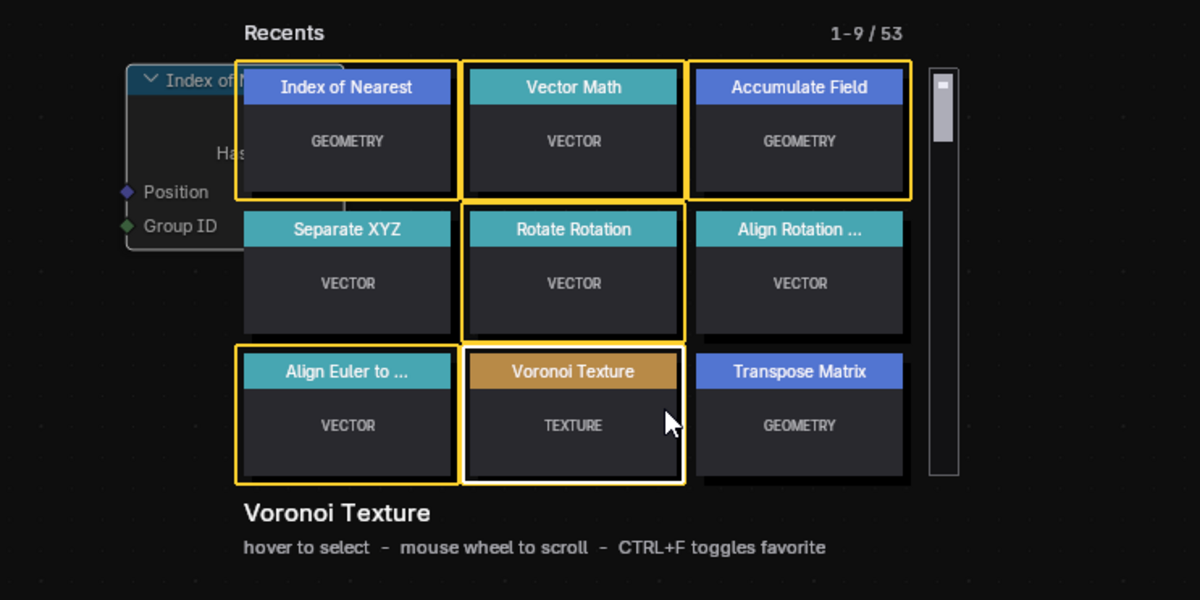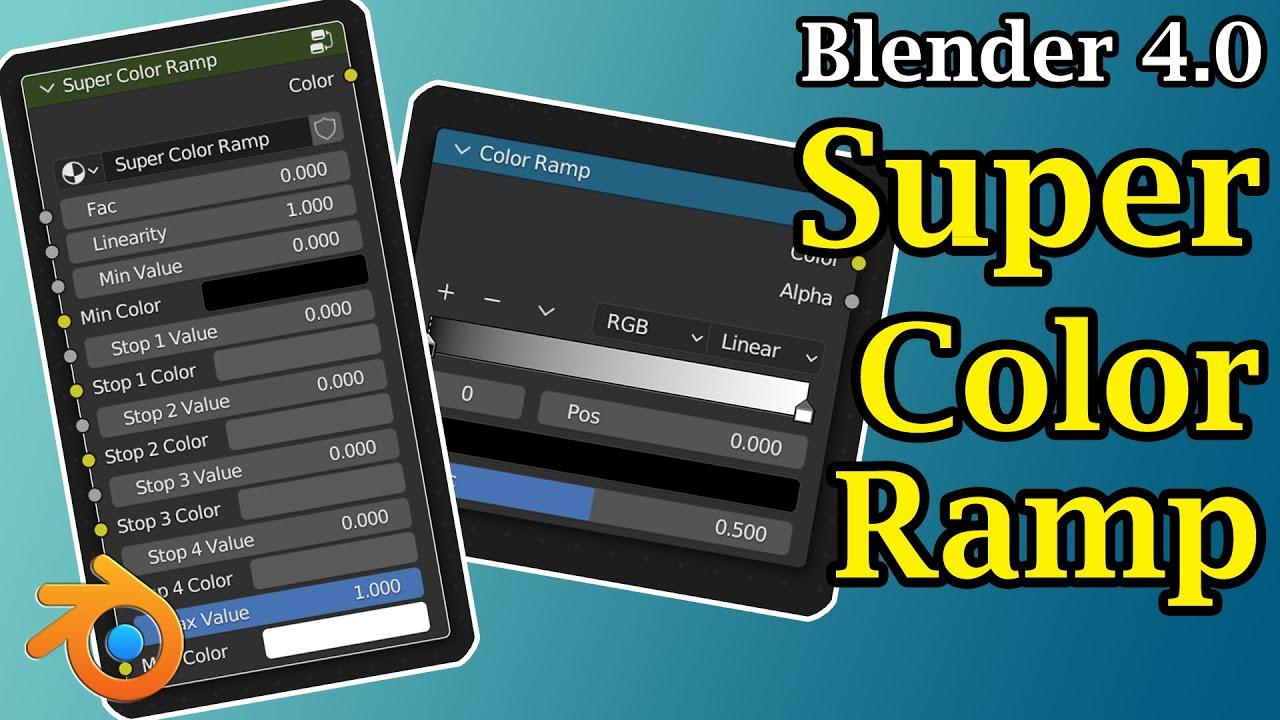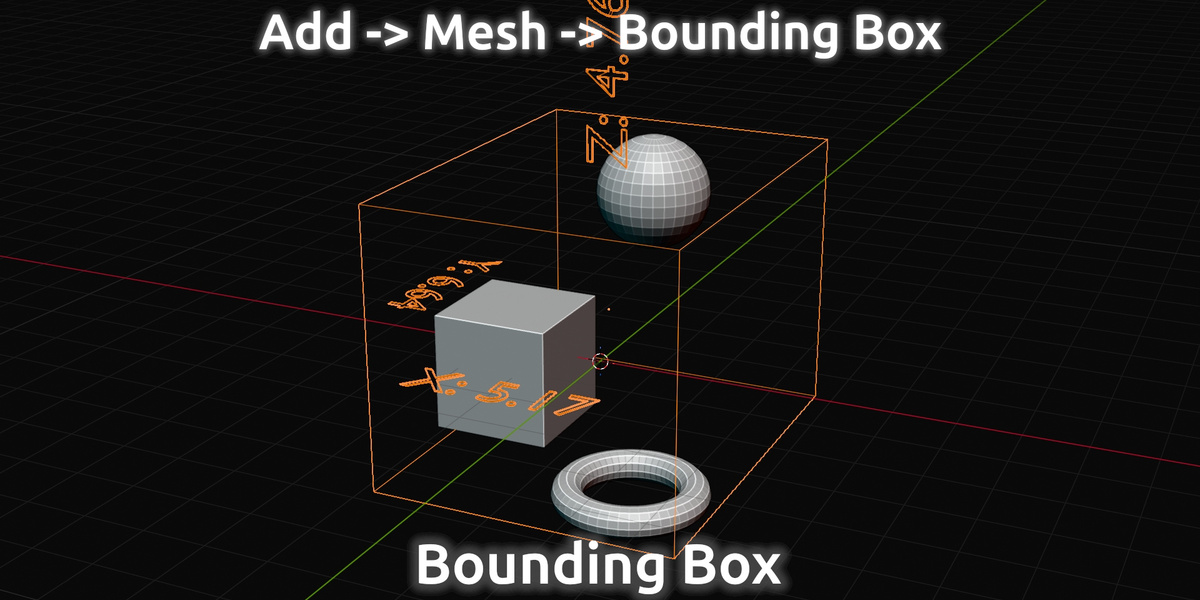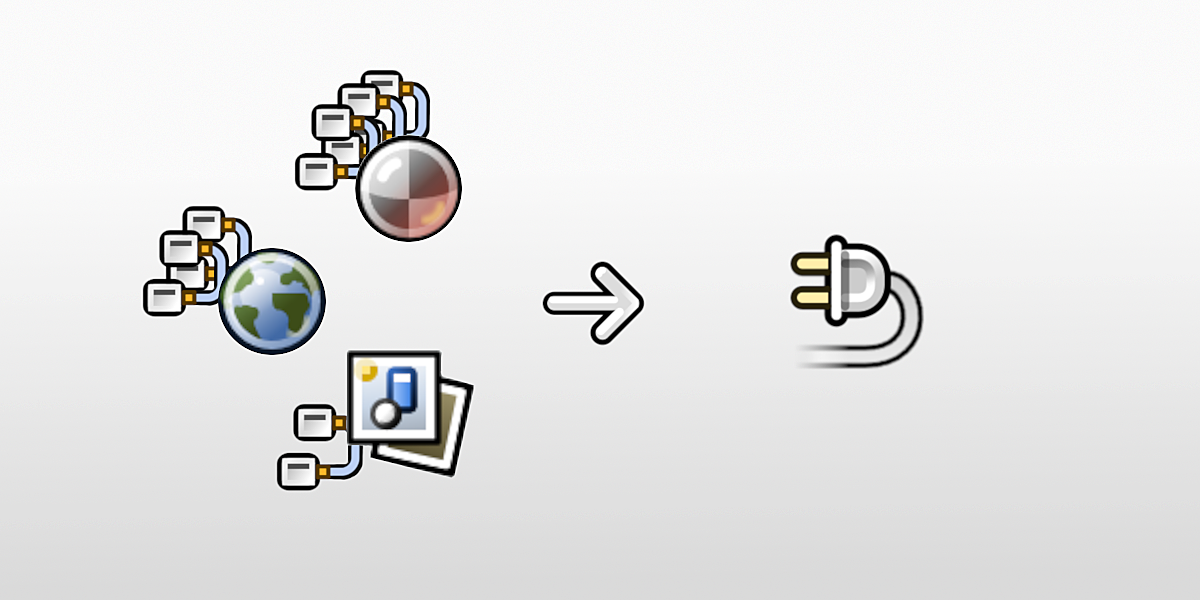
Node2Code turns custom Blender node setups into add-ons you can share or sell. It supports Material, World and Compositing Nodes, with Geometry Nodes available in the Ultimate Edition. A generated add-on can put the exported setups in a panel, a menu entry, or both, giving users one-click access after they enable it.
Choose node systems and how users access them
A single add-on can combine supported node systems, letting artists distribute related shaders together. They can choose a panel, the Shift+A menu, or both based on how their audience finds the setups in Blender.
Node2Code uses a four-step export process. It also lets you edit generated add-on metadata, including the author, version and category. These fields help identify a packaged tool when you share it with a team or make it available to other Blender users.
Package node setups for distribution
Node2Code packages external data such as images, text and external values with an add-on; these remain available regardless of file location.
The Extended Edition adds five customization guides with step-by-step tutorials and premium support. The Ultimate Edition adds Geometry Node support, custom icons applied through the interface and custom UI previews that require no coding. Its listed enhancements also include moving nodes immediately after adding them, improved handling of Frames and Reroute nodes, and fixes for combined add-ons. Check the Node2Code product listing for current edition details.
Check node support and Blender compatibility
Node2Code is aimed at Blender users who want to package reusable node setups as add-ons. The official FAQ says node types introduced by external add-ons are not supported; it supports node types included with Blender by default. Check a setup's node types before building an add-on for distribution.
The retrieved product listing names Blender versions from 2.78 through 4.0. It does not confirm compatibility with later releases, so check the current documentation and product details before installing it in a newer Blender version. The listing identifies version 1.92; confirm current edition and release information in the product listing.