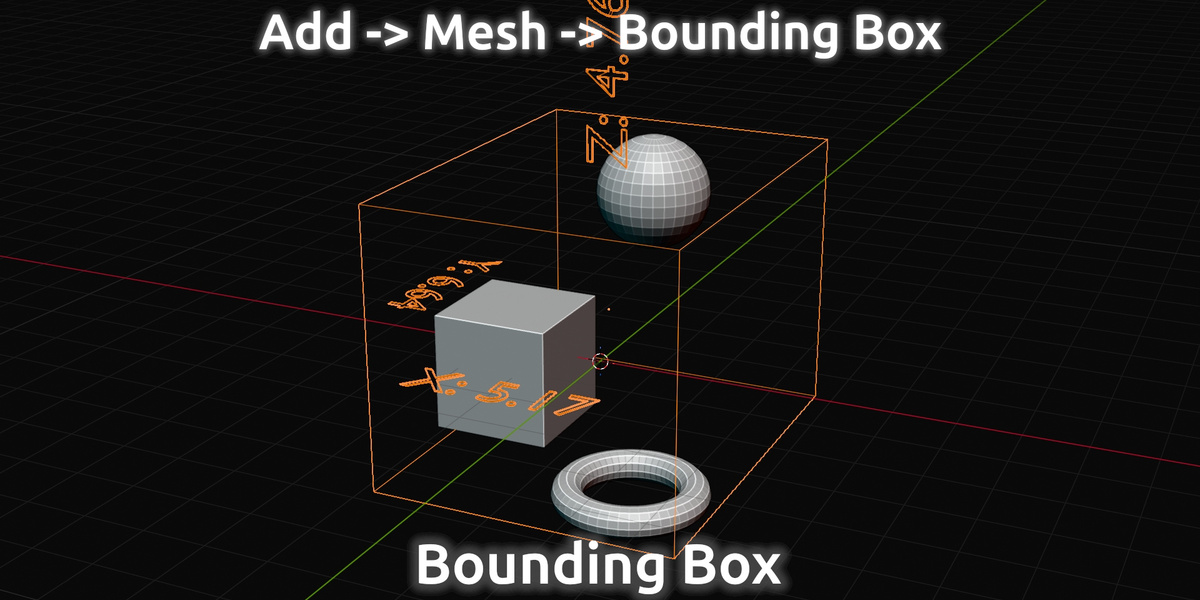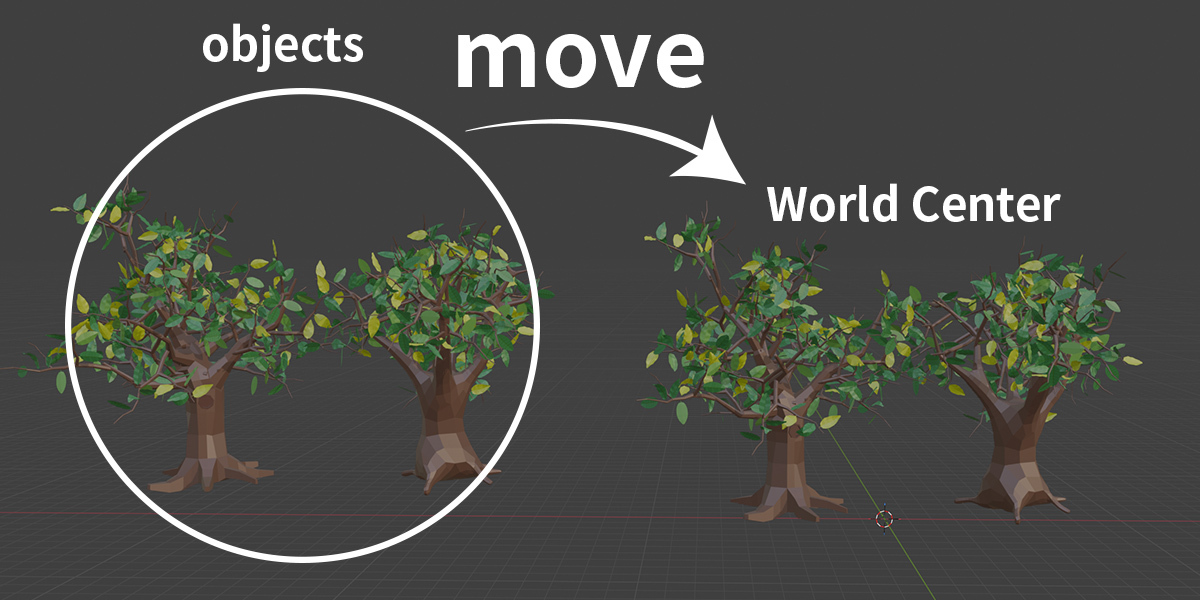
Objects Center is a Blender add-on by MrDesignLGC that calculates the common bounding box of multiple selected objects and moves them so the box sits at the world center or top of the world.
Use it to position a multi-part model
Positioning a model's bounding box can be tedious when a model contains many sub-objects. Some 3D model marketplaces, such as CGTrader, require a model's bounding box to sit exactly above the world. Objects Center calculates the common bounding box across multiple selected objects, then moves the combined selection to the center or top of the world. For sellers preparing multi-part models for marketplace listings, this can save time.
Install and find the add-on
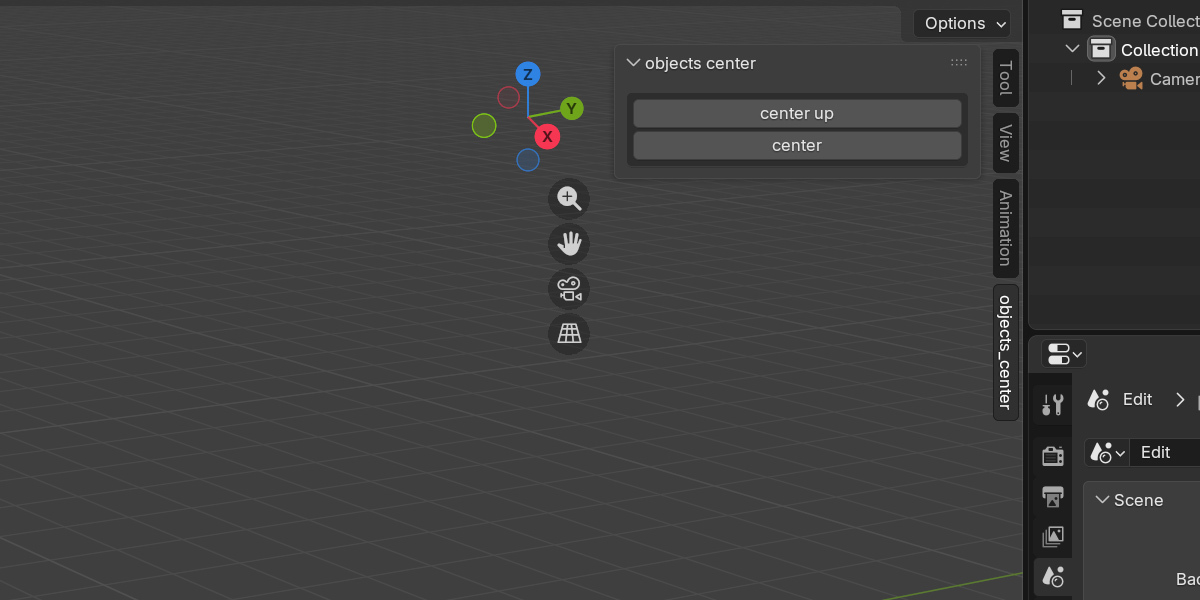
The product installation guide says to download the ZIP file included with your purchase, open Blender's Preferences, choose Add-ons, click Install, and select the ZIP. After installation, the tool is located in the 3D Viewport sidebar.
Compatibility and license
The listing marks Objects Center as Blender Extension compatible and gives a Blender version range of 4.2 to 5.0. It identifies the license as GPL. Check the product listing for current compatibility and license information.