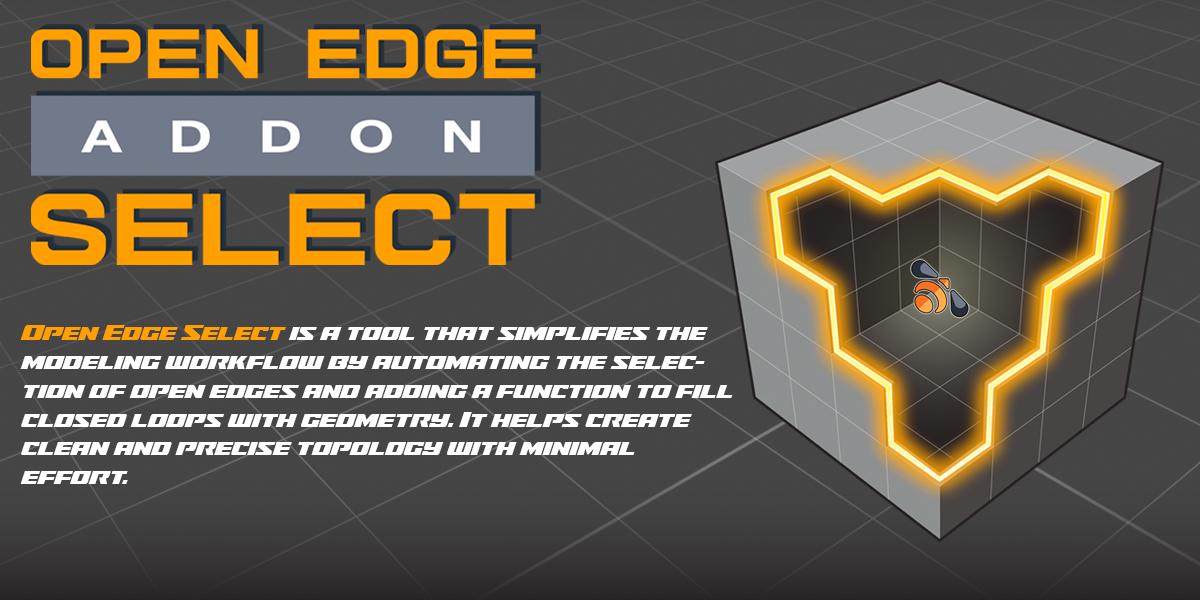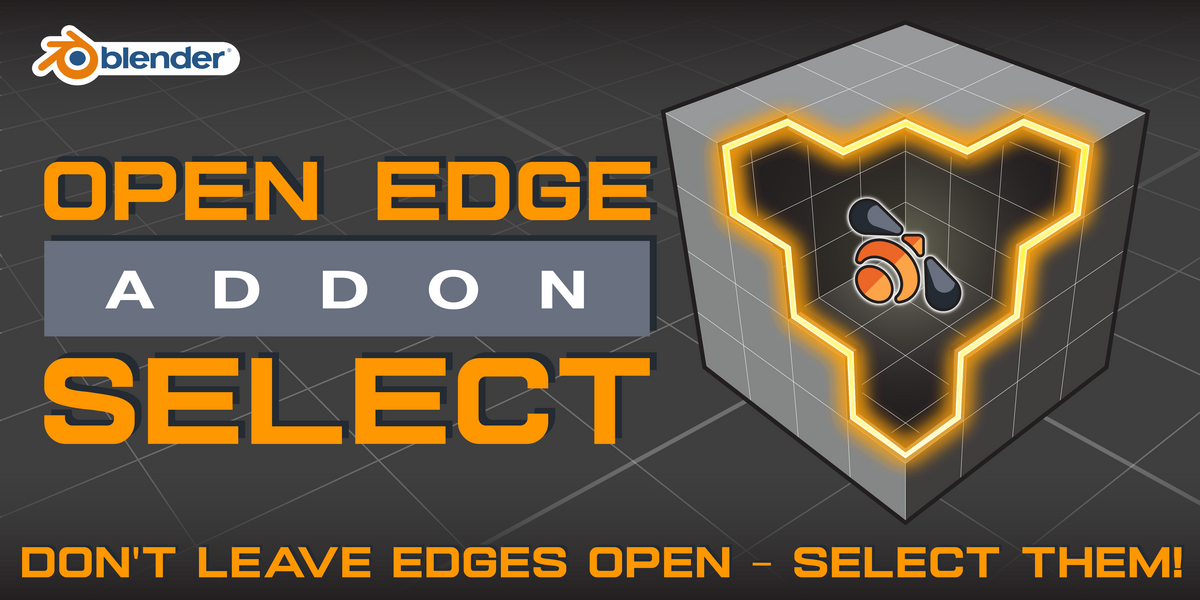
Open Edge Select is a Blender modeling add-on by 3D CADence for finding open mesh edges and filling loops. It can select open edges with one click, check a model for them, and close loops with geometry.
Find open edges in a model
The selection command targets open edges, which can save manual selection when you need to isolate boundary geometry. Auto Loop helps select looped open edges. The product listing also describes a one-click check for open edges in a model. It does not explain how that check presents its results, so confirm the interaction in the current product materials if the feedback method matters to your workflow.
Close loops with triangles or quadrilaterals
Fill Edge Loop closes loops with geometry. The listing describes triangle closure and a quadrilateral option that uses an active edge. Auto Loop assists with selection; Fill Edge Loop handles geometry closure. After filling, inspect the resulting mesh to make sure its polygon layout suits the model and the next modeling step. The listing does not detail how the fill behaves on irregular boundaries or which settings are available.
A typical use is to locate an open loop, select the boundary, then choose a fill method when the geometry needs closing. The documented features focus on edge selection and loop filling, so check the current product materials if you need details about other mesh repair functions.
Who may find it useful
Open Edge Select may suit Blender modelers who regularly locate open boundaries and close loops. The marketplace listing also tags it for hard-surface modeling. Its described tools are focused on those operations; the available product information does not establish broader mesh repair or automatic manifold validation.
Blender version and license
Superhive lists Blender 4.2 and the GPL license for Open Edge Select. Superhive's listing does not state compatibility with other Blender versions. Check the current product listing before installing, and review the license terms for your intended use.