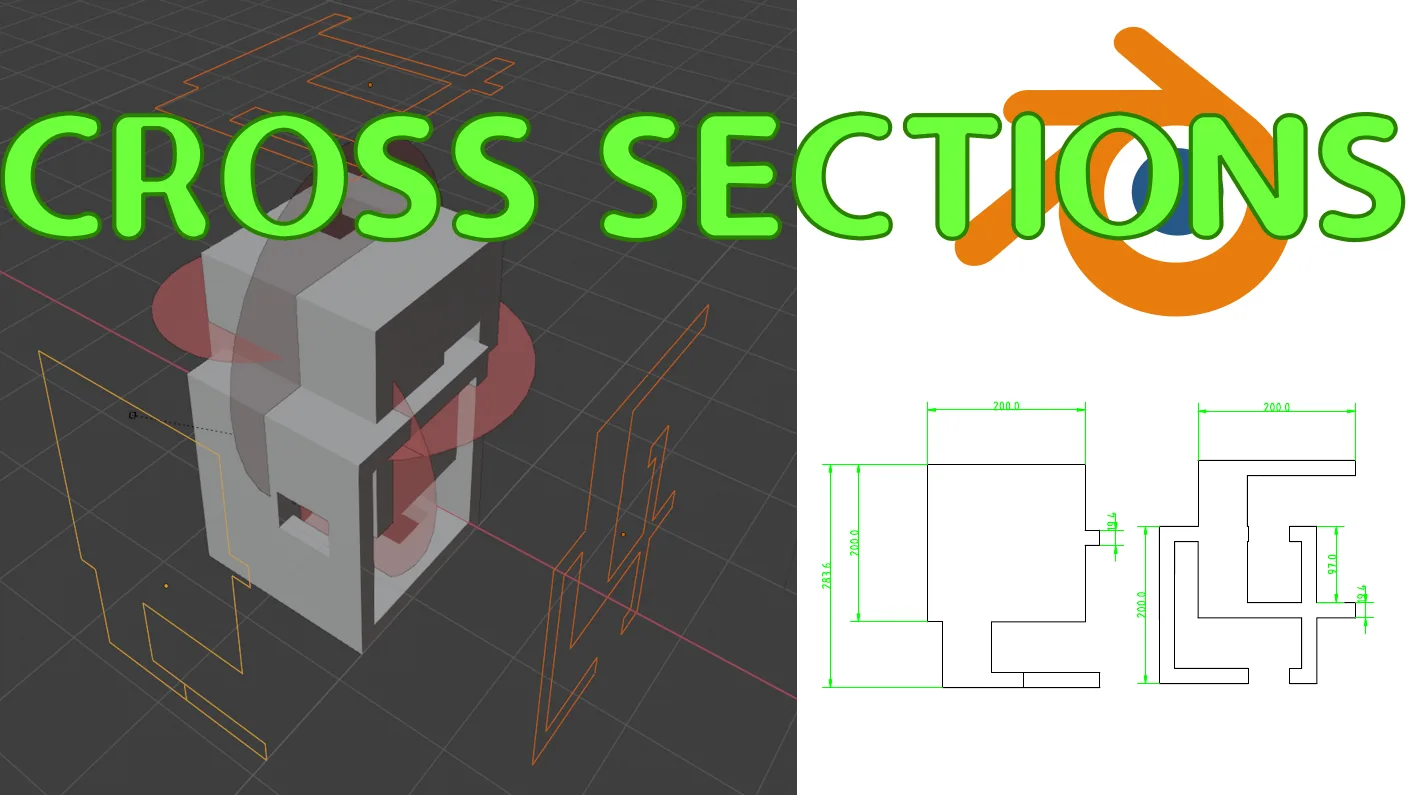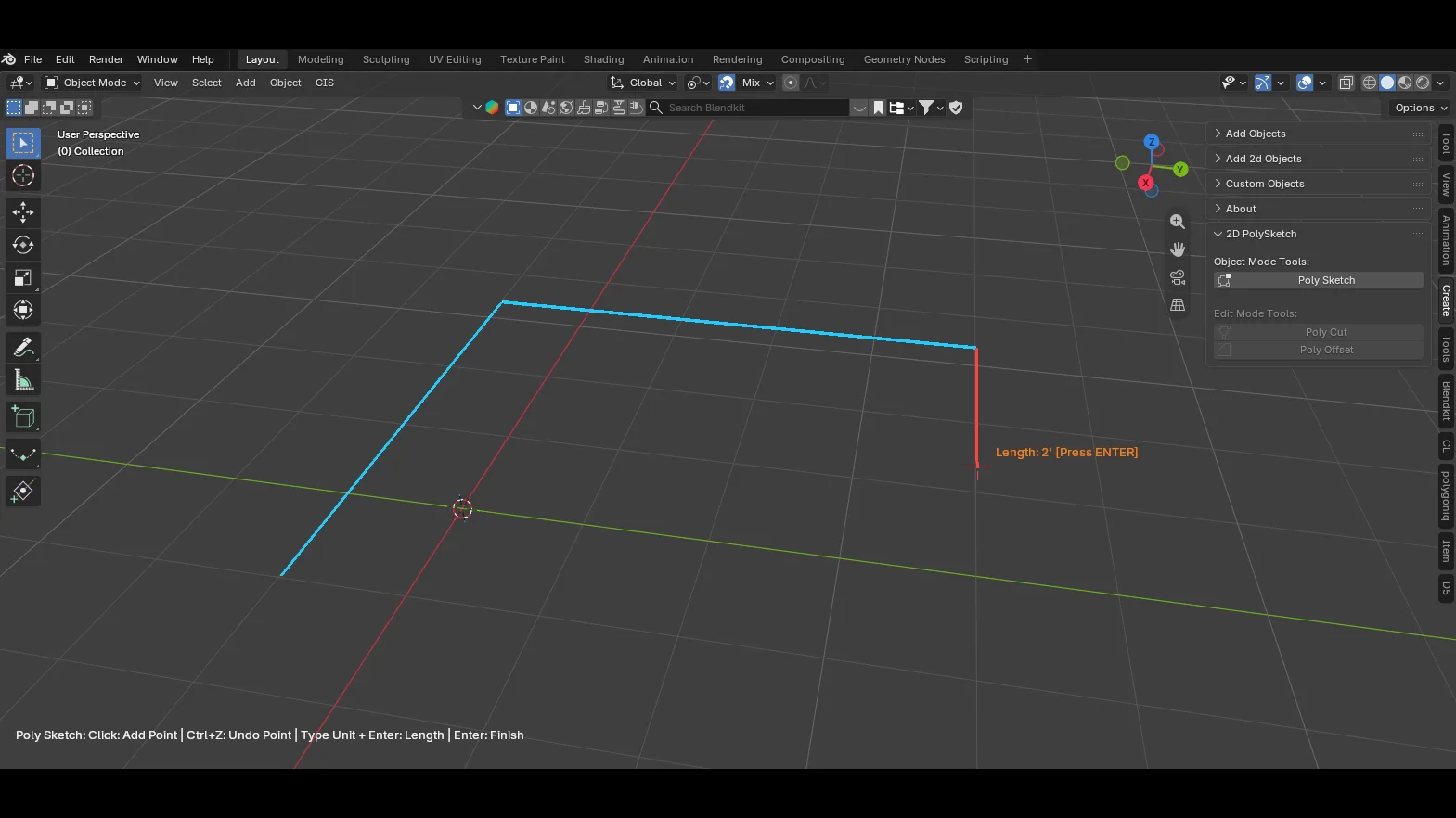
PolySketch is a Blender add-on for CAD 2D drafting, coplanar face cutting, and exact miter polyline offsets. Its three tools split work across Blender modes: Poly Sketch draws planar geometry in Object Mode, while Poly Cut and Poly Offset work in Edit Mode. Find them in the 3D Viewport's N-Panel, under Create and 2D PolySketch.
Sketch 2D geometry in the viewport
Poly Sketch creates custom 2D planar geometry directly on mesh faces or on custom 3D workplanes. Its real-time CAD snapping can target vertices, edges, midpoints, and perpendiculars as the sketch is drawn.
Cut coplanar faces with custom polylines
Poly Cut runs in Edit Mode and slices or splits coplanar mesh faces along custom 2D polylines.
Offset with miter corners and unit expressions
Poly Offset is an Edit Mode tool for miter polyline offsets. It uses exact infinite-line intersections to calculate miter offsets. Distance input accepts unit expressions, with examples including 100mm and 2'6". A live viewport preview lets you inspect the offset, followed by a clean selection hand-off.
Compatibility and listing details
The Blender Extensions listing identifies Blender 4.2.0 or later as the compatibility range and lists the add-on version as 1.0.0 under GNU GPL v3.0 or later. The release note calls the initial release PolySketch v1.2.0, while the version field lists 1.0.0; check the package details when recording a specific build. The extension requires no special permissions.