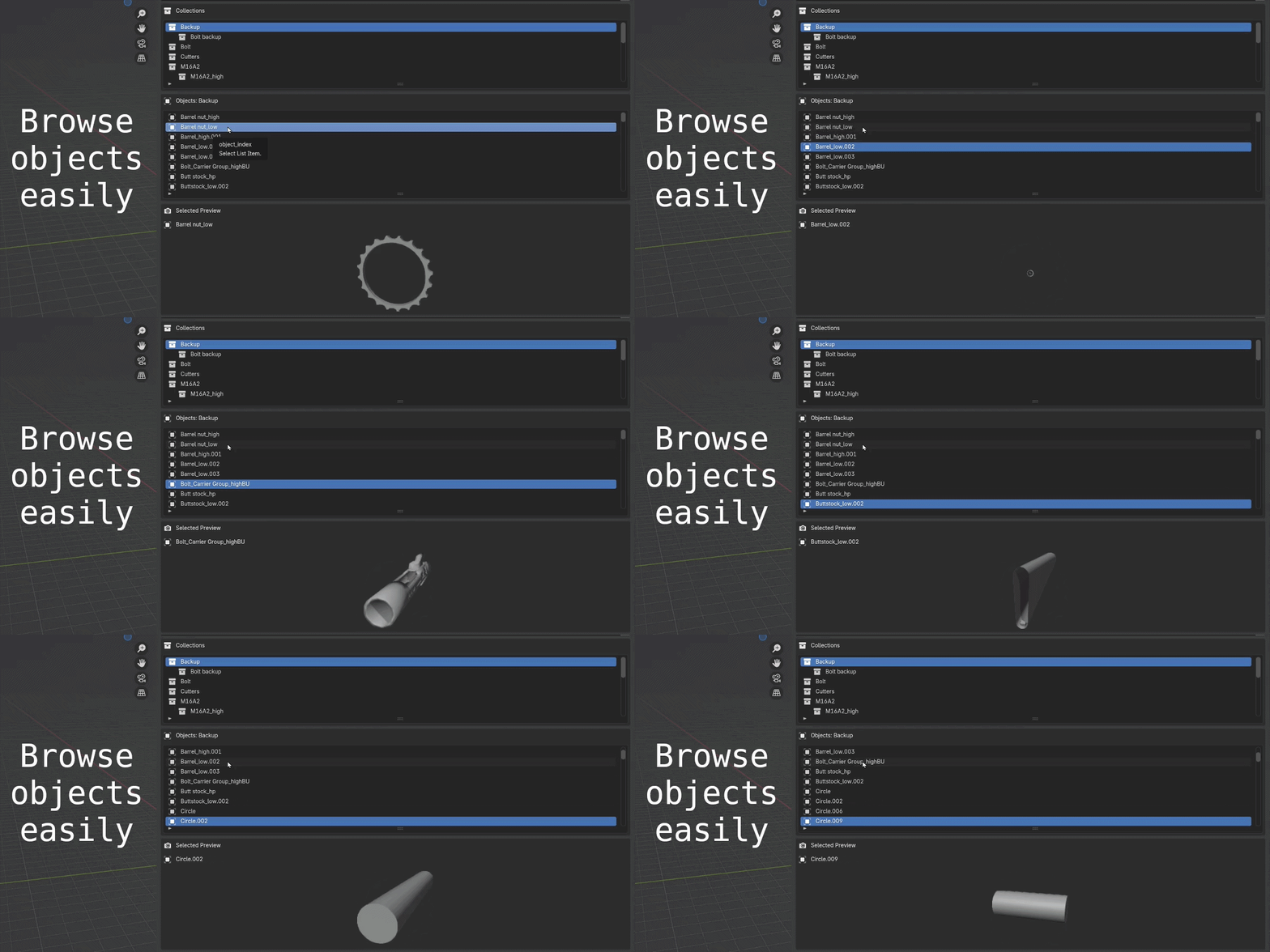
Browse and insert collections
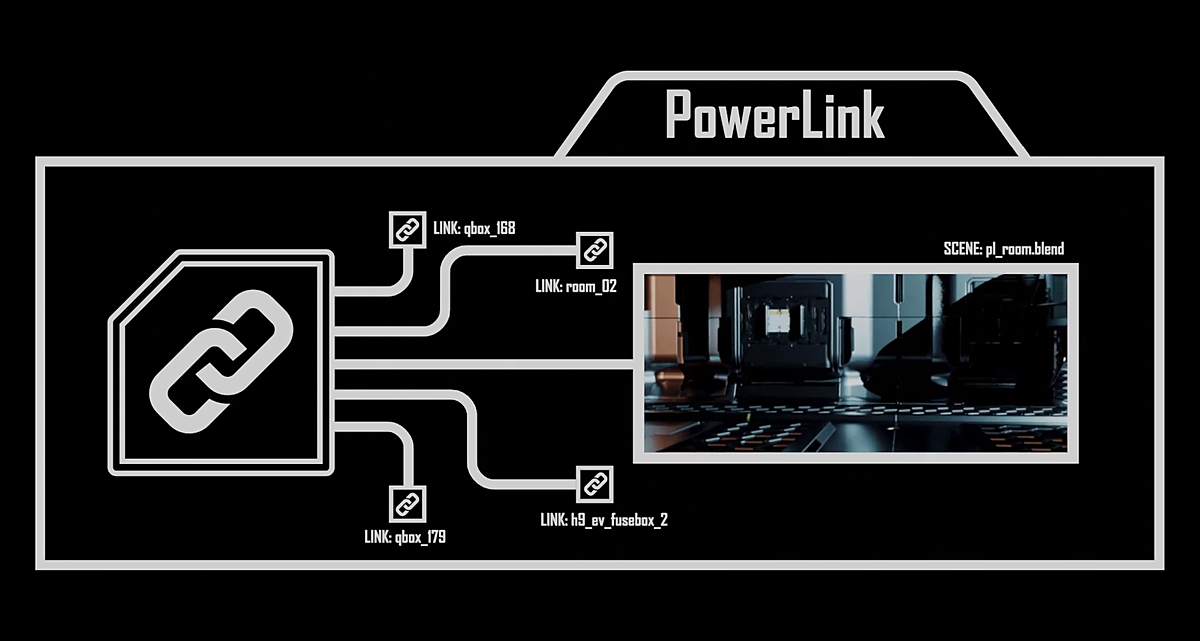
PowerLink is a Blender add-on for finding collections in .blend files stored in a chosen directory. It can link a collection into a scene while keeping its connection to the source file, or append data into the current project. The documentation describes linking as adding collection instances at the 3D cursor; appending adds objects and moves them into place.
After installing the ZIP file through Blender Preferences, open the 3D View sidebar by pressing N and find the panel in the PowerSave category. Set the directory path to see its blend files, then choose a file and collection. Separate checkboxes enable importing from multiple blend files or multiple collections at once. The file list updates when its path changes; in advanced multi-file mode, you can refresh the collection list manually.
Using PowerLink with PowerSave and HardOps
PowerLink can run on its own from the N panel. It does not require PowerSave, though the two add-ons are designed to work together in the 3D View. PowerLink can use a PowerSave folder as its source, making saved collections available for later scenes.
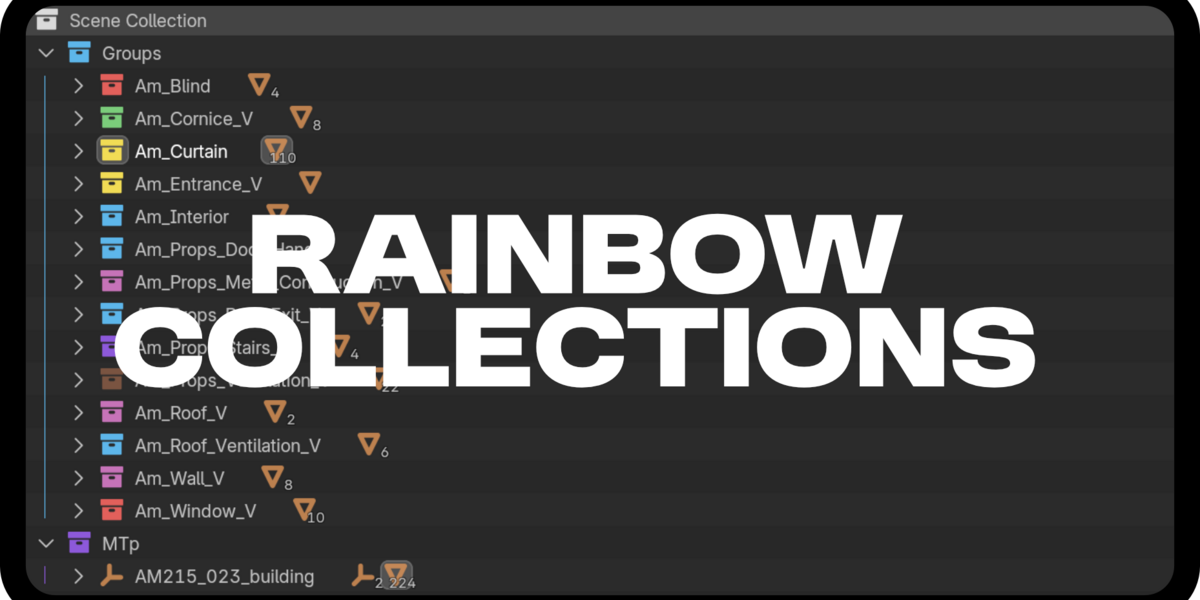
HardOps 986_12 and higher includes a COLLECT function under Unify/Extract, accessed with Alt. It can prepare Smart Collections for meshes and other renderable items, as well as Light Collections for reusable blank light rigs.
Compatibility and license
Superhive lists PowerLink as Blender Extension Compatible, with support for Blender 2.8 through 5.2, and identifies its license as GPL. See the PowerLink documentation for installation and panel controls, and the Superhive listing for product details.