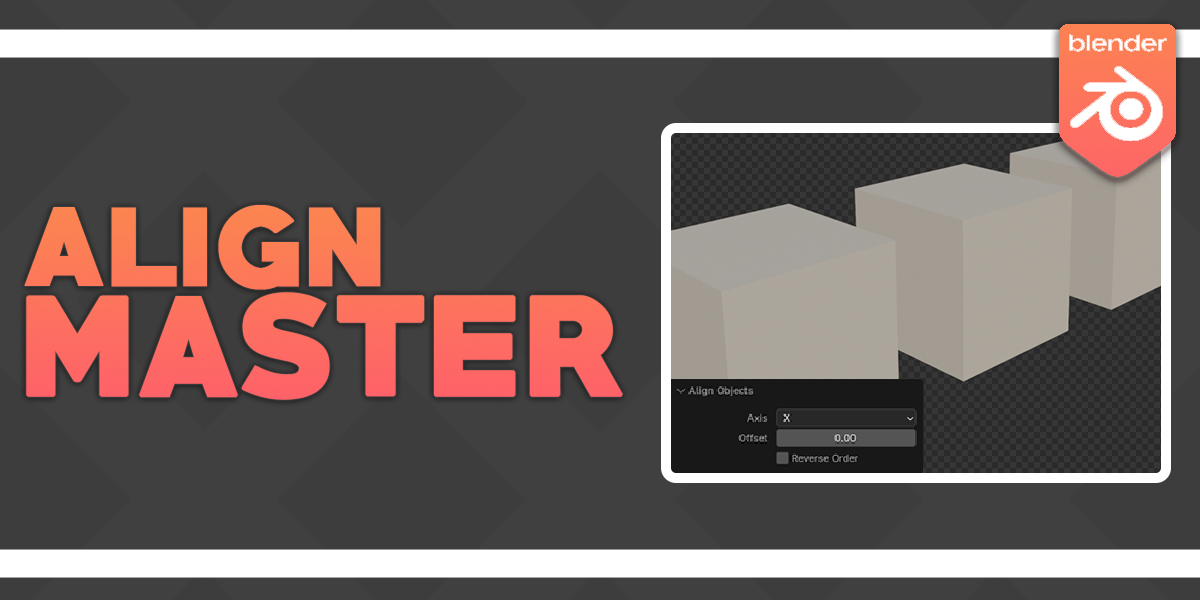
Pro Align Tools is a Blender add-on for aligning multiple objects interactively in the 3D viewport. Intended for Object Mode, it previews where objects will sit as you navigate, select, move, rotate or scale them, so you can adjust the alignment before confirming it.
How to align objects
Select the objects you want to align and invoke the tool with Ctrl + Alt + A. Auto-alignment offers a preset combination of projection plane, origin, direction, orientation and depth. For more control, adjust those settings with the viewport gizmos or the Sidebar panels.
- Select the objects in Object Mode and start Pro Align Tools.
- Use Auto-alignment or choose a projection plane and origin, then set the alignment side and orientation.
- Review the interactive preview, then click Align Objects or press Enter or Return to confirm.
The gizmos let you change the alignment side and base point directly in the 3D view. Sidebar buttons also set the negative, center or positive direction of the plane normal.
Choose a plane, origin and orientation
You can align along Global, Local, View, Perpendicular or Custom directions. Projection planes can use Global, Local, View or Custom orientation. For origins, the available reference points include the world origin, 3D Cursor, an active or custom object's location, and bounds from an active, custom or selected object.
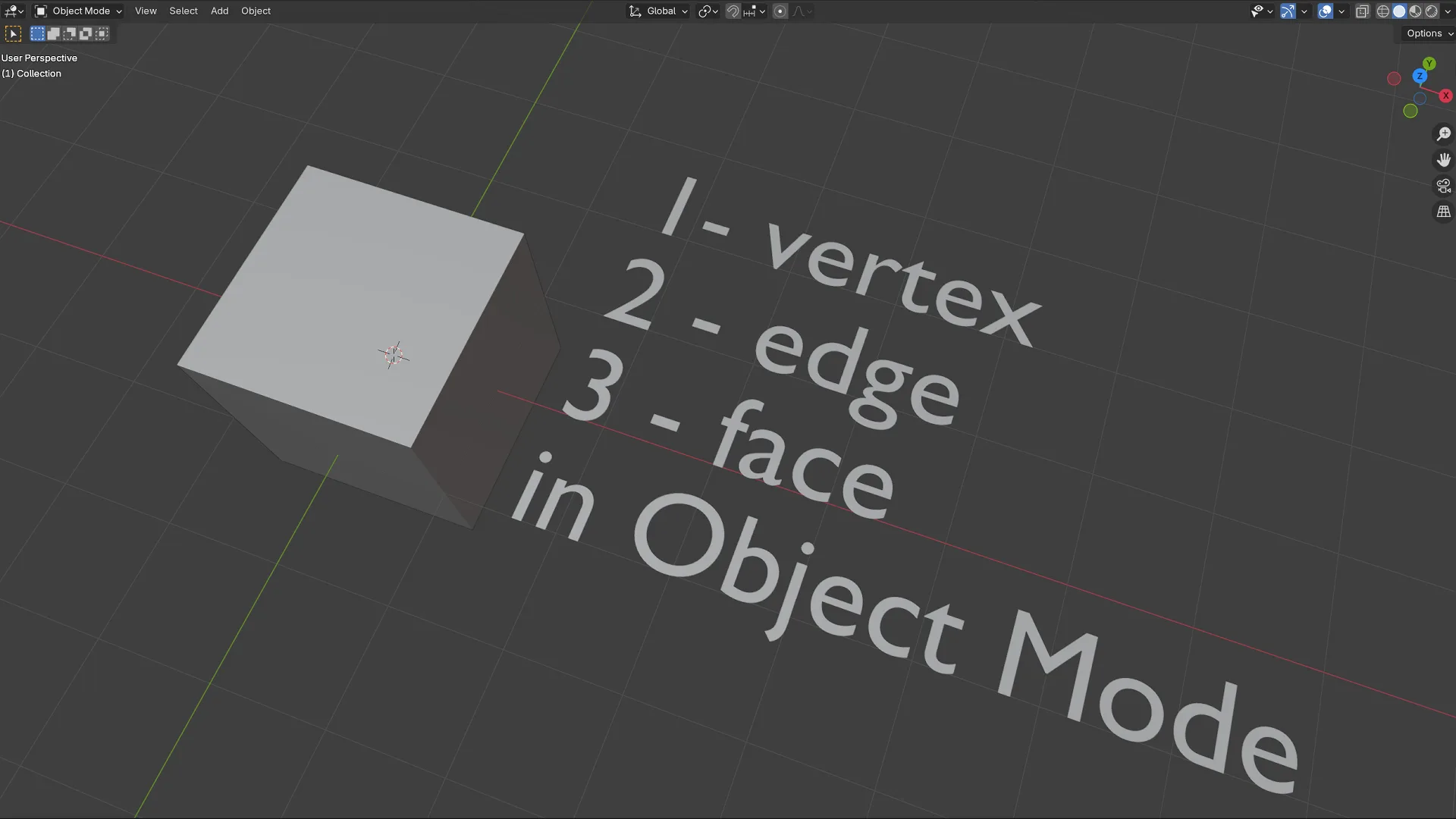
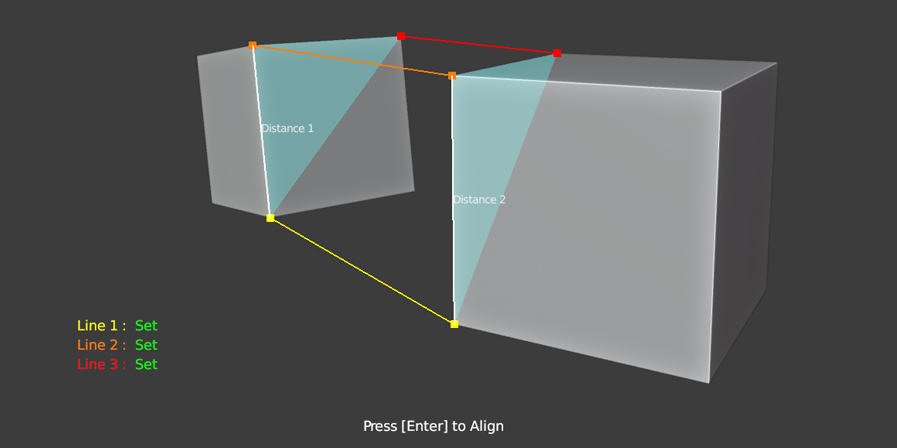
To set the projection plane from mesh geometry, press Shift + P, point to a face and click, then choose the side you want. You can also define a custom plane with a combination of vertices, edges or faces, or choose an individual mesh vertex as the origin.
Set an offset and check the result
Place the projection plane at an offset by dragging it along its normal, or type an exact distance with units. Pro Align Tools shows a dynamic plane in the viewport, colored for the axis in use. Invalid projections, including parallel cases, are highlighted in red, and affected objects do not move.
The listing describes alignment for architectural visualization and MoGraph work in global coordinates. The controls also suit scenes where object bounds, mesh geometry or a custom reference point matter to the placement.
Blender version details
The product listing identifies version 2.2.0 as updated for Blender 5.x and lists Blender versions 2.7x–5.2 in its version details. Check the Pro Align Tools product listing for compatibility with your Blender release and current product terms.