Pro Pyro is CG_Flow's GPU smoke and fire add-on for Blender. The standalone add-on has been merged into Pro Particles, is deprecated, and is no longer developed as a separate product. CG_Flow says future pyro updates are delivered through Pro Particles.
Pyro tools in Pro Particles
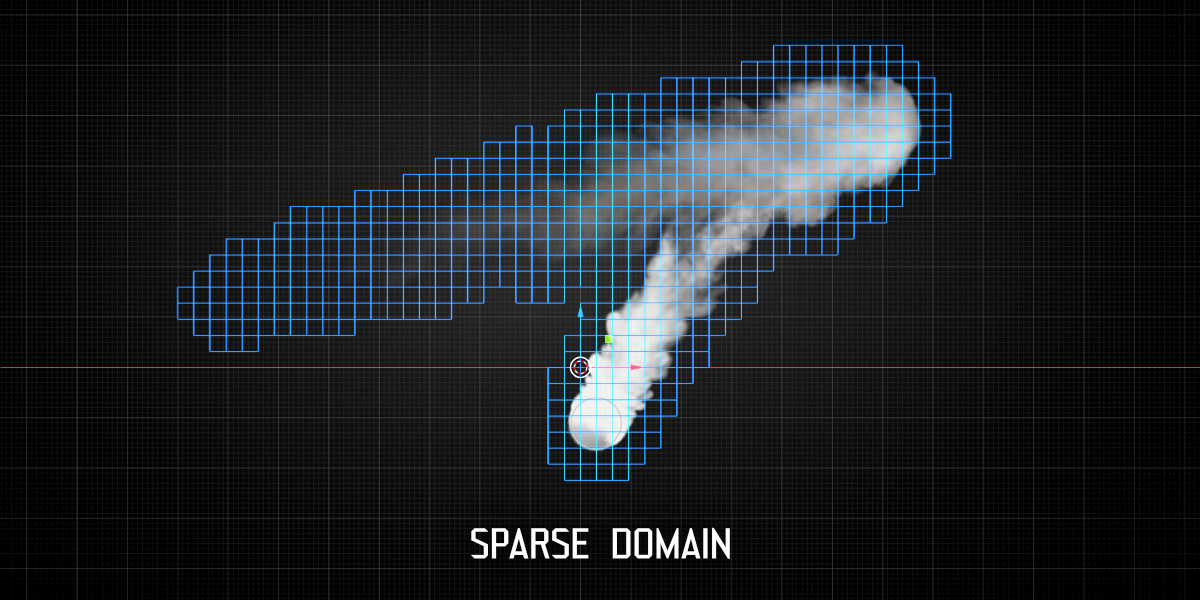
The current package combines the particle and pyro systems. Its pyro features include GPU smoke, fire, fuel, flame, and colored smoke. Fast Dense is intended for box-based, real-time look development. Sparse Advanced provides adaptive controls for high-control volume effects.
Combustion settings cover burn rate, heat release, expansion, ignition, smoke release, flame intensity, extinction, oxygen, and baroclinic torque. Built-in presets include Campfire, Dry Ice, Flamethrower, Ink in Water, Magic Portal, Cigarette Smoke, and Explosion.
Emitters, forces, and output
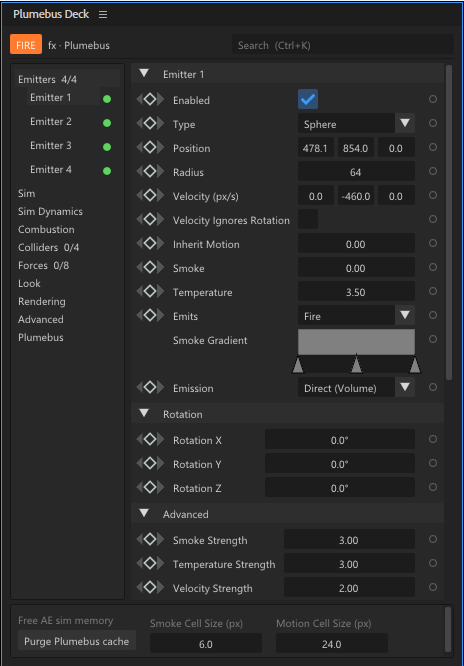
Emitters can use meshes, curves, particles, Pro Particles streams, Geometry Nodes points, and procedural spiky bursts. Colliders support friction, motion transfer, and color transfer. Force effects include vortex, wind, attract, turbulence, and curve-follow forces, with masks.
The workflow includes VDB preview and baking, channel export, cache versioning, and seamless looping. These tools support effect development in Blender and preparation of simulation output for rendering.
Upgrade and compatibility
Previous Pro Pyro customers can redeem Pro Particles for free on Superhive with coupon code propyro100. See CG_Flow's Pro Pyro page for the upgrade details; install Pro Particles for the current pyro workflow.
CG_Flow describes the standalone Pro Pyro release as targeting older Blender versions and recommends current graphics drivers for the GPU solver. Check Pro Particles' current compatibility information before installing.