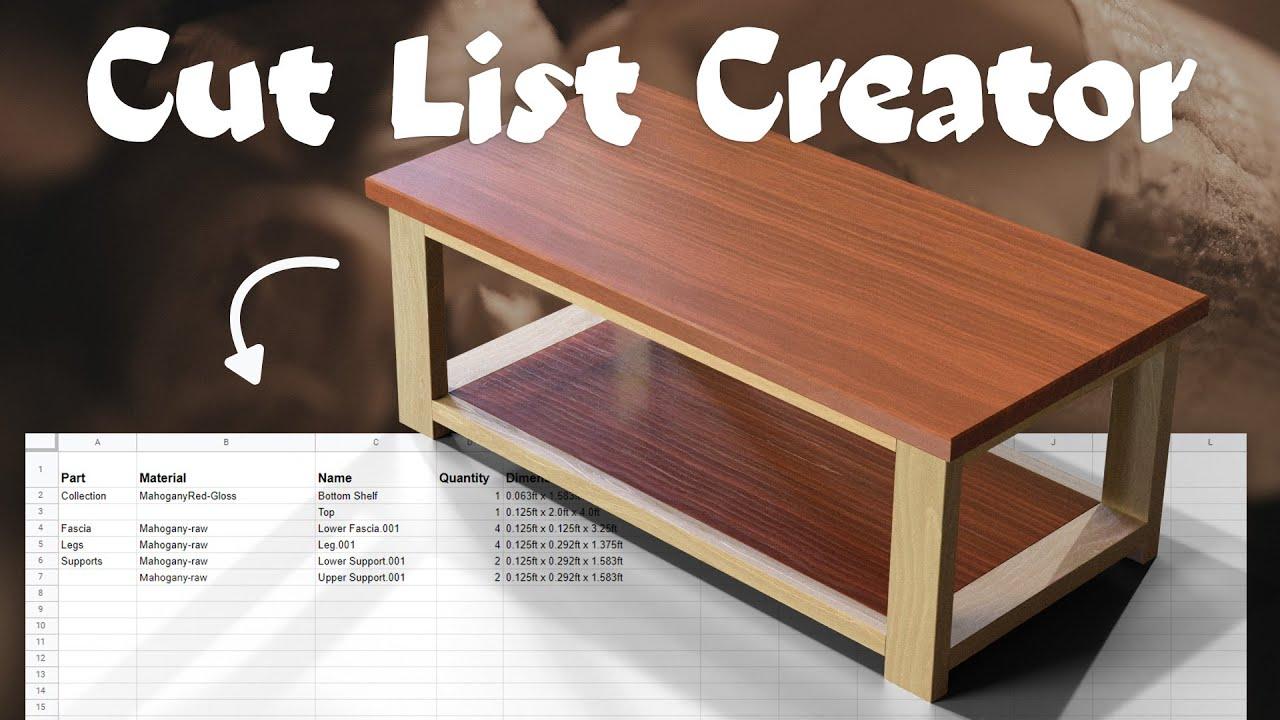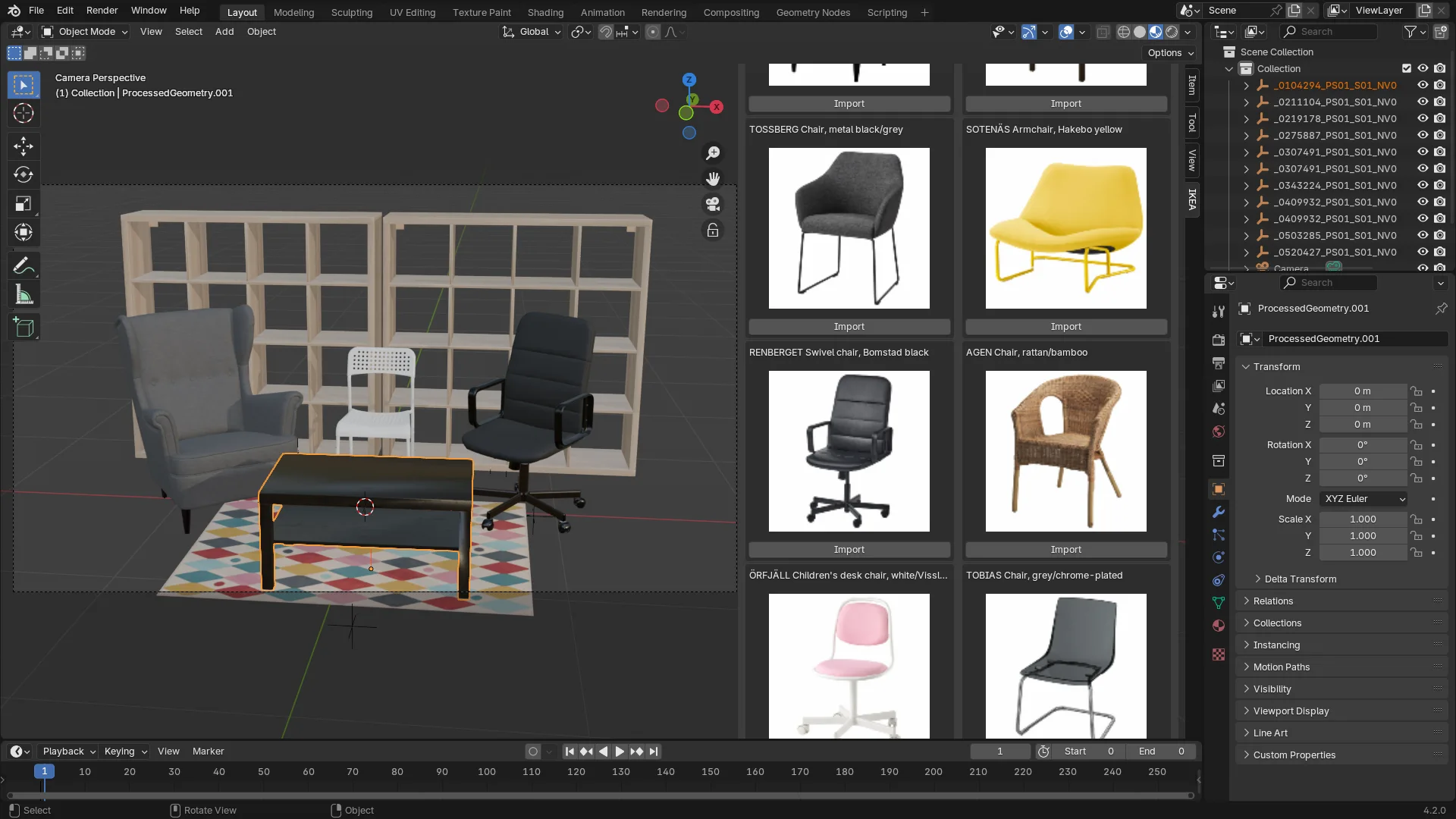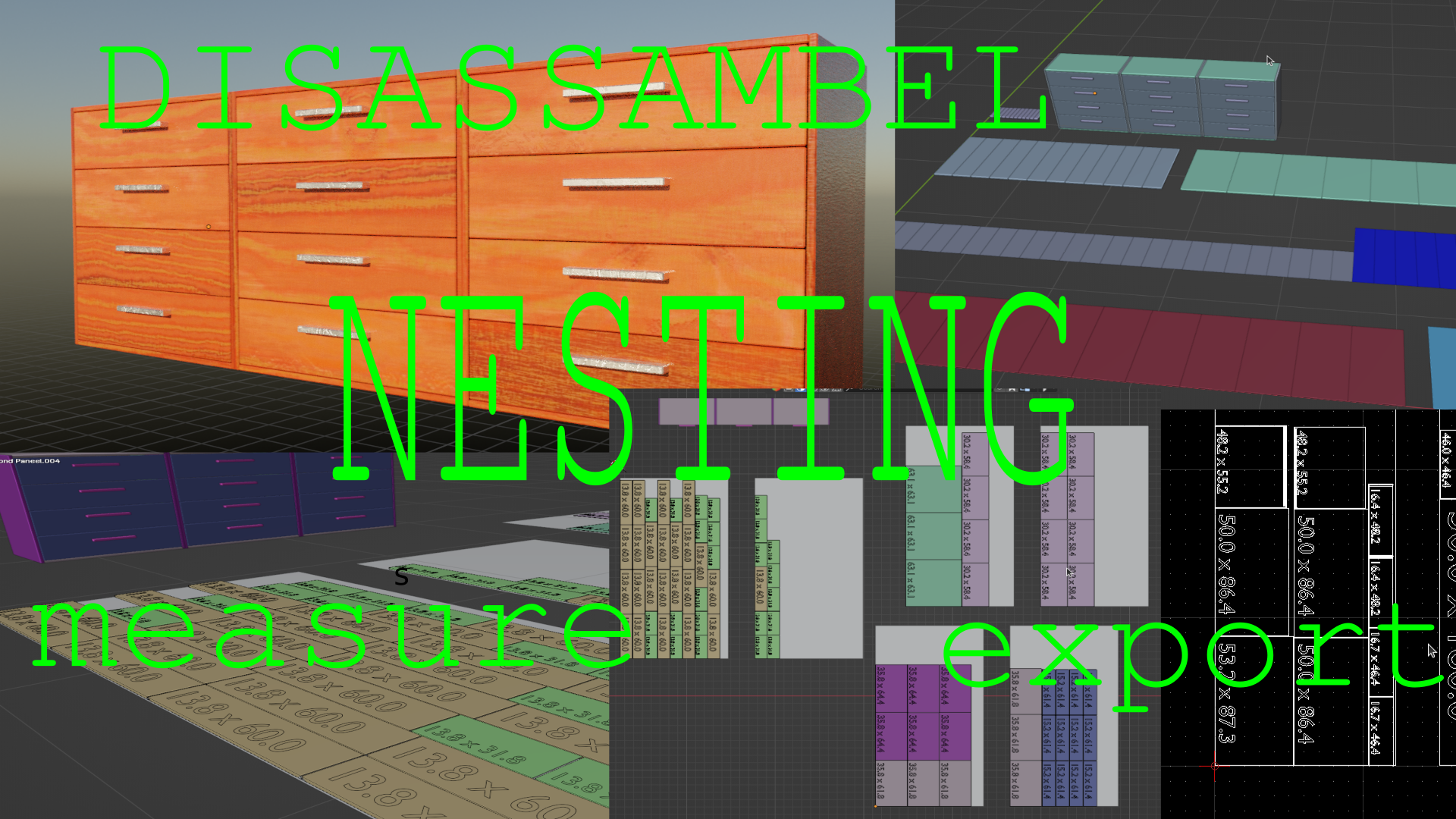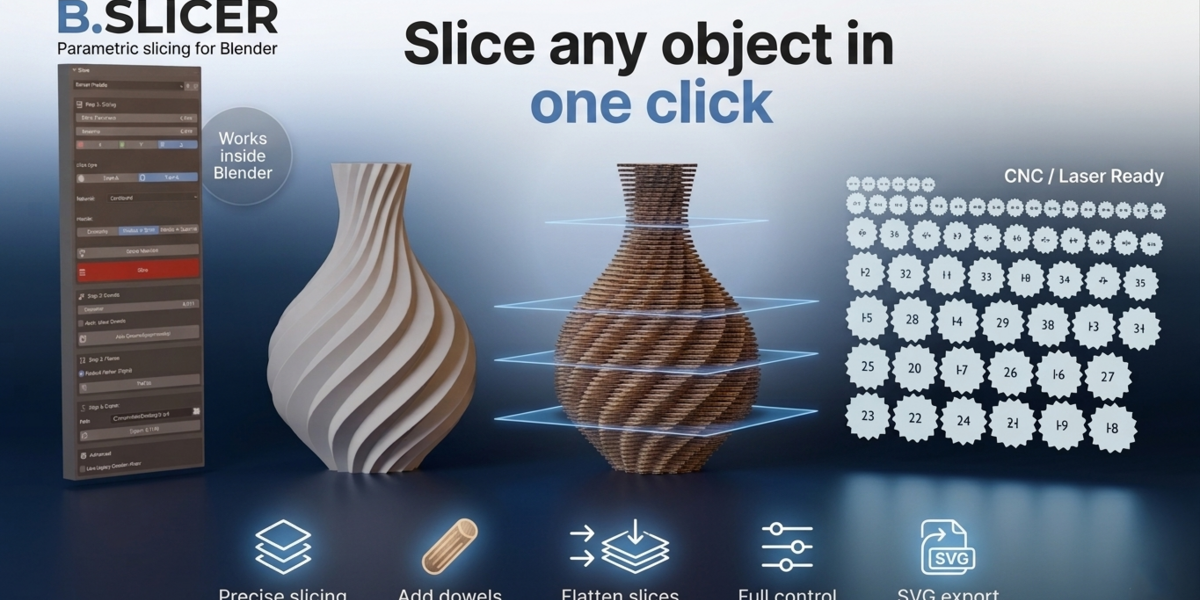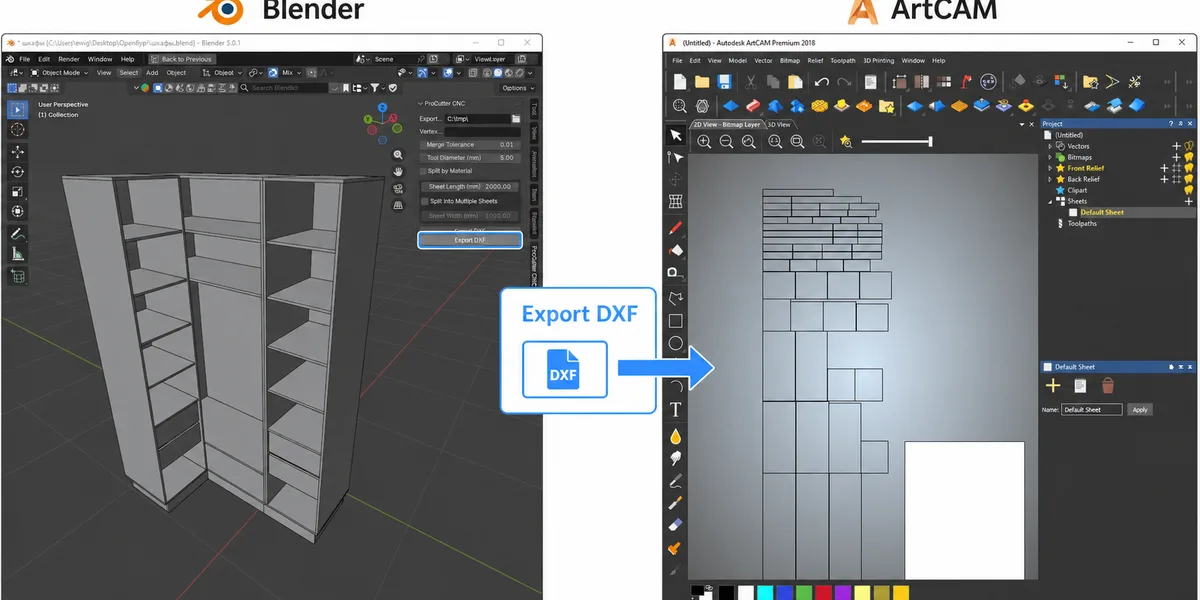
ProCutter CNC by Lanneq is a Blender add-on for preparing selected mesh objects as DXF files for CNC routers, laser cutters, and plasma cutters. It handles sheet nesting, tool-width spacing, optional material-based file splitting, and geometry cleanup from a panel in the 3D Viewport sidebar. It is aimed at furniture, panel, and flat-pack work built from mesh parts.
Prepare an export in Blender
Open the 3D Viewport sidebar with N, then choose the ProCutter CNC tab. Model or import your parts as flat meshes and select the objects to export. Selecting a parent object includes its children. Set the export folder and sheet length and width, then enter the tool thickness in millimeters. The add-on adds that value to the spacing between parts. You can also set a merge tolerance for duplicate points and edges, or choose a vertex group to limit the export to part of a mesh.
Click Export DXF to run the layout. ProCutter CNC uses Best-Fit Decreasing Height packing: it places larger parts first and fits each into a position that reduces unused horizontal space. Enable multi-sheet export when the parts need more than one sheet; additional DXF files are created for the overflow.
Group and inspect the DXF files
When material splitting is enabled, parts are grouped by their first assigned material and exported to separate DXF files. Parts without a material go into a NoMaterial group. Each part is placed on a named layer based on its Blender object. The cleanup pass merges duplicate or overlapping lines within the configured tolerance.
The add-on exports R2000 DXF. Its documentation lists compatibility with CAM and CAD tools including ArtCAM, Aspire, VCarve, Fusion 360, SolidCAM, RhinoCAM, Mach3, LinuxCNC, EnRoute, Type3, AutoCAD, and Rhino. ProCutter CNC works with mesh objects, and its documentation recommends flat, 2D-like parts. It projects each part onto its best-fit XY, XZ, or YZ plane for export. See the product listing for current product details.