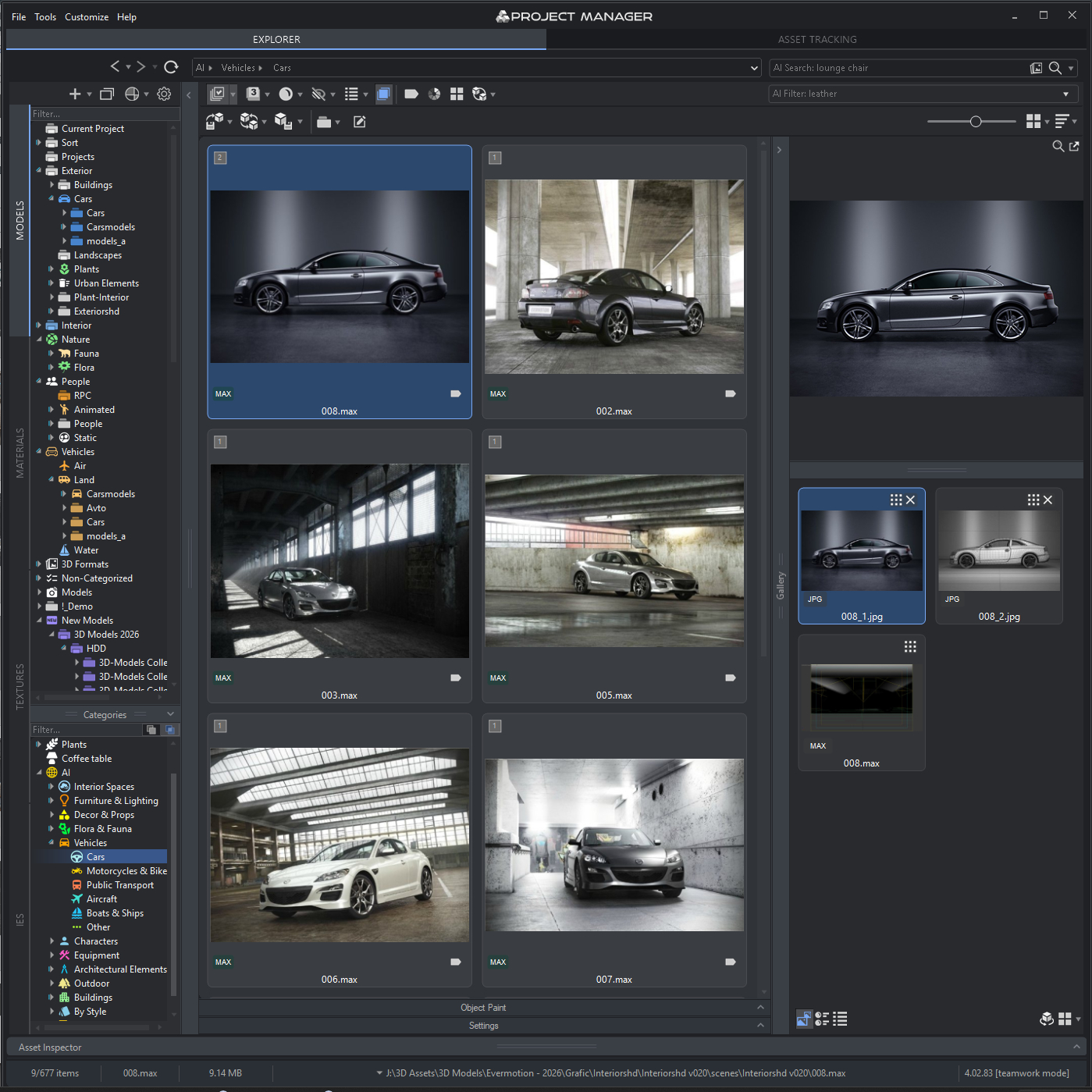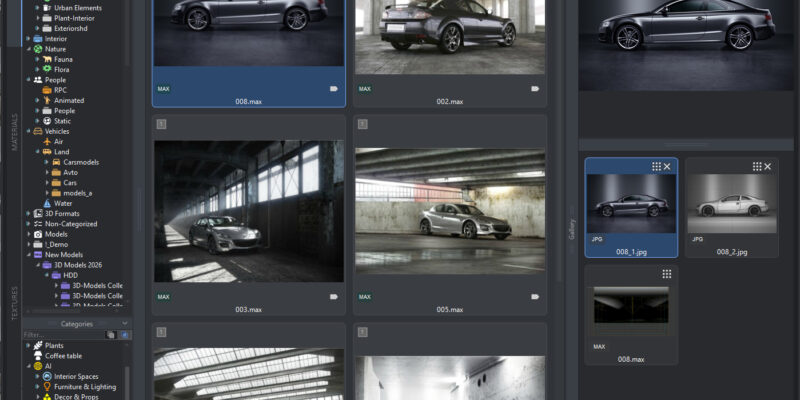
Project Manager by Kstudio is an asset browser and management tool for Autodesk 3ds Max. It organizes models, materials, textures and IES files, helps artists find items in large libraries, and tracks files linked to open scenes. The developer lists support for 3ds Max 2016 to 2027.
Organize existing asset libraries
The Explorer groups models, materials, textures and IES photometric files. Categories and descriptions help filter a library by name or other details. Virtual Catalogs organize folders in the browser without moving or duplicating the original files. Project Manager can browse ZIP archives as folders; opening RAR and 7z archives as folders requires Windows' built-in archive support, available from Windows 11 version 23H2. For scene imports, ZIP, RAR and 7z archives can be dragged into the viewport on supported Windows versions.
Search by description, appearance or color
Kstudio's local AI classifier can categorize 3D models by type, style, material and brand. You can review or change its suggestions. Text search accepts plain language and supports more than 30 languages, with some language models available as optional downloads. Text search works on models the classifier has processed, so a new library may need time to be classified first.
Find Similar searches for models with a similar shape or style, and can use a reference image, render or sketch. Color Search finds models and textures with a similar palette. Kstudio says AI processing runs on the user's machine; the AI models are downloaded during setup.
Bring assets into scenes and repair links
Models can be merged as standard geometry, proxies or xRefs. Materials and textures can be dragged into the scene or a 3ds Max Material Editor. Project Manager also previews materials and IES files, creates PBR materials from maps, and includes batch tools for renaming assets and converting images.
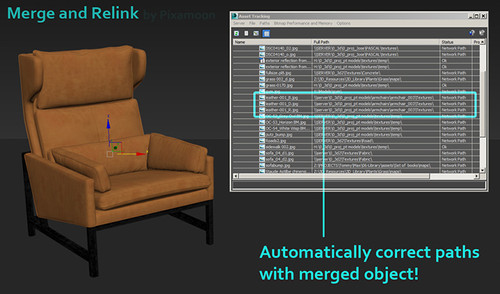
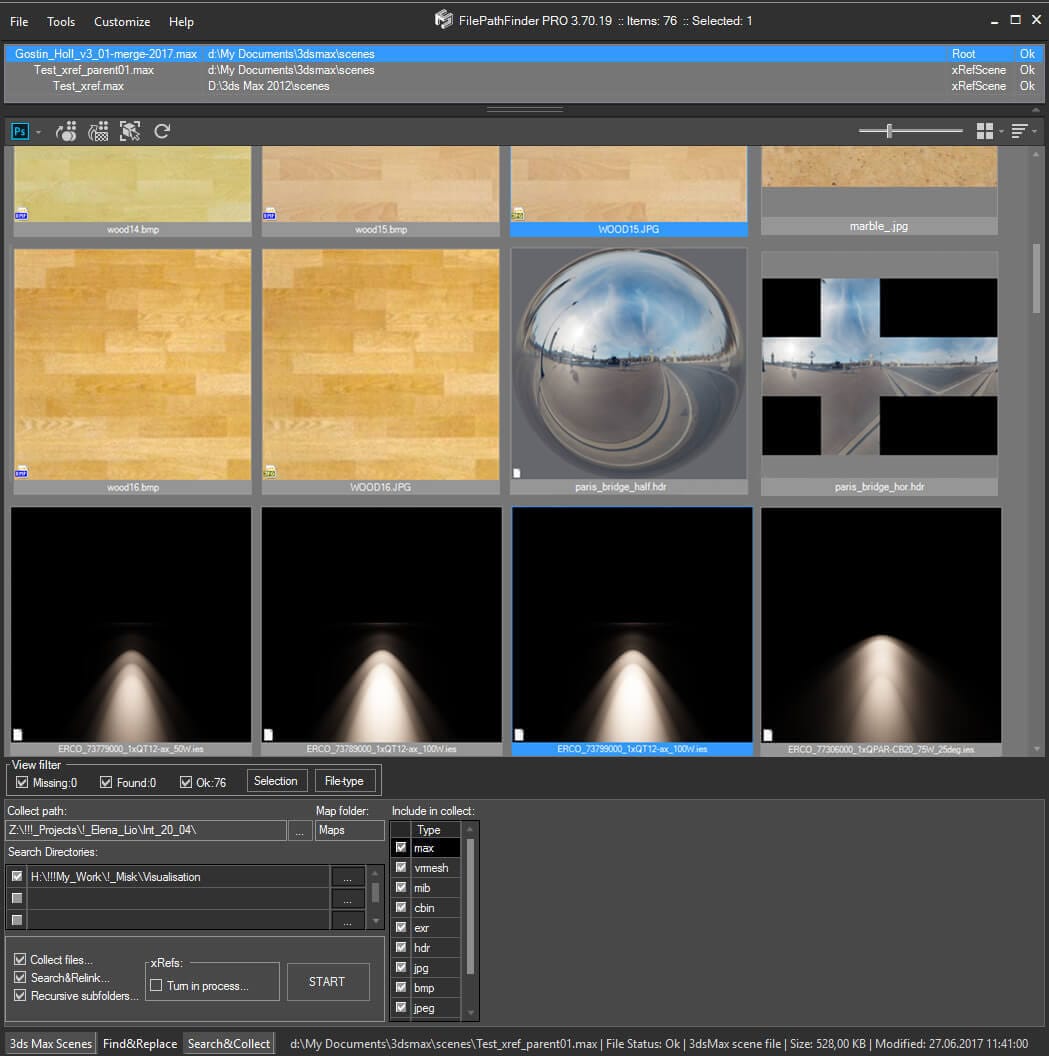
The Asset Files view lists external files used by a scene, including xRefs, and helps locate missing links. Batch Render & Relink can search for and relink files across multiple models or material libraries, collect referenced assets, and render previews. Scene archiving can package a project and its linked files for backup or handoff.
Shared databases, compatibility and demo limits
For shared libraries, Project Manager supports a MySQL or MariaDB database with synchronization between workstations. Kstudio's support FAQ warns against placing a local SQLite database on a shared network folder for concurrent use; the database and the actual asset files are separate, so team members also need access to the files' shared paths. See the Kstudio shared database guide for setup details.
Kstudio lists Project Manager for 3ds Max, but does not specify Blender compatibility. Kstudio lists a limited demo: it restricts the number of usable files, marks demo items that cannot be selected, and disables relinking in Batch Render & Relink. Check the Kstudio product page for current compatibility and license details, and its support FAQ for demo limitations.