PSelect is a Blender add-on by PTools for creating and managing custom selection sets for objects and bones. You can group sets, color-code them for visual reference, and save presets to a file for later use. It is aimed at animators, riggers, and character artists working with dense or layered scenes.
Organize reusable selection sets
Create sets for parts of a scene or rig, then add or remove items as the scene changes. PSelect lets you rename, reorder, and delete sets, and organize them into groups. Group import and export support helps move those configurations, while saved presets can be reloaded when you need them again.
- Create sets for objects or bones.
- Use colors to distinguish sets in the interface.
- Group, rename, reorder, or remove sets.
- Save presets to a file and reload them later.
Control visibility in the viewport
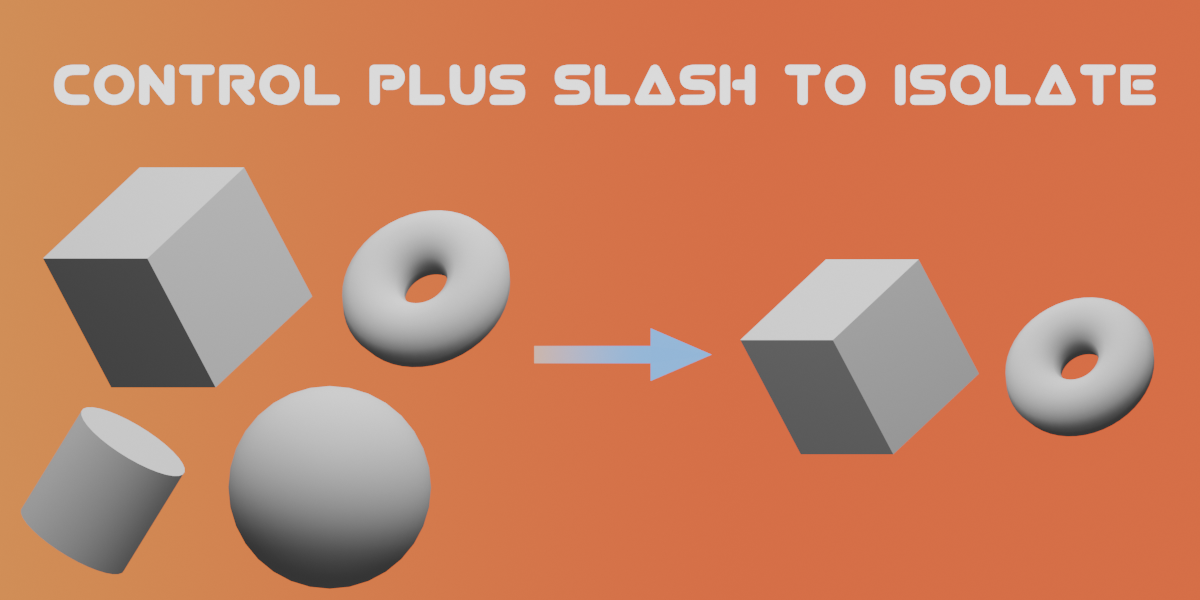
PSelect works in Object and Pose modes. It can toggle visibility in a single viewport, or isolate and hide sets using Blender's Local View logic. For rigging and animation work, that gives you a way to return to selected objects or bones without rebuilding the same selection each time.
Blender compatibility and documentation
The PTools listing on Superhive lists Blender compatibility from 2.9 through 5.1 and notes support for Blender 5.0. It also describes updated Pose Mode selection behavior for Blender 5.x. The listing identifies PSelect as an add-on under the GPL license.
The PSelect documentation page points to usage examples, feature details, and import and export workflows. Check the listing and documentation for current compatibility and usage information.