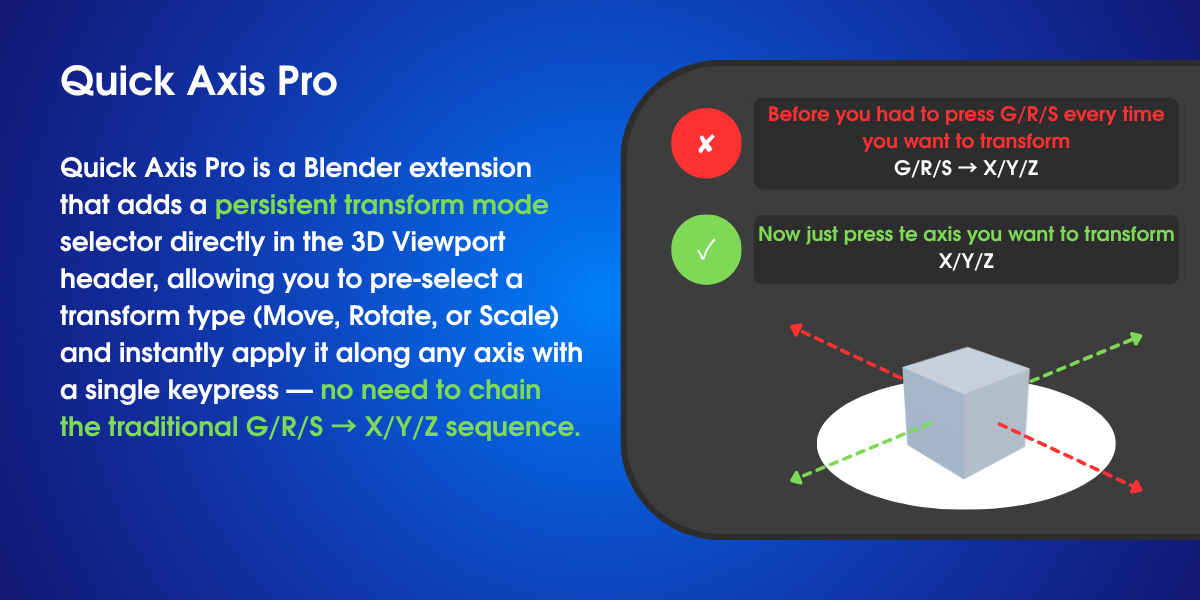
Quick Axis Pro is a Blender extension by Sidigon that adds a transform mode selector to the 3D Viewport header. Choose Move, Rotate or Scale, then press an axis key to apply the selected transform along an axis. The published listing gives Blender compatibility as versions 4.2 to 5.1 and identifies the license as GPL. See the Quick Axis Pro product page for the listing details.
How the header controls and axis keys work
The header has On/Off, Move, Rotate and Scale buttons. While the extension is on, one transform mode must remain selected. G, R and S select Move, Rotate and Scale. X, Y or Z then applies the selected transform along that global axis. Shift+X, Shift+Y or Shift+Z constrains it to the other two axes, following Blender's convention.
Shift+T toggles the extension. Turning it on restores the last active transform mode; turning it off restores Blender's default behavior. This lets you keep a mode selected in the header and use an axis key without entering the usual transform key followed by an axis key.
Shortcut preferences
In Edit > Preferences > Add-ons > Quick Axis Pro, you can remap the On/Off, Move, Rotate and Scale shortcuts, with optional Shift, Ctrl or Alt modifiers. You can also disable the Main Control shortcuts for G, R, S and Shift+T. Those keys then use their Blender defaults, while the axis keys remain active when Quick Axis Pro is on. Reset to Defaults restores Shift+T, G, R and S.
Installation and compatibility
The product documentation describes installing the downloaded ZIP through Blender's Edit > Preferences > Get Extensions > Extension Settings > Install From Disc controls. It lists the add-on settings under Edit > Preferences > Add-ons > Quick Axis Pro. Check the published installation and usage instructions and product listing for details before installing.
Quick Axis Pro may suit Blender users who often constrain moves, rotations or scales to an axis and want to switch transform modes from the viewport header. If its G, R, S or Shift+T shortcuts conflict with your setup, you can remap them or disable the Main Control shortcuts in preferences.