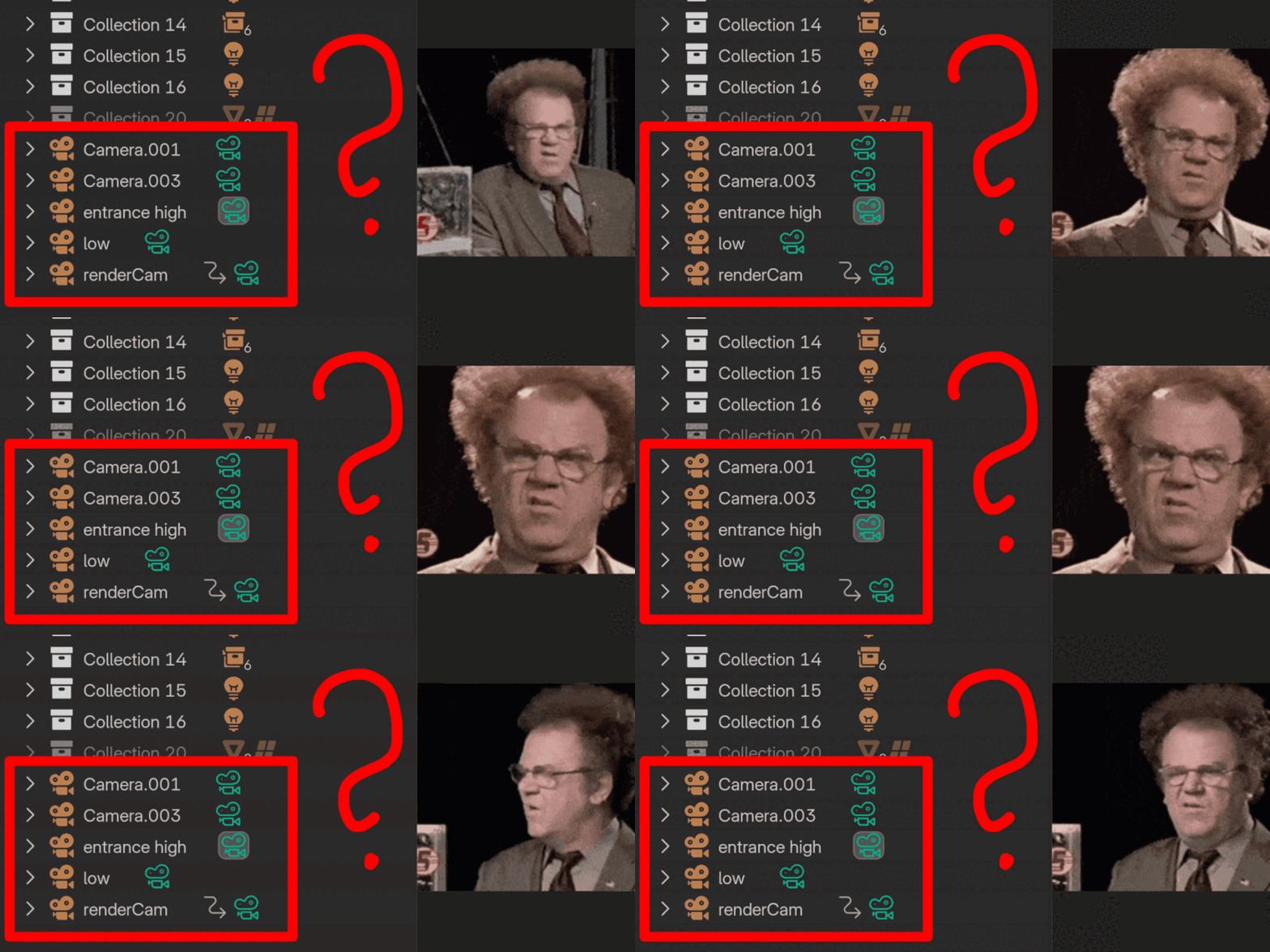
Surveillance is a Blender add-on for identifying and switching between cameras in a scene. It displays clickable preview thumbnails in the 3D viewport, so you can select a camera visually instead of trying to work out which name in the Outliner belongs to which view. The thumbnails cover every camera in the scene.
Choose a camera from the viewport
Surveillance has two display modes: Filmstrip and Tiles. Both are available from the 3D Viewport's View > Cameras menu. Choose a mode to show the camera previews, then click the thumbnail for the camera you want.
Install and open Surveillance
- In Blender, open User Preferences > Add-ons and choose Install From Disk.
- Select the
surveillance.pyfile. - In the 3D Viewport, open View > Cameras and choose Filmstrip or Tiles.
If you use one of the modes often, the product documentation says you can assign a shortcut to its menu item.
Fit and listed details
In a one-camera scene, there is less camera switching to manage. The product listing identifies Blender 4.5, names Cycles and Eevee in its render-engine field, and shows GPL licensing. It does not state a separate add-on release number or a compatibility range beyond the listed Blender version. Check the product listing if you use another Blender release or need the listed Blender version and license details.