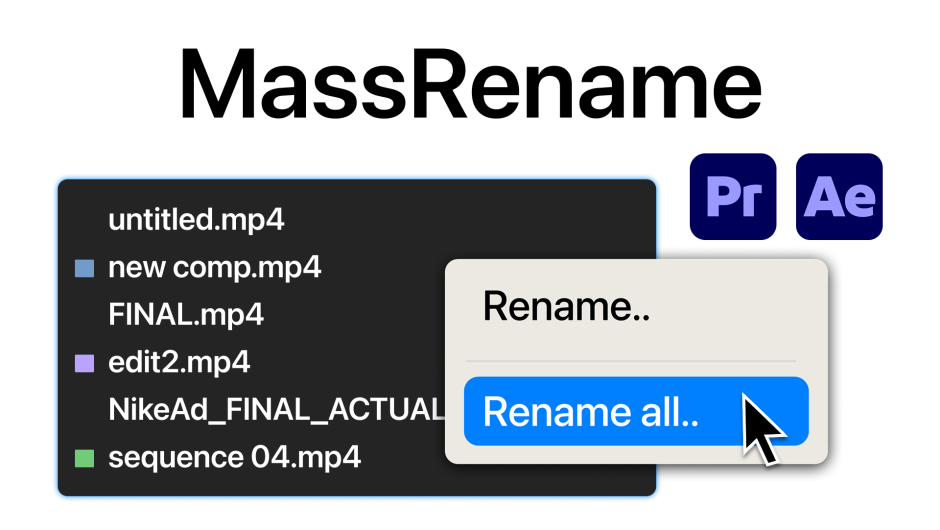
Rename It is a Premiere Pro panel by Kabansky for finding, renaming, sorting, and labeling project items in the Project window or clips in an active sequence. Set a search scope and filters, review the matches in the Found table, and inspect the proposed names before applying changes. That preview helps when a search returns many items or a naming rule could affect more clips than intended.
Search project items or timeline clips
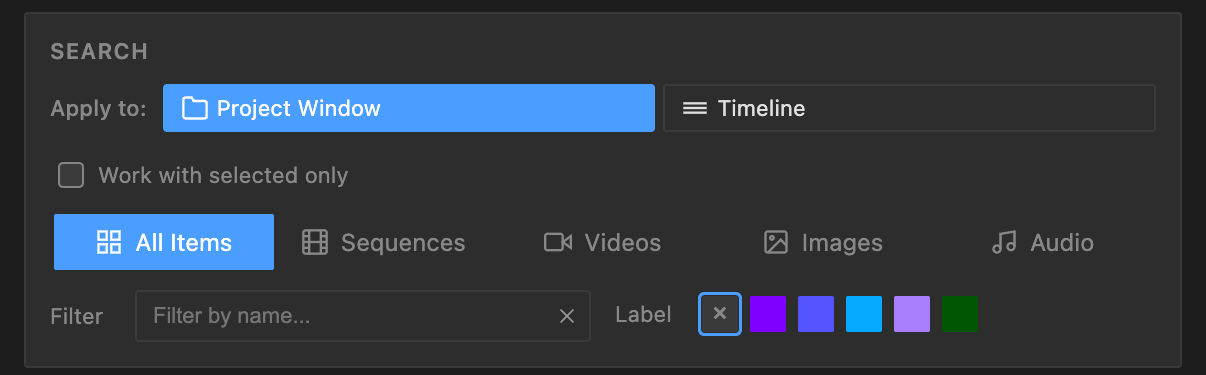
In the Project window, Rename It can search the bin tree, filter by item type, or work only with the current selection. In an active sequence, you can filter clips by track and review their duration and In/Out points. Depending on the scope, search criteria include names, label colors, item types, duration, and clip attributes such as resolution, frame rate, and pixel ratio.
The Found table gathers the matches and shows details such as the current name, label, proposed name, track, duration, and In/Out points. Select a row to reveal its item in the Project window or select its clip on the timeline. Double-clicking a row opens it in the Source Monitor.
Build and preview batch names
You can base a new name on the clip name or the source file name, replace text, or set a full name. Prefixes and suffixes can include text, dates, times, or numbering. Numbering has options for its starting value, leading zeros, and position. Separators include spaces, underscores, and hyphens, and regular expressions are available for more specific text replacements.
Rename It calculates the new names in the Found table before you apply them. Review the proposed names there, then run the change when the results match your intended naming pattern.
Sort and label in the same workflow
Matches can be moved into an existing bin or into a new bin with a chosen name and label color. You can also change label colors on their own, or combine labeling and sorting with a rename pass. This is useful when a batch needs consistent names and a clearer place in the project structure.
When working from the timeline, Rename It renames the matching clips. Sorting and label changes apply to the project items behind those timeline matches.
Version and Premiere Pro compatibility
The developer's release history lists version 2.0.7, dated October 24, 2026. Its notes mention faster panel opening and searching on large projects, and say that Apply works on cloud Team Projects. A local project that has never been saved must first be saved in Premiere Pro. The product listing names Premiere Pro 2020 through 2026 as compatible releases. Check the Rename It product page for current release and compatibility details.
Who may find Rename It useful?
Rename It suits Premiere Pro editors who need to find and update groups of clips or other project items.