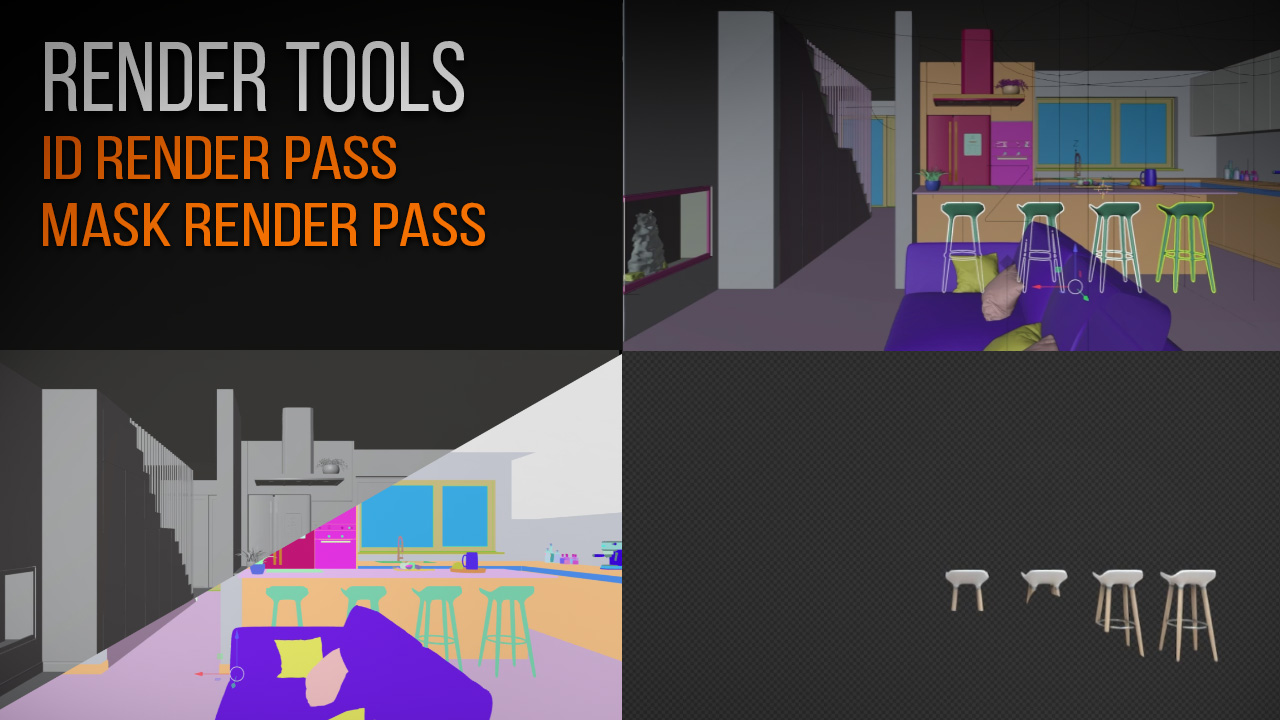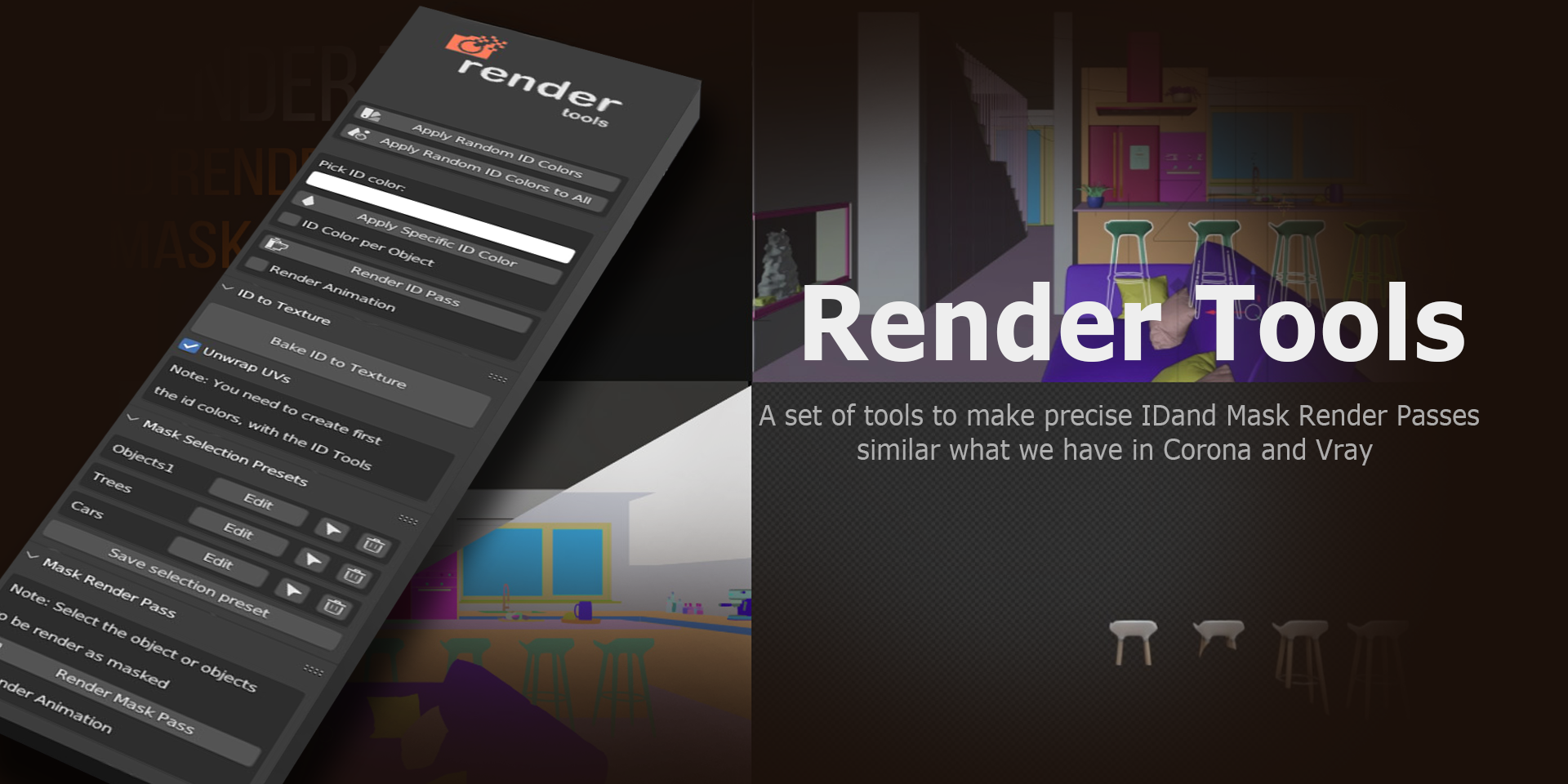
Render Tools is a Blender add-on for creating ID render passes and masks of selected objects. The Mask Pass workflow is useful for updating part of a rendered image in compositing without rendering the whole image again. Render Tools uses Cycles as its render engine.
The add-on includes ID and mask pass tools , texture baking and selection utilities.
Create ID passes
The ID Pass Tool can assign random ID colors across a scene and render an ID pass in two clicks. You can also assign a specific ID color to individual objects. Version 1.3 added an ID-per-object mode that applies a specific ID color to each object instead of assigning ID colors per material.
Render selected objects as masks
Select one or more objects and use the Mask Pass Tool to render them with transparency for compositing. The Mask Pass Tool supports objects with motion blur and depth of field in still images and animation sequences. Version 1.8 notes include a fix for mask animation.
Bake IDs and save selections
Bake ID to Texture writes ID colors into existing UVs, with an option to unwrap the model automatically. Render Tools also includes mask selection presets, a Fix Ghost Objects option for objects that disappear in the render window, and alpha transparency options for ID passes and ID baking.
Install and check compatibility
In Blender, open Edit > Preferences, choose Install, select the render_tools.zip file and activate the add-on. A Selection Tools tab should then appear in the side panel. The product instructions recommend restarting Blender after an update.
The Superhive listing identifies Render Tools as a Blender add-on for Cycles and reports support for Blender 4.0 through 5.3. The AnyPlugins record lists 4.0 through 5.1, so check the product listing for current compatibility before installing on a newer Blender release. The AnyPlugins record labels Render Tools for 3ds Max and Blender but gives no 3ds Max version. The Superhive listing describes a Blender add-on for Cycles; confirm 3ds Max compatibility with the developer before relying on it.