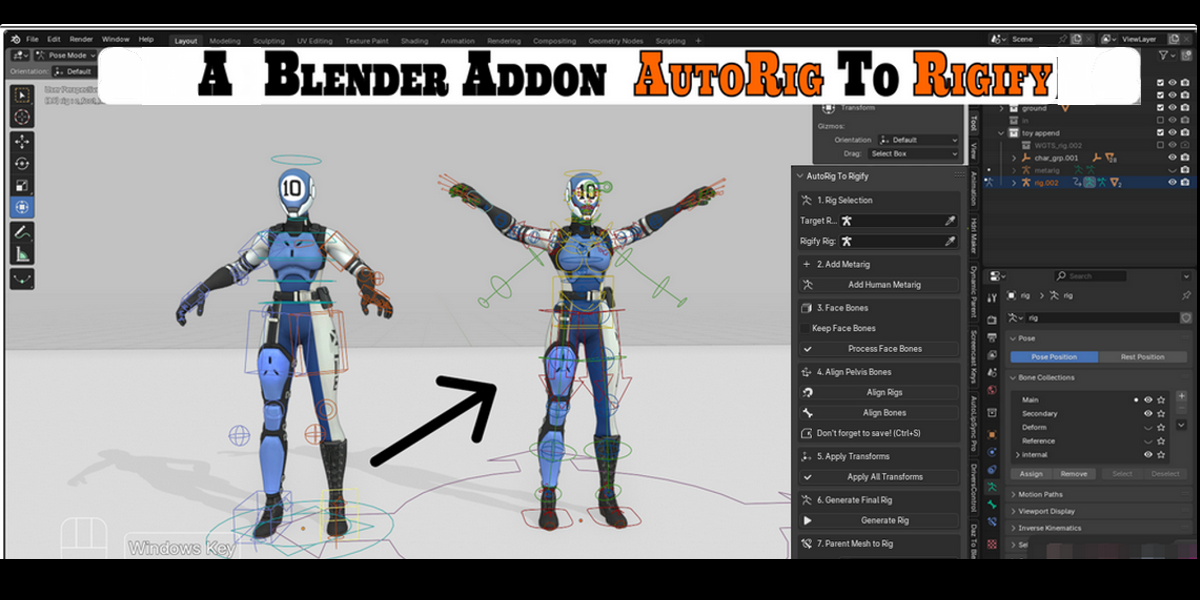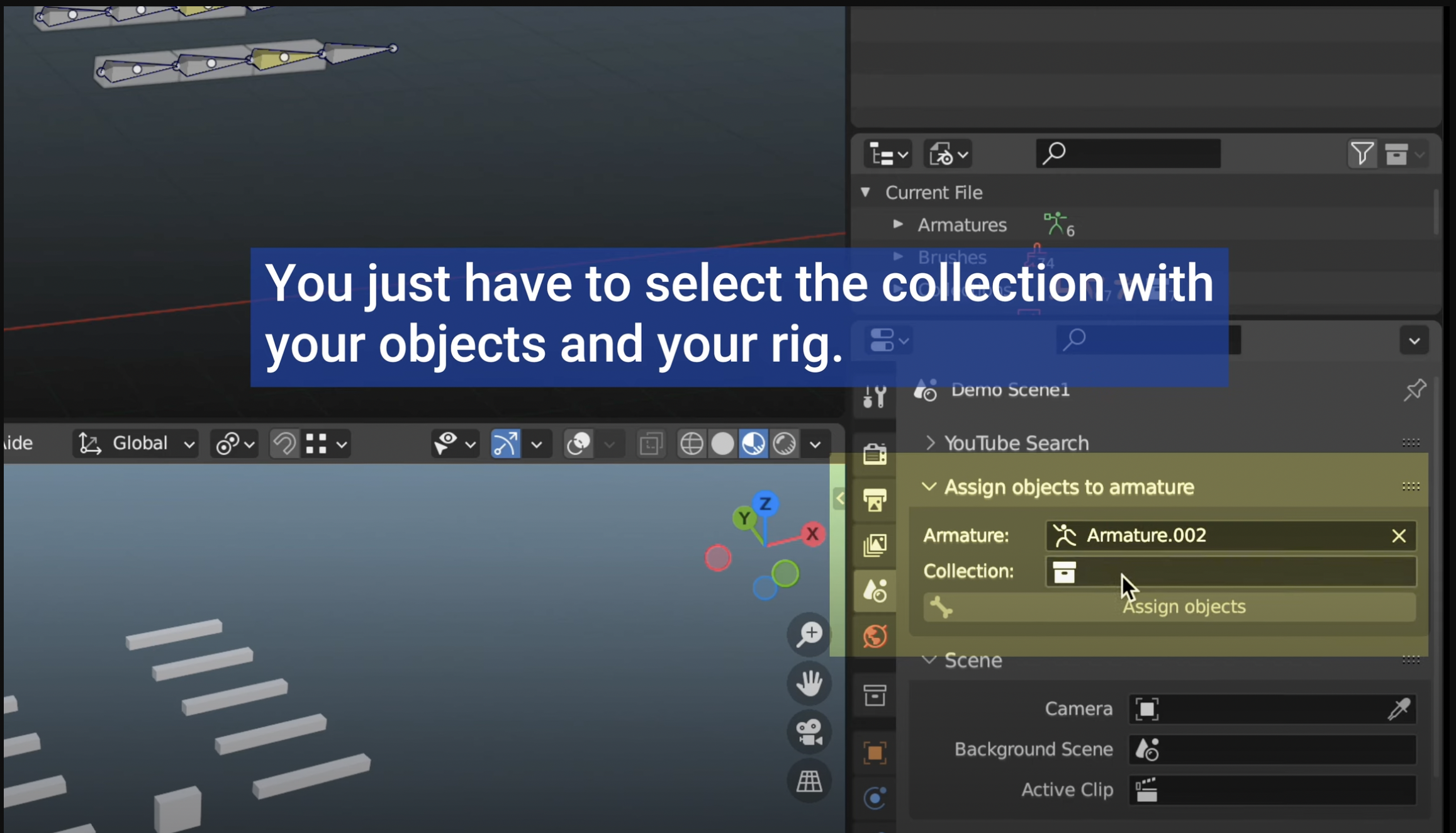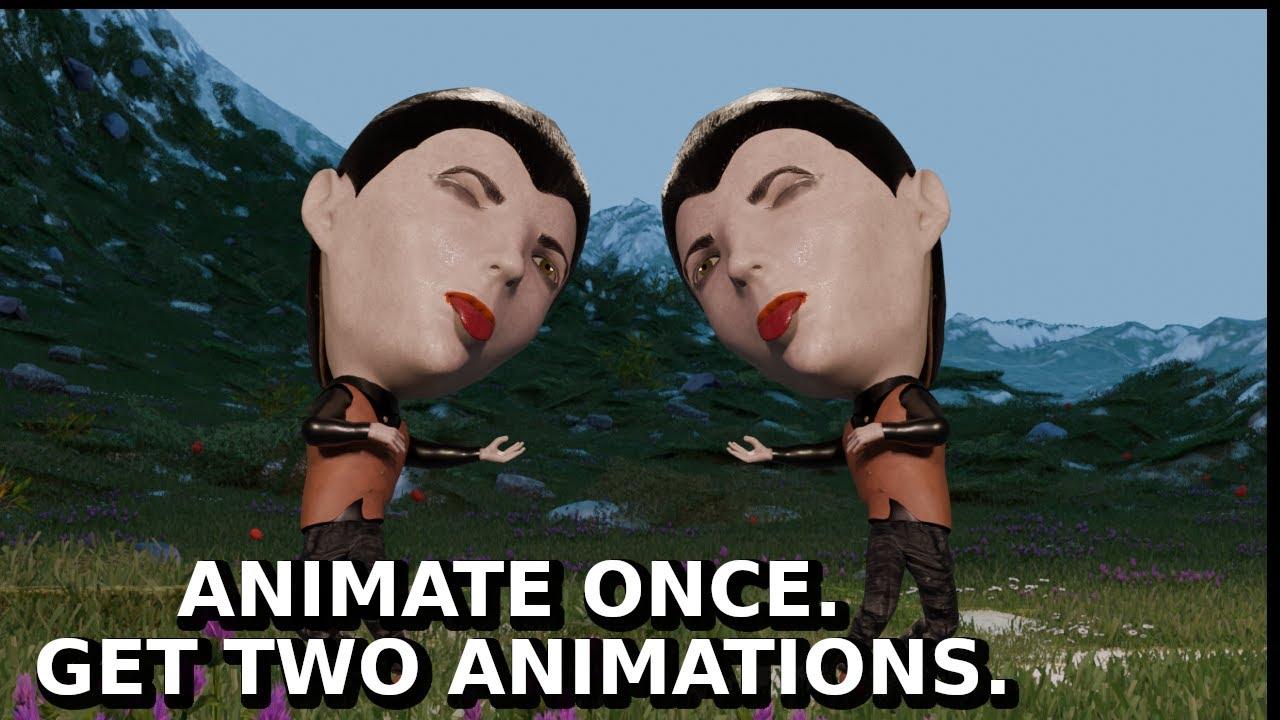
Retargeting Automation System is a Blender add-on that automates parts of Auto-Rig Pro's animation remapping workflow. It requires a working Auto-Rig Pro installation and cannot run on its own. The Superhive listing describes it for animators and game developers working with different rigs and animation files.
Retarget clips individually or in batches
The add-on supports individual animations and larger retargeting jobs. It can process entire folders, or retarget the active animation and every stashed NLA action on a source rig at once with one click. You can choose manual rig identification or one of two automatic detection modes.
The listed import formats are FBX, GLB, glTF and BVH. Rest-pose matching is intended to handle A-Pose and T-Pose differences, while chain exclusion lets you leave selected bone chains out of the remapping process. The listing also describes broader support for custom and third-party game rigs; it does not provide a complete compatibility list, so check your source and target rigs before relying on that support.
Retargeting and cleanup tools
The add-on lets you choose FK or IK mapping for hands and feet. Scaling can use the shoulder or pelvis as its anchor, while the legacy scaling mechanism remains available. The animation viewer lets you preview and switch among retargeted clips. Optional IK-to-FK baking converts retargeted IK animation into raw FK curves for game-engine export.
The Limb Locker applies constraints to reduce foot drift in FK animations. Pro's floor-contact solver matches a character's vertical proportions, and its IK-leg correction aligns pole spaces and restores leg extension. The listing describes these as product capabilities; inspect the result on your rig and clip in Blender.
Compare the listed editions
| Edition | Included features |
|---|---|
| Core | Batch processing, rest-pose matching, rig detection and import, rig compatibility features, scaling, FK/IK selection, chain exclusion, animation viewing and IK-to-FK baking. |
| Standard | Core features, plus the Limb Locker, on-the-fly playback and display controls, and animation mirroring. |
| Pro | Standard features, plus floor-contact and IK-leg correction tools and the 130-plus animation library. |
The Superhive page labels a 50% v2 launch discount 'ENDS FRIDAY' and lists a separate 35% coupon labeled '6 days'; it gives no base price. Check the listing for current offer availability, final price and package terms.
Requirements and fit
This add-on is for Blender users who already work with Auto-Rig Pro and need to remap animations across rigs or process multiple clips. The Superhive listing names Blender 4.1 through 5.2 as compatible versions. Confirm current compatibility and Auto-Rig Pro requirements on the seller page before installing.
When evaluating it, try a representative source animation and target rig, then inspect the pose, foot contact and baked animation in your scene. Automatic remapping can reduce setup steps, while the output still needs review for the project using it.