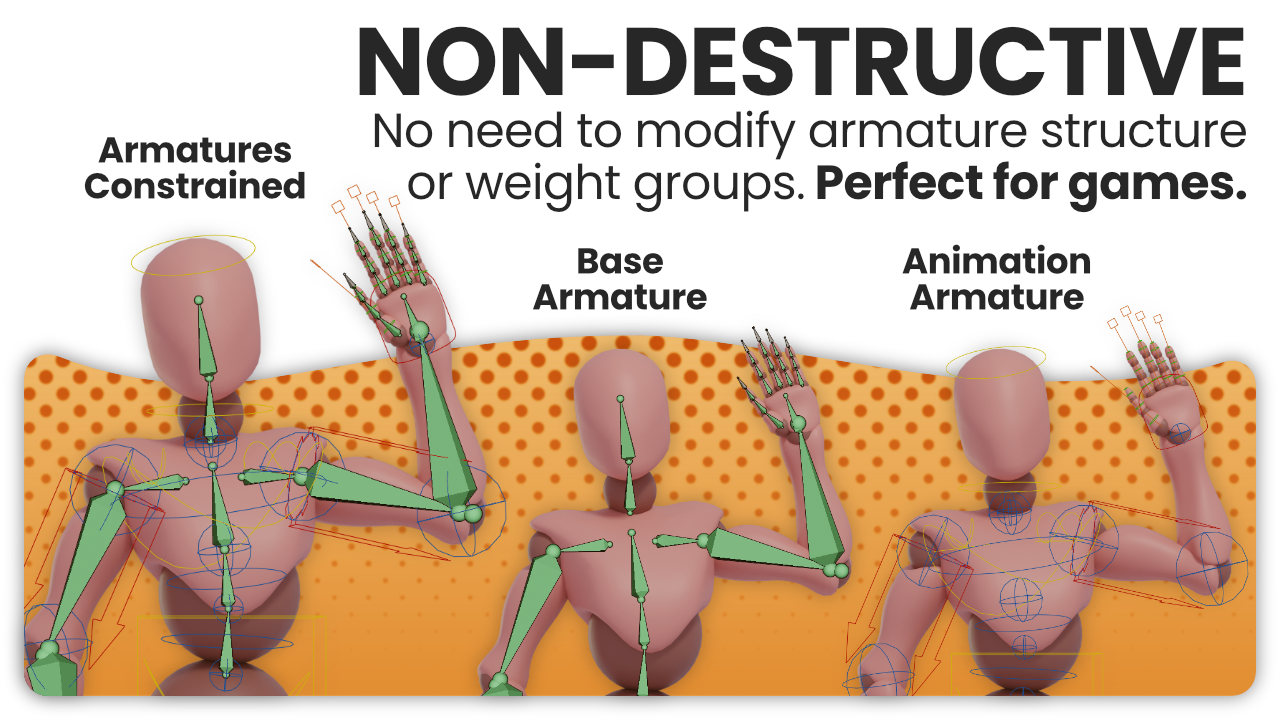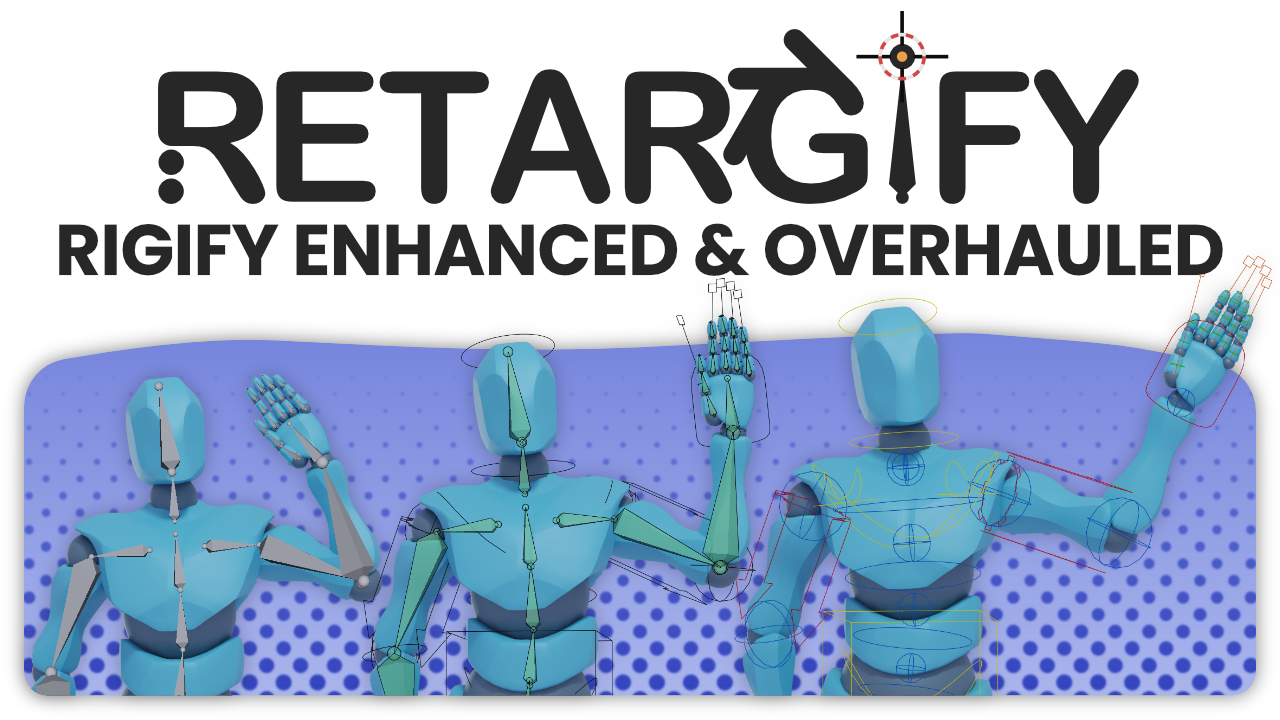
Retargify is a Blender add-on from Haggets that reworks the Rigify setup and animation workflow. It creates armature duplicates and constraints automatically, so you can adjust a setup while keeping the original armature data intact. Retargify targets game armatures and preserves armature structure for compatibility with game engines and other software. The Superhive listing retrieved on 27 November 2026 says Retargify does not currently work past Blender 4.4 and that updates are coming. See the Retargify product listing for the developer’s feature and compatibility details.
What Retargify adds to Rigify
Retargify remains Rigify at its core. The developer says existing Rigify tutorials and knowledge still apply without major changes to the overall process. During setup, you can add, move, or remove bones, create constraints, and sync the setup armature to changes in the base armature. The sync updates bone data without removing custom bones.
Tools for repeated rig work include bone-collection presets that can be saved, reused, and shared. Retargify can sort bones into collections by Rigify bone type, mainly for humanoid rigs, and color bones by type. Common parameters are grouped together. A toggle lets you leave the setup stage or disable animation-armature constraints, and a chain-connection tool helps join disjointed bones.
Bake animation in either direction
The standard bake transfers animation from the animation armature to the base armature. You can choose which animations to bake. Retargify’s product description says the process removes unneeded clutter and repeated data, and includes a quick bake and FBX export workflow.
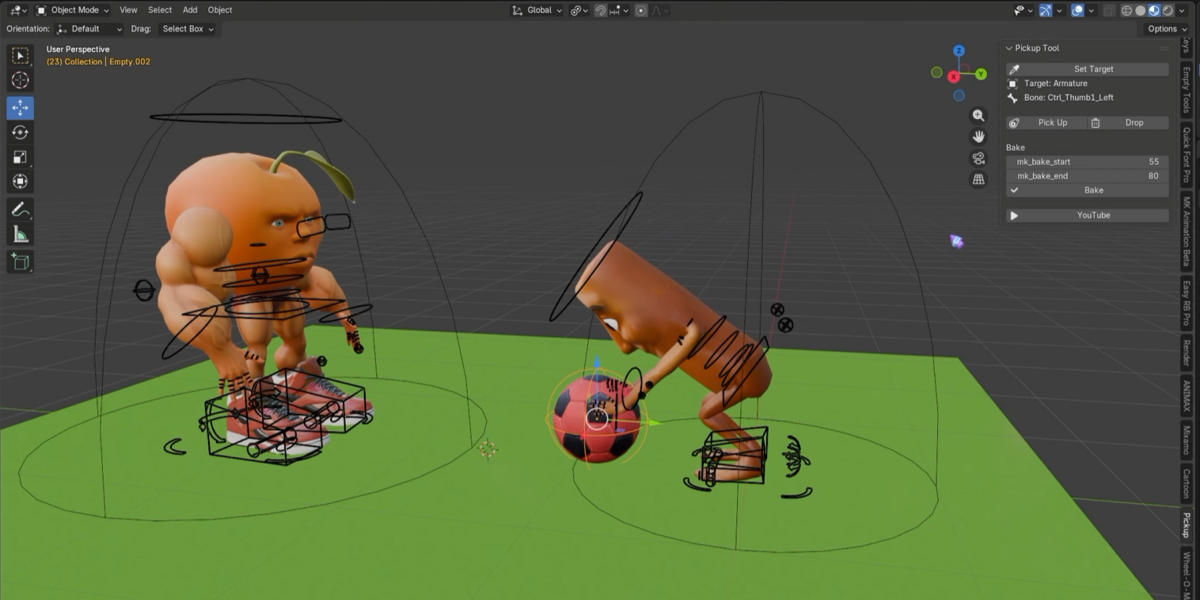
Backwards baking sends motion-capture data or similar animation onto the Rigify armature, where you can adjust it with Rigify controls. The developer also describes custom bone naming for cases where you want to share animation between armatures with matching bone names. Generated rigs can be used by people who do not own the add-on, and Retargify does not override vanilla Rigify.
Check Blender compatibility before installing
The Superhive listing retrieved on 27 November 2026 lists Blender 4.2, 4.1, 4.0, 3.6, 3.3, and 2.93 in its Blender Version field. The same listing warns that Retargify does not currently work past Blender 4.4 and says updates are coming. Check the current listing and step-by-step documentation for the Blender release you plan to use; the listed versions do not confirm support for every release. The listing identifies the add-on’s license as GPL.
For setup steps, consult the Retargify documentation. The developer’s issue tracker is linked from the product page for reporting problems.