RG CAD Tools adds a command-based drafting and geometry-editing workflow to Blender. Its Line and Polyline tools support point-by-point drawing, while snapping, axis constraints and typed values help place geometry. The add-on also includes basepoint transforms, alignment, edge modification and measurement.
Draw with snaps and typed input
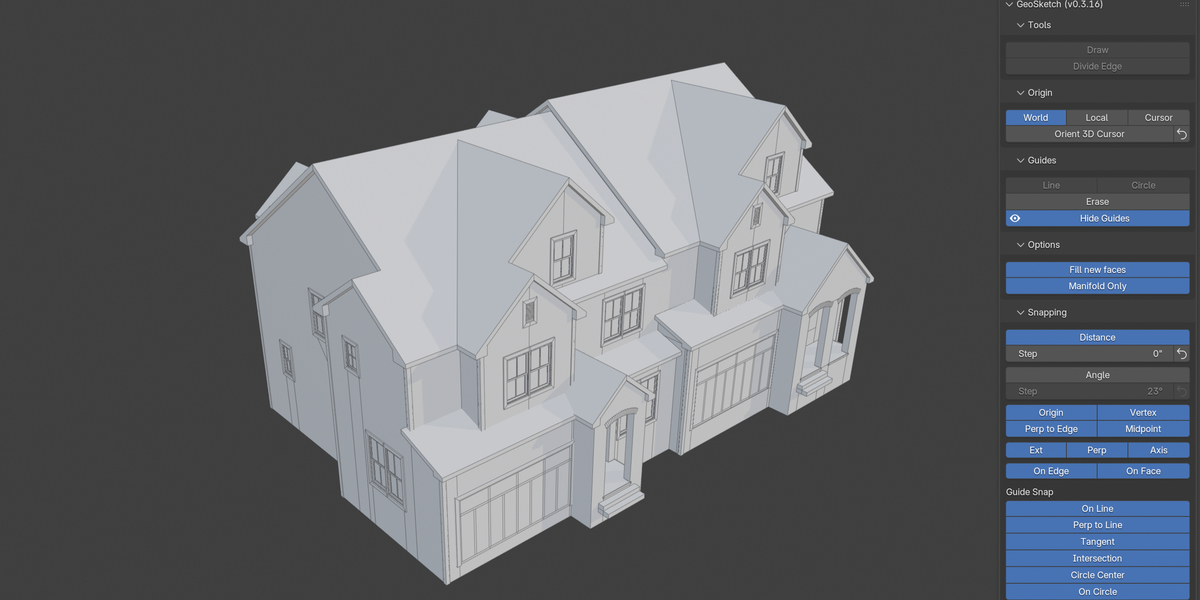
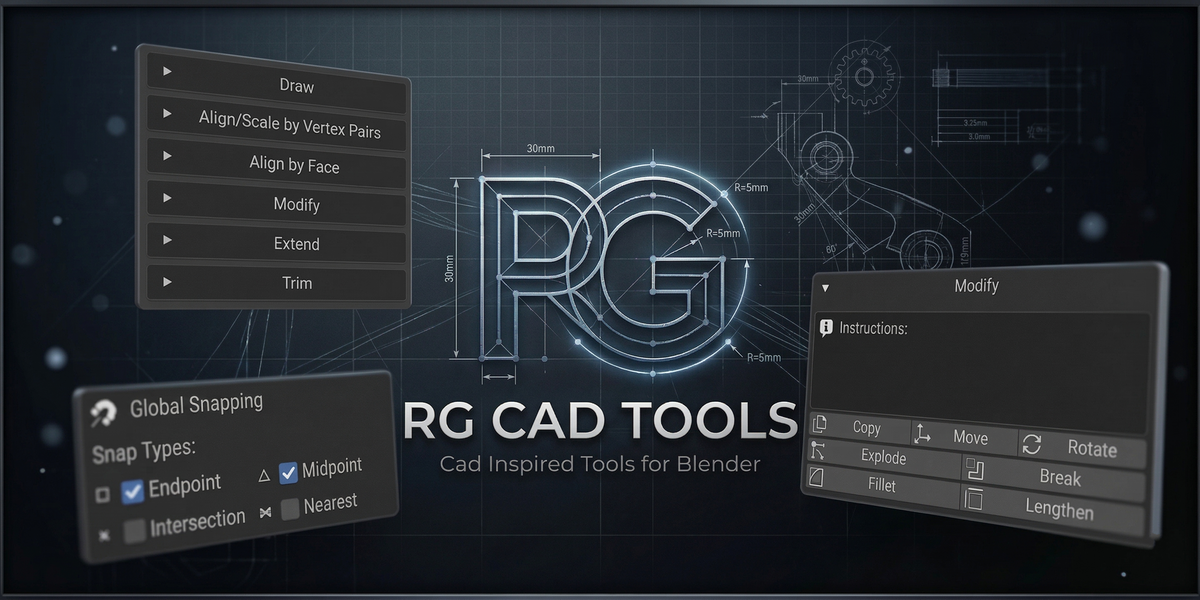
Line draws a single edge, and Polyline draws connected segments as one continuous object. The snap system can target endpoints, midpoints, intersections and the nearest point on an edge or face. Each snap type has its own toggle, and F3 switches snapping globally during commands.
F8 enables orthogonal mode. X, Y and Z constrain input to an axis, and numeric input lets you enter exact values. Preferences include snap symbol color and size, default snap states and a reset-to-defaults control.
Transform, align and edit geometry
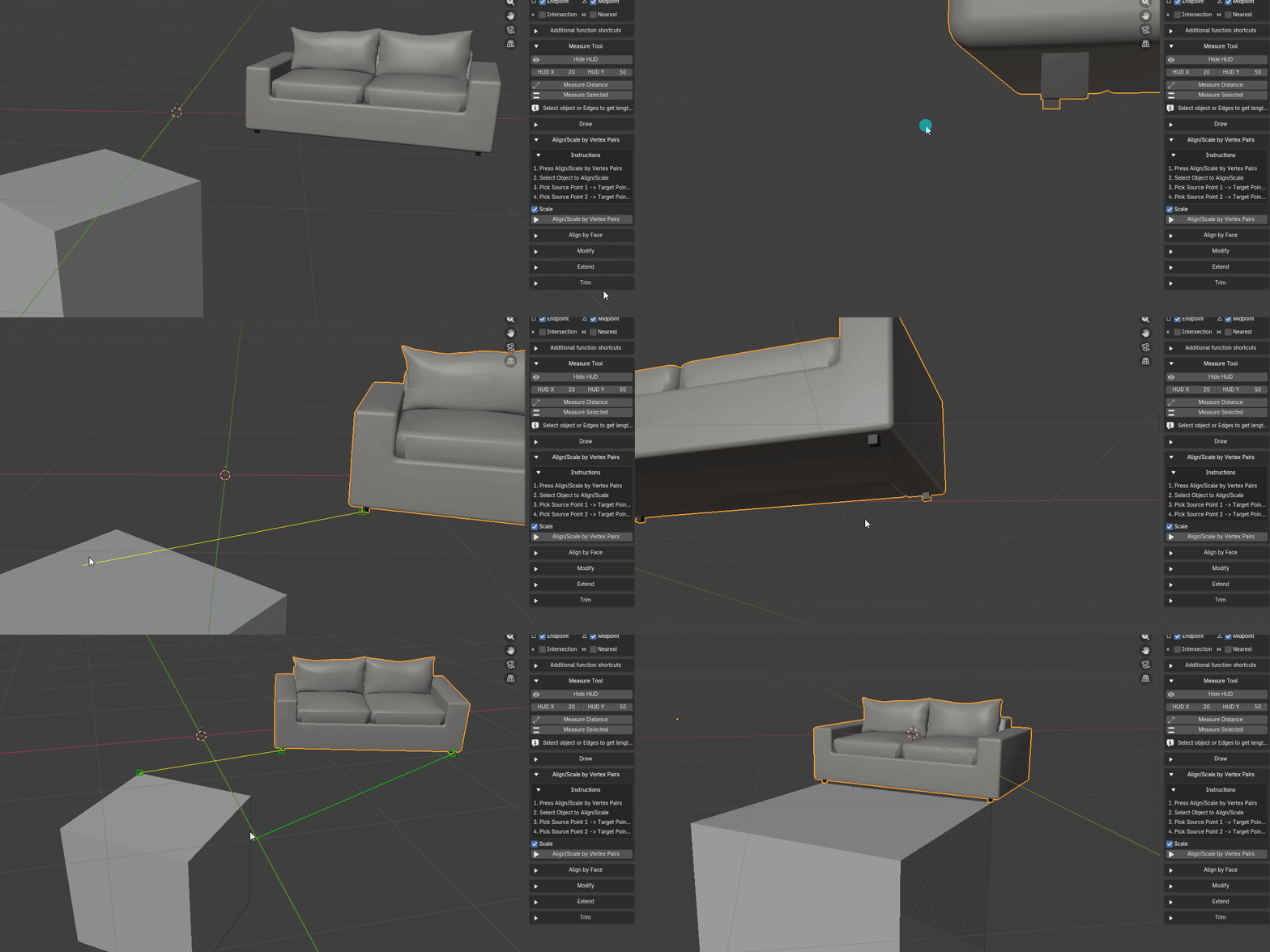
Move, Copy and Rotate use a basepoint to position or turn selected objects. Alignment tools match two source points to two target points or align objects by selected faces, with an option to flip the face normal.
Edge editing tools include Explode, Break, Fillet, Lengthen, Extend, Trim and Edge Intersection. They split edge-only objects, remove a segment between two points, bring two edges together at an intersection, change edge length, extend edges to boundary objects, remove segments with cutting objects, and add vertices where edges or faces intersect.
Measure distances and edge lengths
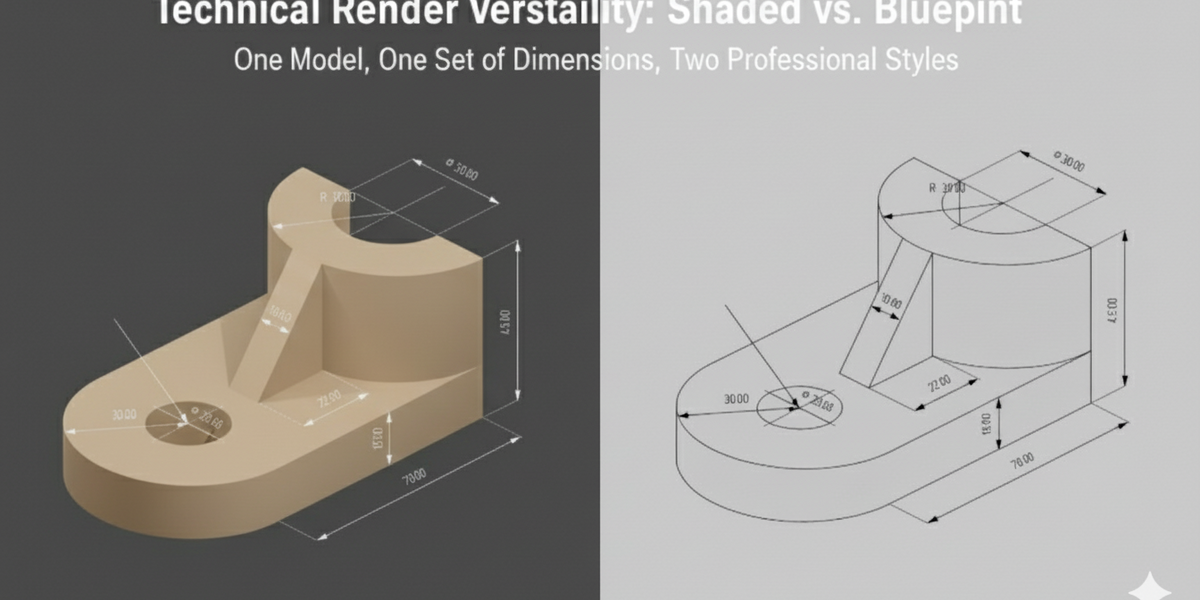
Measure Distance reports the distance between two picked points. Measure Selected totals the length of selected edges or objects. A persistent on-screen HUD displays measurements, and its position can be adjusted in preferences.
Compatibility and installation
The product description says RG CAD Tools requires Blender 4.0 or newer and has no additional dependencies. Superhive lists a Blender compatibility range of 4.0 to 5.1, so check the current listing if you use a later release. Its product details list the license as GPL.
To install, download the rg_cad_tools.zip file from the purchase confirmation or account page. In Blender, open Edit, then Preferences, then Add-ons. Choose Install, select the ZIP file, and enable RG CAD Tools in the add-on list. In the 3D Viewport, press N and open the RG CAD tab to find the commands in collapsible panels.
What version 1.15.28 changed
The product revision history dates version 1.15.28 to April 27, 2026. It added curve objects as snap targets for endpoints, midpoints, nearest points and intersections. The add-on evaluates curves to temporary mesh data for snapping without converting the scene object. The release also caches face-mesh vertex projections and reduces repeated ray-target and dependency-graph work during snapping. When projected bounds reject an object, candidate detection falls back to a cursor-ray test against its bounding box.
See the RG CAD Tools product listing on Superhive for the current compatibility details and download information.