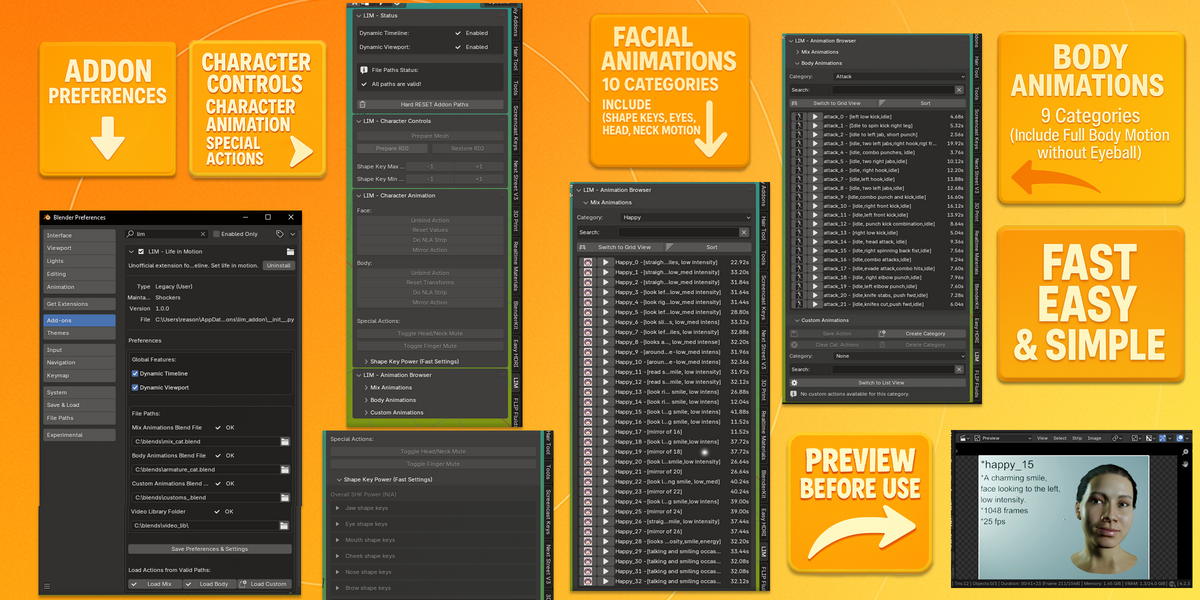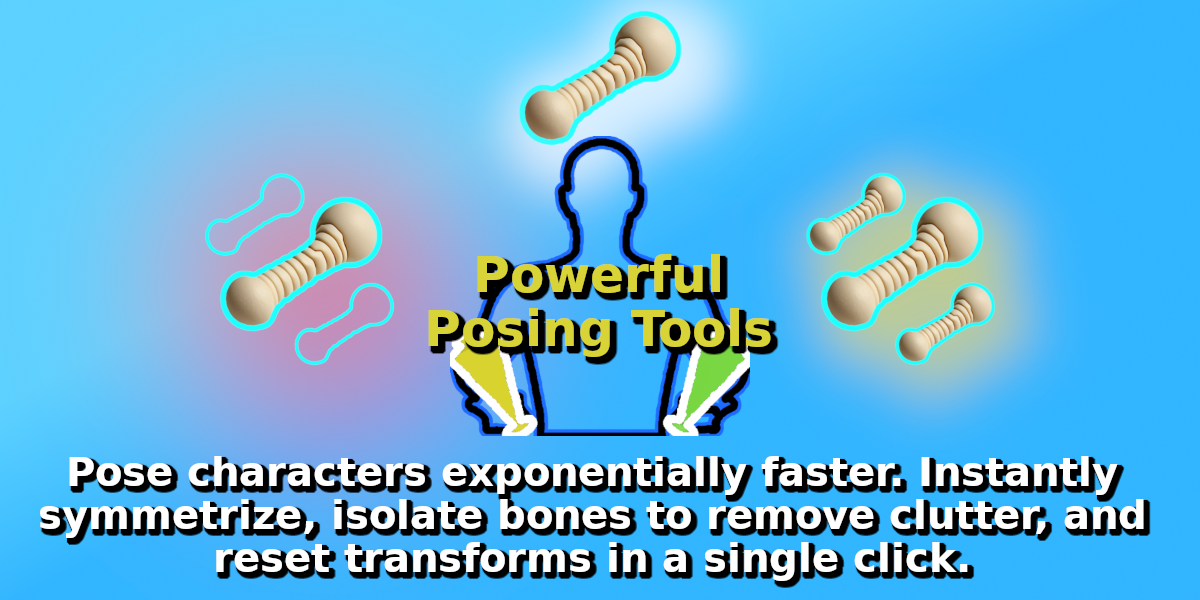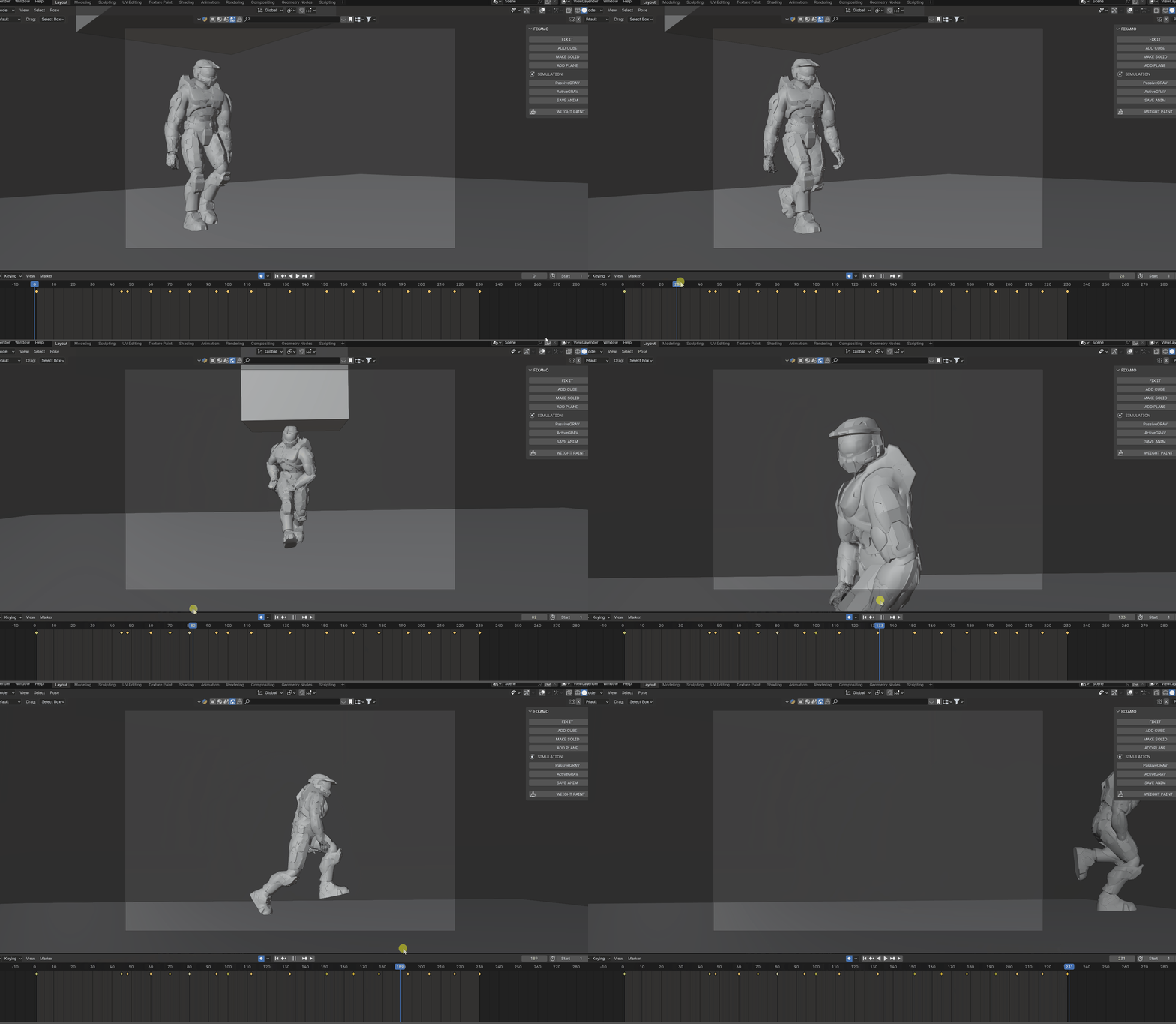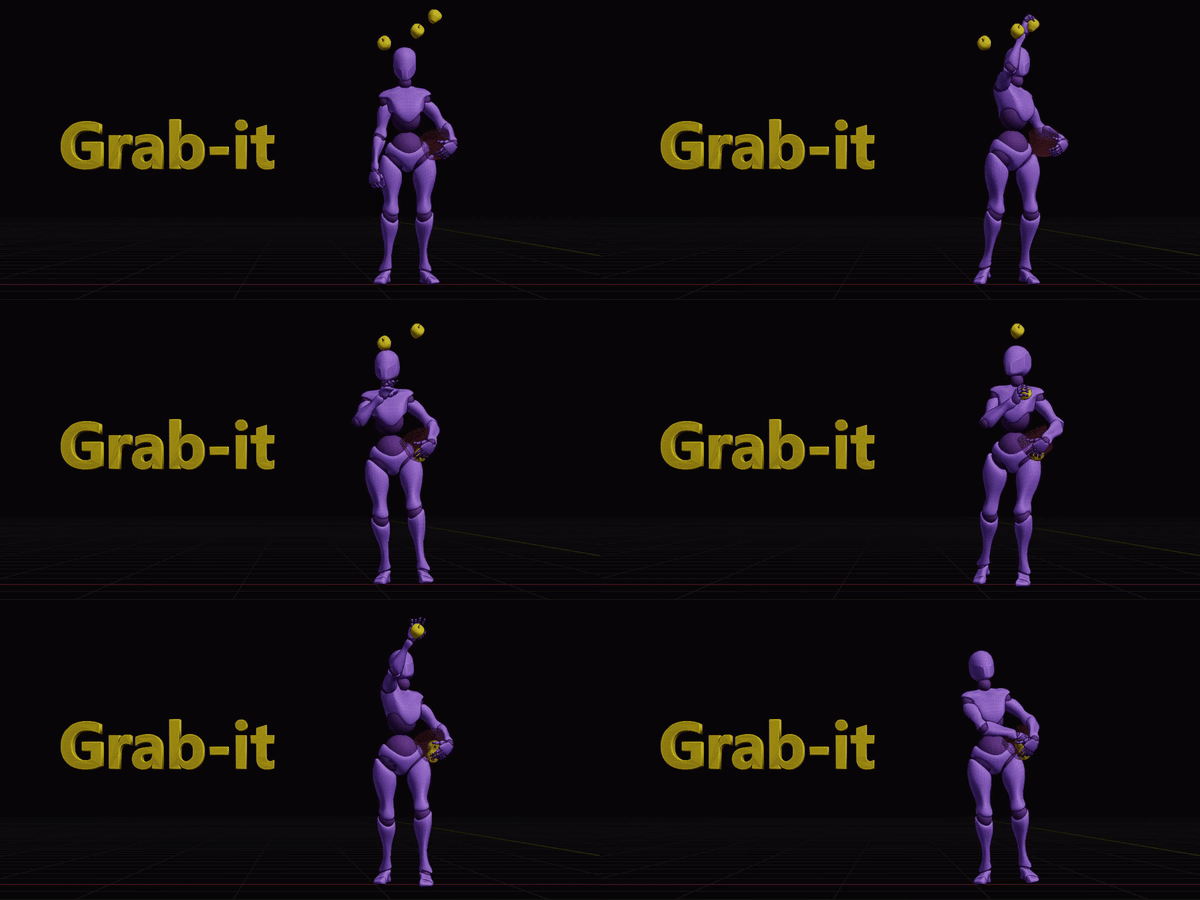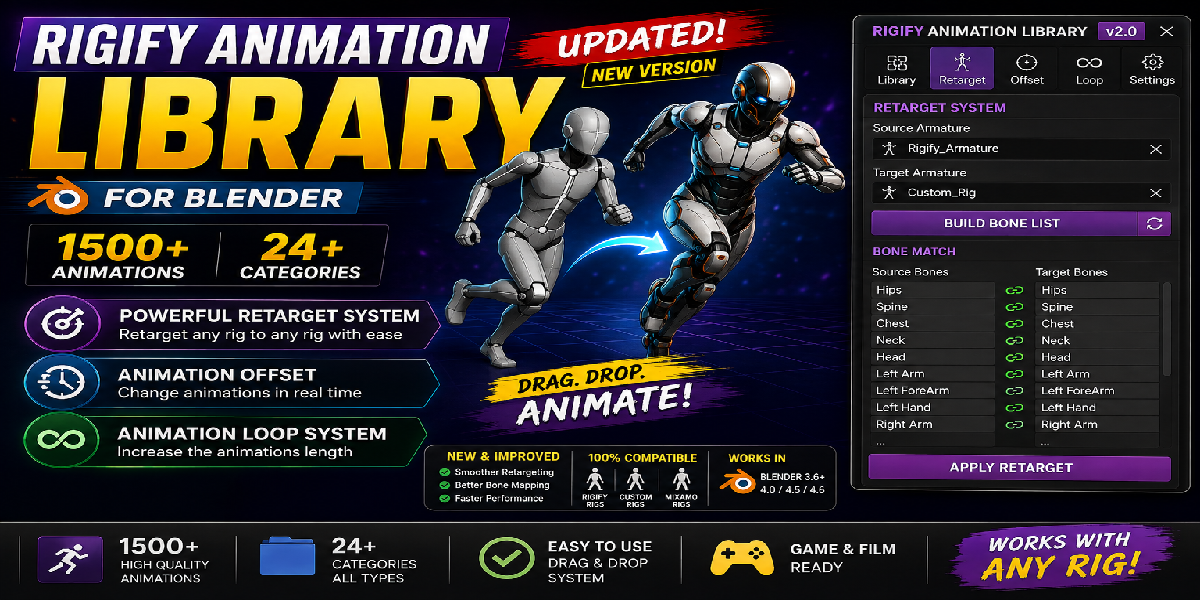
Rigify Animation Library Addon is a Blender animation library built for Rigify characters. Its creator lists 1,500+ animations across 18 categories for character work in games, cinematics, previs and other animation projects. The product listing describes the motions as smooth and clean, with no foot sliding.
Browse and adjust the animation library
The categories include Communication, Dance, Exercise, Falling, Fight, Hanging, Landing & Climbing, Hero, Jump, Longbow, Love, Magic, Run, Skinning, Sport, Sword, Walk, Work and Zombie. The listing also describes an animation offset control for adjusting motion in real time without re-importing or changing the original animation. A loop feature can repeat an animation and extend its length, which is useful for cycles such as walking or running.
Use animations with Rigify characters
The product documentation describes a basic workflow: select a Rigify character, open the library panel, browse a category, choose an animation and apply it. You can then adjust timing and blending. For a custom rig already inside Blender, the listing says to use Ctrl+L to link animations from the library. For downloaded characters or rigs with different bone orientations, its retargeting system detects and maps target bones to transfer the animation.
Installation and compatibility
The documentation instructs users to download the ZIP, open Blender's Edit → Preferences → Add-ons panel, install the ZIP, enable the addon and save preferences. The creator notes that installation may take a little while because the library is large; wait for it to finish, then completely restart Blender.
The listing describes compatibility with Blender 4.x, and its details panel gives the range Blender 4.0–5.2. The release labels are inconsistent: the main product page says version 2.0.0, while the documentation's current-version field says 1.0.0. Check the creator's current listing for the release and Blender version that apply before installing.