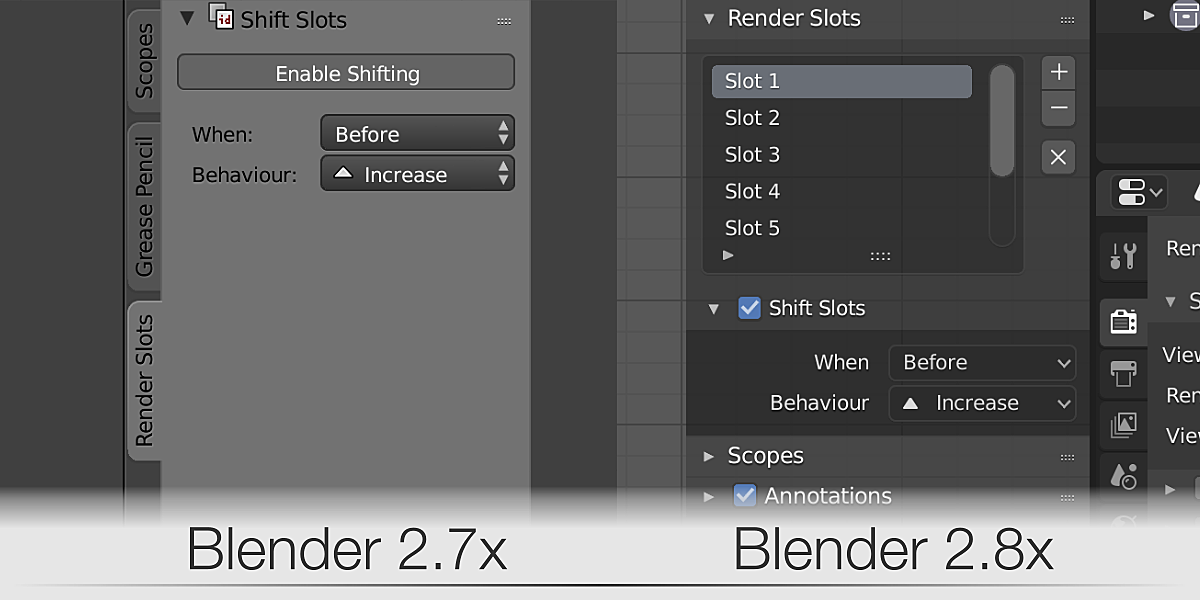
Shift Render Slot is a Blender add-on by Yain Vieyra that changes the active render slot around image renders. When you compare test renders or multiple shots, shifting slots can help keep a new result from replacing the previous one. Its controls appear in Blender's UV/Image Editor.
Choose when the slot shifts
You can enable or disable automatic shifting in the UV/Image Editor without opening User Preferences. Choose up to four render events to trigger a shift:
- Before: before the render job begins.
- After: after the render job ends.
- Complete: when the render finishes.
- Cancelled: when the render is cancelled.
Choose Increase to move to the next slot or Decrease to move to the previous one. The slot cycles back to the first after reaching the last.
Move between slots with shortcuts
In the UV/Image Editor, use Alt + Up Arrow or Ctrl + Wheel Up to go to the next slot. Use Alt + Down Arrow or Ctrl + Wheel Down to go to the previous slot. These shortcuts let you change the viewed slot directly while working with render results.
Settings stay with the scene
The add-on links its state to the scene and saves it with the .blend file. Reopening a project therefore retains the shifting behavior set for that scene.
Version 3.0.9 and Blender compatibility
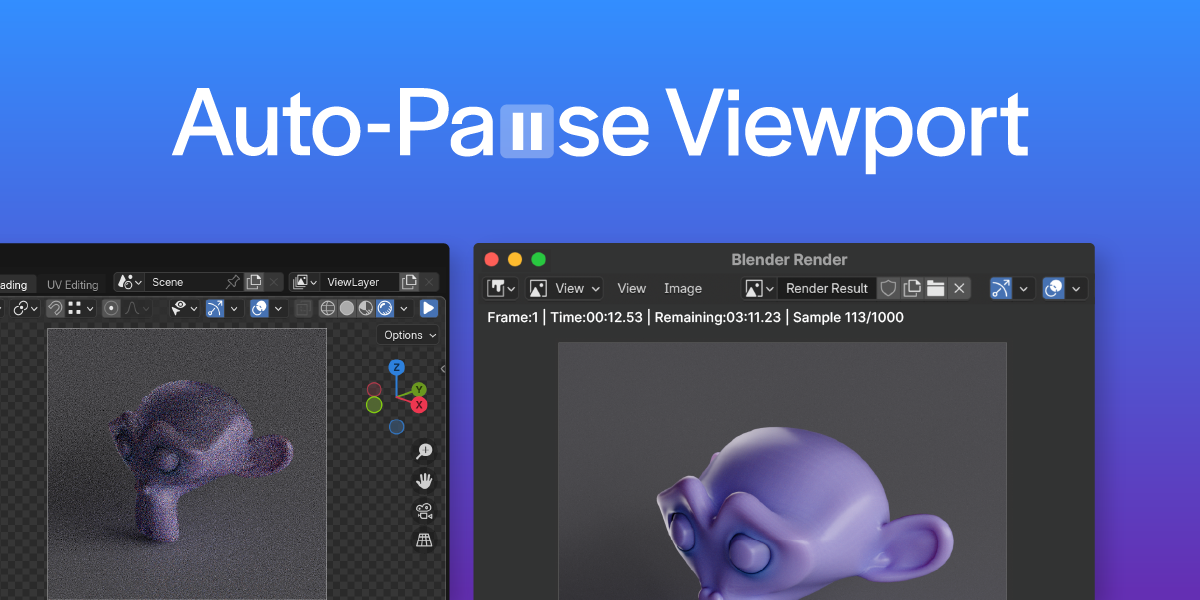
Version 3.0.9 updates the add-on to the Blender 5.0 API. Its release notes also describe a progress bar for viewport animation renders, called Render Playblast. Pressing Escape now cancels a viewport animation render without closing its temporary window when Render In > New Window is set. The release notes also list fixes for scenes with identical start and end frames and a Windows animation-rendering issue that could leave Blender waiting when multiple windows are open.
Version 3.0.9 is listed as updated for Blender 5.x, and the Blender Version field spans 2.7x through 5.2. Check the product listing for compatibility with your exact Blender build.