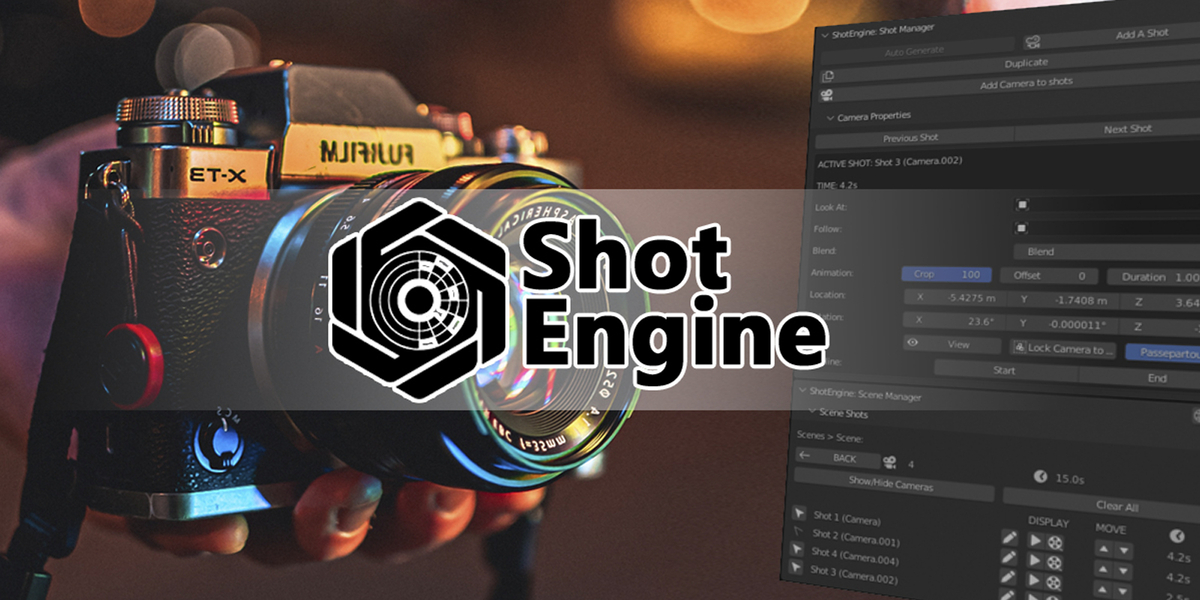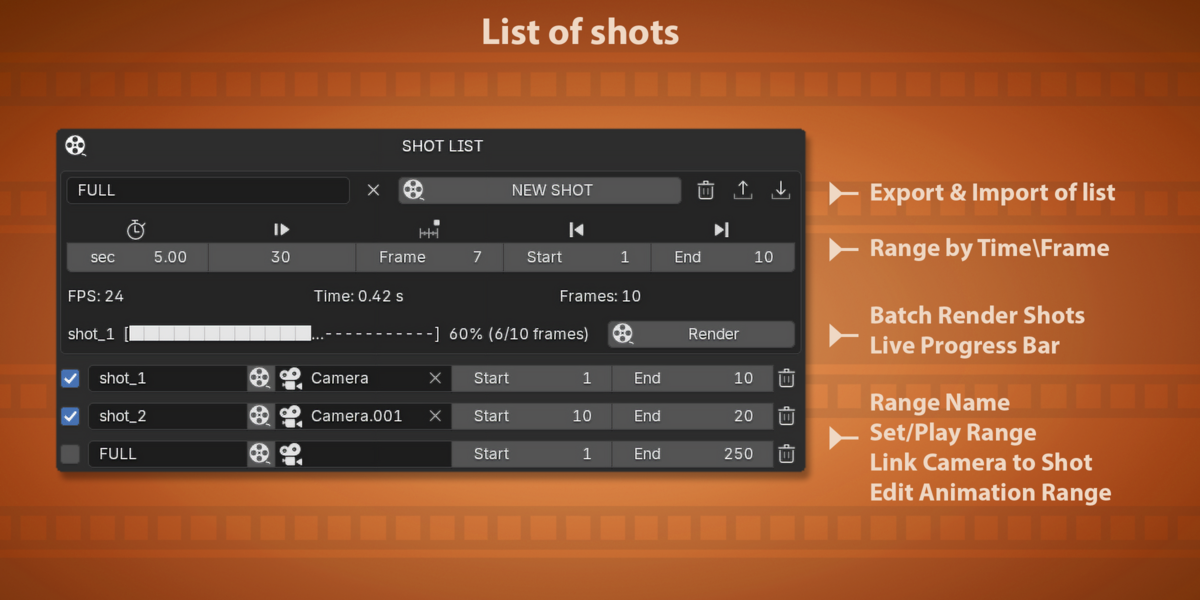
Shot Manager 2.0 is a Blender add-on for organizing shots and render settings. It saves a shot's frame range, render camera, view layers and output path.
Organize serial and overlapping shots
Shot Manager does not rely on camera markers, so shots can overlap. That supports serial sequences for narrative animation, multi-camera setups, design iteration and render passes where shots use different view layers, passes or overrides. Shot linking can maintain shared properties across linked shots.
Other Realms' product listing says Shot Manager was used to create element passes on Train Dreams . The listing also says Blender and Shot Manager were used for all 52 shots in episode 8 of the Shin Ultra Fight official remake.
Edit shots and animation separately
The Interactive Overlay lets you retime, ripple-edit, trim, slice and join shots in Blender's 3D window. Shot timing is separate from animation timing: changing a shot's range does not retime its animation. For keyframes across objects and data types, including the NLA, the developer describes Animation Retimer as an add-on that works with Shot Manager Pro. It is included as an add-on or available separately.
Render and manage outputs
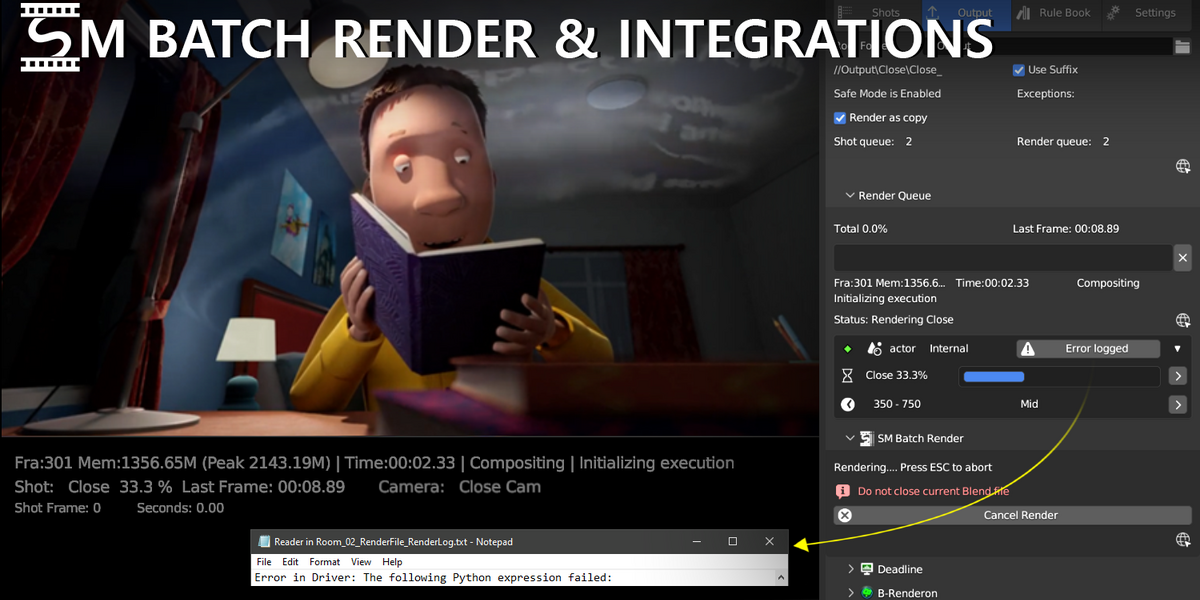
The Shot Manager Pro listing names SM Batch Render, Playblast, B-Renderon, Flamenco and Deadline among its rendering options. Its output tools can construct file paths and group or filter passes into outputs or EXR layers. Node tools include Shot Output, Sync Outputs, Path Constructor, Multi-Switch and Primary-Switch.
Batch export includes OpenGL playblasts and USD, FBX, OBJ, ABC, DAE, BLEND and BAT files. The Burn-In Editor can link text to scene data for render overlays. The developer notes that it requires Pillow and currently supports batch-render output options.
Install and check Blender compatibility
The developer documentation says to install Shot Manager like a Blender ZIP add-on. Its main interface is in the Properties panel's Output tab; the first checkbox enables its effect on the scene.
The supplied product pages list different Blender ranges. The product description says Shot Manager Pro 2.0 is for Blender 4.0 and above, marketplace details list Blender 4.5 to 5.2, and the documentation says maintained version 2.0.8 supports Blender 4.0 to 5.0+. Check the current product listing and documentation for the exact build before installing.