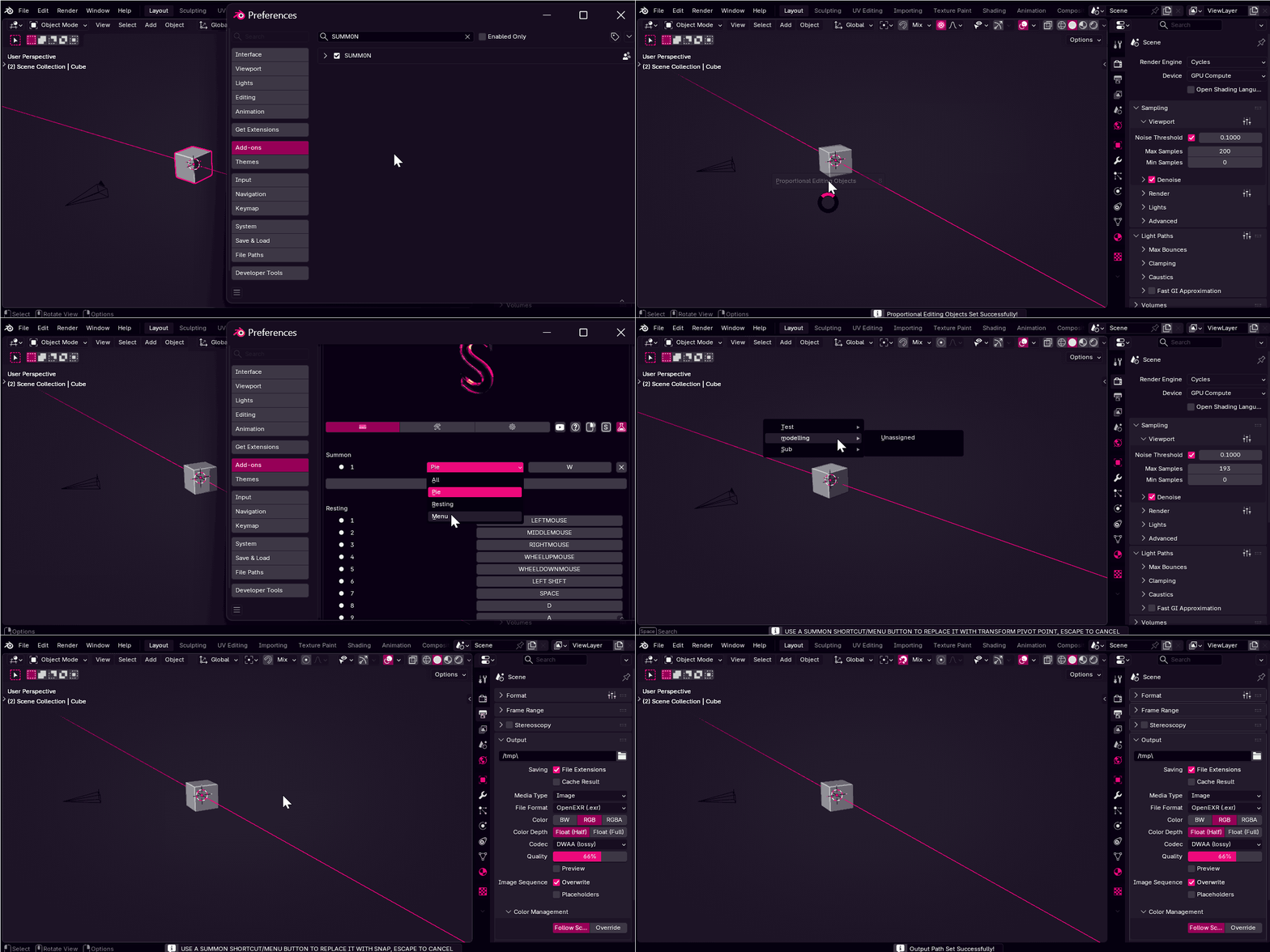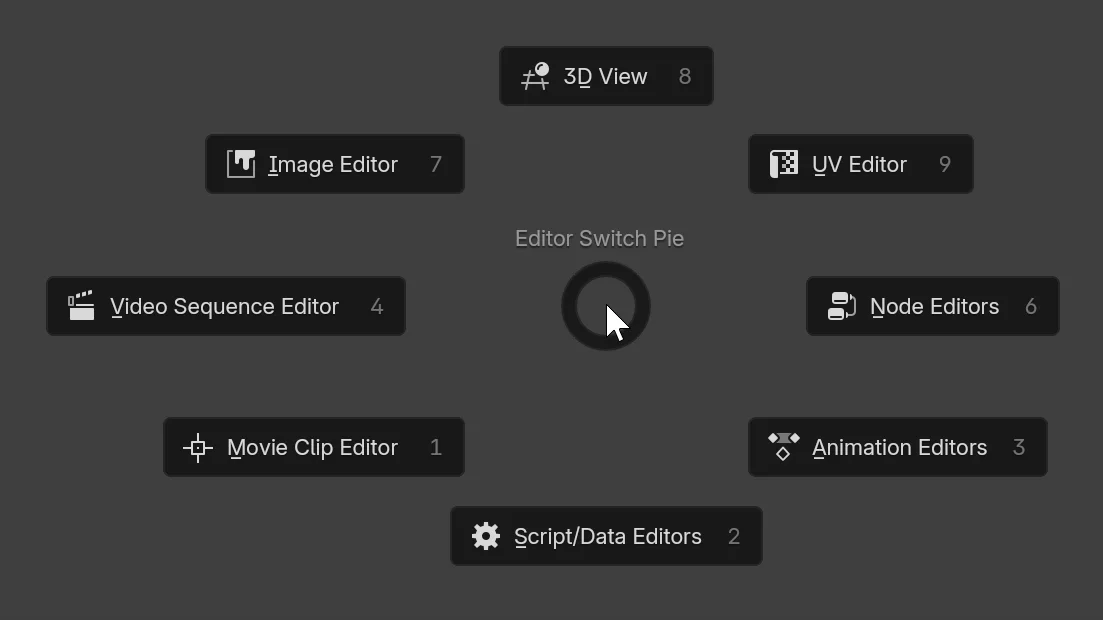
Smart Pie Menus 2 is a Blender add-on for building custom pie menus. Menus can expose operators, properties, tools and brushes, with their contents set for a task, editor space or object mode. This suits artists who want recurring actions in shortcut-driven menus instead of scattered across Blender panels.
Build menus from Blender's interface
Global UI Edit Mode lets you capture controls directly from Blender's interface. Right-click an operator or property, choose Add to Pie Menu, then assign it a direction and label. You can also create and configure entries in the menu editor, including their action type, icon and context requirements.
Actions can open a popup or panel popover on click, appear when the pointer hovers over them, or open another pie menu. These options let you keep a main menu short while still making grouped controls available.
Match menus to the current task
Set requirements for the editor space and object mode where a menu item should appear. Additional contexts can make an item available in more than one situation. With Hide if Context Mismatch enabled, an item disappears when its requirements are not met. Toggle To Mode can switch to a required mode before an action runs.
Layout groups arrange items in rows, columns, boxes or panels, and can be nested. For controls that need a Blender UI template, the add-on can expose elements such as the active material selector or a material slot list.
Import, export and installation
Exported menus include their items, context conditions and layout groups. Imported menus bring in their configured items and shortcuts. If a menu calls a custom operator from another add-on, that add-on must also be installed and enabled in Blender.
Superhive lists Smart Pie Menus 2 as compatible with Blender 4.2 through 5.1 and identifies its license as GPL. Its documentation explains installation from disk in Blender Preferences and includes an example configuration file.