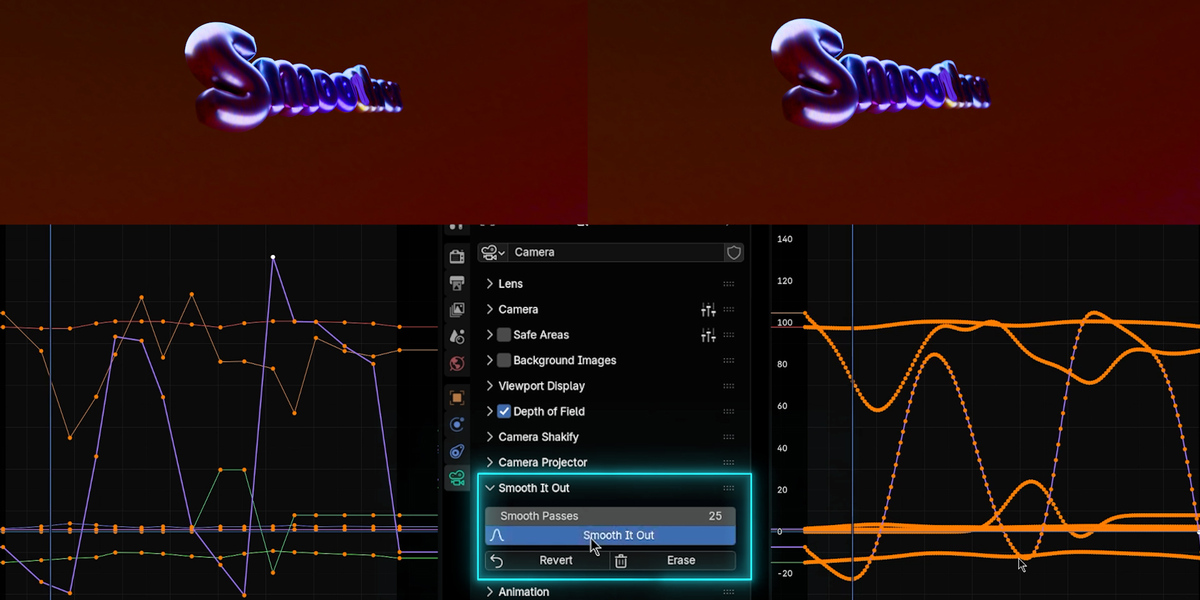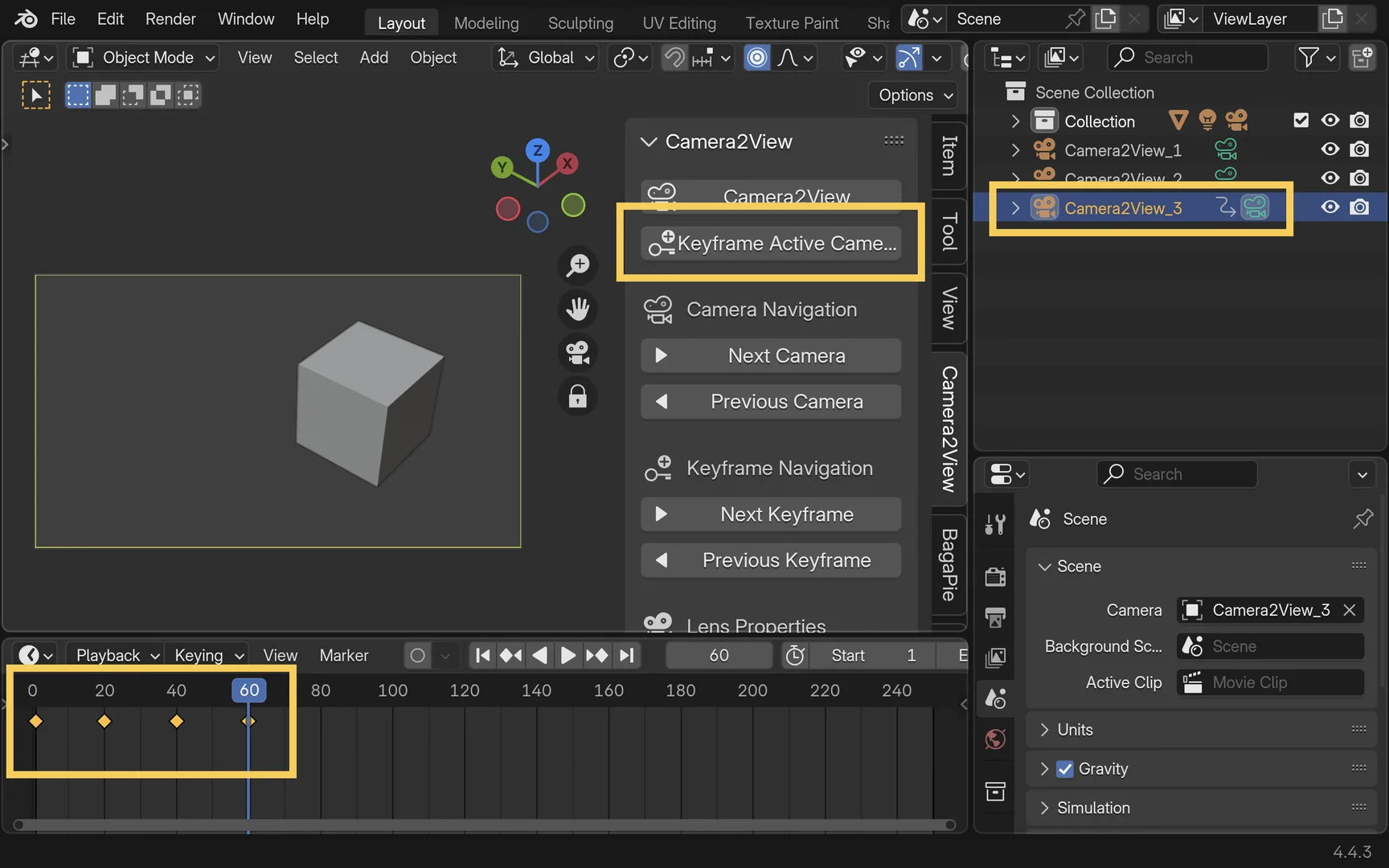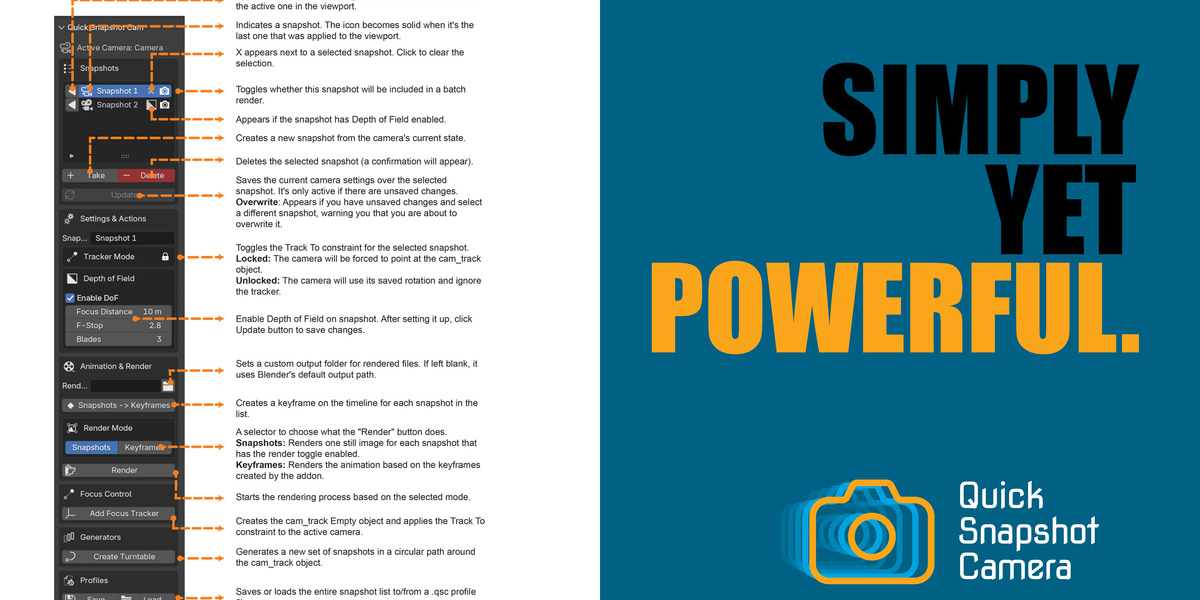
Smooth It Out is a Blender add-on by Blendreams for smoothing camera animation. With one click, it inserts in-betweens and smooths all keyframes on the active camera, which can help refine a camera move with choppy keyframes.
Adjust the smoothing passes
The Smooth Passes slider controls how many smoothing iterations the add-on applies. Higher values create stronger smoothing, so start low and increase gradually while checking the motion. Passes accumulate across runs: applying 20 passes and then 10 more produces 30 passes of smoothing. To change the strength, use Revert before running the add-on again.
Choose Revert or Erase
Revert restores keyframes from the backup made before the most recent smoothing run. Smooth It Out keeps only one backup, so after multiple runs, Revert returns to the state before the latest run, not necessarily to the original starting keyframes.
Erase has a narrower purpose: it removes the in-betweens generated by Smooth It Out or its Shift+Alt+O shortcut. Use Revert to undo the most recent smoothing state; use Erase when you want to remove those generated in-betweens.
Check the Blender version range
The catalog lists Blender 4.1-5.0, while the Superhive product page lists Blender 4.1-5.2. Check the current listing for the range that applies to your installation. Superhive identifies the license as GPL and links to product documentation.