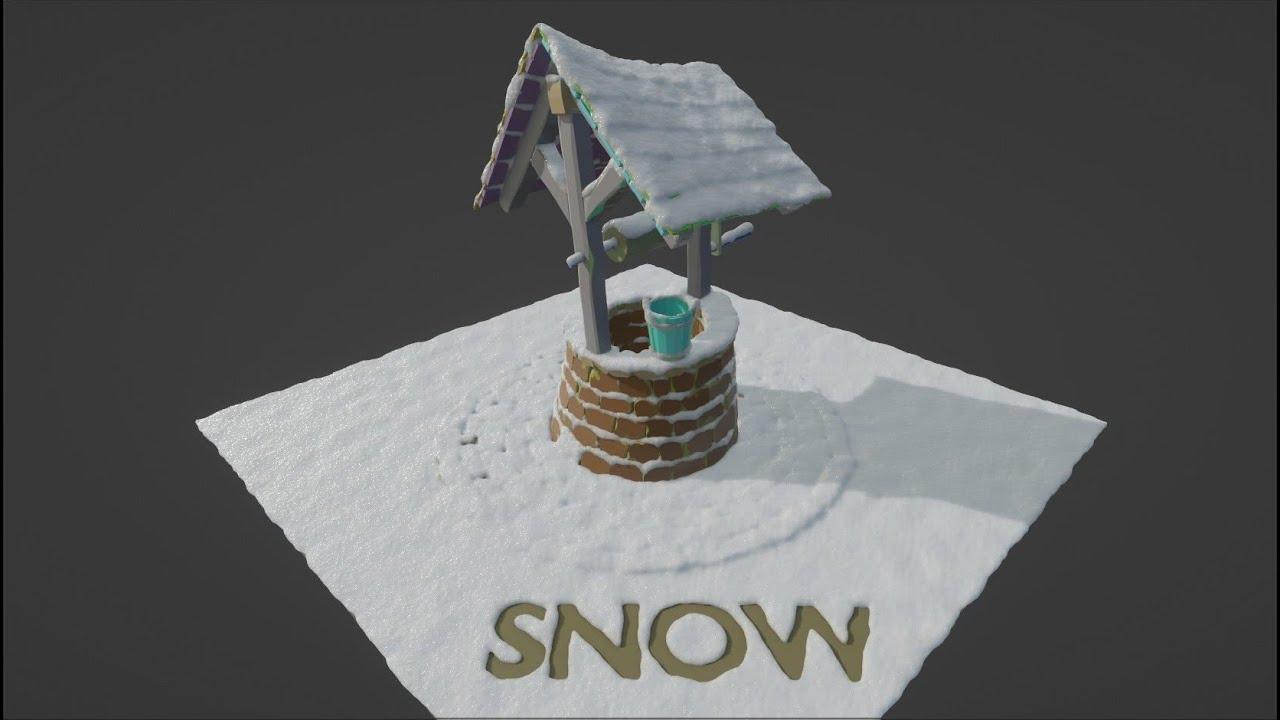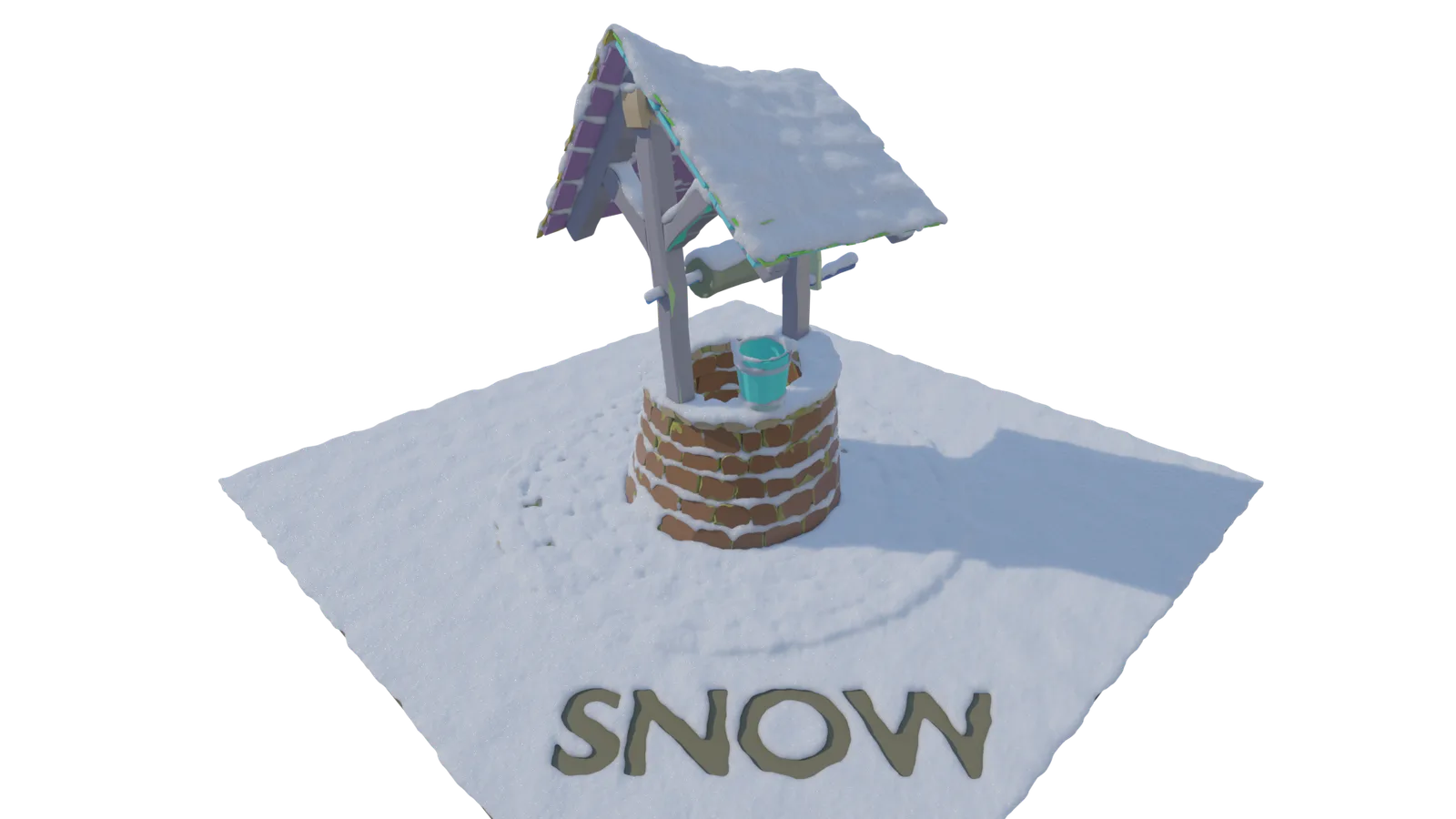
Snow is a Blender add-on by Sahin Ersoz that creates geometry-based snow on selected scene objects, with controls for snow height, direction, shape and detail. It can also create footprints using any object or collection in the scene. The Superhive product listing describes its options and version-specific downloads.
Adjust snow across selected objects
Snow provides a Simple Snow option for faster feedback or a lower polygon count. For more control, adjust resolution, bulge and noise. A slope threshold limits accumulation according to surface steepness, while the sheltered areas setting keeps snow off the undersides of objects.
Add footprints and other prints
The add-on can create footprints or other kinds of prints using an object or collection in the scene.
Choose geometry that fits the scene
The developer says the add-on handles reasonable object complexity. For a grass field, the product guidance recommends applying snow to the ground geometry instead of every grass object.
For complex objects, the product FAQ describes Auto Execute as a way to create snow immediately or wait for confirmation, which can help avoid slowdowns while working. With Auto Execute disabled, Loose Part Near Cursor lets you work on a small section before applying the effect across the object. See the product FAQ for details.
Activate Snow in Blender
Select the objects to cover, then press F7 or choose Object/Snow from the Object Mode menu. Snow has builds for different Blender releases, so check the current version notes on the product listing before installing. The listing also provides documentation for the add-on.