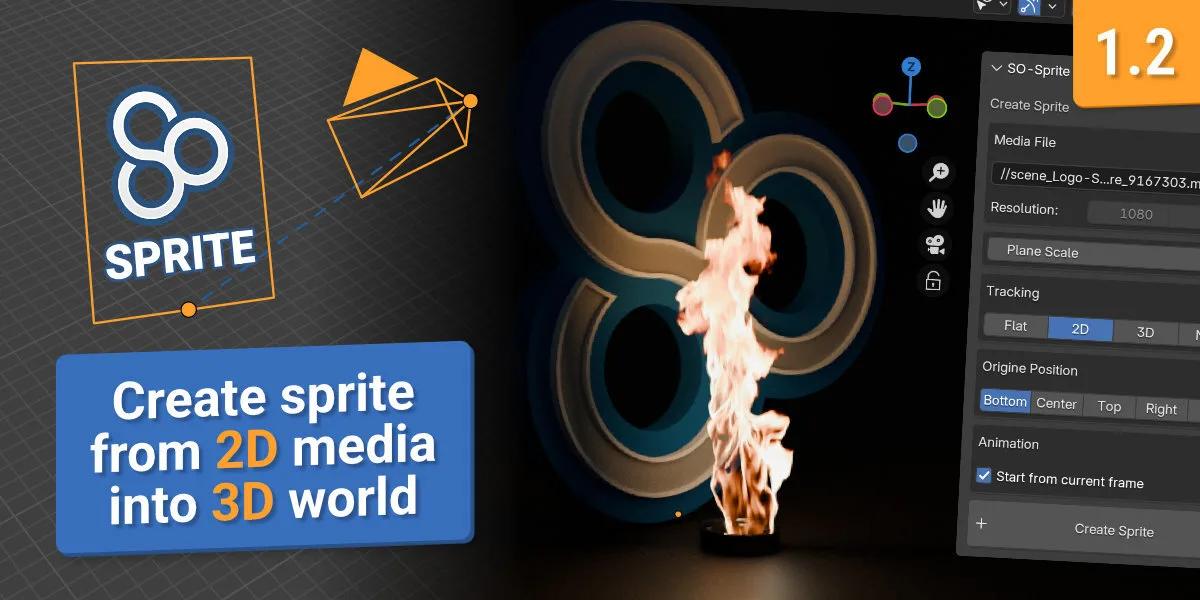
So-Sprite is a Blender add-on for creating and managing animated 2D sprites inside 3D scenes. It creates a plane from imported media and automates parts of the setup, including material configuration, camera tracking and animation timing. Silvère Oriat's Superhive product listing identifies the add-on as version 1.2.
Work with images, sequences and video
So-Sprite can create a plane using a single image, an image sequence or video. You can choose a tracking mode: 2D, 3D, Flat or None. This suits workflows where the visual already exists as an image or clip and needs to appear as an animated element in a Blender scene.
Material controls include emission, transparency and roughness. Animation settings include looping and the frame start, so the sprite's playback can be adjusted alongside the scene.
Camera and animation controls
Version 1.2 adds custom Y rotation with a gizmo. The same update replaces constraints with Geometry Nodes and makes sprites follow the active camera automatically. Version 1.1 added fade-in and fade-out, along with an alpha management option that uses either Value or Lightness.
Uses for sprite-based effects
The product is aimed at simple visual effects that do not require complex physical simulations. Examples include smoke rising from a chimney, campfire flames, cartoon explosions, water splashes and magic particles. Other uses include motion design, architectural visualization and rapid prototyping of animation or visual-effect ideas.
For architectural visualization, So-Sprite can add lightweight animated characters or vegetation. For motion design, So-Sprite can place animated 2D graphics in a 3D composition. These examples depend on whether the source image or sequence fits the look and movement needed in the scene.
Compatibility and documentation
The Superhive listing gives Blender versions 4.0 through 4.5, lists Cycles and Eevee as supported render engines, and identifies the extension type as an add-on. It also lists an MIT license. Check the seller's page for current compatibility and licensing details before installing. So-Sprite documentation is available from the developer.