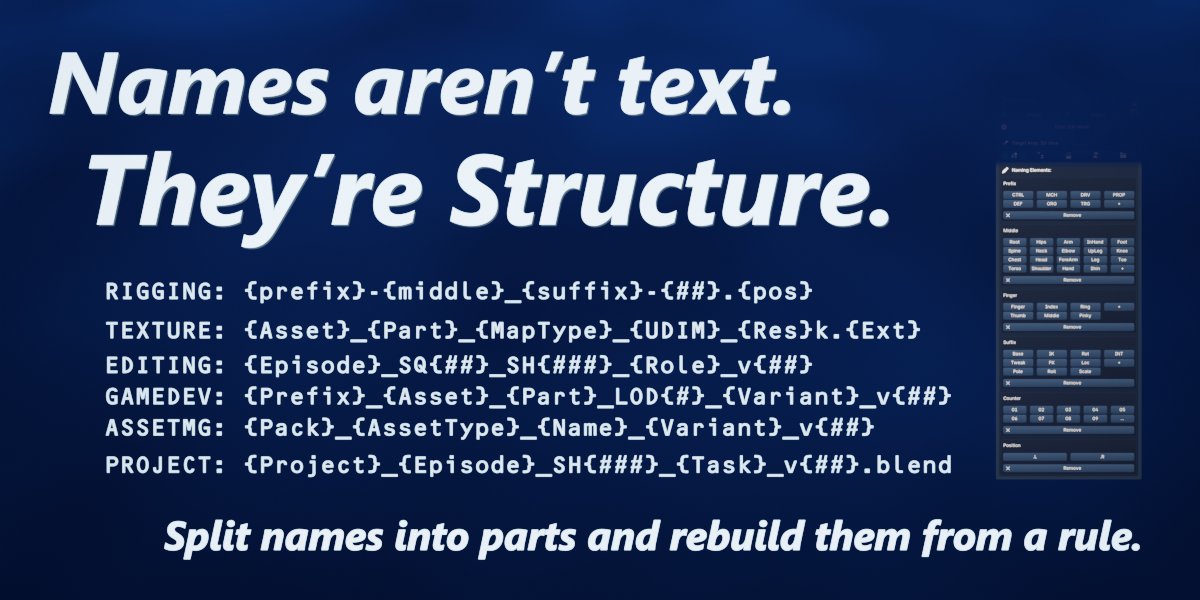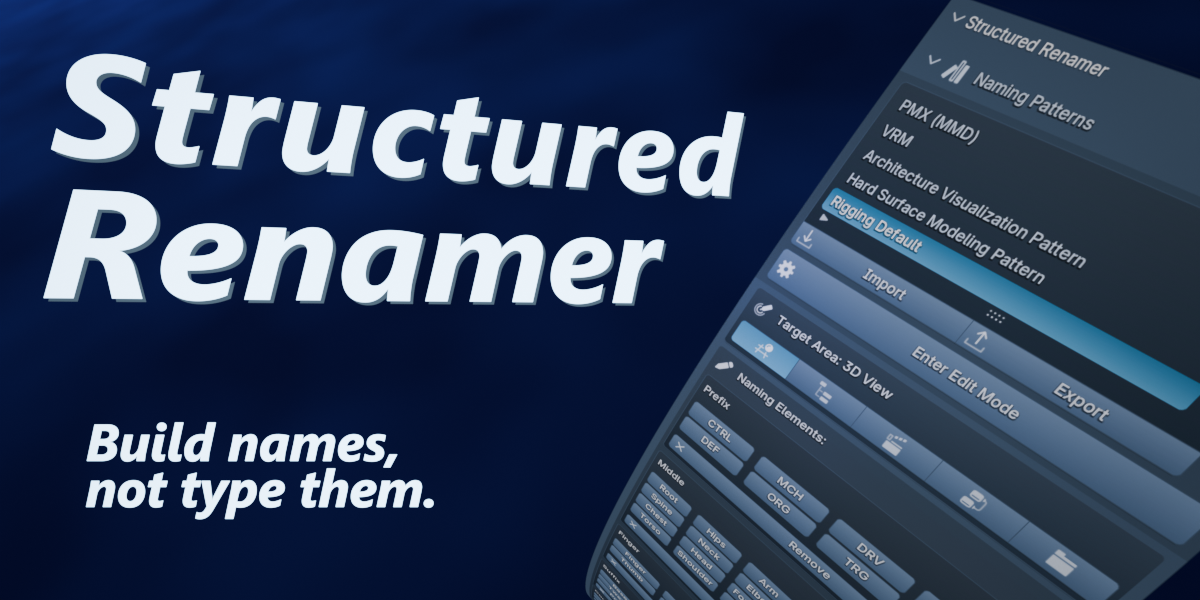
Structured Renamer is a Blender add-on for building names from reusable components and applying them to selected bones or objects. A naming pattern defines each name’s parts, so you can change a role, part, position, or counter across a selection. This can help keep names consistent when creating deform, control, or helper bones.
Build a naming pattern
A pattern sets the order of its elements, separators, and counter padding. For example, [Role]_[Part]-[Counter].[Side] can produce DEF_Arm-01.L. You can register terms such as DEF and CTRL for roles, and Arm and Leg for body parts.
- Text elements hold reusable terms for roles, body parts, or other attributes.
- Position elements can identify left/right, front/back, or top/bottom.
- Numeric counters provide sequential numbering with formats such as
1,01, or001.
Elements can be reordered, enabled, or disabled. Separators include underscores, hyphens, and dots. Deform, control, and helper bones can share one structure or use separate patterns.
Change a component across a selection
Structured Renamer parses existing names according to the selected pattern, then rebuilds them from their elements. For example, changing the role can turn DEF_Arm-01.L into CTRL_Arm-01.L while retaining the part, counter, and side. You can add, replace, or remove an element across selected bones or objects, which can help when duplicated bones need control or helper names.
Resolve numbering conflicts
When names conflict, an enabled count-up counter can adjust the number using the format set in the pattern. The counter must be enabled in that pattern for this adjustment to apply.
Reuse patterns and presets
Save patterns and export or import them as JSON files. This lets team members reuse the same terms, element order, and separators, then adjust parts of a pattern for another character or project. Included presets provide editable starting points for different naming conventions.
Supported data types and setup
The product listing describes renaming for bones and objects. The developer manual also lists edit and pose bones, Outliner-selectable data blocks such as collections and materials, node labels, sequence strips, and files. It notes that folders are disabled by default and that the panel’s target area determines which editor selection it reads.
For pattern creation and element settings, see the Structured Renamer manual. The product listing links to the developer’s support thread on Blender Artists for questions and bug reports.