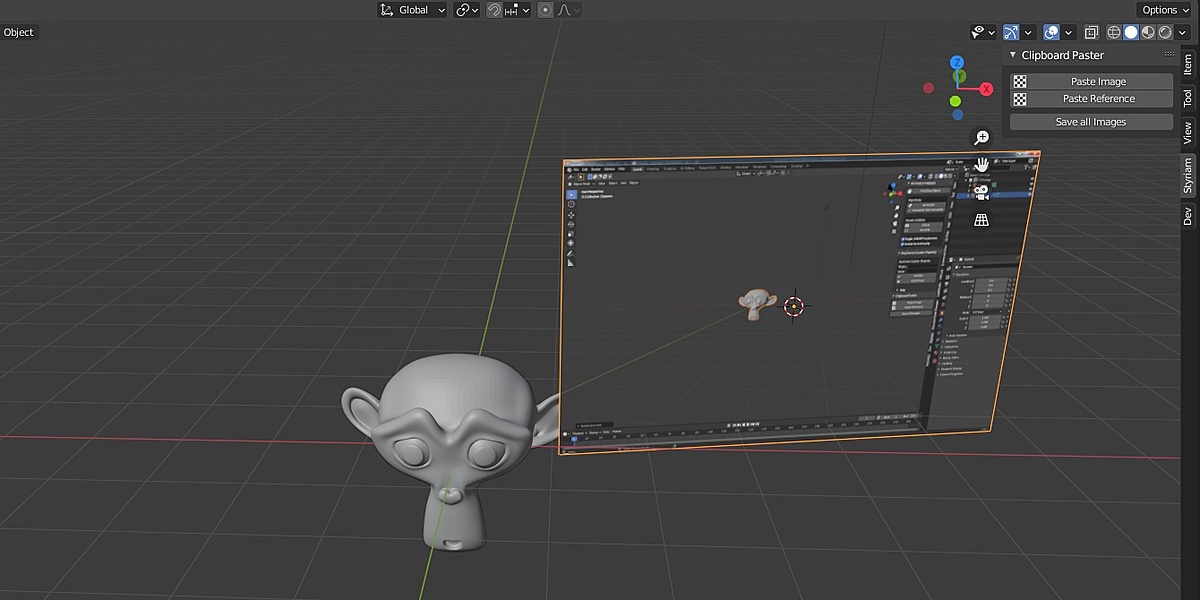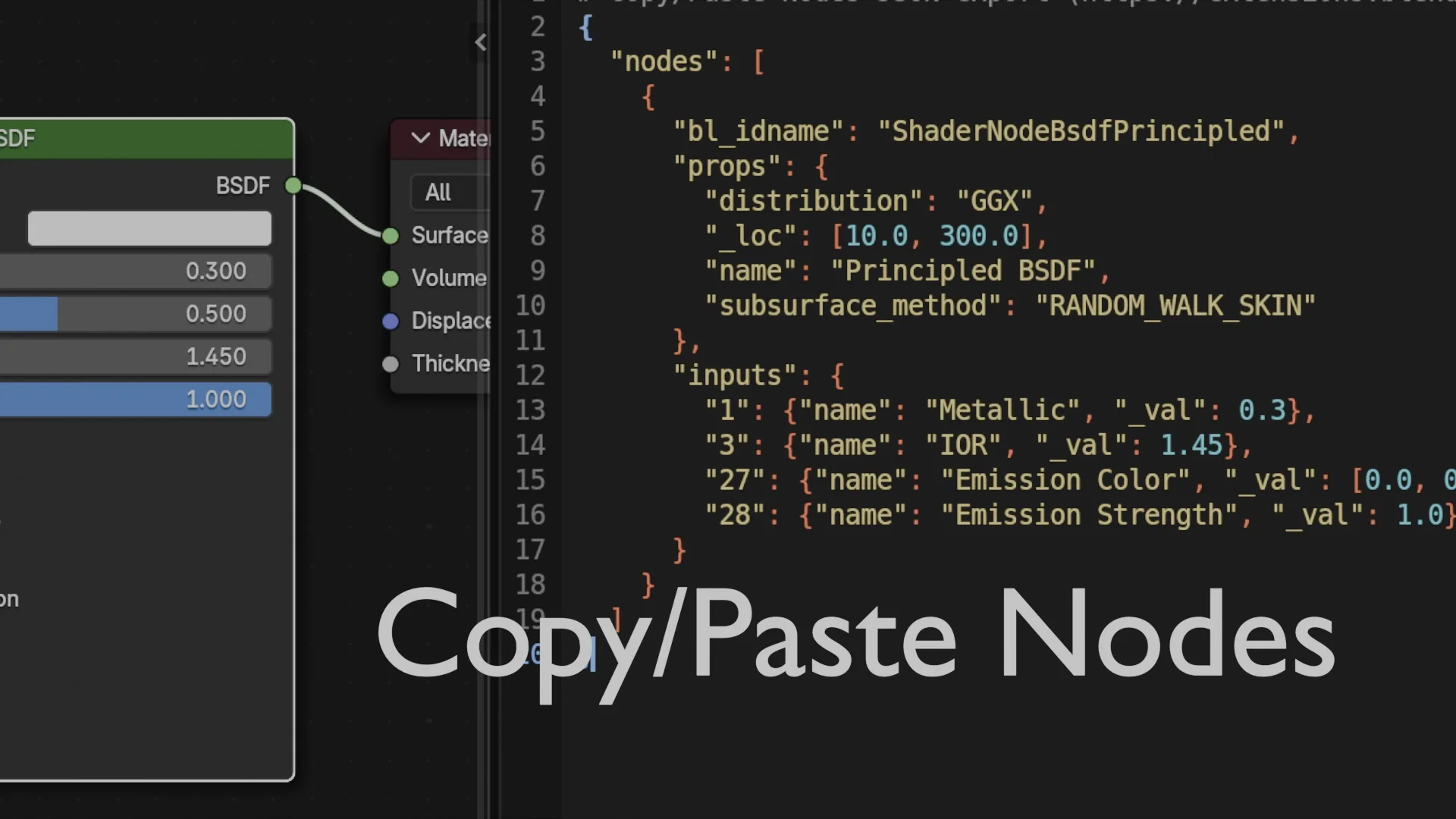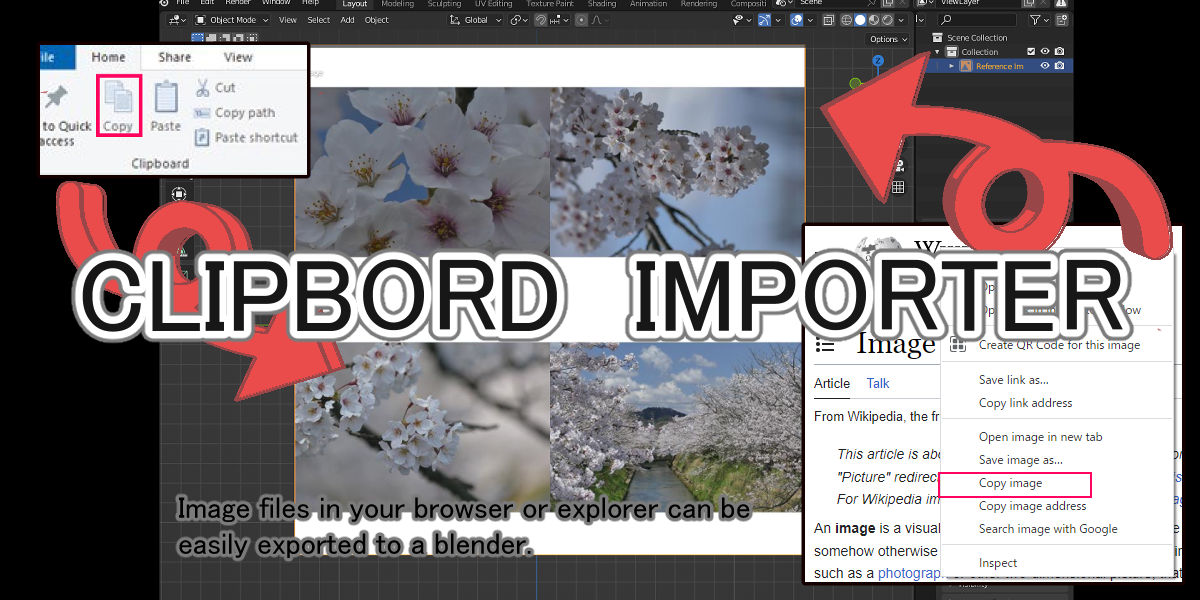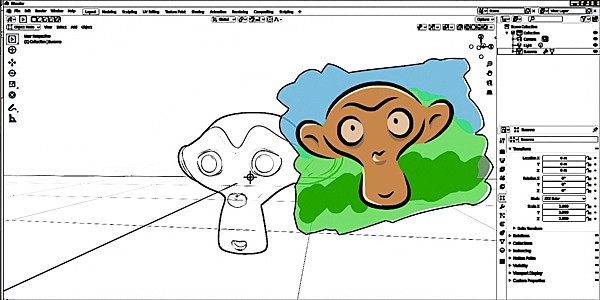
Styriam Clipboard Paster is a Windows-only Blender add-on for bringing clipboard content into the 3D Viewport, Image Editor, or Node Editor. It handles images, SVG, text, and files copied from a Windows folder, with options for pasting images as references or as stencils in sculpting and texture-painting modes. Pasting images as stencils in texture paint mode does not work in Blender versions newer than 4.2 because of Blender API changes.
Paste images into Blender editors
Paste an image into the 3D Viewport as a plane or reference, or into the Image Editor and Node Editor for shader, compositor, and texture work. You can replace an image's pixel data in place when the dimensions match, or replace an Image Node with a new image data block. Its default saving behavior is configurable: pack the image, save it to disk, or do neither.
Clipboard formats and file imports
The listing names PNG, CF_DIBV5, CF_DIB, CF_BITMAP, CF_HDROP, SVG, and TEXT as supported formats. Pasted text becomes a Blender Text object. SVG pasting uses Blender's default SVG importer, so its limitations still apply.
You can copy one or more supported files from a Windows folder and import them into Blender. In this workflow, the add-on loads files from their file paths rather than from clipboard image data.
Shortcuts and alpha support
Ctrl + Shift + Vpastes an image, image node, or stencil.Ctrl + Shift + Alt + Vpastes an image as a reference.
Pasting is also available from the context menu. The listing says alpha is supported for PNG and DIB images, and reports testing PNG transparency from Affinity Photo, Affinity Publisher, GIMP, Krita, Chrome, and Firefox. Alpha handling may vary with non-standard clipboard formats.
Platform and version limits
The add-on runs on Windows only. The product listing identifies version 2.0.2 and states Blender 4.2.0+ support. It also describes separate versions for Blender 2.81 and newer, and Blender 2.79. The 2.79 version does not handle alpha, is no longer developed, and does not work with the listed RTX patch build.
The listing attributes the texture-paint stencil limitation to Blender API changes. Check the Superhive product listing for current version and compatibility details.