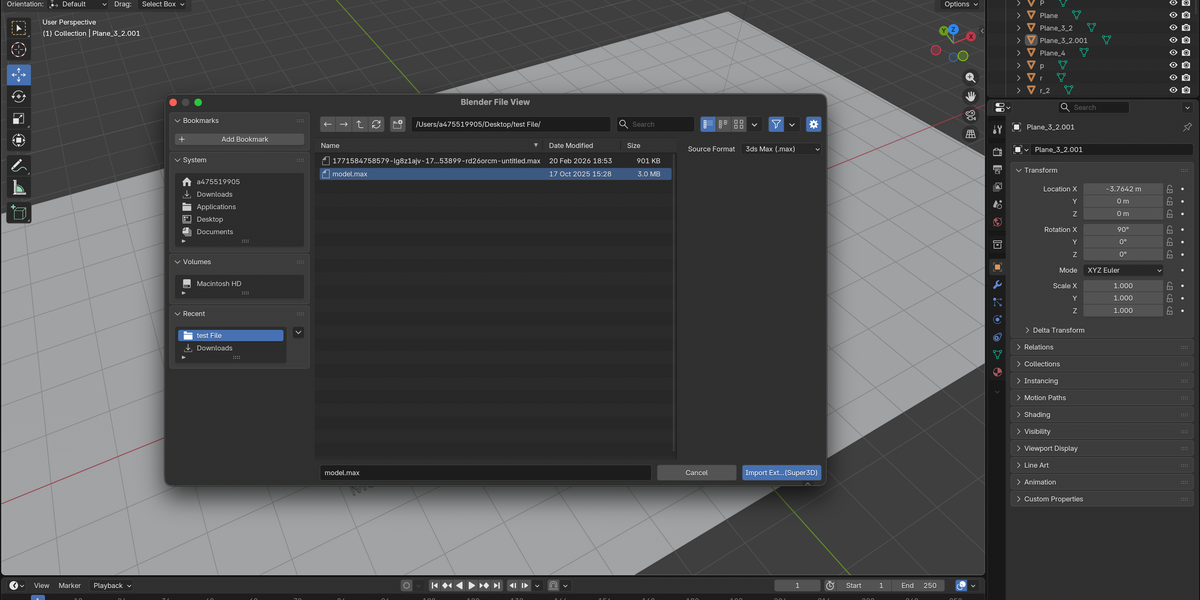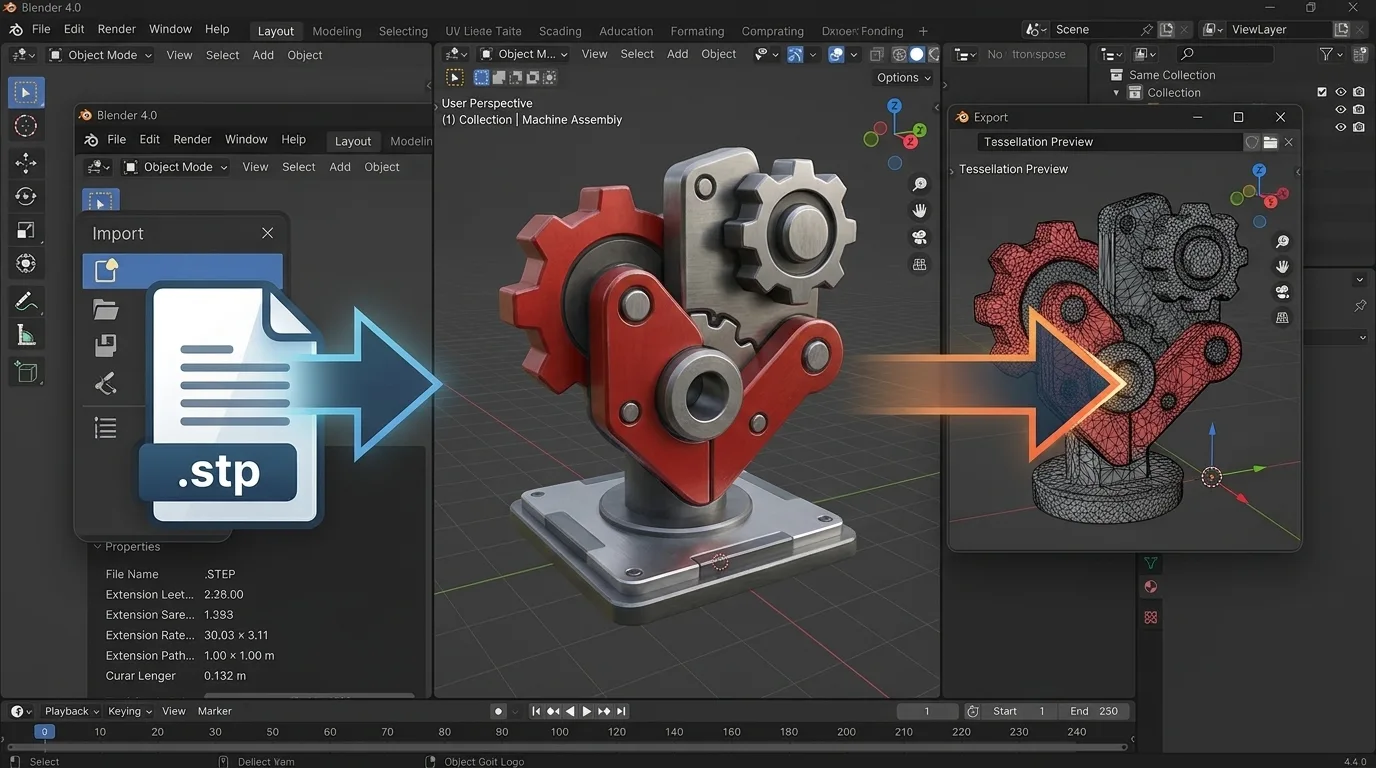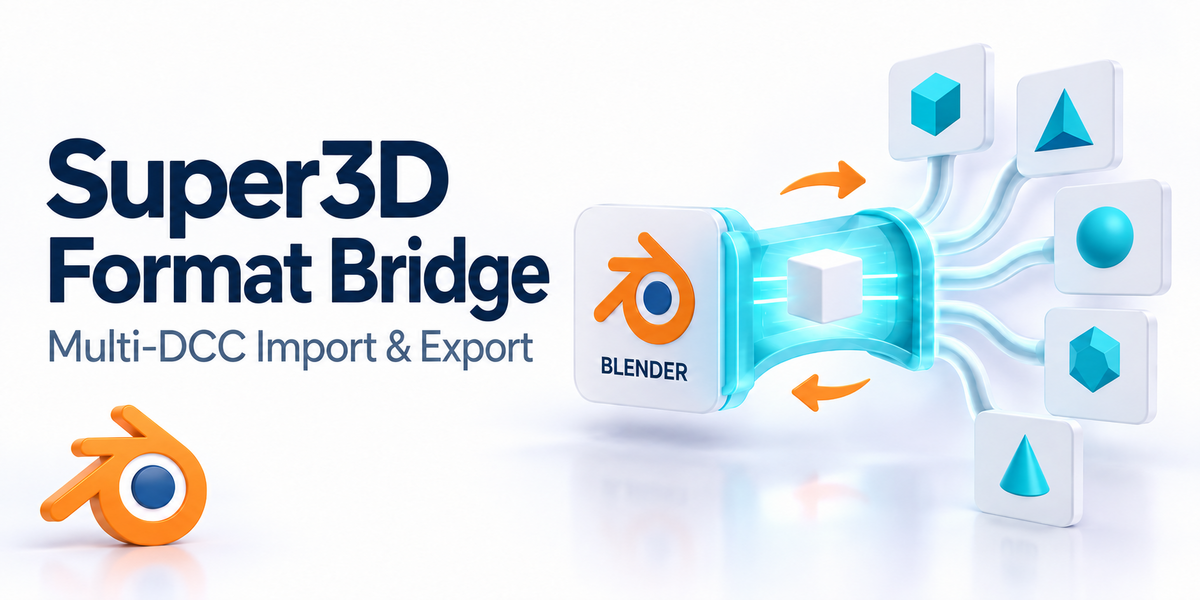
Super3D Extra Format Bridge adds more than 20 formats that Blender does not support natively to its File → Import and File → Export menus. It routes conversion through the Super3D service using OBJ, so an internet connection is required; the other 3D applications do not need to be installed. The seller’s listing describes the supported formats and workflow.
Supported file formats
The listing groups the formats across digital content creation, animation, CAD and other 3D workflows:
DCC and animation
- Cinema 4D (.c4d)
- 3ds Max (.max)
- Maya ASCII (.ma) and Maya Binary (.mb)
- Houdini (.hip, .hiplc, .hipnc)
- Fusion 360 (.f3d)
CAD and engineering
- AutoCAD DWG (.dwg)
- STEP (.step, .stp) and IGES (.iges, .igs)
- IFC (.ifc)
- Parasolid X_T (.x_t)
- JT (.jt)
Other 3D formats
- SketchUp (.skp)
- 3D Studio (.3ds)
- 3MF (.3mf)
- APX (.apx)
- 3DXML (.3dxml)
How conversion works
For import, choose a supported format from Blender’s File → Import menu. The add-on uploads the selected file to the Super3D service, which converts it to OBJ and imports it into the current scene. For export, Blender writes the scene to OBJ; the service converts that file to the chosen format and saves the result locally.
Because imports upload files to the service, check its data-handling terms before sending sensitive project files. The product materials do not specify whether every format-specific feature survives the OBJ conversion. Test representative files and inspect the results in the target application. The documentation recommends validating exported files before batch deployment in production pipelines.
Installation and settings
Download the add-on ZIP, then in Blender open Edit → Preferences → Add-ons, choose Install, select the ZIP, and enable the add-on. Its format options then appear in the Import and Export menus. The package is a single .py add-on with no external dependencies beyond Blender’s built-in Python. Settings include an API timeout from 30 seconds to two hours and an option to keep or automatically remove temporary files.
Check Blender compatibility
The product feature list says Blender 4.0 or newer, and the version-details field lists 3.6–5.2. The seller’s FAQ says Blender 4.0 or newer and 3.6–5.1 for an installed environment; these compatibility statements conflict. Confirm which version applies to your installation before installing.