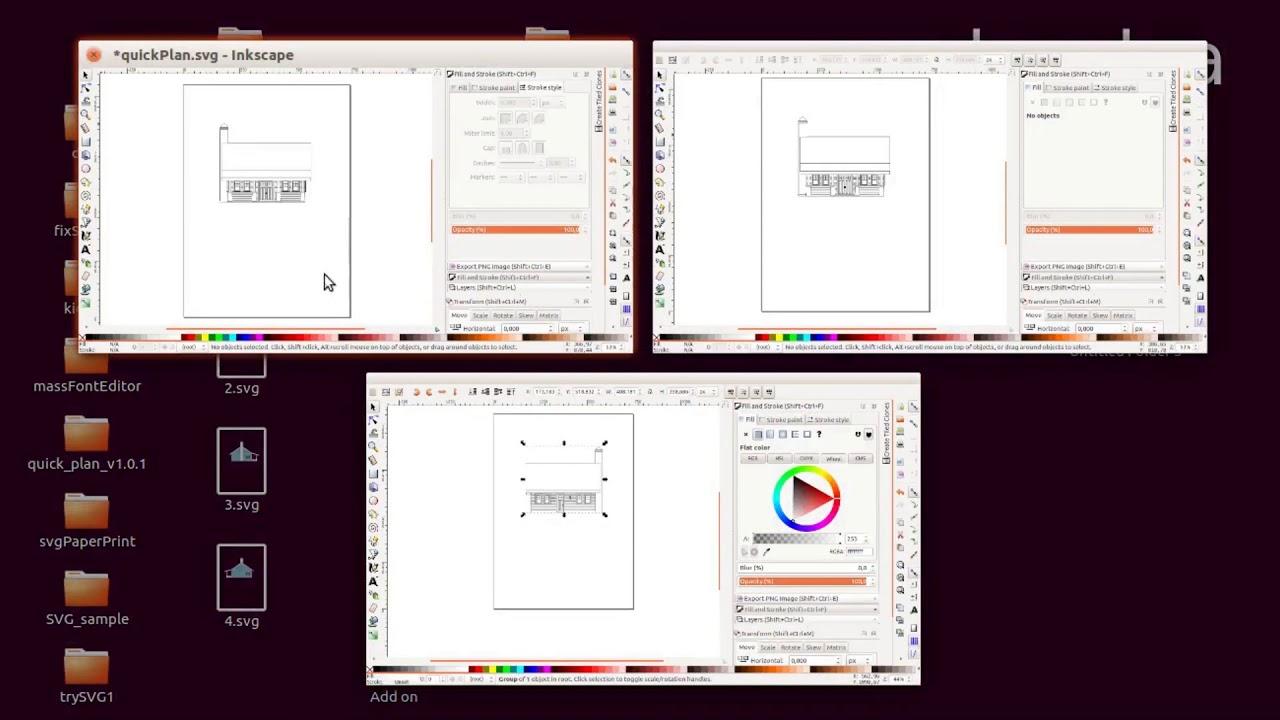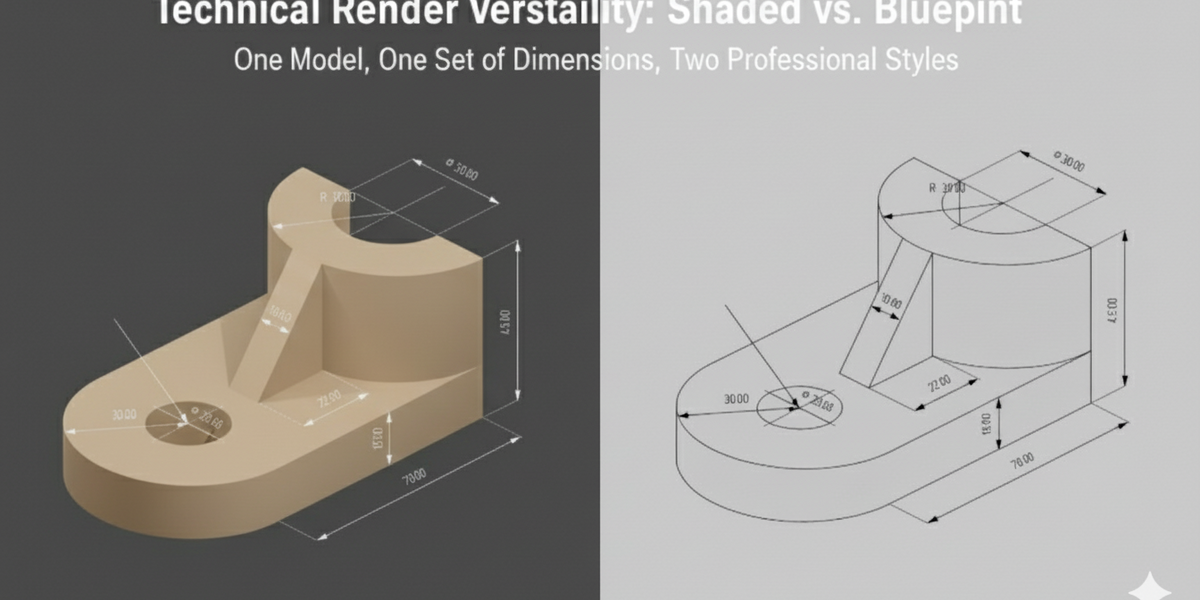
TechSec, short for Technical Section, is a Blender add-on that creates static and interactive technical sections from mesh geometry. It exports SVG and PNG files at a specified scale, with line weights, angular and linear dimensions, text annotations and hatching patterns. Its current emphasis is architecture, with engineering and CAD applications also described by the developer.
Set up section drawings and page layouts
Common ISO page sizes are supported. Line weights, dimensions, annotations and hatching can be set at the object or collection level. TechSec can also combine multiple section cuts at different scales on one final page, which is useful when a drawing needs both overview and detail sections.
Apply sections to Blender geometry
PNG sections can be applied to Blender geometry and visualised interactively. The add-on also supports interactive sections made from complex geometry, including staggered sections. Camera control can automate applying rendered image backgrounds to the generated SVG sections.
Compatibility and documentation
The Superhive listing specifies Blender 5.1–5.2, while the developer's page describes TechSec as an add-on for Blender 3.0/1 without dating that compatibility statement; the sources do not establish which range is current. The listing says TechSec has been tested on Windows 10 and 11 on x86-64, macOS on Intel and Apple silicon, and Linux on x86-64. Linux use requires a local Cairo installation. Confirm the supported Blender range with the seller before installing. The listing also links to a TechSec user manual.