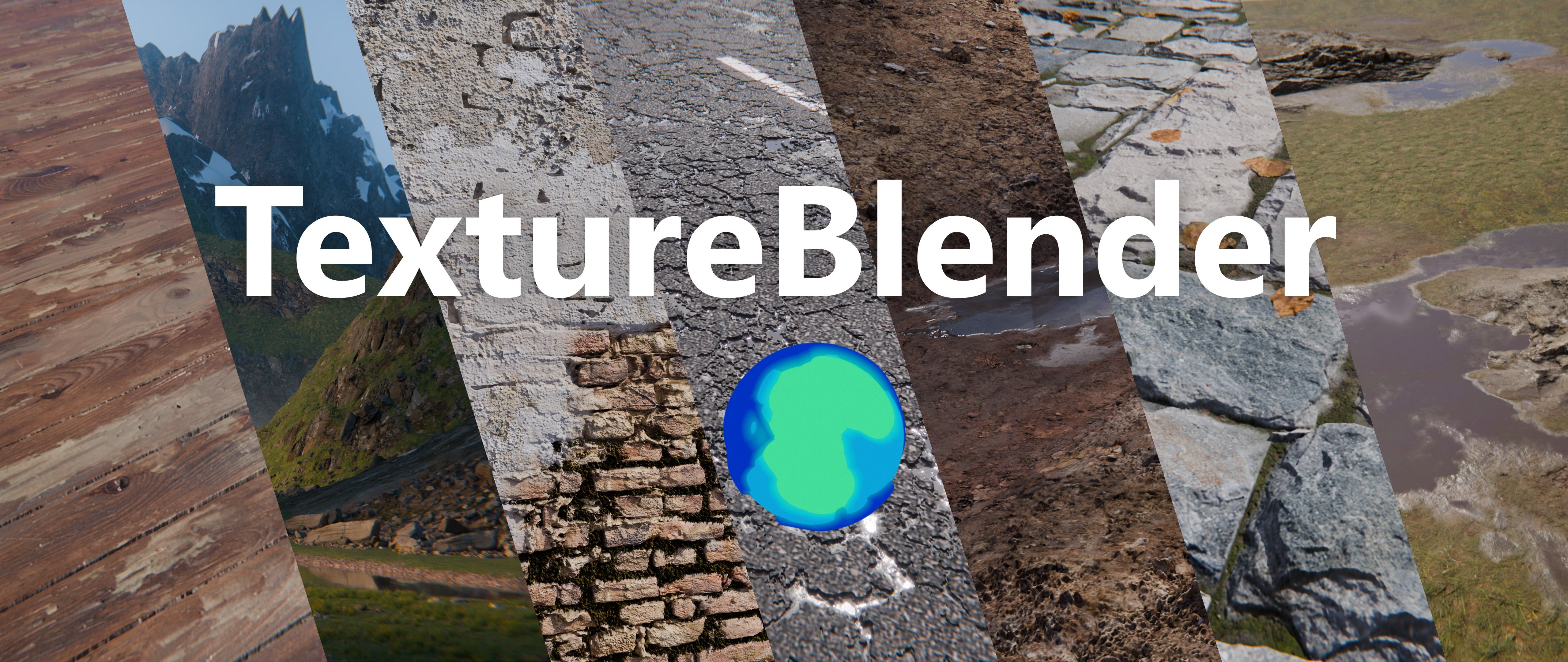
Textureblender is a set of Blender node groups and the QP_Tools add-on for the Shader Editor. Its central Texture Blend node combines textures through a mask, with support for procedural textures, alpha maps and vertex paint. The tool is intended for artists texturing environments, characters and props, and its developer describes it as workflow agnostic.
Blend textures and build masks
The Texture Blend node can mix a single texture or a full PBR texture set. It can also blend scattered textures and create puddles. A Mask Texture Break Up node adds texture to a mask directly, or can take a texture or vertex paint input to make the mask less uniform. Selected nodes also have a Custom Mapping input: their built-in mapping works by default, and an external mapping system can override it when you need more control over placement.
Break up tiling and place surface detail
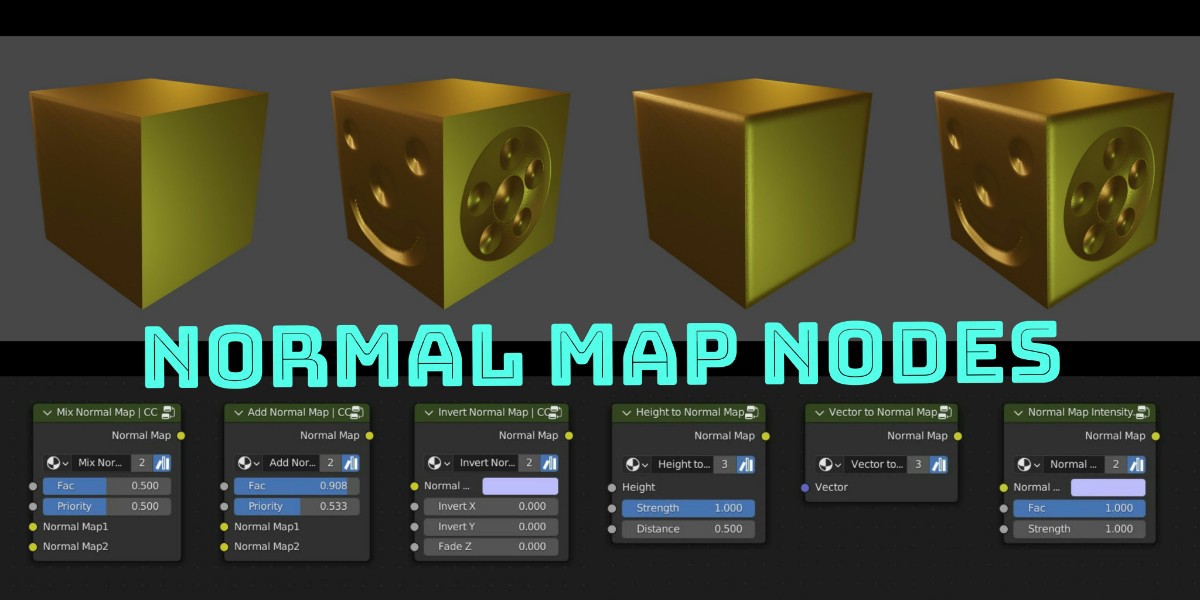
Untiler Mapper reduces visible repetition using UVs or tri-planar mapping. The tri-planar option can be used without unwrapping the model's UVs. Because Untiler can rotate maps randomly, the Normal Map Rotator can follow the normal map texture node to correct its orientation. TextureScatter adds texture detail without requiring painted masks, and it supports both UV and tri-planar workflows.
Edge Wear works in Cycles and Eevee. Its mask can target convex or concave parts of an object, or use proximity to nearby objects. That proximity option can help blend neighboring assets into a scene. Textureblender also includes QP_TextureStylize for applying brush-style looks to textures or texture sets, QP_SmudgeBrush for painterly smudge effects, and the Leaks node added in V3.
Organize texture sets with QP_Tools
QP_Tools is the accompanying add-on for repetitive texture setup. Texture Packer puts a texture set in a reusable node group and sets the color space for its textures, so you can switch sets by changing the group. Link Node Groups connects texture outputs to material or node-group inputs when the output and input names follow the required naming convention. The add-on also has controls to change selected texture nodes or groups to Box or Flat mapping at once.
Check compatibility before installing
The Superhive product details list Blender versions 4.1 to 5.0. The V3 notes specifically say GoboPlanes is incompatible with Blender 4.0 while the other parts work there, and recommend Blender 4.2 when possible. If your project depends on GoboPlanes or uses Blender 4.0, confirm the current compatibility notes on the developer's product page before installing.
The documentation page links to the full documentation, and the product listing includes a Textureblender tutorial.