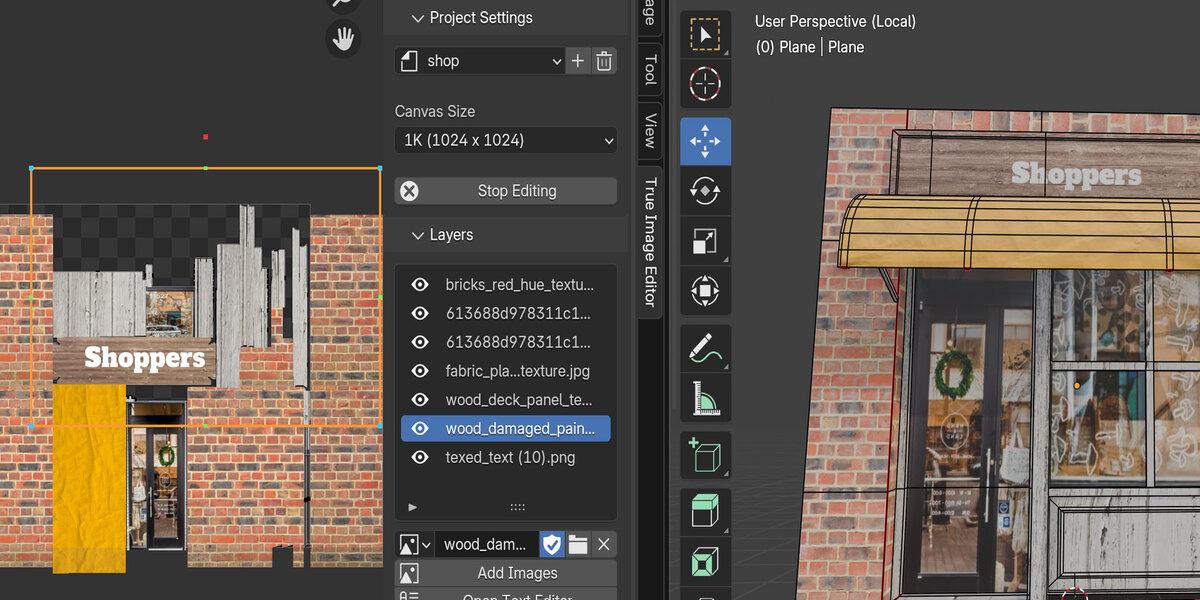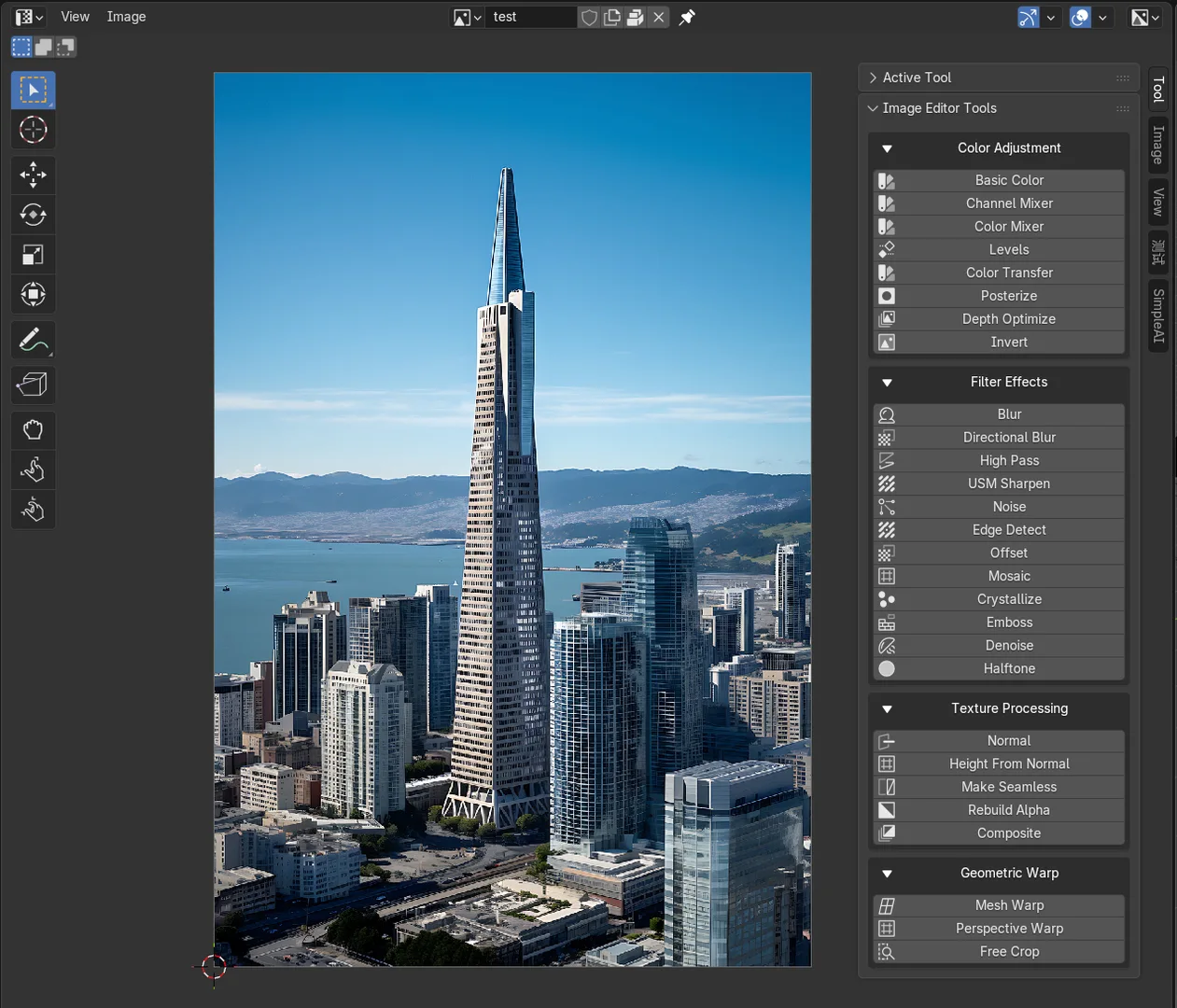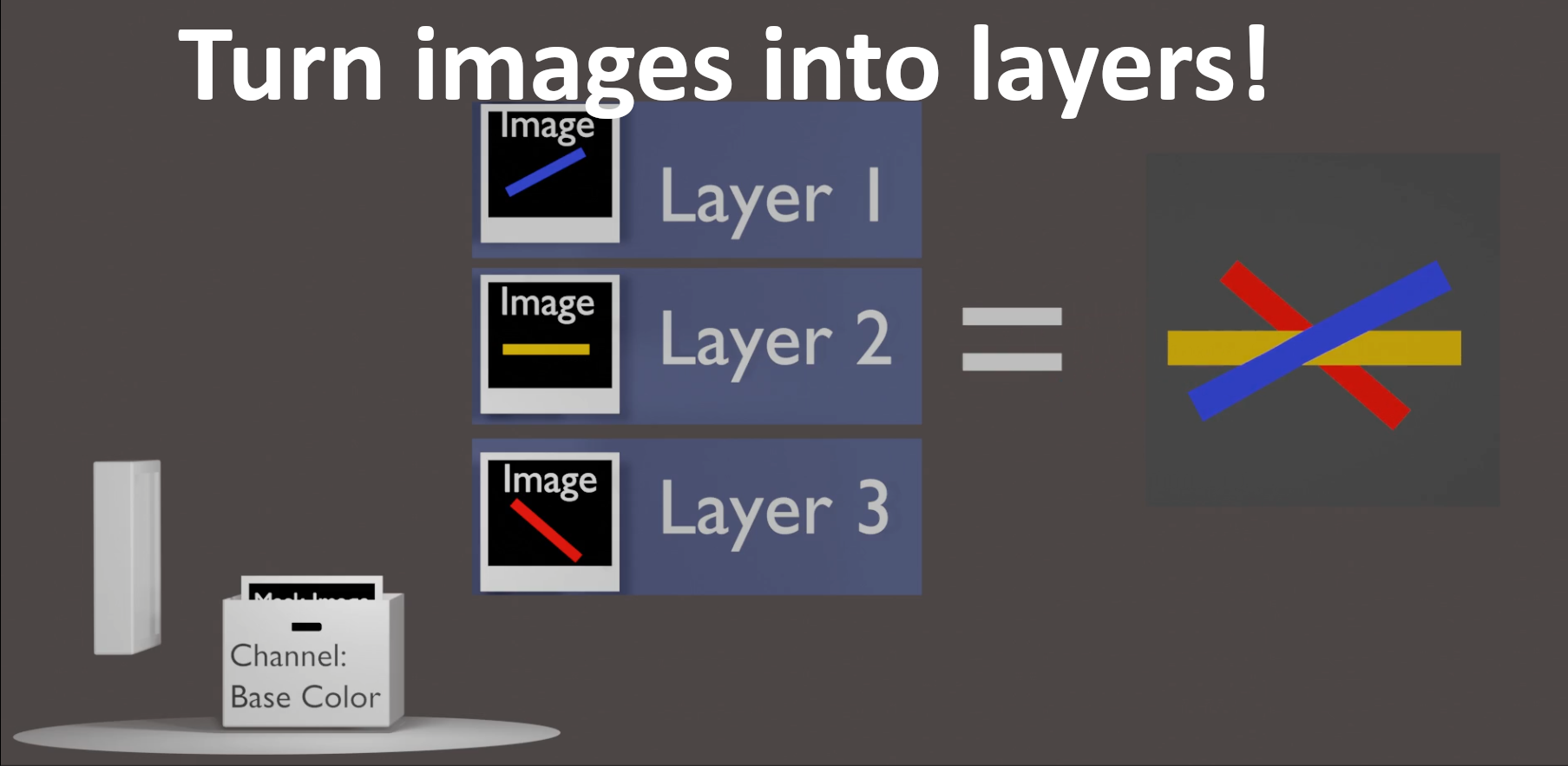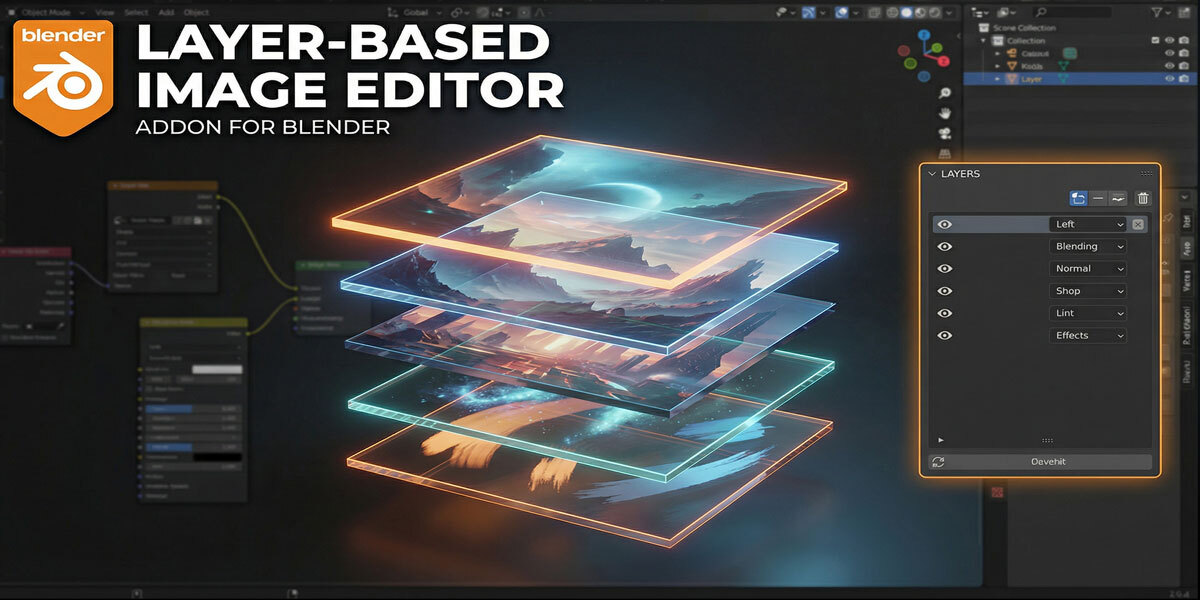
True Image Editor V2 Update adds a layer-based editing workspace to Blender’s Image Editor. Its N-Panel tools cover layer blending, masks, cropping, tiling, color adjustments, text overlays and baking, so image work can stay within the Blender project.
Layers, masks and image tools
Add, reorder, rename and duplicate layers. Duplicating a layer can carry its masks, transforms and blending settings, which helps when making alternate versions of an image. The add-on also supports multiple editing sessions in one .blend file for organizing separate projects or variations.
Masks can come from selections, be painted directly, or use procedural patterns such as noise, brick and Voronoi. Linear and radial gradient masks provide another way to shape transitions. For image layout, the tools include cropping layers and tiling images across the canvas. Text overlays have controls for font, color and position, while per-layer alpha adjusts transparency.
What Version 2 adds
The Version 2 listing describes a Path Tool for drawing and editing vector paths, image Stamps for quick compositing, and a context-aware workflow with presets. It also reports changes to baking, including faster operation, improved reliability and better error handling. These are the seller’s stated improvements, not independent performance measurements.
The internal text editor adds syntax highlighting, undo history and search. Interface changes include warnings for misconfigurations, loading indicators during heavy operations and revised layouts. A separate update dated March 22, 2026, notes drag-and-drop image import; the product listing also documents procedural masks.
Compatibility and license
The retrieved Superhive listing identifies the license as GPL and shows Blender versions 5.1–5.2. The AnyPlugins catalog record lists versions 4.5–5.0, so the available records conflict. Check the Superhive product listing for compatibility with your Blender build before installing. The Superhive listing's “Render Engine Used” field names Cycles and Eevee; it does not state whether the add-on is compatible with either engine.
This add-on may suit Blender users who need to assemble or adjust image layers, masks and text as part of a Blender workflow. Its feature list describes image-editing tools inside Blender; it does not establish compatibility with every image format or Blender release.