Ultimate Origin Tools (UOT) is a Blender add-on from Tesseract assets for placing and orienting object origins. Its N-Panel groups the controls, and the Quick Pie menu opens with Alt + O. The tools cover bounding box positions, geometry-based placement, modifier-aware calculations and batch operations.
Place origins for asset workflows
Bounding Box operations place an origin at one of 22 positions: six face centers, eight corners or twelve edge midpoints. Per-axis controls let you choose a different position for each axis, and calculations can use Local or World space. For example, placing an origin at the bottom center can prepare a prop for export.
Snap to Axis has a different effect: it moves the whole object until its extreme vertex touches a world axis plane, such as the floor at Z=0 or a wall at X=0. Use a Bounding Box origin operation when you want to reposition the origin without snapping the whole object to a plane.
Calculate from the evaluated shape
The Final Mesh section evaluates modifiers before calculating the listed origin positions. This can account for changes from Mirror, Array, Displace or Shrinkwrap modifiers. The documentation also says standard Bounding Box and Geometry operations can use the Use Final Mesh option through the Last Operator panel.
Geometry tools include the average vertex position and center of mass calculations. Surface center of mass is area-weighted. Volumetric center of mass may be approximate for a non-manifold mesh, and the documentation recommends surface center of mass as an alternative for open meshes.
Align axes and reuse origin states
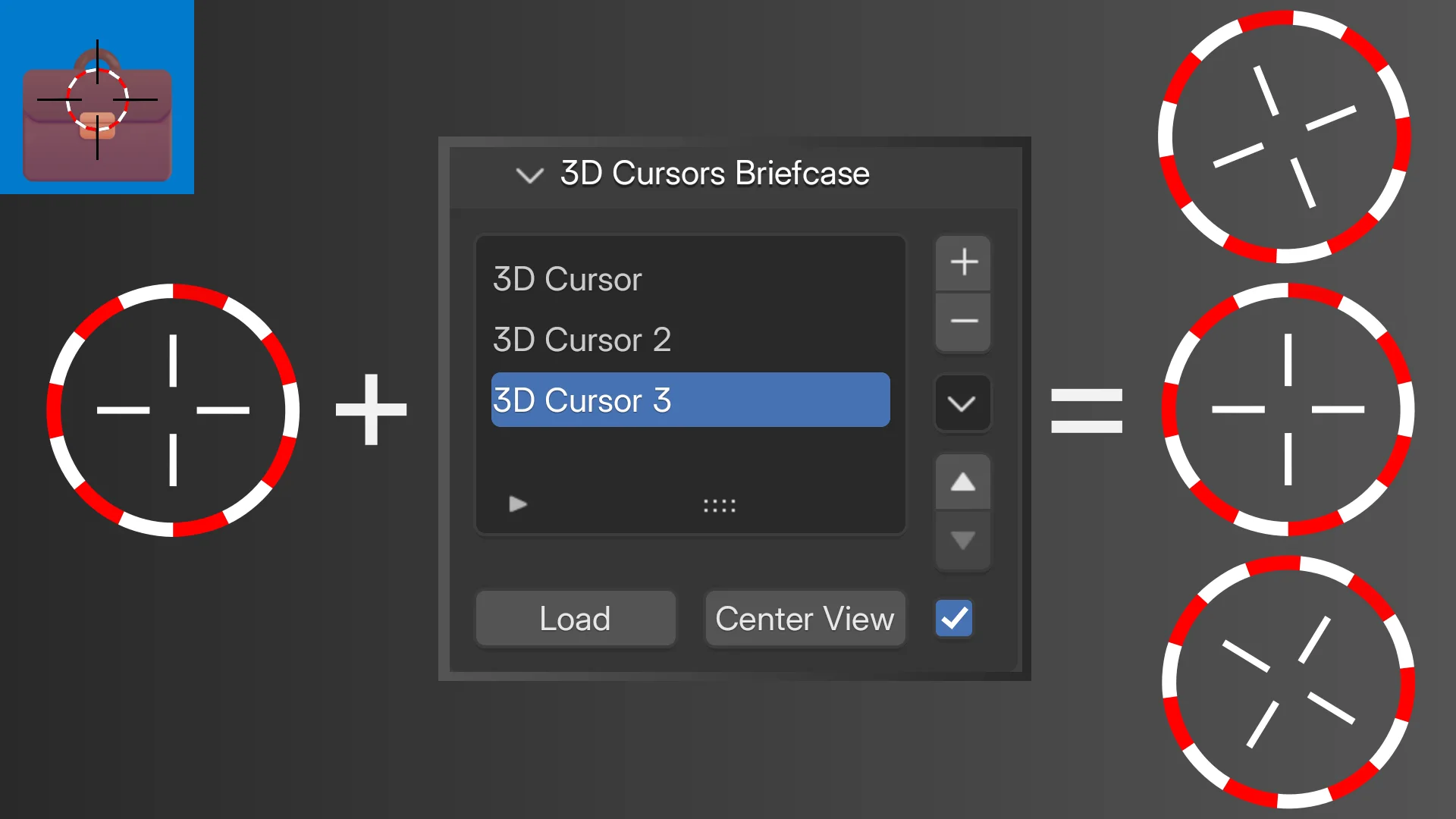
In Edit Mode, Orient to Selection rotates the local axes to match a selected face normal, edge direction or vertex normal while leaving the origin position in place. Align & Move changes both position and rotation. The 3D Cursor tools exchange positions between the cursor and origin, with options for rotation and saving or restoring cursor state. In Object Mode, Modify Axes tools can invert or swap local axes and reset them to world axes. Version 1.3 documents Origin Offset, which shifts the origin from its current position by an exact XYZ delta in Local or World space without moving geometry, and Origin to Surface, which projects the origin onto a face of another mesh with optional local Z alignment to the face normal.
Origin Presets save named origin locations and rotations for reuse on other objects or in later sessions. The Origin Gizmo draws local X, Y and Z axes at selected objects' origins, which helps check their orientation in the viewport.
Work across multiple objects
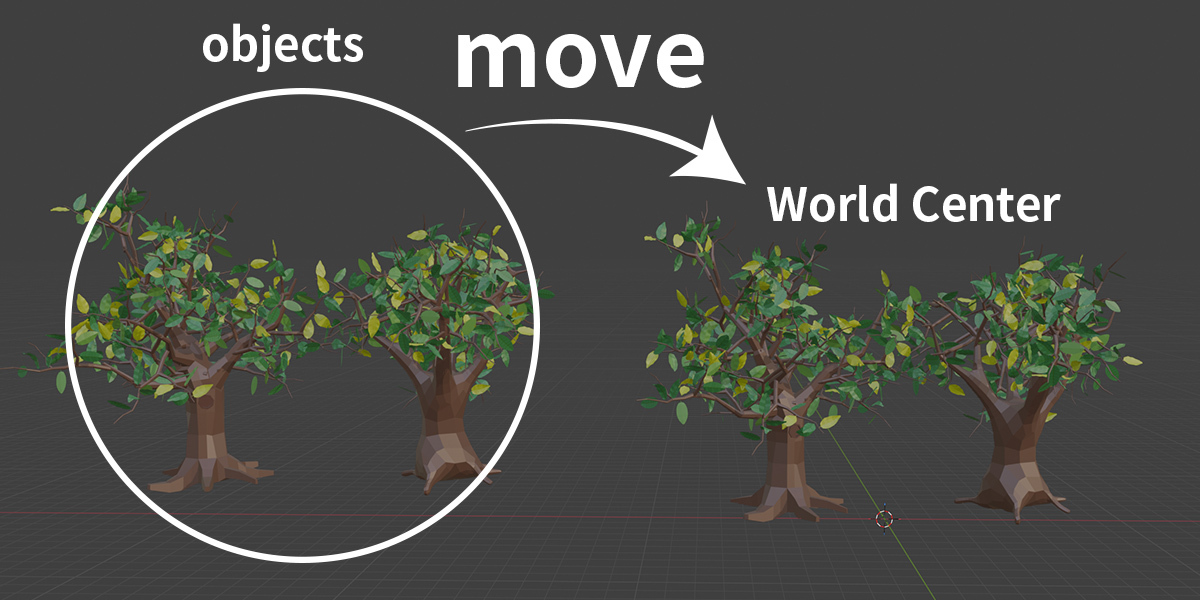
Batch: Origin to Bottom computes a separate bounding box for each selected object, so each receives its own bottom-center origin. Origin to Loose Parts places an origin at the bounding-box center of each disconnected geometry island in one object and can optionally separate each island into a new object. The Version 1.3 documentation also describes Batch: Drop to Target Z, which drops each selected object until its lowest point reaches a user-defined Z value or the top surface of a reference object.
In Object Mode, Interactive Mode lets you drag origins in the viewport with Alt + Shift + O; holding Shift slows movement for more precise placement. With multiple objects selected, each origin moves by the same world-space delta. Confirm with a click or Enter, or cancel with Escape or the right mouse button.
Compatibility and documentation
The Superhive listing specifies Blender 4.2 to 5.1 and names GPL as the license. The supplied documentation is labeled Version 1.3 and describes support for Blender 4.2 LTS and later, including 5.x. It also lists support for Mesh, Curve, Surface, Font, Meta, Lattice and Armature objects on Windows, macOS and Linux, with Edit Mode operations for Mesh; it covers installation, shortcuts and troubleshooting. Read the Ultimate Origin Tools documentation for operator details, and check the product listing for current compatibility and license information.