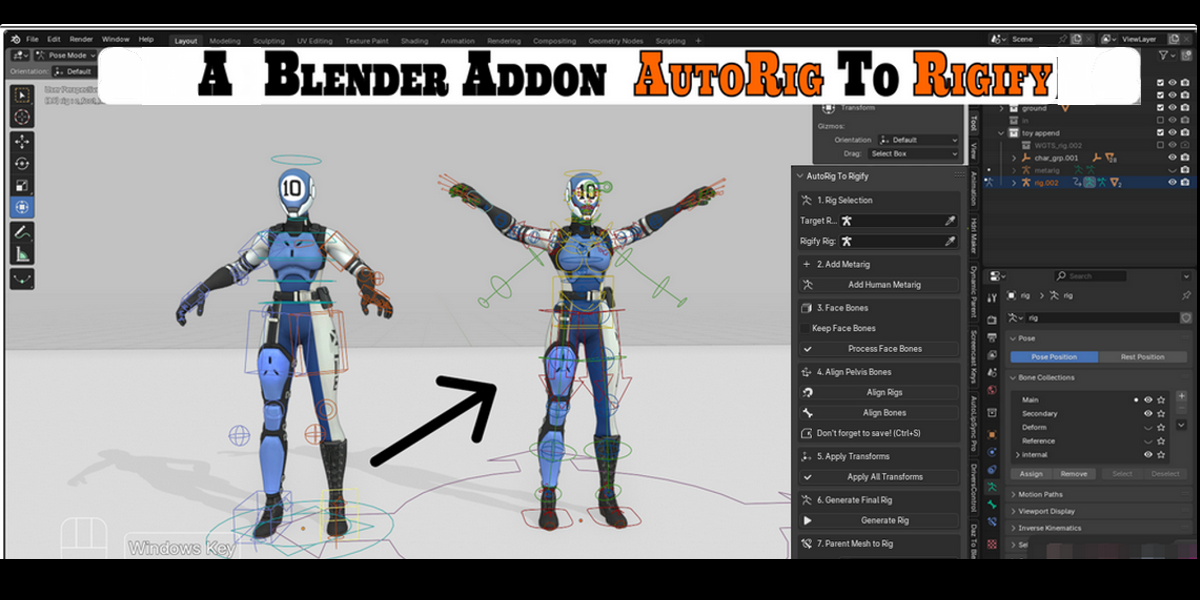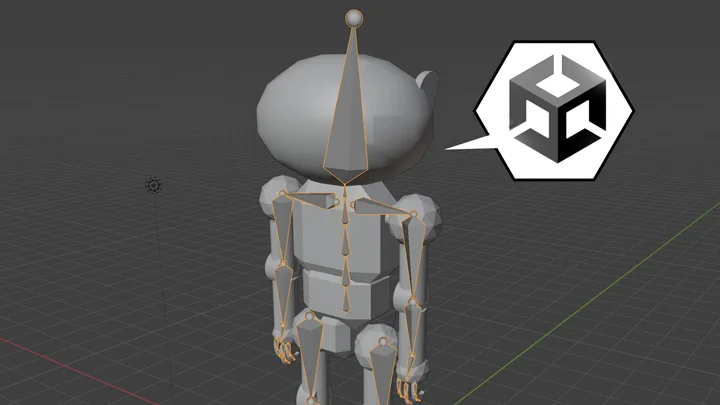
Unity Rig is a Blender add-on for creating Unity Humanoid-compatible animation rigs and converting existing Rigify rigs to Unity’s naming and hierarchy conventions. It is intended for character artists preparing Blender rigs for Unity’s Humanoid workflow. The Blender Extensions listing describes its goal as creating rigs that export to Unity without modification.
What Unity Rig changes
The extension listing describes a compatibility issue between Rigify and Unity’s Humanoid system: Rigify can produce a complex, multi-layer bone hierarchy that Unity cannot automatically map. Unity Rig targets the naming and hierarchy conventions used for Unity export. The listing does not detail every bone mapping or provide test results for individual projects, so check the exported rig in your own Unity setup.
Choose a starting point
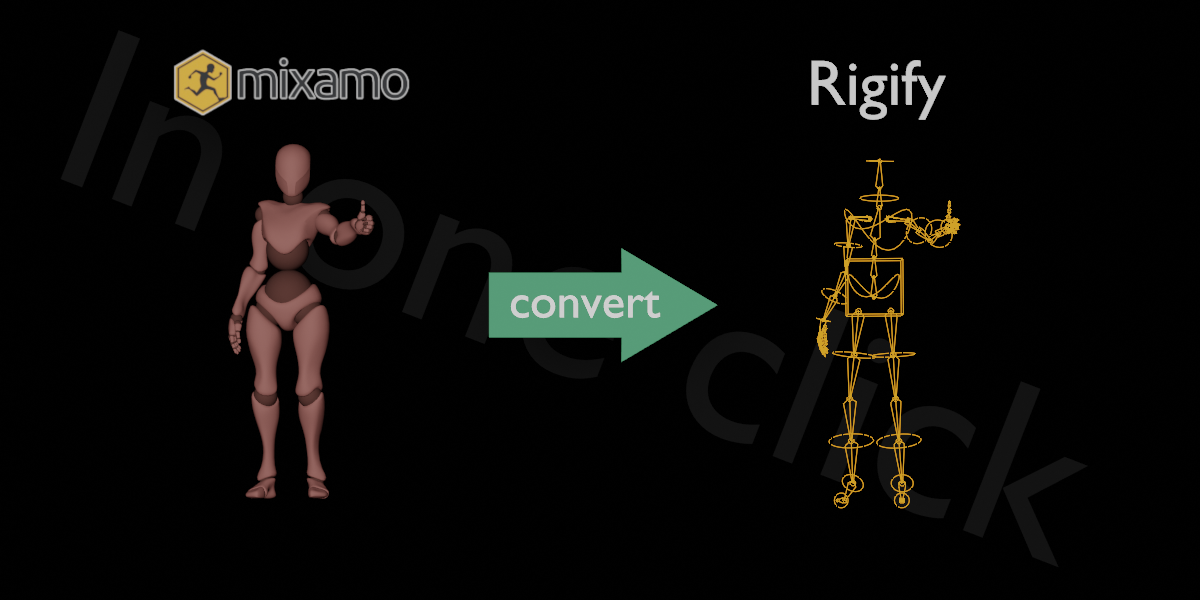
For a new character, Unity Rig can create a Unity Humanoid-compatible rig from scratch. If the character already uses Rigify, the add-on can convert that rig to Unity’s naming and hierarchy conventions.
Access and Blender compatibility
In Blender, find Unity Rig in Object Mode under Add > Armature, alongside Rigify. The add-on supports Blender 4.2.0 and newer releases. The official listing provides the add-on download, and Blender’s install-from-disk instructions explain how to install an extension ZIP.
Version, permissions and license
The listing shows version 1.0.2. Its June 17, 2026 release note mentions minor fixes for joining a rig to a model while enumerating fingers. The listing also says the add-on requires no special permissions and identifies its license as GNU GPL v3.0 or later. Check the current extension listing for version and compatibility details before installing.
Check the rig in your project
The extension listing does not specify supported Unity editor versions or give a step-by-step account of conversion and export. Before relying on Unity Rig for production, review the project repository and test a representative character in the Unity version and animation workflow you use. Confirm that the resulting avatar maps as expected and that its animations behave correctly in your project.