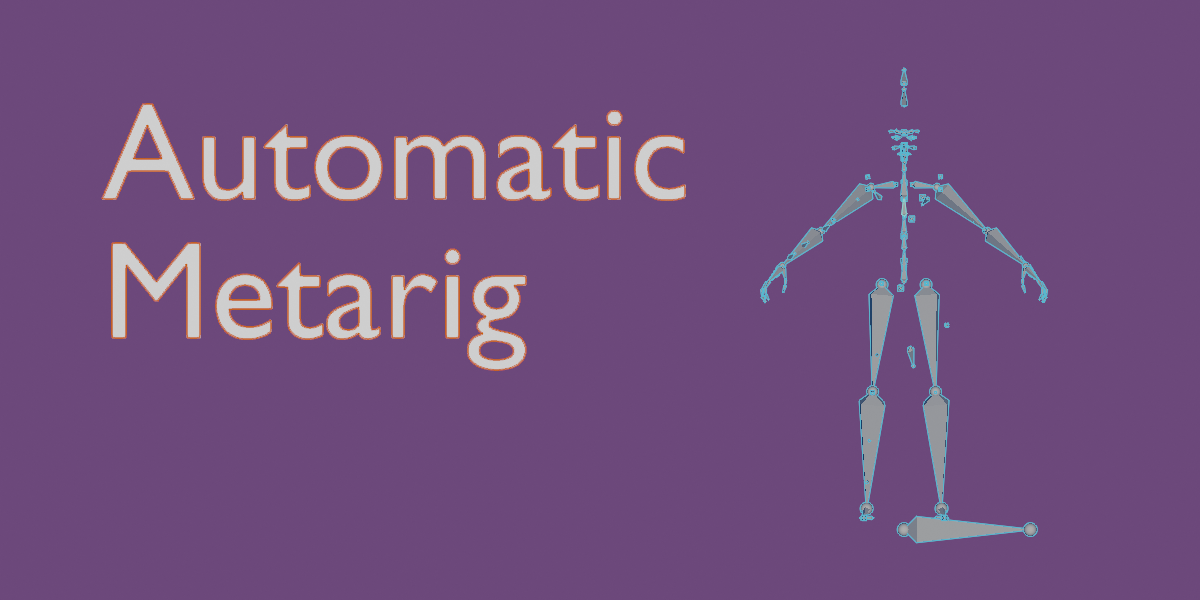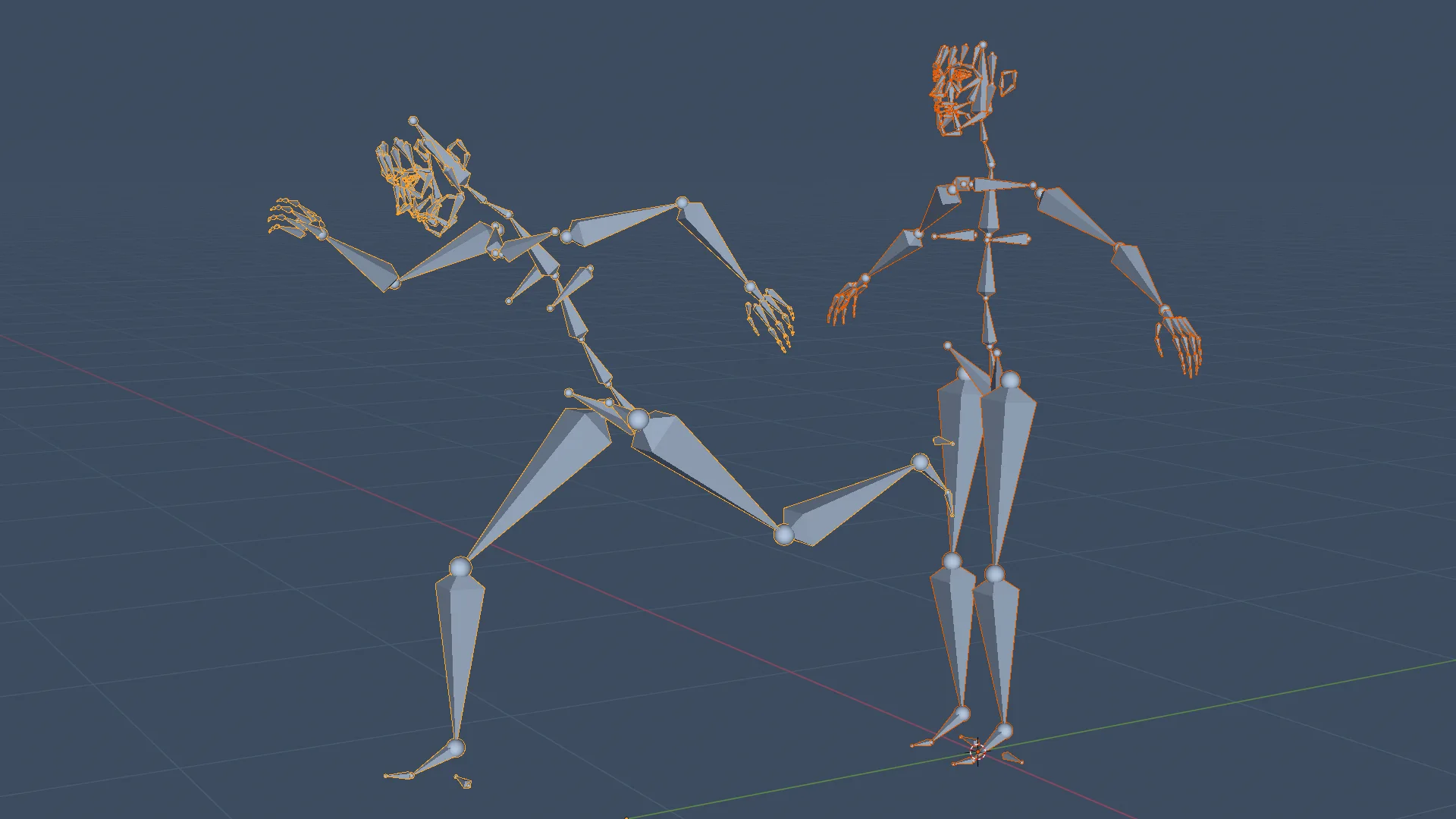
Unreal Skeleton To Rigify (In One Click) is a Blender add-on that generates a Rigify rig from an Unreal armature already imported into Blender. It creates the metarig automatically. Select the original Armature object and press “Generate Rigify”; the resulting rig includes IK and Face, according to the product listing.
What you need before converting
The add-on handles rig conversion after import. You need a separate tool to export the model from an Unreal game and a Blender add-on to import that exported model. The listing links to the TModel Blender importer add-on. You also need Blender’s Rigify add-on enabled; the listing says it should be enabled by default.
How to generate the Rigify rig
- Import the Unreal model into Blender with your chosen import workflow.
- Install and enable Unreal Skeleton To Rigify, then confirm Rigify is enabled.
- Select the imported Unreal Armature object. Select the armature, not the mesh.
- Open the N menu, choose the “Rigify from Unreal” tab, and press “Generate Rigify.”
To install the add-on, open Edit > Preferences > Add-ons, click Install, select the downloaded unreal-skeleton-to-rigify.zip archive, then enable its checkbox.
Compatibility and rig limitations
The developer’s listing says the add-on works only on Windows and supports Blender 3 or later. Its compatibility details specifically name Blender 3.0, 3.1, and 3.2, so check the current listing before relying on support for a later Blender release. The listing identifies the license as GPL.
The developer reports that the add-on works with most rigs, but unusual bone structures, names, or locations can cause conversion to fail. Those rigs may need manual adjustments or code changes. If you use a heavily customized Unreal skeleton, allow time to inspect and fix the generated rig.