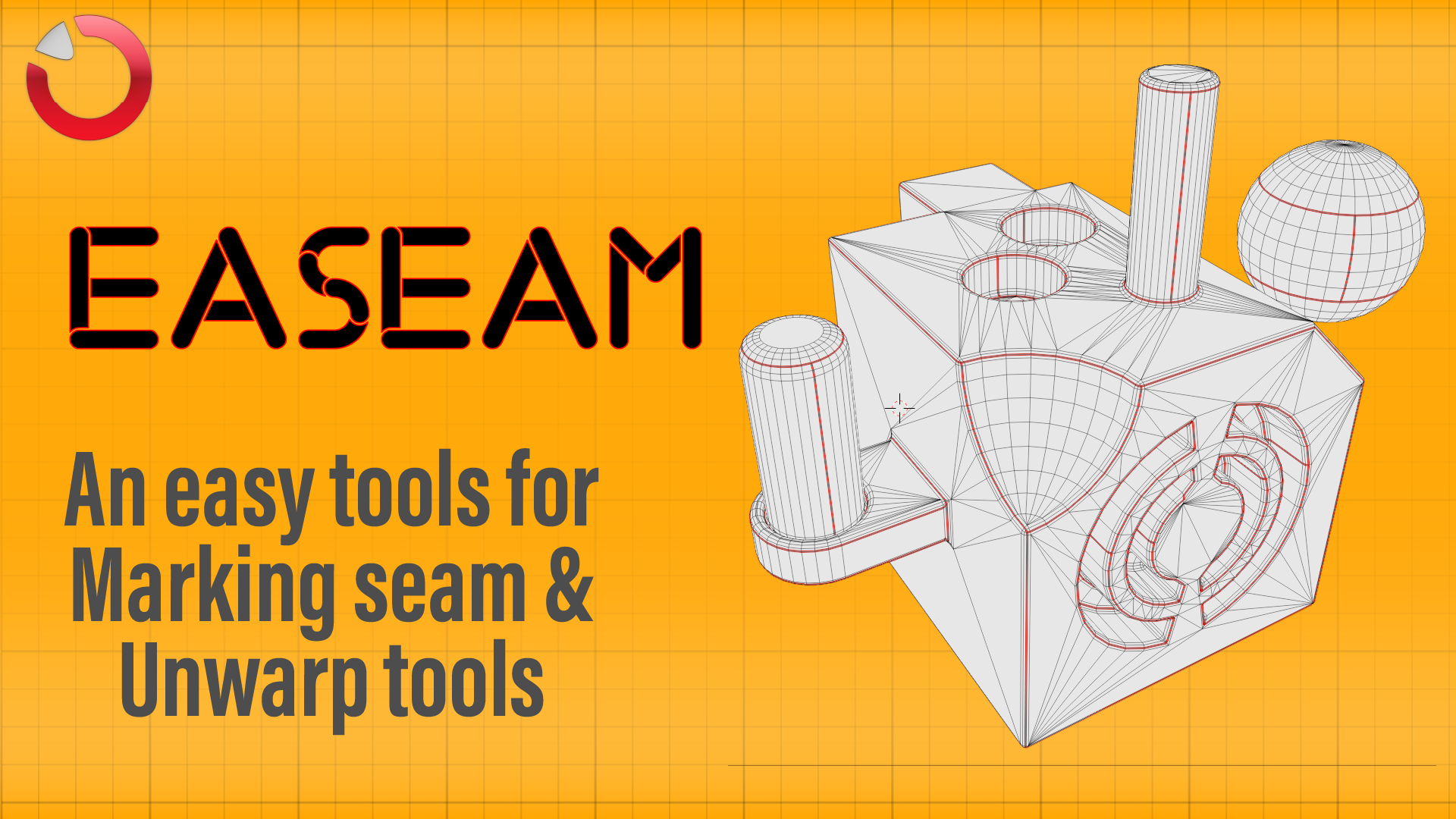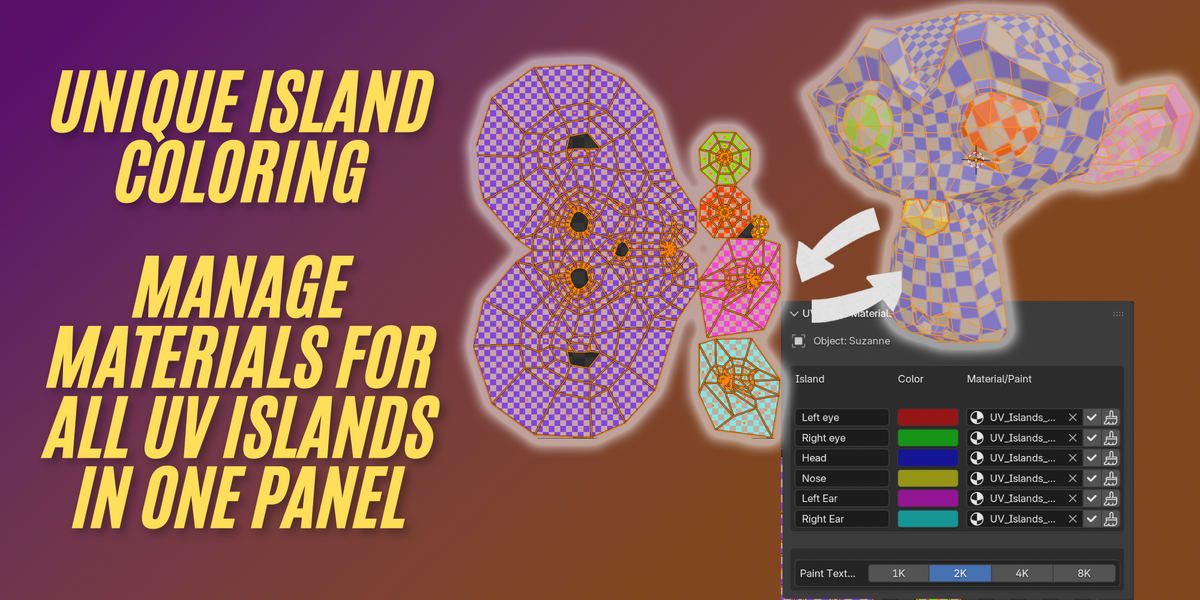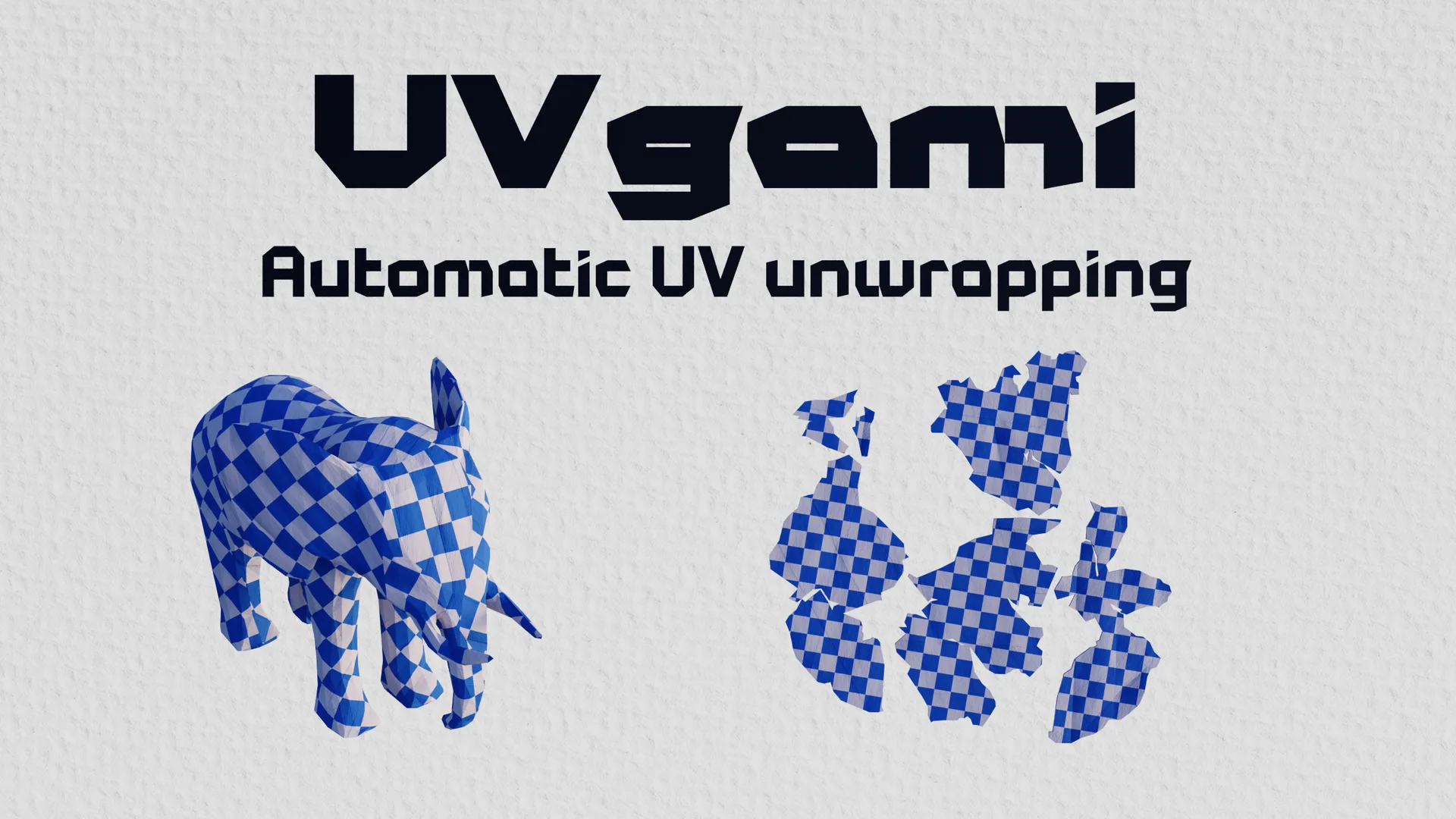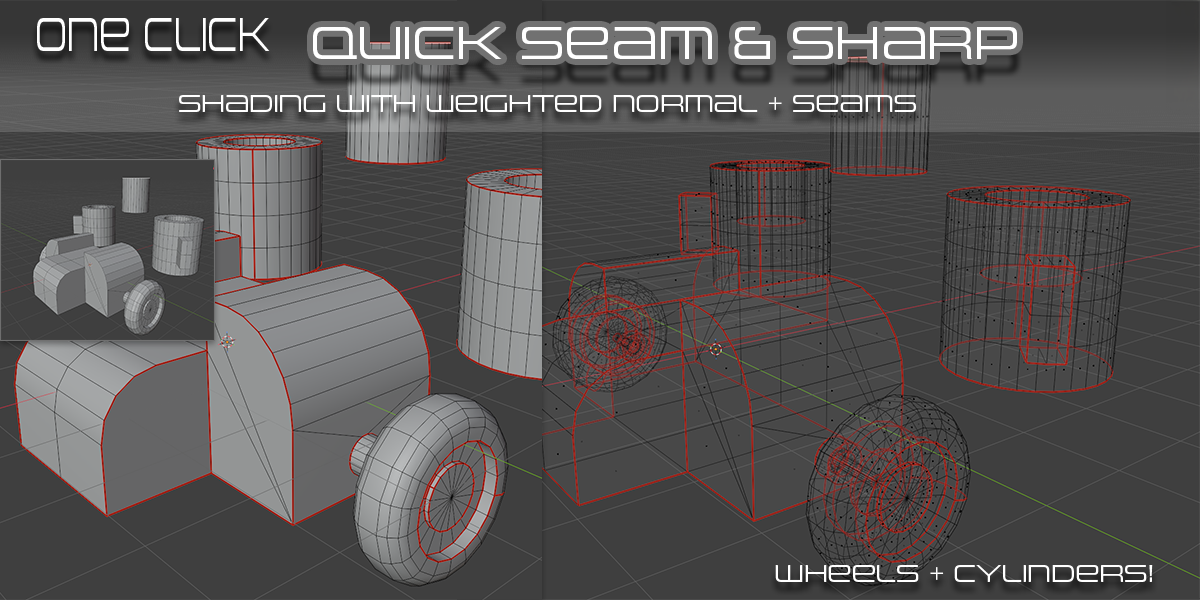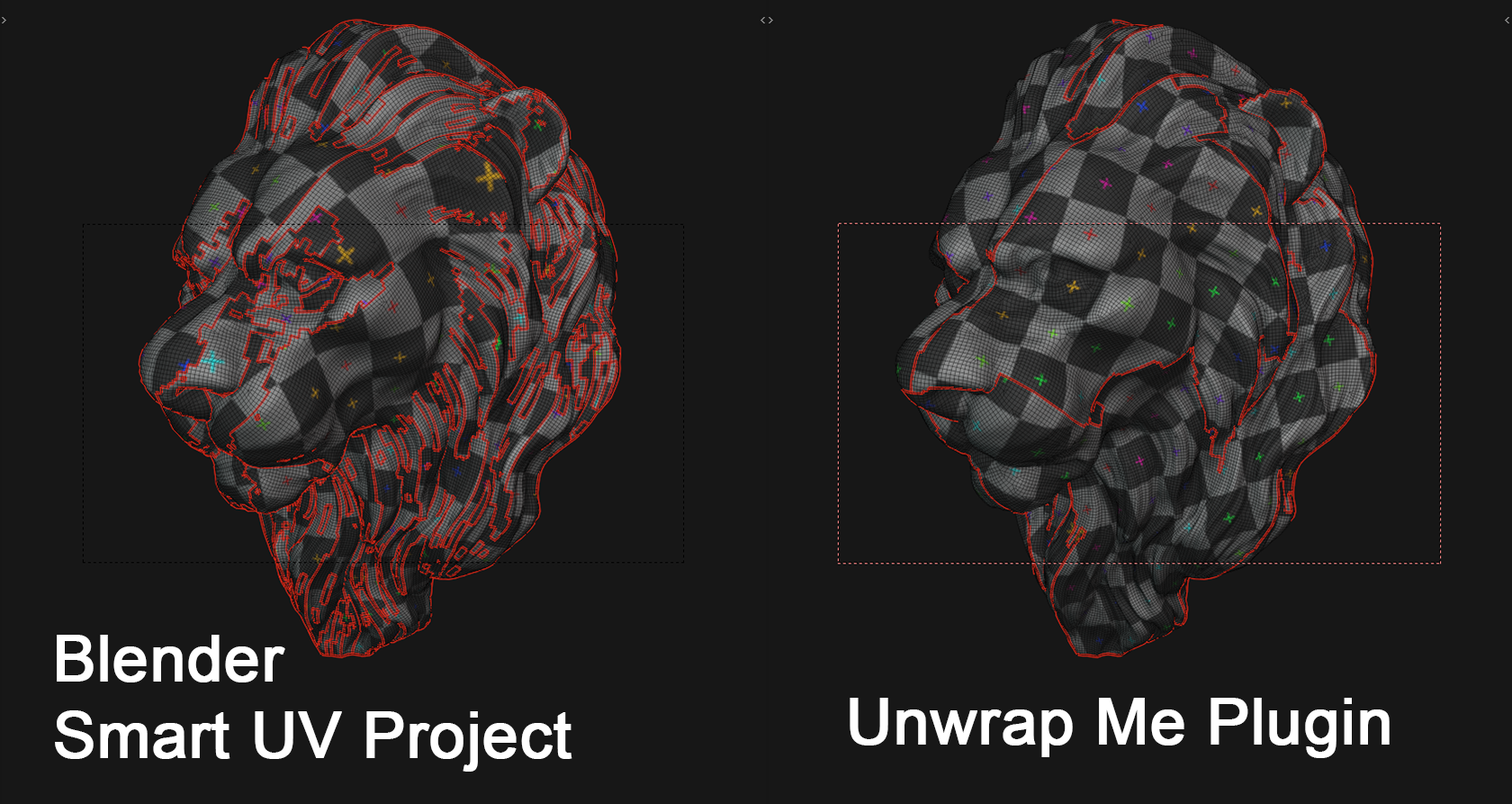
Unwrap Me is a Blender add-on for generating seams and growing UV charts across a mesh. Use the Auto Seam operator on a whole mesh, or start chart growth from selected faces when you want more control over where an island begins. The workflow can combine generated seams with cuts you place by hand.
Grow charts and create seams
To grow one chart, select a face or a connected group of faces. Select several faces or face clusters to grow multiple charts, or let Unwrap Me choose starting areas. The Fill Surrounding option continues growth into uncovered areas until the mesh is covered or an existing seam stops it. Hidden faces also stop chart growth, so you can leave boundaries in place for manual work.
For low-poly meshes, Limit By Auto Smooth Angle can stop charts from growing across high-angle areas. The Auto Seam operator uses an algorithm the product listing describes as supporting meshes with up to millions of faces. Edge Walk creates seams along edge loops.
Control stretch and edit the result
Developability controls stretch error during chart growth, which affects distortion in the resulting unwrap. The Iterations setting limits how many times the growth algorithm repeats. The documentation suggests checking Blender's System Console to see how the algorithm is progressing.
After unwrapping, Remove Chart Overlaps can cut and repack self-intersecting UV charts caused by Blender's unwrapper. It does not remove overlaps caused by the mesh topology. You can also merge charts or straighten a seam by selecting the faces it crosses.
When Unwrap Me fits a workflow
Unwrap Me is useful when placing seams by hand takes too long. The developer describes the add-on as experimental, so inspect the generated seams and unwrap for each mesh before using the result in a finished asset.
For setting details, read the Unwrap Me step-by-step guide