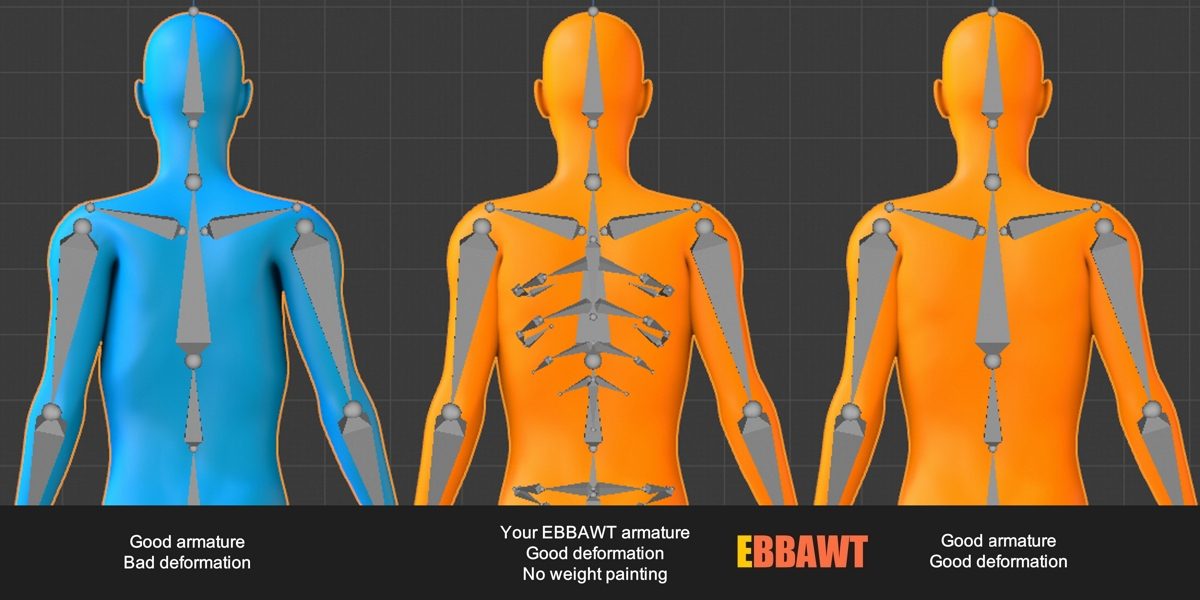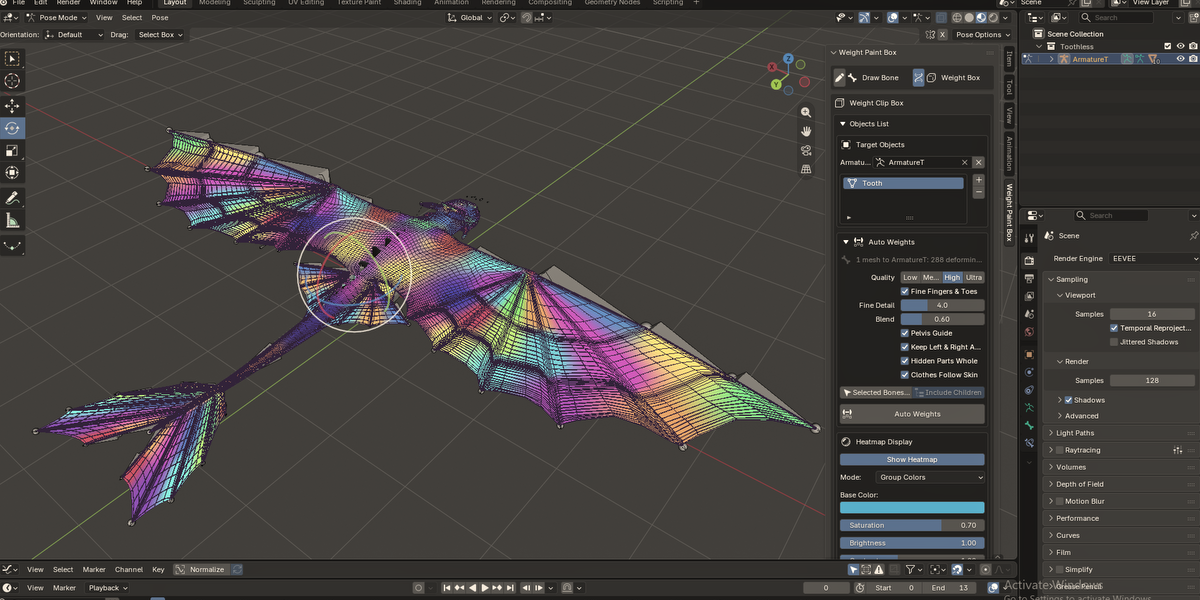
Weight Paint Box is a Blender add-on for character rigging, weight painting and face animation. Its tools include a deformation box for shaping bone influence, custom armature drawing, Rigify setup and tools for repairing problem areas. The add-on is designed to work with existing rigs as well as its own rigging tools. The product listing summarizes its features and setup, while the product documentation explains the deformation box and Draw Bone tools.
Paint weights with boxes and cylinders
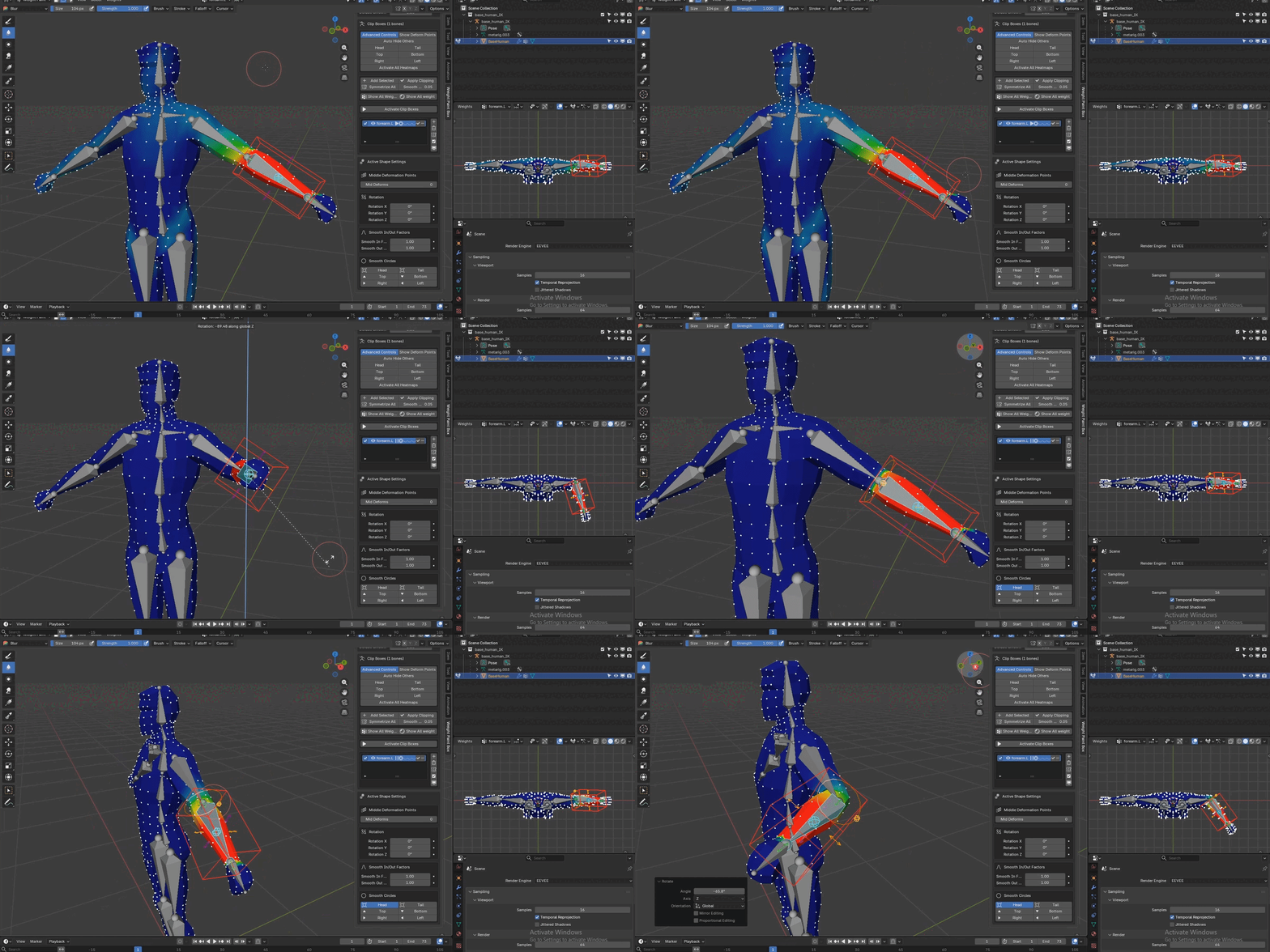
The Weight Box panel uses a deformation box to control a bone's influence. You can shape or fit the box to an object, adjust its heatmap strength and smoothing direction, and use circles on the box to smooth or unsmooth weights. Edge control points help shape influence around bending areas, while cylinders are available for closely spaced bones such as fingers. Boxes can also be transferred between armatures or files.
Auto Weights uses voxel measurements to assign weights. The product listing describes options that keep fingers and toes separate, prevent weights from crossing between touching thighs when a skirt sits between the legs, transfer underlying skin weights to clothing, and treat eyes, teeth and the tongue as whole pieces. Face Parts can help keep facial regions on their intended bones, including separating upper and lower lips and eyelids.
Repair weights and pose-specific problems
The Smart Fix Brush marks common deformation and weight problems with colored dots. In Smart mode, releasing after painting assigns new weights to the vertices under the stroke using nearby healthy skin. Its modes include targeted fixes, rebuilding weights across a stroke, creating a corrective shape key from a pose, and closing a gap such as an eye corner during a blink. Discover Bones shows which bones influence a selected area and lets you adjust or move their weights. Ebb & Flow reshapes a vertex group's influence from selected sides, with controls to apply or revert the changes.
Some deformations are specific to a pose rather than the underlying weights. Smooth Shape and Close Gap can create corrective shape keys for those cases, leaving the weights as they are.
Draw rigs and add face animation
Draw Bone creates custom bone chains for arms, legs, fingers, spines and tails, with Smart Chain placement, symmetry and options to draw at the character's center or on its surface. Rigify Pro generates a rig from a few points on the mesh, with regular, Rigify Basic and Rigify Complex options. Add Face can fit a Rigify face to an existing rig, including regular armatures, Mixamo, Auto-Rig Pro, game skeletons and custom rigs, according to the product listing.
The Face Animation panel creates 28 shapes from the character's proportions: 12 mouth shapes and 16 emotions, including blinks. Lip Sync can time shapes from text, a frame range or a voice recording. The listing also describes English and Arabic text support and a Sounds mode for singing or humming.
Setup and compatibility
Before using the Weight Box, the developer recommends parenting the character to its armature and using deformation bones. The product page also recommends watching the tutorials before starting a character. Its listing marks the add-on as Blender Extension compatible, gives Blender 5.0 to 5.3 as the supported range, and identifies the license as GPL. Check the current product listing for compatibility details before installing.