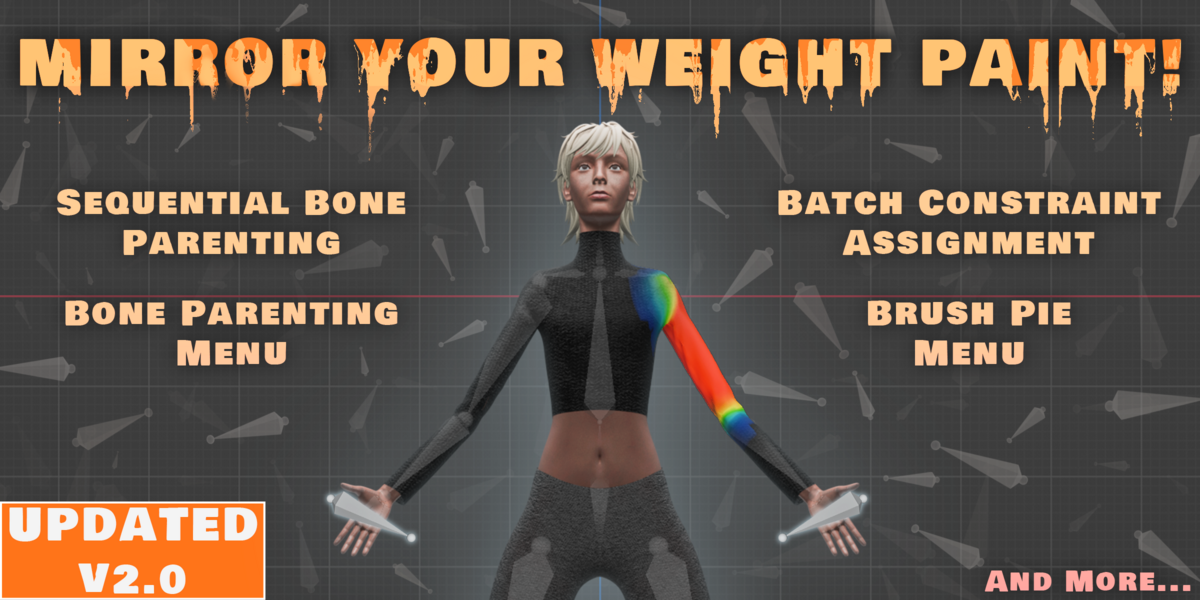
Weights And Bones is a Blender add-on for weight painting and rigging. Its central tool mirrors weights even when a mesh is not perfectly symmetrical. The add-on also includes tools for parenting bones and switching brushes.
Weight mirroring and vertex groups
In version 2.0, the redesigned Mirror Weights Panel works with suffix, prefix and custom identifiers instead of relying on a fixed .L or .R naming pattern. Configure the convention in the add-on preferences. Choose a symmetry axis and mirroring direction for the transfer.
Several controls help with the destination group. Fill Missing Weights fills destination-side vertices from the source. Fill Only Selected Vertices limits that operation to selected vertices, while Select Missing Vertices finds gaps in the destination group. Smooth Weights refines the result, with an option to smooth selected vertices only.
Bone and brush tools
The Bone Parenting Menu and Sequential Bone Parenting support bone setup, with the sequential tool redesigned in version 2.0 to include more options. Batch Constraints applies the same constraint to multiple bones. Quick Origin Positioning moves the origin to the center of selected vertices while in weight paint mode.
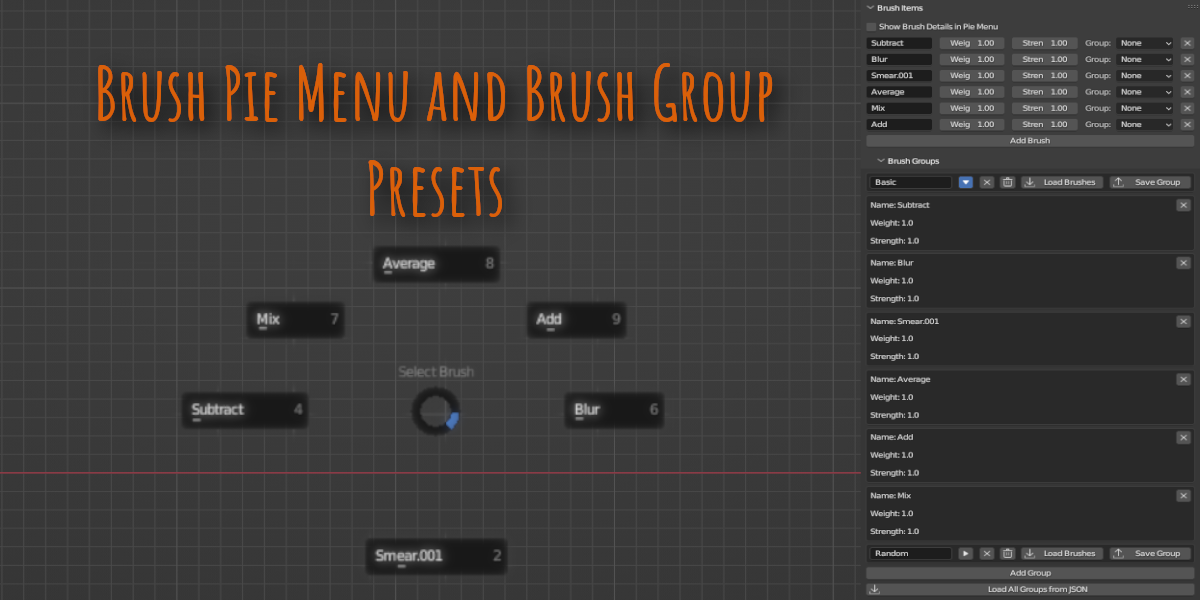
The Brush Pie Menu provides quick brush switching and custom brush groups. An optional setting displays each brush's weight and strength in the menu. Keymaps are gathered in the add-on preferences, alongside the Mirror Naming Convention settings.
Check the Blender version track
The product page lists version 2.0 for Blender 4.3 through 5.0+ and legacy version 1.x for Blender 3.0 through 4.5. These ranges overlap, so check the product page for the package that matches your Blender release.
The demonstration video was made for version 1.0 and shows the older interface. The product page says the core concepts remain the same in version 2.0, so use the video to understand the tools and refer to the current version notes for interface details.