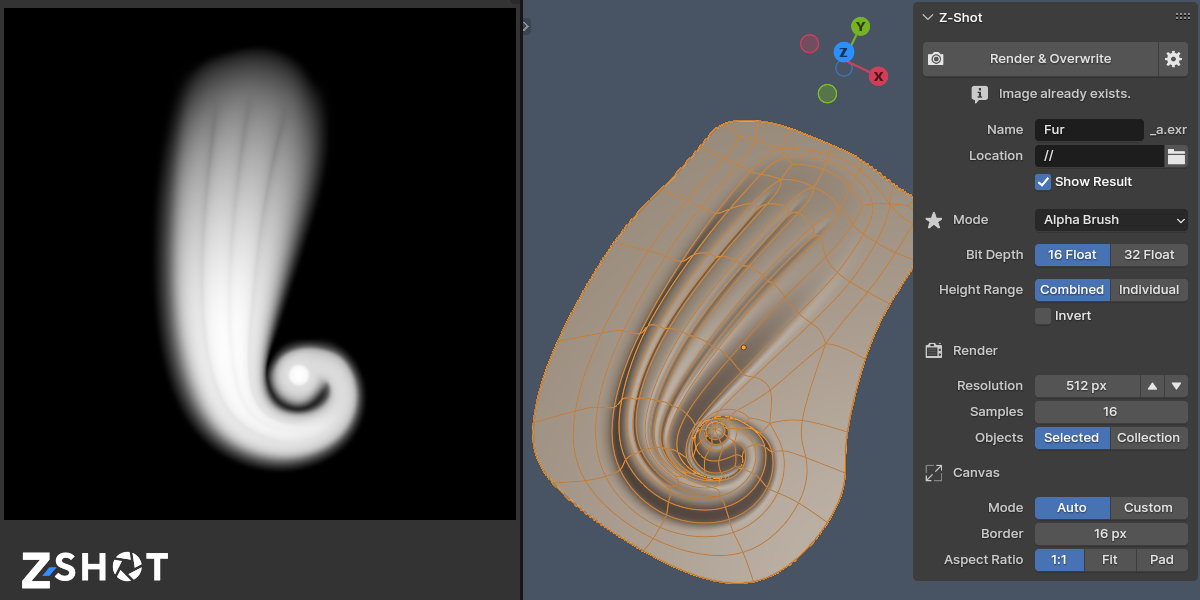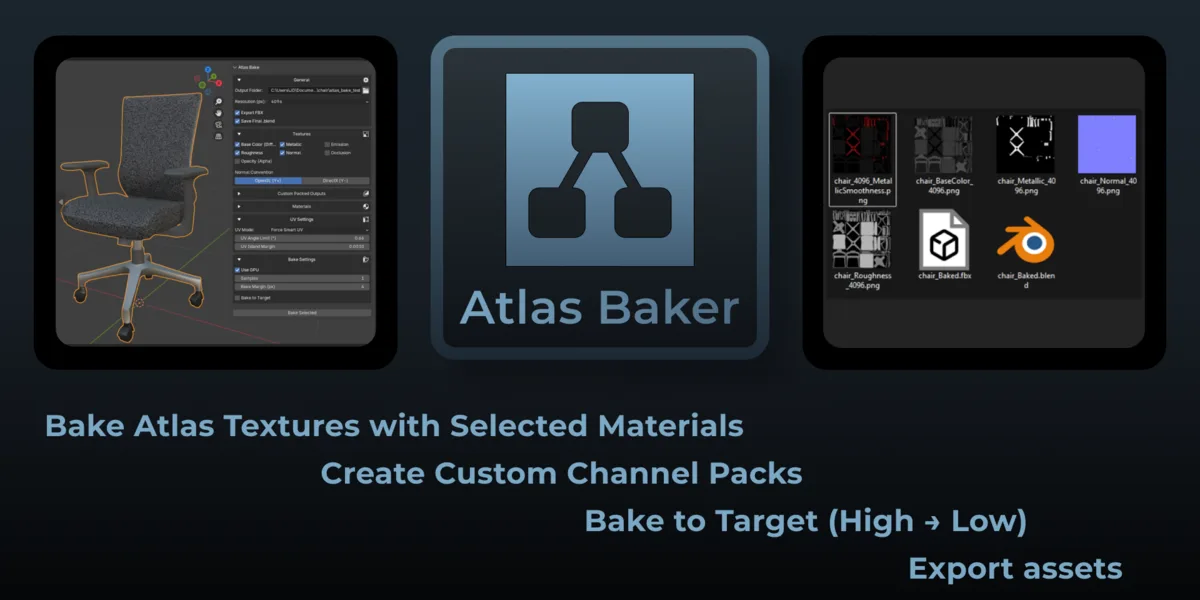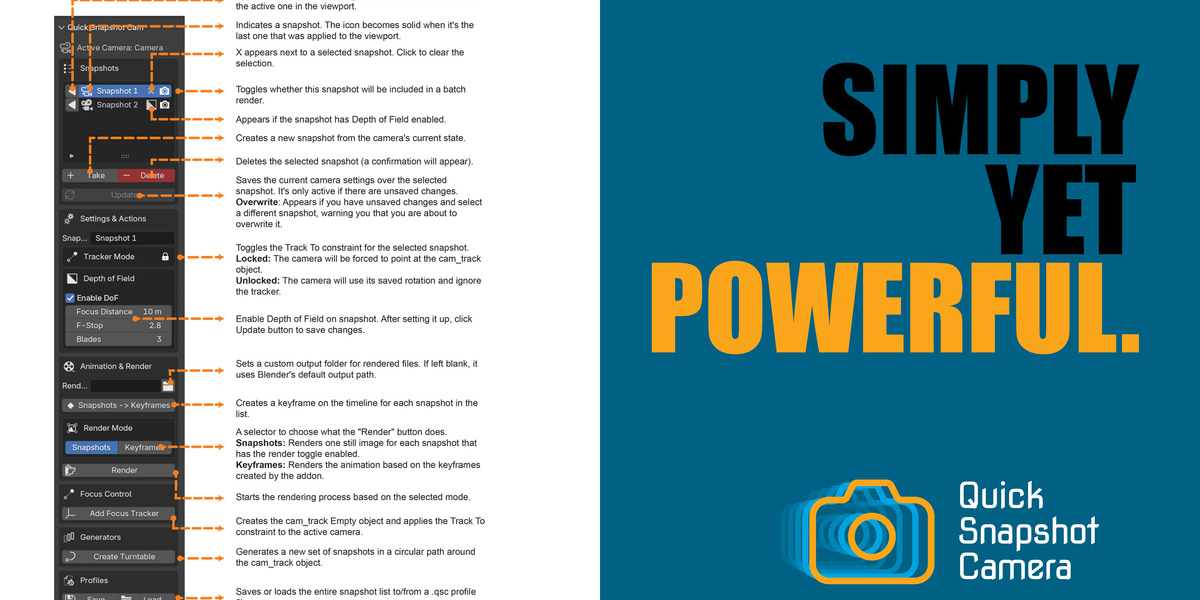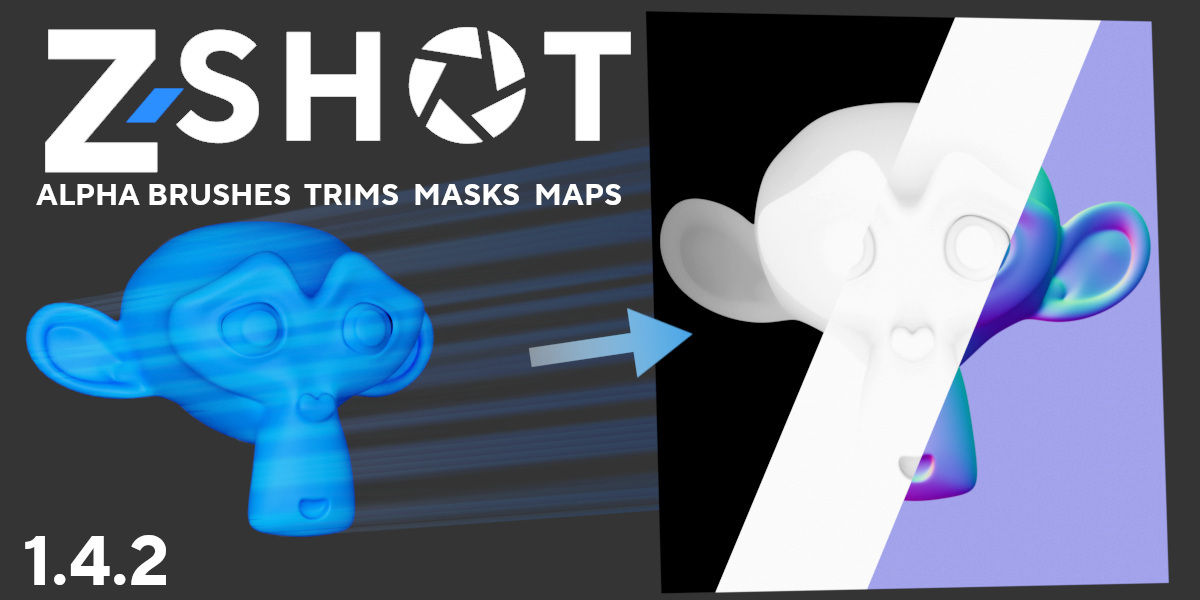
Z-Shot is a Blender add-on for rendering 3D objects as alpha brushes, trims, masks, decal textures or icons. Choose a render mode, adjust the output settings and render. Z-Shot handles the canvas size and aspect ratio through a small set of settings, without requiring a separate scene setup or camera placement.
Render maps and material channels
The available modes cover common outputs for surface work and object detail:
- Alpha Brush, Height, Normal and Curvature
- Ambient Occlusion, Vertex Color and Opacity
- BSDF Base Color, Metallic, Roughness, Normal, Emission and Alpha
- Custom mode, which lets you arrange your own work while Z-Shot holds the camera
The mode determines whether the resulting image uses sRGB, linear grayscale or linear color. This lets you produce different kinds of maps and material outputs from the same object-focused workflow.
Choose an image format
Z-Shot can save images as EXR at 16 or 32 bits, TIFF at 8 or 16 bits, and PNG at 8 or 16 bits. The right choice depends on the output you need and the tools that will use it next. For example, the format and bit depth can be selected to suit a working image or a higher precision pipeline.
Pack channels or render a batch
Channel Packing combines existing or previously rendered maps into RGB or RGBA images. The version 1.4 release notes say RGBA output is available in PNG and TIFF as well as EXR. Batch Rendering can produce multiple images with one click, which is useful when preparing several outputs from a set of objects.
Make trims for Trimflow
For artists using Trimflow, Z-Shot includes a helper for rendering trims with Head and Tail sections. It can write a JSON file that Trimflow can read, avoiding manual calculations for that layout. Trimflow JSON options are also available in Channel Packing mode.
Blender support and documentation
The Superhive listing reports Blender versions 3.3 through 5.3. Version 1.4.2 adds Blender 5.2 compatibility and experimental hair-curve rendering; its release notes also list fixes for very large meshes and text objects. On Blender 4.2.x, Alpha Brush and Height use Cycles instead of EEVEE to prevent flawed output. Check the Z-Shot listing and developer documentation for current compatibility details before installing.