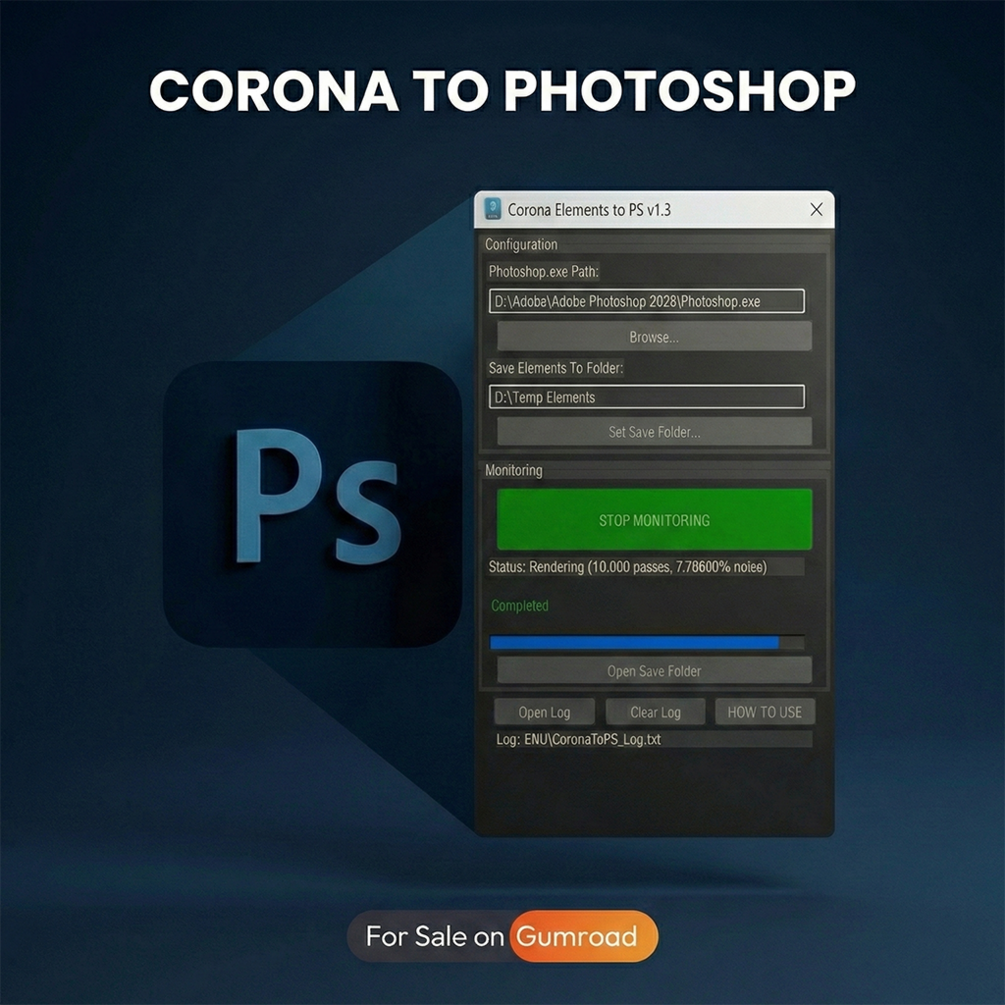
Corona Elements to Photoshop Automator
Corona Elements to Photoshop Automator saves render elements as 16-bit TIFs with alpha at the pass or noise limit, then groups them as Photoshop layers.
Published software and plugin guides for Autodesk 3ds Max. Page 4 of 18.
Read the software guideCorona Elements to Photoshop Automator saves render elements as 16-bit TIFs with alpha at the pass or noise limit, then groups them as Photoshop layers.
Corona Quick Convert (free) is a 3ds Max script for Corona Renderer 4+; it converts selected lights and materials and comes in MCR and MS forms.
Corona Quick Setup (free) puts common Corona controls in a simpler 3ds Max panel. Check supported versions and release notes on the developer's site.
Set up Corona render elements in 3ds Max with controls for LightMix, ZDepth and AO distances, filtering, and existing elements.
Corona Renderer - Tone Mapping Pipeline Wrapper is a 3ds Max MaxScript for adding, removing, and reading tone mapping operators and their IDs.
CoronaCam Overscan is a free MaxScript for width and height overscan on a Corona Camera. Check the 3ds Max setup steps and listed compatibility.
CoronaColorCorrection-Auto adds Corona Color correct nodes to 3ds Max slots, keeps existing bitmaps, and randomizes parameters. Check tested versions.
Animate vehicles and aircraft through 3D scenes with Craft Director Studio, then shape the shot with camera effects. Autodesk lists a trial.
Custom Align for 3ds Max spaces objects, randomizes position and scale, and arranges them along splines. See its alignment and compatibility details.
Custom Controls builds a spline library for 3ds Max rigging, replaces controller shapes, and adjusts size, orientation, and color. Check compatibility.
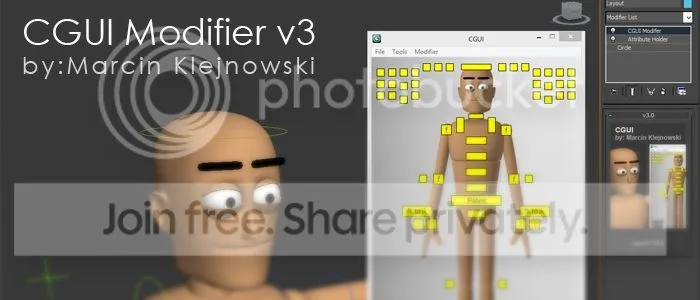
Build a 3ds Max picker without writing MaxScript. Custom Graphic User Interface Modifier supports up to 100 configurable buttons, groups, and import/export.
Cut-n-Paste adds a 3ds Max Quadmenu command for copying one object's transform to another. Check its Max 4.x target and setup notes before installing.
Dark Listener is a free 3ds Max plugin that enables dark mode for the listener at startup after installation. Check the listing for current compatibility.
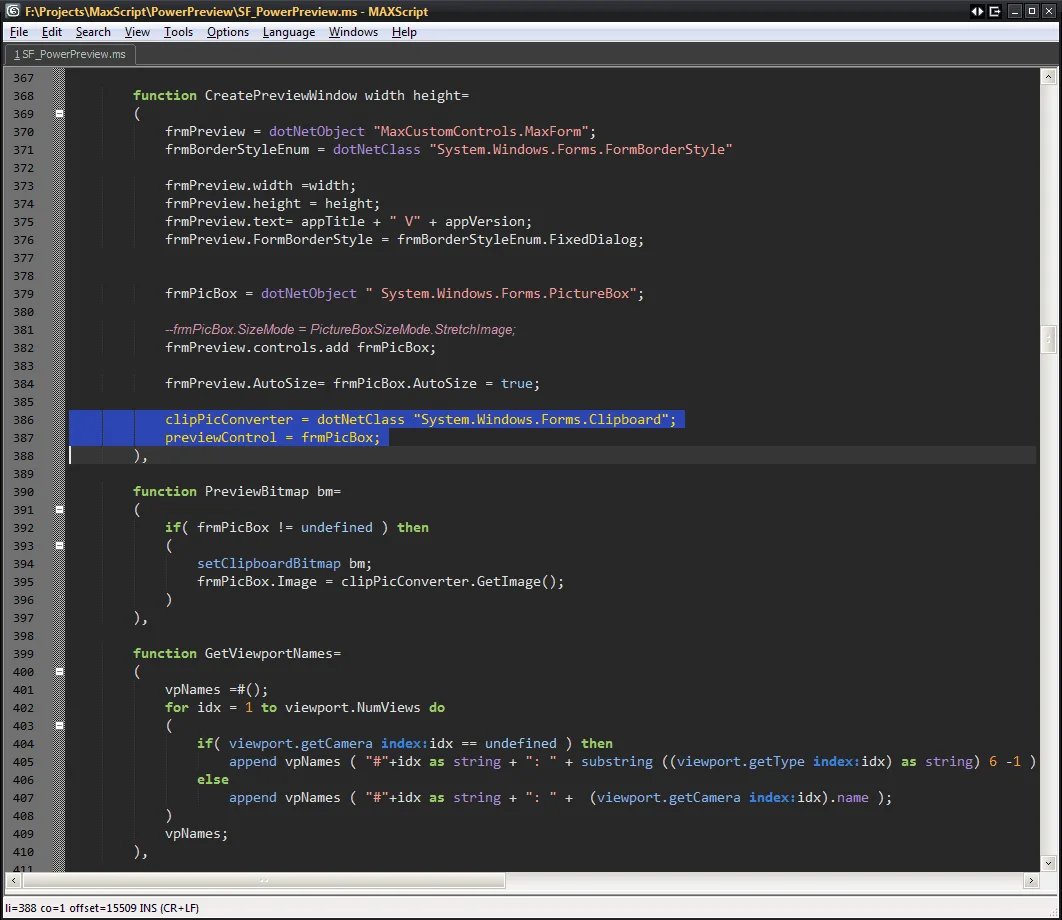
DarkScintilla adds editable dark colors to the 3ds Max Maxscript Editor. Review its installer, compatibility notes, and HTML display limitation.
DesignToolBox for 3ds Max covers modeling, reference, measurement, UVW mapping, and scene tools. Atelier Bump's free demo has limited features, no time limit.
Explore DesignToolBox - tools for architecture & design: reference transforms and measurements in 3ds Max, with a free limited-feature demo and paid plans.
Switch diffuse texture display for selected objects in the 3ds Max viewport with Chuggnut's Diffuse On-Off script, without opening the materials panel.
Use Direct Farsi Type to enter Farsi text in the 3ds Max viewport. V01.1.0 ignores upper modifiers, and compatibility is listed as 3ds Max 6.0 and higher.
Distance Shift is a 3ds Max script to shift selected points or objects along a two-point vector; ScriptSpot lists v3 and the November 21, 2023 update date.
Learn how Divide Clone places objects between two endpoints in 3ds Max, what versions it supports, and how to install it. Check D95 Design for price.
Doom Spline Resizer - draw line with precise lenght is a 3ds Max script for pivot-based length control, v0.6 multi-spline resizing, and an Xform caveat.