Camera List Navigator
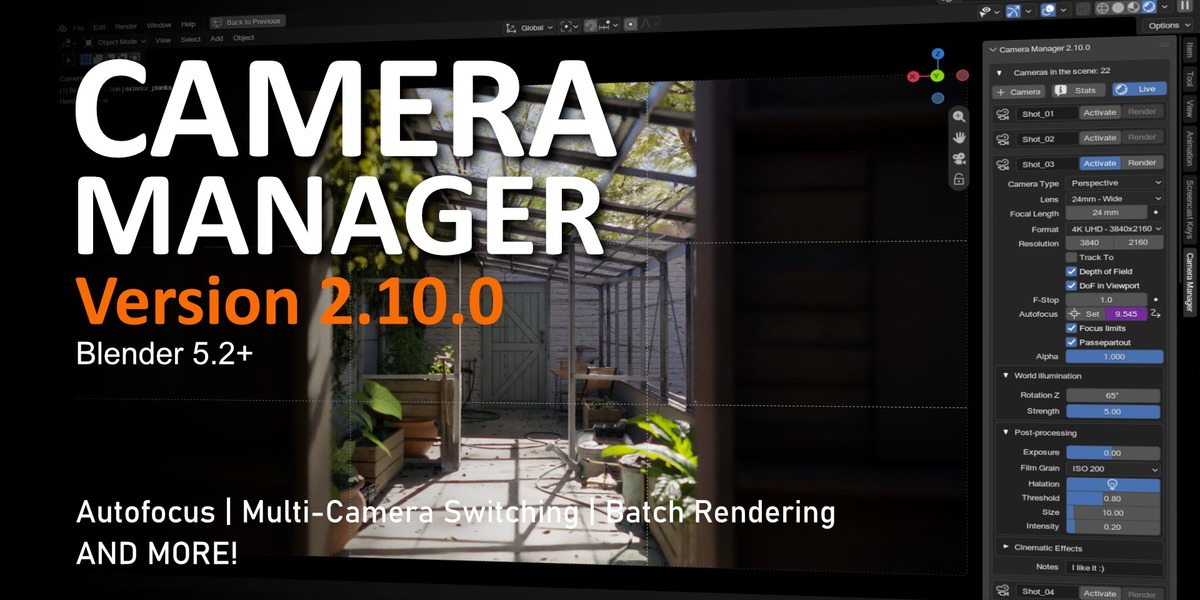
Camera List Navigator sorts 3ds Max cameras by name, filters by layer, and can match the timeline to keyframes. Check ScriptSpot for the download.
Published software and plugin guides for Autodesk 3ds Max. Page 3 of 18.
Read the software guideCamera List Navigator sorts 3ds Max cameras by name, filters by layer, and can match the timeline to keyframes. Check ScriptSpot for the download.
Set render output sizes per camera in 3ds Max with Camera Resolution Mod. Review aspect-ratio controls, presets, update modes, and setup requirements.
Camera Rigger is a 3ds Max script that links a free camera to dummy objects. ScriptSpot lists version 1 and its macroscript category, but gives no steps.
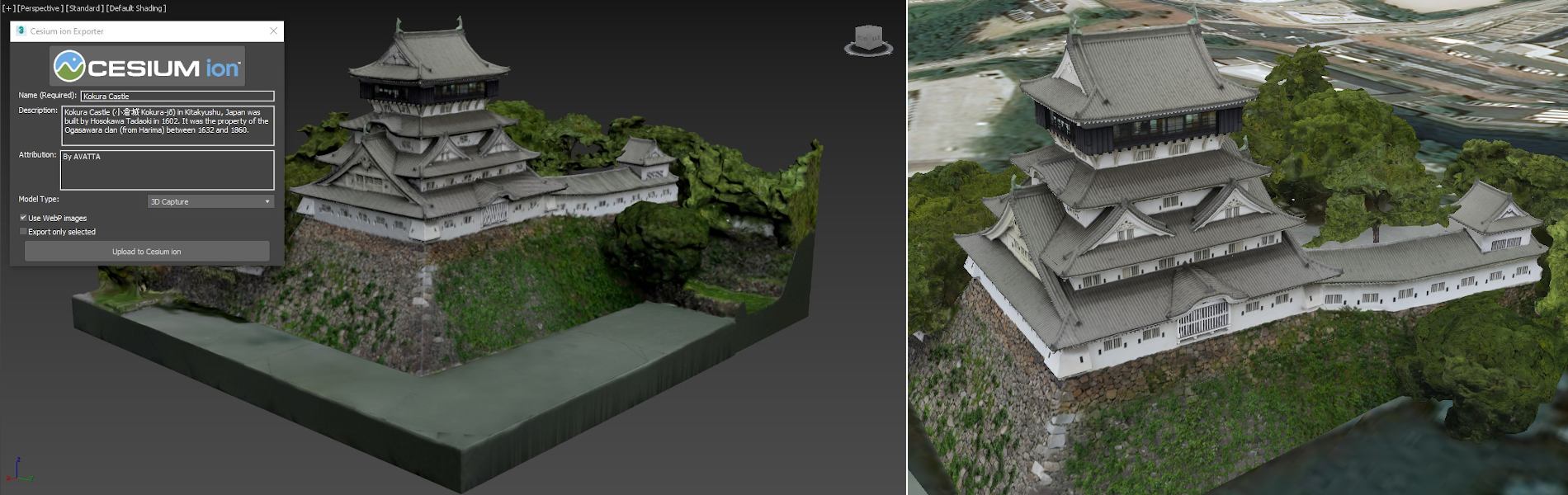
Publish 3ds Max models to Cesium ion, choose tiling and compression settings, and stream 3D Tiles to CesiumJS. Check host compatibility and setup.
Chainmaker makes 3ds Max chains from a link object and spline, scaling it to fit the path. Its look-at controllers can become keys. Check Max version support.
Chamfer Tube adds the ChamferTube simpleObject to 3ds Max. Review its version 1.3 listing, 3ds Max 9+ requirement, and compatibility notes.
Review Chaos Corona 9 for 3ds Max, its version 9 tools, 30-day commercial trial, listed system requirements, and installer details before downloading.
Chesterfield Generator deforms editable poly meshes in 3ds Max with two modes and controls for buttonholes, wrinkles and seams. Check mesh requirements.
Animate 3ds Max cameras with eight motion types, speed or duration controls, and orbit splines. Review supported cameras, setup, release notes, and pricing.
See how Cityscape Pro for 3ds Max generates roads from a base surface, flags input changes, and includes 70+ V-Ray and Corona material presets.
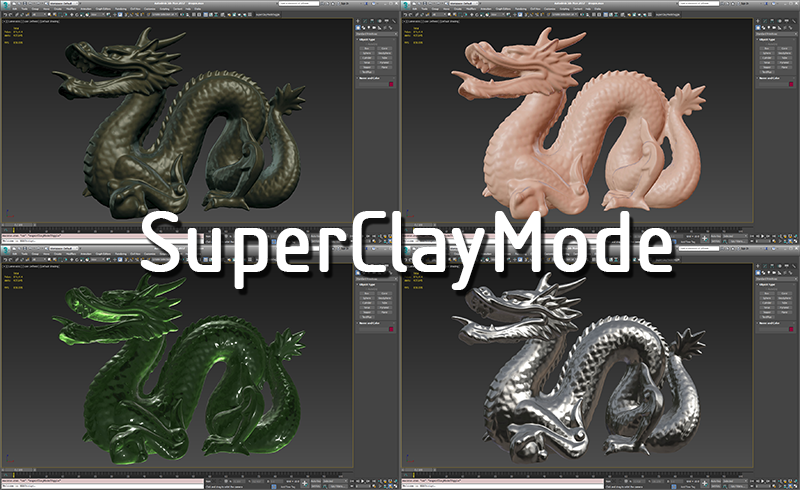
Clay Mode Advanced adds matcap shading to the 3ds Max viewport with a ShaderFX override. Set up its toggle, choose a bundled matcap, or use your own.
Clay Switch is a 3ds Max macro for switching between Clay and Default Shading. ScriptSpot lists its UI entries, the author's Tab shortcut and version 1.00.
Clone Modifier is ITOOSOFT's 3ds Max modifier for parametric cloning, incremental transforms and randomized material IDs. See the App Store listing.
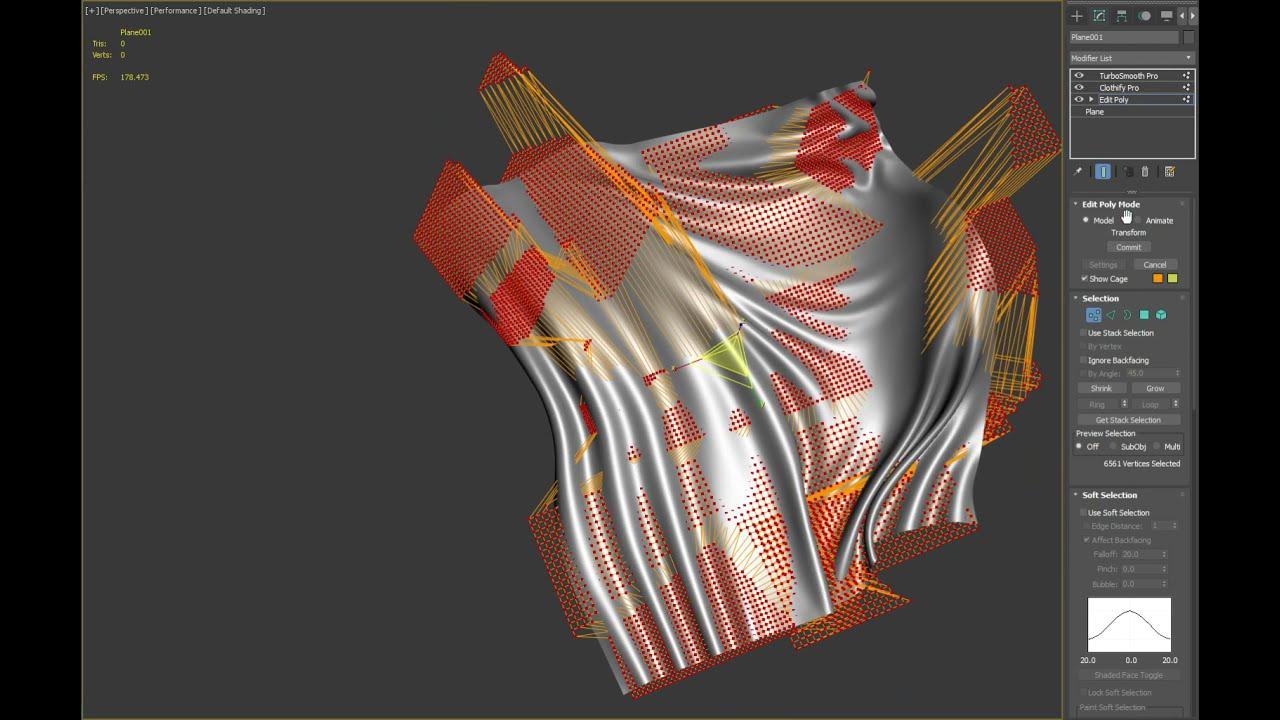
Shape cloth in 3ds Max with live modifier controls and weighted effects. Check supported versions, collision limits, and license options before buying.
Collapse and reset-X is listed as free for 3ds Max. It pairs an export-strength reset-X with collapse and attempts to correct flipped normals. See details.
Color Edge creates procedural edge gradients in 3ds Max and blends maps or materials, with ramp and noise controls. Check compatibility before installing.
Content Browser for 3ds Max lets artists browse local models, scenes, materials and HDRIs, filter assets, choose variations, and import them.
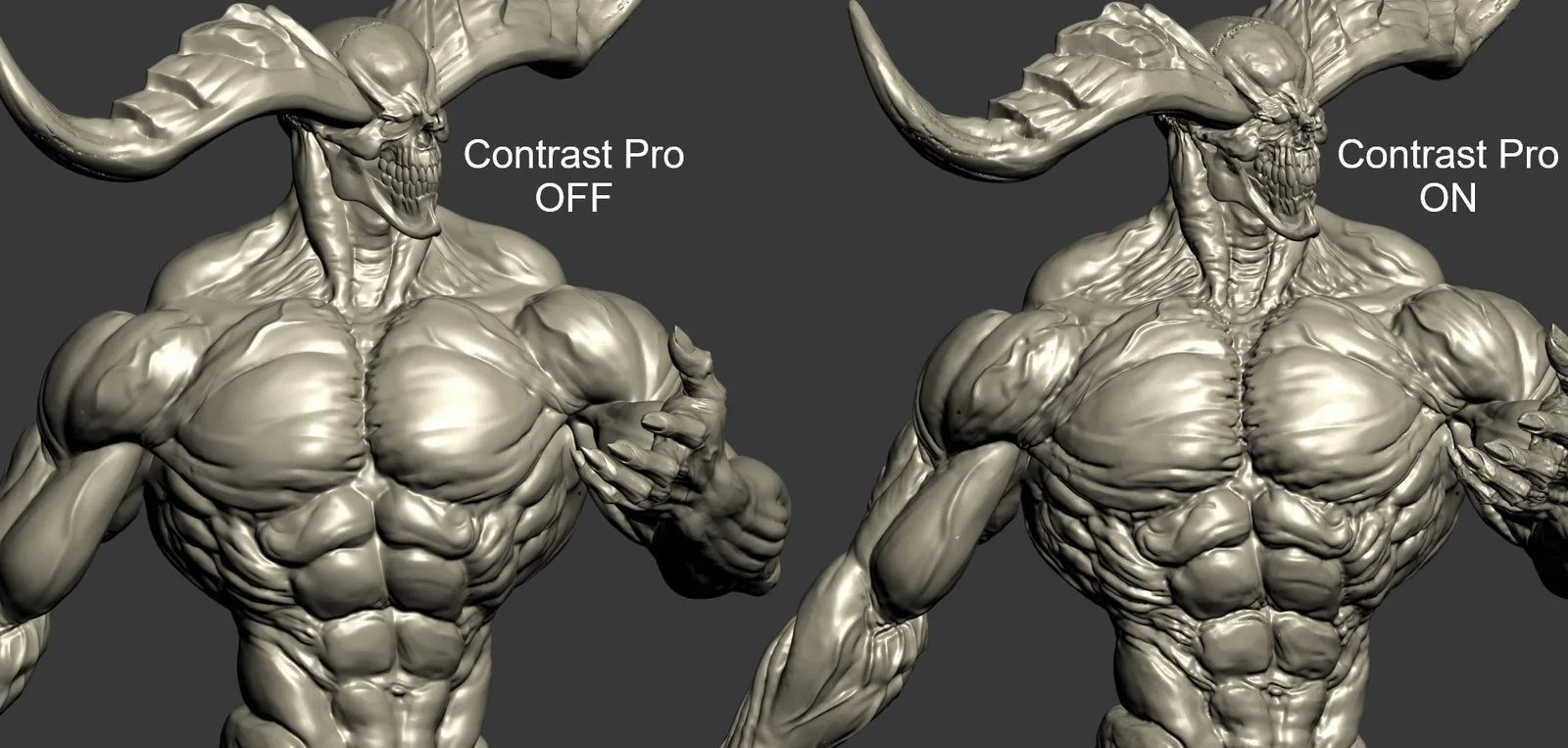
Contrast Pro adds detail contrast to whole 3ds Max models or selected areas. See how Uniform handles mixed polygon sizes and check license options.
Copy-Align-Link copies a source object to multiple 3ds Max targets, aligning and linking each copy. Review its workflow, options and compatibility.
COPYPRO is a 3ds Max MAXScript for copying objects and supported assets between files without relinking paths, with V-Ray, Corona and FStorm support.
CoreLink organizes 3ds Max assets with image search, previews, and path repair. Check whether the free Standard license's 5,000-asset cap fits.