Adobe Media Encoder encodes and transcodes video and audio using presets or custom export settings. Add media to its queue, choose a format and output location, then start encoding when you are ready. It can also receive sequences and compositions from several Adobe applications for background rendering.
Send work to the queue
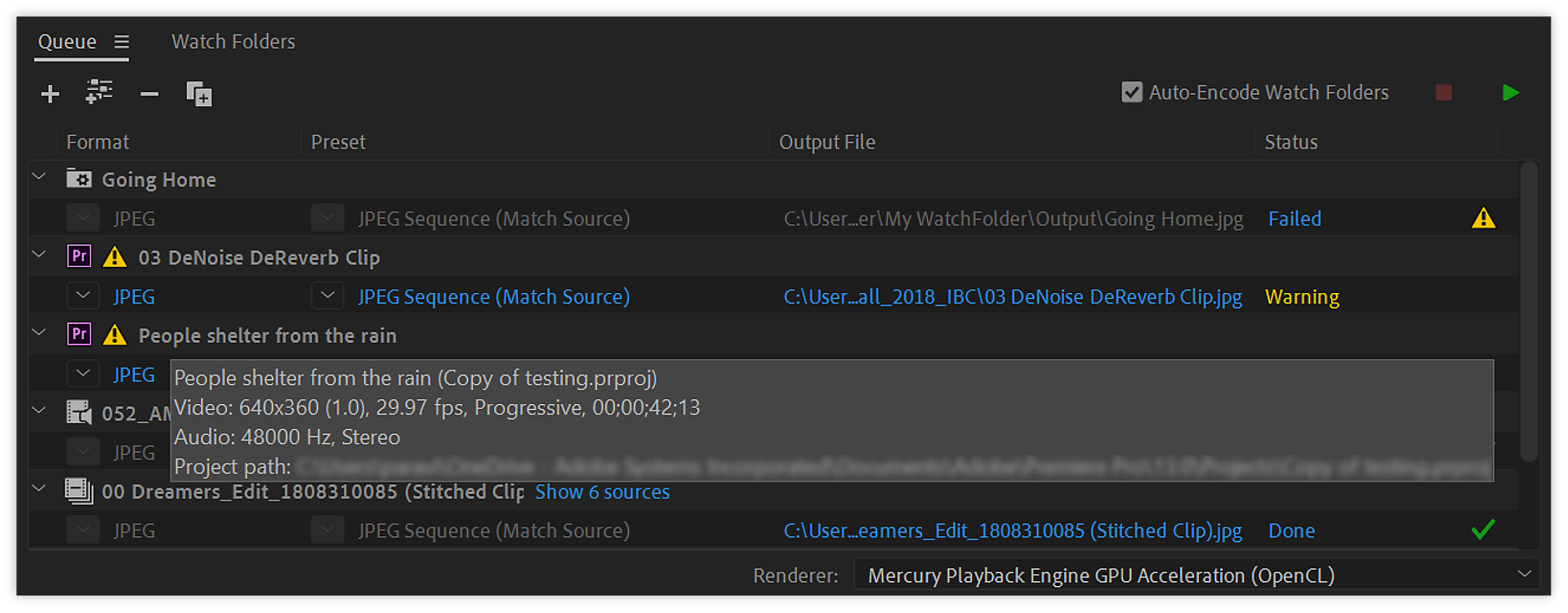
Media Encoder is an encoding engine for Premiere Pro, After Effects, Audition and Character Animator. You can add supported video or audio files directly, or send a sequence or composition from a supported Adobe application. The queue lets you prepare jobs and manage their order before encoding begins. Adobe’s workspace overview describes the queue, Preset Browser and Watch Folder panels.
Choose a format and preset
For each queued item, choose a format and an existing preset, or open Export Settings to adjust options. The Preset Browser groups presets by use and destination, and you can save custom presets for settings you reuse. Set the output location for each export, then start the queue immediately or leave it ready until you choose to run it. See Adobe’s encoding and export guide for the queue workflow.
Automate repeat exports with watch folders
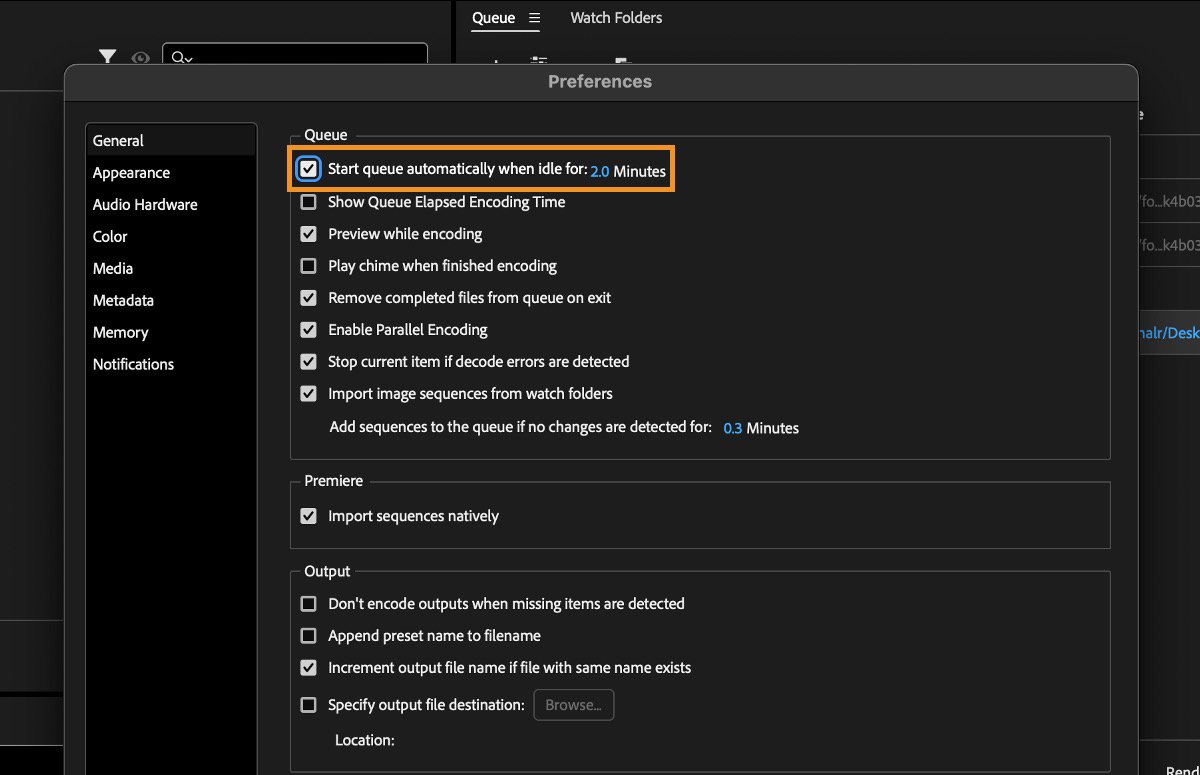
A Watch Folder applies assigned encoding settings to video or audio files placed in a designated folder. Media Encoder queues the files and writes the encoded results to an output folder. You can configure the queue to start after an idle period; otherwise, start it manually. Assigning multiple output instances to a Watch Folder can create versions in different formats or with different presets from the same source.
Track jobs and outputs
The queue shows whether an item is ready, done, stopped or failed, so you can check job status and inspect an error before retrying. Media Encoder can encode multiple outputs from one source at the same time, while it processes different source files in queue order. You can add, remove or reorder other queue items while encoding continues.