JTB ACA Tools Trial
JTB ACA Tools Trial includes utilities for AutoCAD property sets, classifications, and list definitions. Review its features and custom installer requirements.
Developer listing
12 tools attributed to this developer in the catalog.
JTB ACA Tools Trial includes utilities for AutoCAD property sets, classifications, and list definitions. Review its features and custom installer requirements.
JTB ACA_db Trial syncs Property Set values between AutoCAD Architecture, AutoCAD MEP or Civil 3D and external databases. Review data exchange and install needs.
JTB AutoClose freeware dismisses borrowed-license and minimum-resolution dialogs in AutoCAD. Check its AutoCAD 2026 support and custom installer.
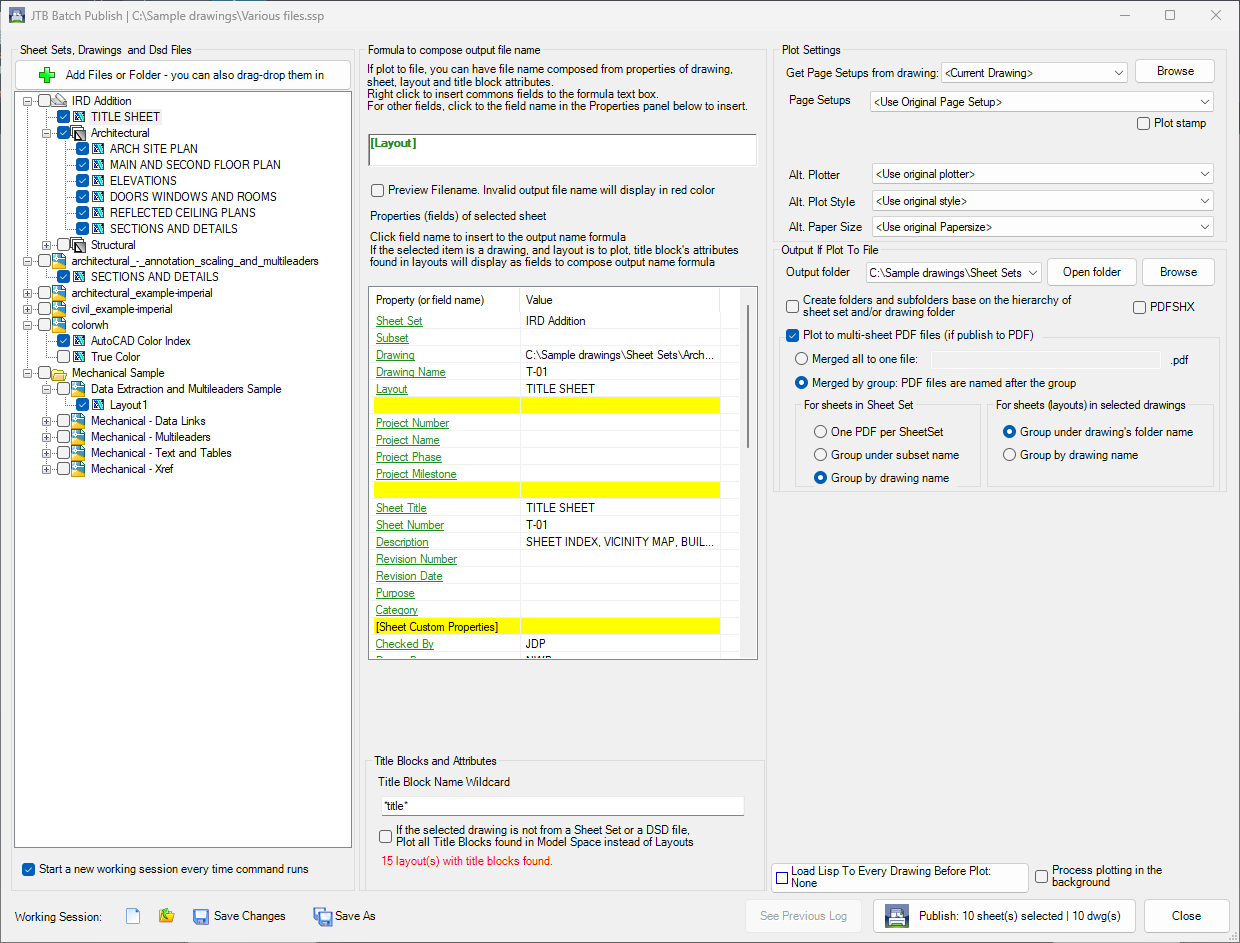
JTB Batch Publish Trial is an AutoCAD app for publishing sheets and layouts with formula-based filenames. Its 30-day trial starts at first use.
JTB BatchAttEdit Trial edits block attributes across AutoCAD drawings in a spreadsheet. Apply changes or move data through Excel; review trial details.
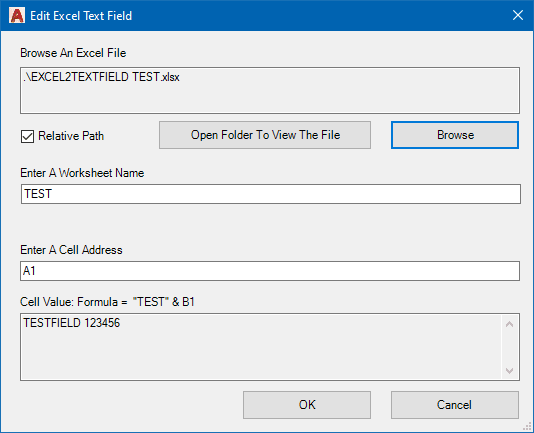
JTB Excel2TextField Trial links Excel cell values to CAD text, mtext, tables, and block attributes. Check how drawings update and what installation requires.
JTB FlagStone Trial creates rule-based flagstone layouts from straight AutoCAD polylines. Review its layout modes, tile-fit limits, and 30-day trial details.
JTB FlexReport LT creates free HTML reports for FlexNet and FLEXlm license use, with user, host, duration, borrowed-license and feature-code details.
JTB OsnapzBG Plus Trial uses drawing-window colors to show OSNAPZ state and lets you switch it with a click. Review its AutoCAD workflow.
JTB Sheet Set Renumber Trial updates sheet number and total number fields from sheet set order when you run its command. Review trial and install details.
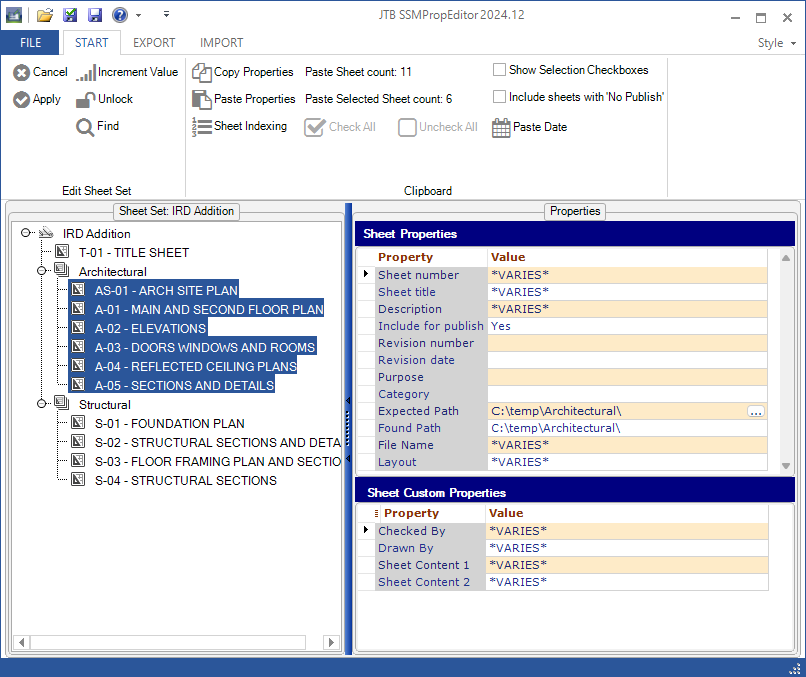
JTB SSMPropEditor Testversion is a 30-day trial with full functionality for batch edits to sheet properties, including export and revision tools.
JTB TimberTool Trial converts closed polylines to mass elements for scheduling; the unregistered trial allows three conversions per AutoCAD session.
Developer attribution comes from the linked product listings. Current product details are available on each product’s website. About our sources