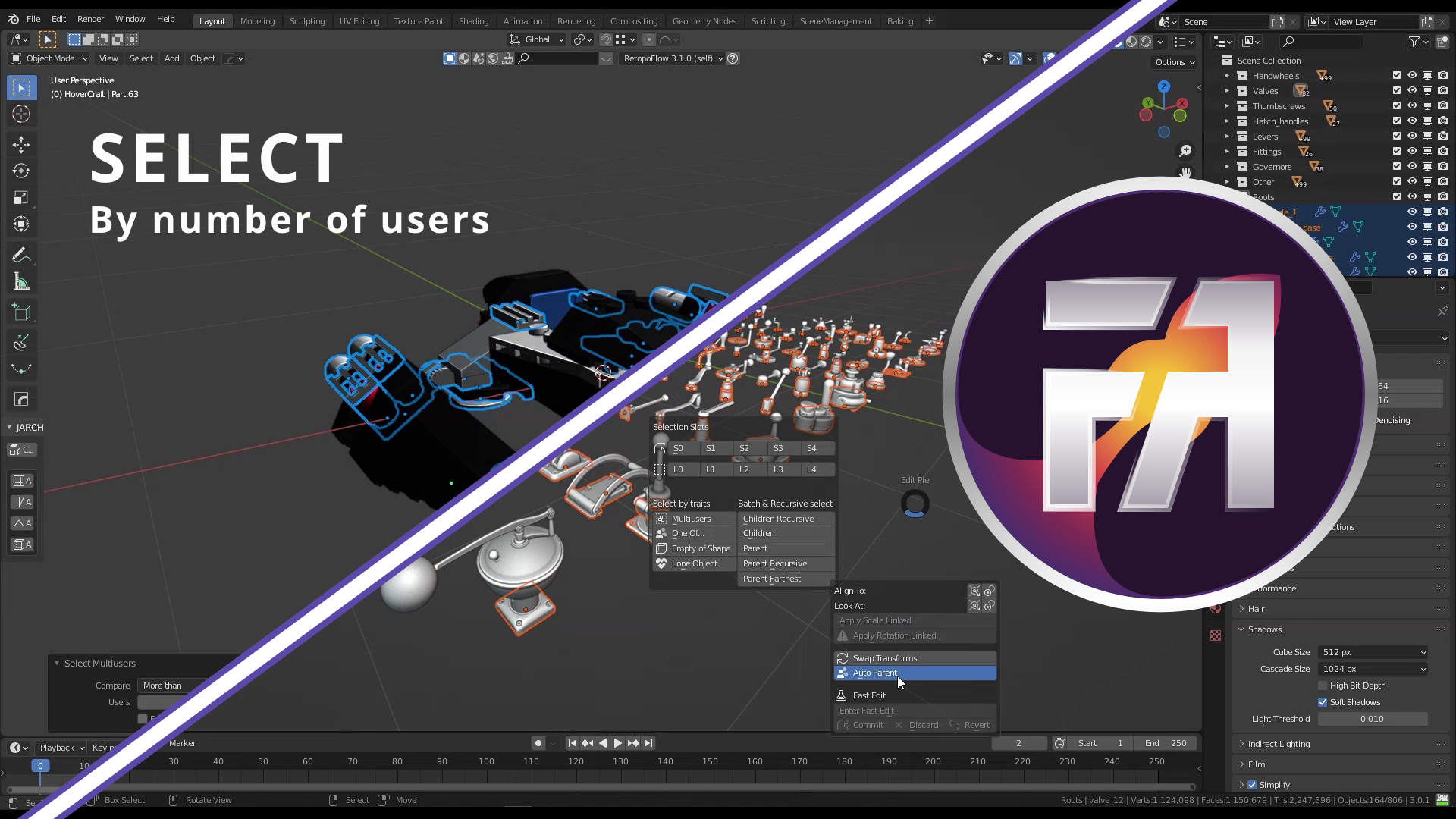
Fastactions is a Blender add-on by Noodleware that gathers operators behind an F6 pie menu. It gives you shortcuts to tools that usually sit several menus deep, along with actions that would otherwise take several operator calls.
Object Mode tools
For scene organization, Fastactions can create a collection from selected objects and name it after the active object. You can link or move the objects, choose where to create the collection, and optionally compensate for the instancing offset using the active object's location when the operator is used.
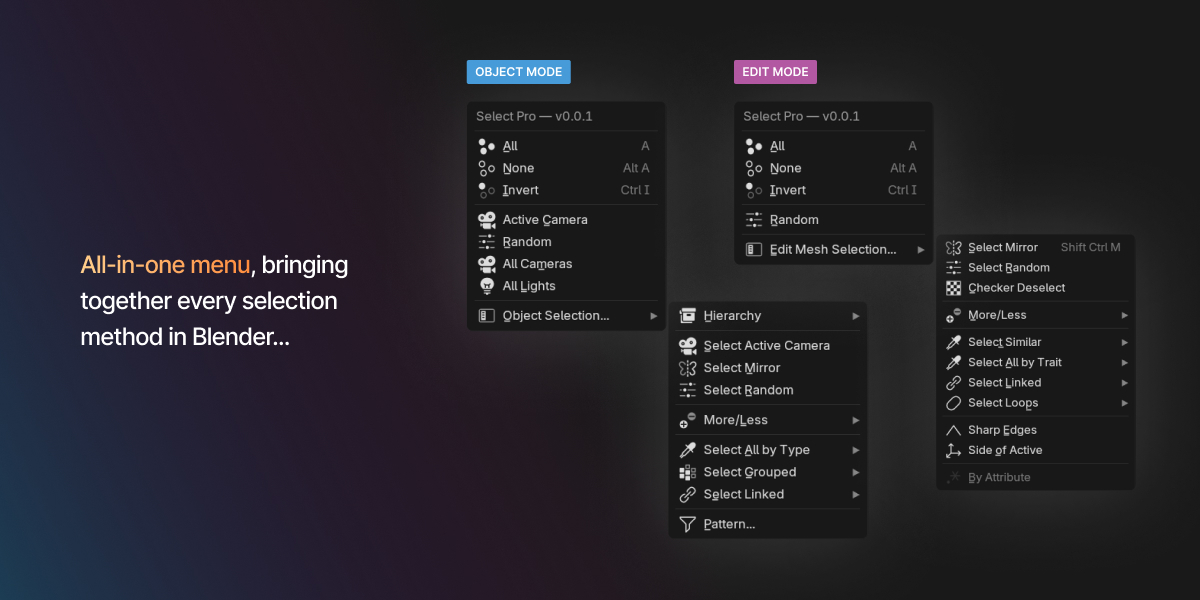
Its transform tools align selected objects to the 3D cursor or active object, point them toward either target, and apply scale to linked objects, including ones outside the viewport. The product listing has an ambiguous note about whether Align to and Offset rotation restore the previous origin, skip parent, and location settings. Selection tools save and restore selections from slots, select empties by shape, select objects with more than one data-block user, and select objects by parent and child relationships. They can also select one instance of an object from the current selection or visible objects.
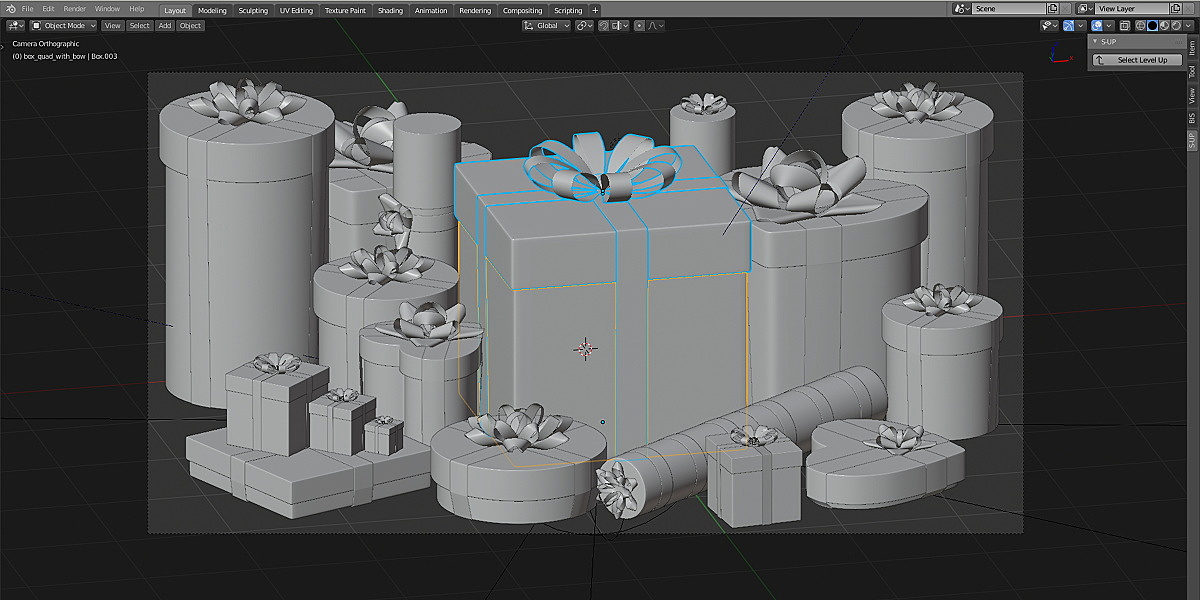
Batch relation operators extend Blender's Shift+G relationship tools to work from multiple selected objects. They include parent and child selection, recursive variants, and an option to select only the farthest parent in a chain.
Edit Mode selections and geometry
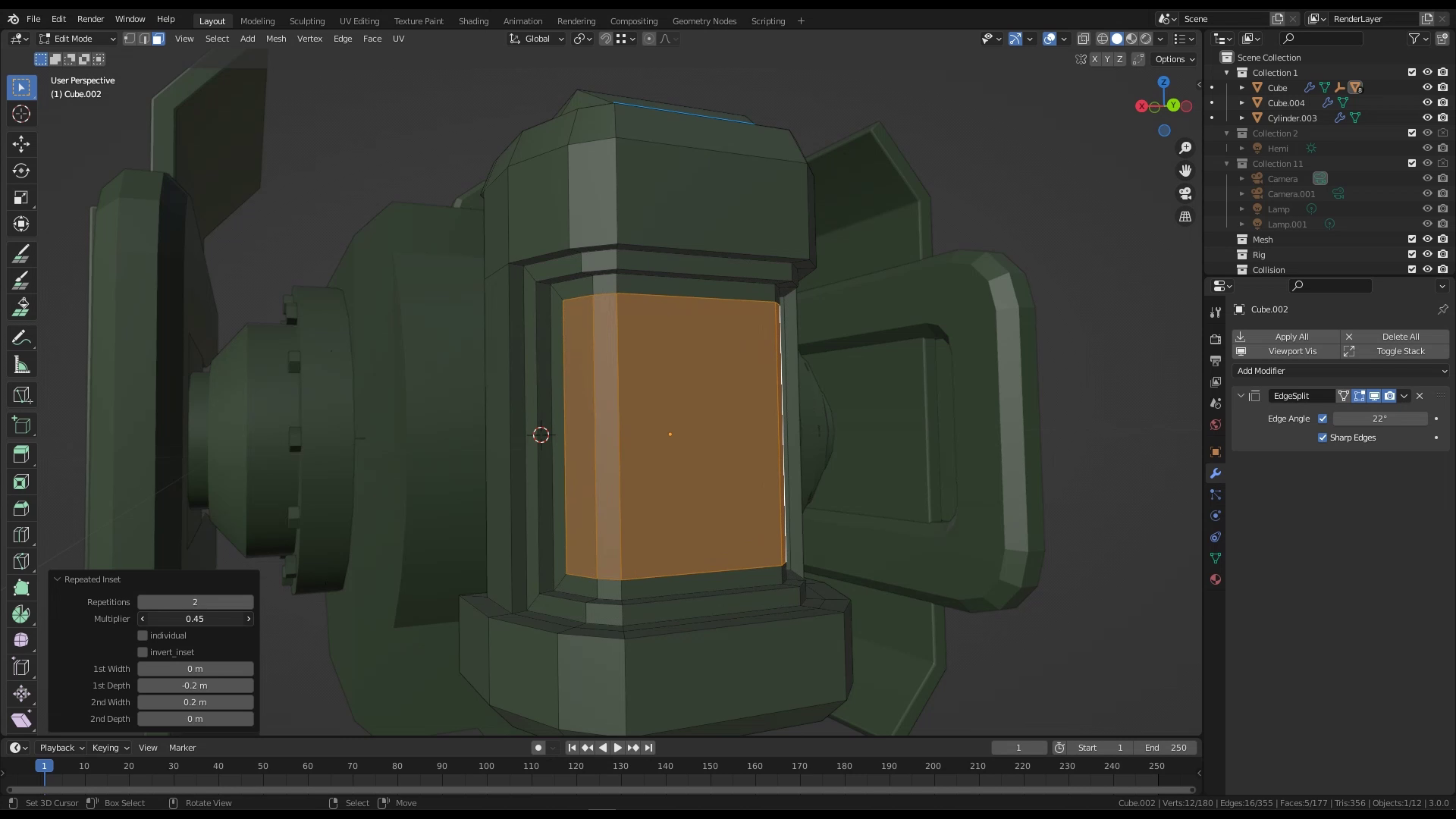
Fastactions adds boundary-loop and edge-ring selection, checker deselect, and selection by position relative to the active vertex. Geometry operators can create domes from vertices, make a hole from two vertices, and work with tubes by unsubdividing, cylinderifying, or converting them to curves.
Enable Blender's F2 and Looptools add-ons before using Fastactions' Edit Mode operators. They are included with Blender but are not enabled by default. The product description also identifies some operators as experimental.
Keymap and other tools
The 2024-04-23 update added a rebindable keymap, so you can change the pie menu shortcut if F6 conflicts with your setup. That update also added selection by UV map name or count, object color, material count, and parent count. Other additions include renaming objects from material, collection, data-block, or instance names; distributing objects in a circle or line; and batch operations for asset-browser attributes.
The same menu includes general shortcuts for opening the current project folder and Blender preference folders. The product listing names Blender 4.1, 4.0, 3.6, and 3.5 as supported versions; it does not confirm compatibility with later Blender releases. Check the FastActions product page for license and pricing details. The Superhive listing shows GPL and two options: Indie/Single user at $11.50 for non-studio use, and Commercial/Generous at $35 for studio or commercial use or for buyers who choose to pay more. AnyPlugins describes Fastactions as free, while Superhive lists paid GPL options; the supplied listings do not establish whether a separate no-cost option is available, so confirm the applicable offer before purchase.
Feedback
Noodleware links to a BlenderArtists feedback thread for suggestions and error reports.