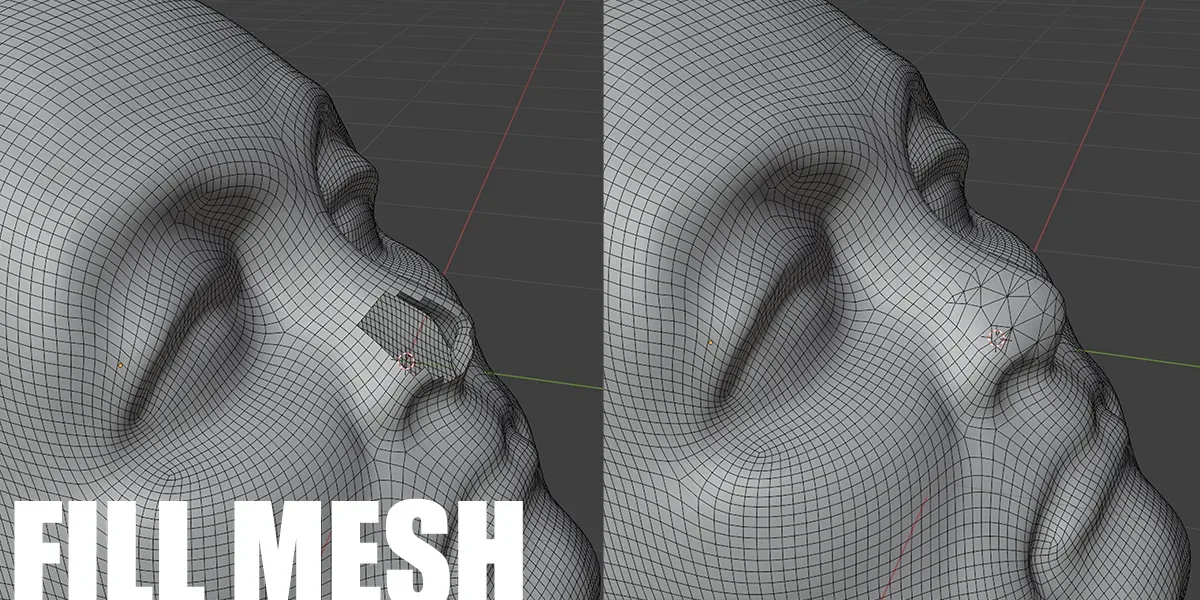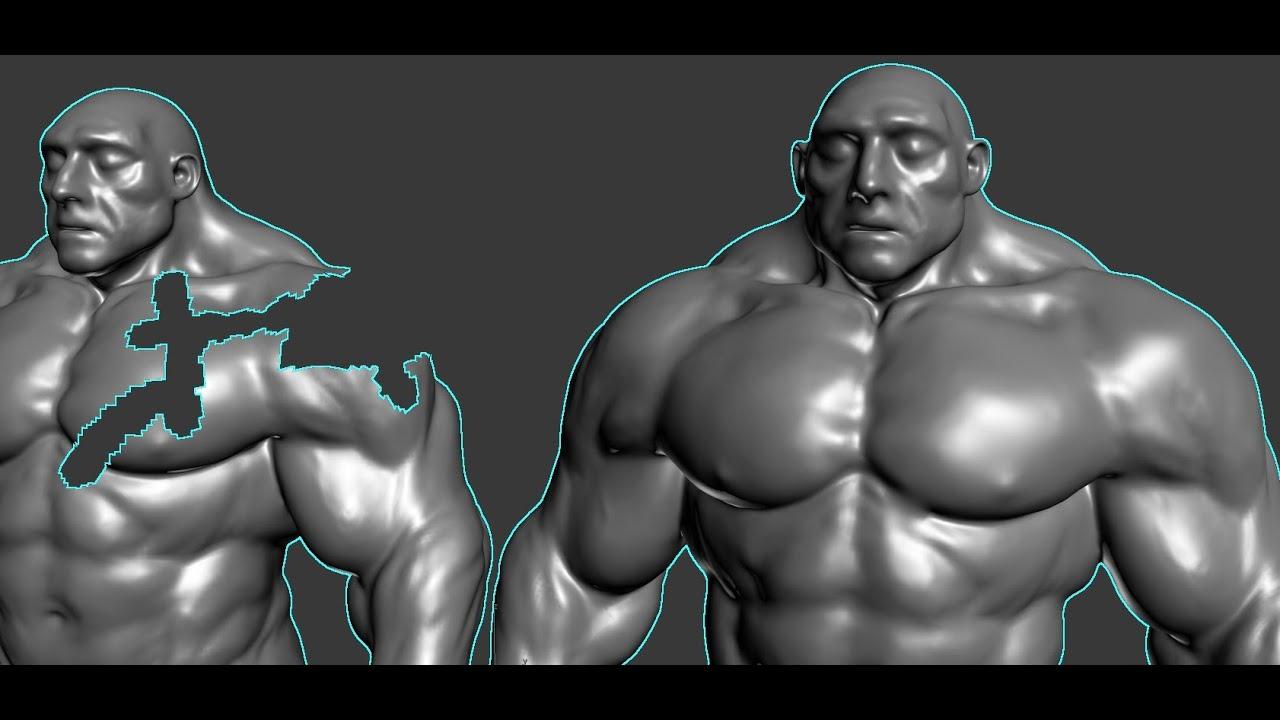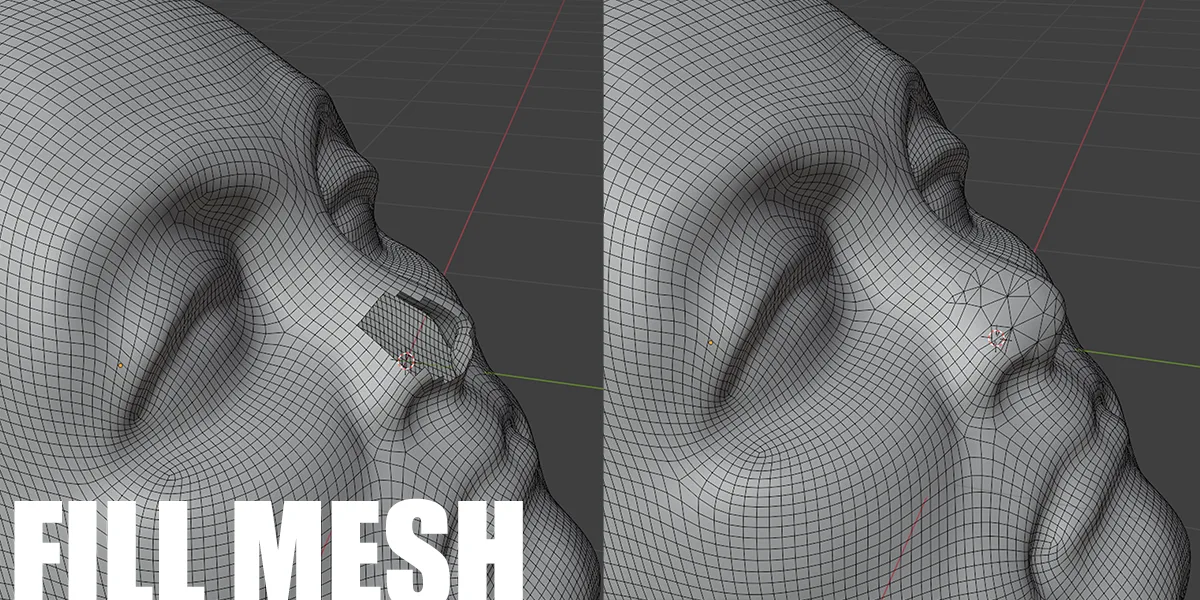
Fill Mesh is a Blender add-on for finding and filling holes in mesh objects. It combines automatic hole detection with Grid Fill, Hole Fill and Contextual Create, plus Simple Bridge Fill for manually selected edges.
The Blender Extensions listing identifies version 1.0.8, Blender 4.2.0 as the minimum version, and the GNU GPL-3.0-or-later license.
Choose a fill method for the opening
Automatic Hole Detection finds gaps without requiring you to select their boundary edges. For manual edge selection, the feature list includes Simple Bridge Fill. Other listed options include Grid Fill, Hole Fill and Contextual Create.
For an irregular opening, Repair Notches adds missing border quads to make the boundary suitable for Grid Fill. Fill Shape reconstructs geometry on curved and organic surfaces, while the standard Fill Mesh operation is described for flat surfaces. Simple Quad Fill extends open boundaries with quad-based topology.
The Fill Mesh feature summary describes the add-on as a way to prepare scanned, remeshed and sculpted models for watertight geometry.
Adjust vertices and smoothing
Fill Mesh includes vertex tools alongside its fill operations. Snap Vertex moves selected vertices toward a target group, and Merge Vertex Group joins nearby vertices within a set distance. The listed options also include Curvature Adaptation, Smart Vertex Distribution and Progressive Smoothing, with adjustable fill density and smoothing.
Open Fill Mesh from its tab in Blender's N sidebar.