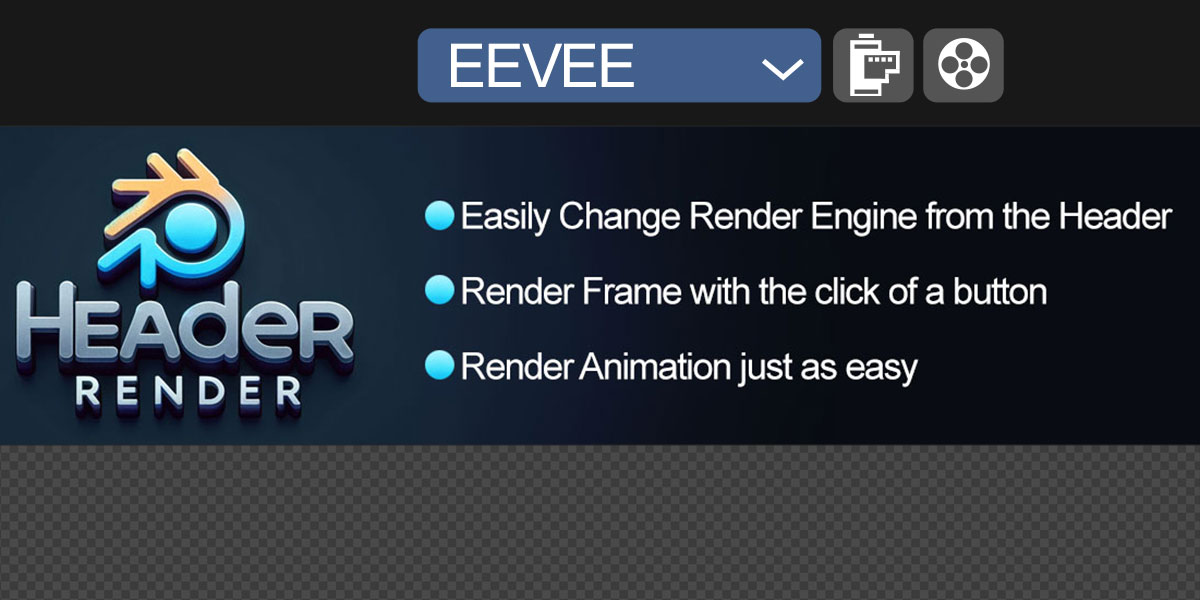
Header Render - Quick Render Settings is a Blender add-on from Toon Ups that places rendering controls in the 3D Viewport header. Its engine selector lets you switch between rendering engines there, while separate buttons start a render of the current frame or a full animation.
Render a frame or an animation
The two render buttons cover different tasks: use the frame button for a still render or a quick check of the current frame, and the animation button to start rendering the full animation. Keeping both controls in the viewport header can reduce the interface navigation needed to start those tasks. The add-on is designed to blend into Blender’s interface.
Camera check and Blender compatibility
Version 1.1, dated January 31, 2024, added a check for a camera in the scene. If none is available, the add-on shows a dialog explaining this and includes a button to add a camera.
The Superhive listing names Blender 4.0, 3.6, 3.5, 3.4, 3.3, 3.2, 3.1, 3.0, 2.93, 2.92, 2.91, 2.9, and 2.83 as compatible releases. If your Blender version is not on that list, check the product listing for current compatibility details.
Who may find it useful
This add-on may suit Blender users who often switch render engines or want frame and animation render controls close to the 3D Viewport. Its documented scope is quick access to those controls and a camera check; the listing does not describe render presets or output management.
License
The product listing identifies a Creative Commons license but does not specify its variant. Review the listing’s license information for the terms that apply to use, modification, or redistribution.