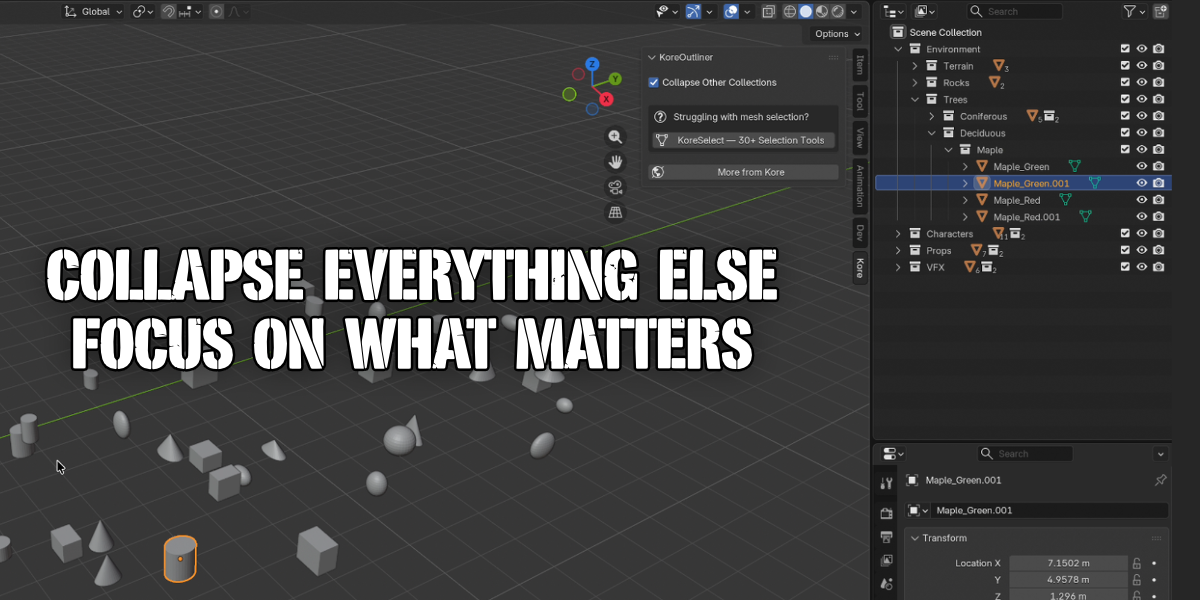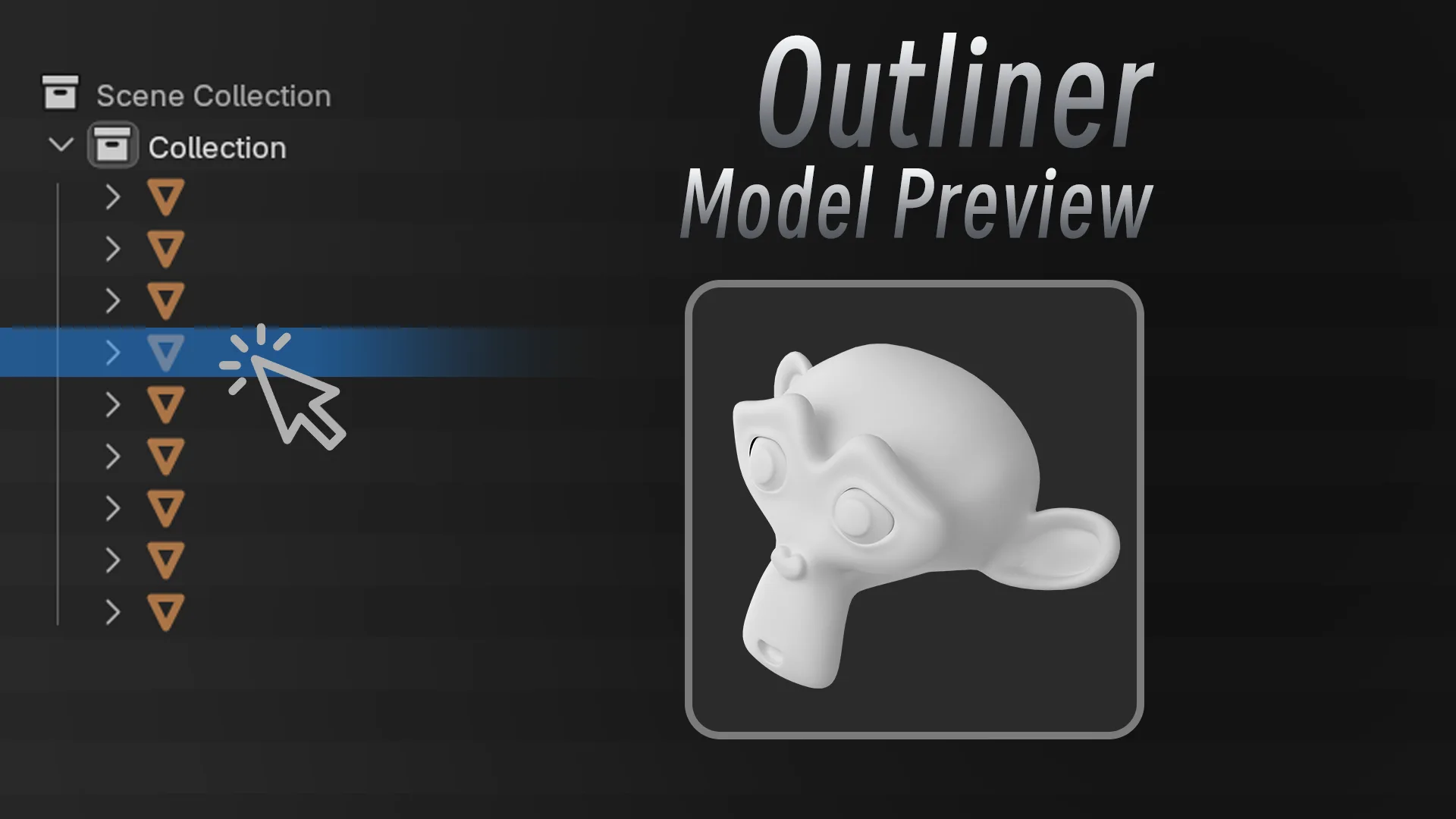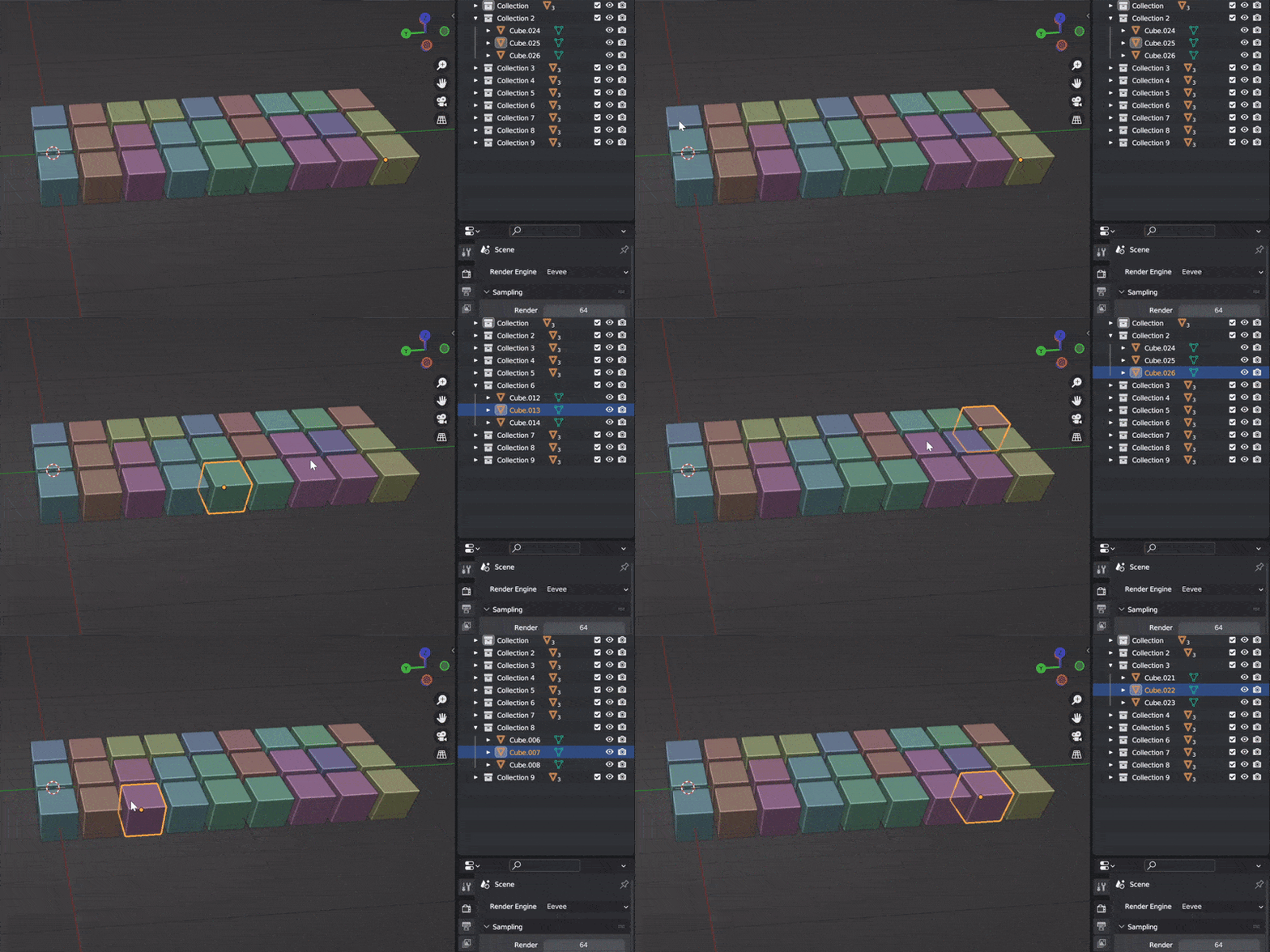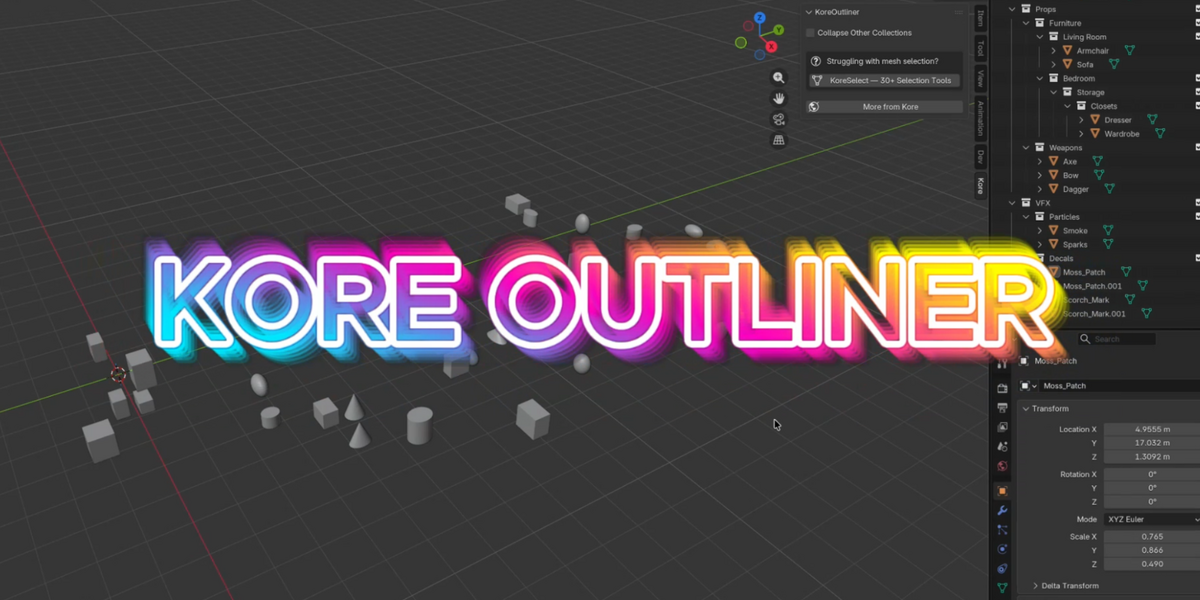
KoreOutliner is a Blender add-on from Kore that brings the Outliner to the object you select in the 3D Viewport. It scrolls the Outliner to show that object and expands collapsed parent collections when needed. In scenes with a deep collection tree, this saves you from searching through the hierarchy after each selection.
How KoreOutliner follows a selection
Select an object in the 3D Viewport and KoreOutliner scrolls the Outliner to its entry. The add-on also responds when you make your first selection from an empty selection, so the Outliner can follow that initial click as well.
If the object sits inside collapsed collections, KoreOutliner expands its parent collections to reveal it. The listing says the add-on uses a debounced timer and describes its performance impact as near zero, including in heavy scenes.
When it helps
KoreOutliner suits Blender users who move between viewport selection and Outliner-based scene organization. It can make a selected object easier to locate in a large scene, especially when the object is nested under several collections.
Compatibility and installation
Kore's listing names Blender 3.6, 4.0, 4.1, 4.2, 4.3, 4.4, 4.5, 5.0 and 5.1, and supports Windows, macOS and Linux. The add-on is distributed as a single file with no dependencies.
The listing's installation steps are to download the ZIP file, open Blender's Edit > Preferences > Add-ons panel, choose Install from File, select the ZIP, and enable the add-on.
Price and license
Kore lists the add-on as free forever under the GPL license. Check the KoreOutliner product listing for current compatibility, installation details and terms.