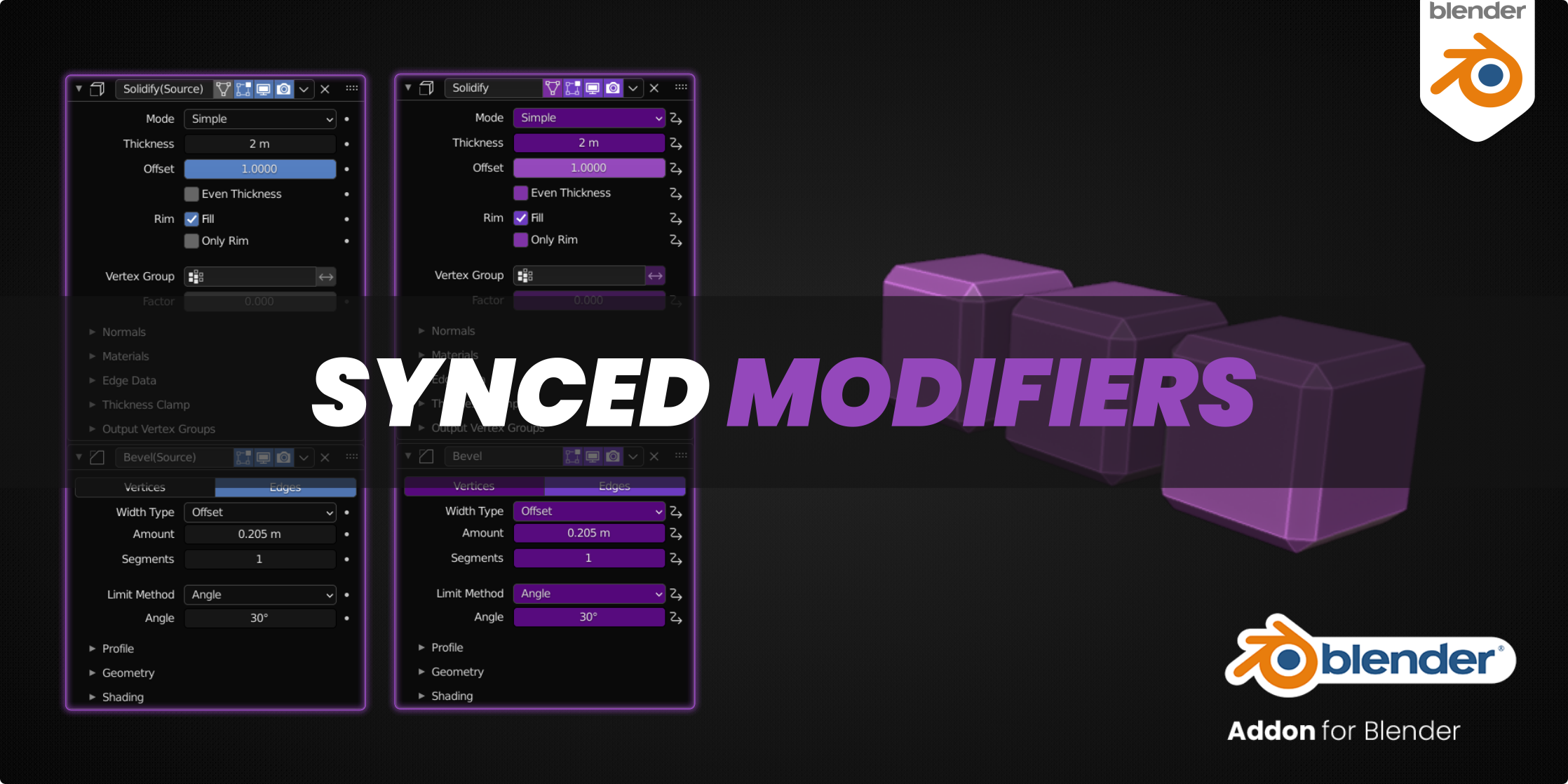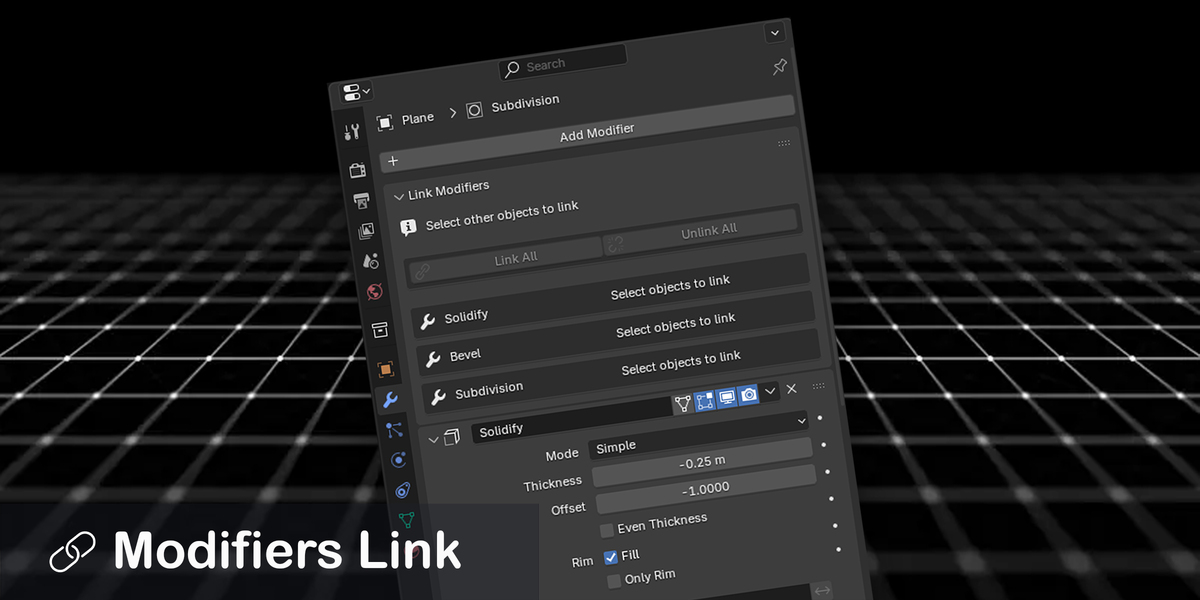
Modifiers Link is a Blender add-on for linking modifiers between objects and keeping their settings synchronized. Change a setting on the source object, such as Solidify Thickness, and the linked objects update live. It adds a Link Modifiers panel to Blender's Modifiers tab. The add-on does not synchronize Geometry Nodes.
Link modifiers across objects
Use Link All or Unlink All to manage every modifier at once. Link or Unlink Single gives you control over individual modifiers. Additive Linking lets you add selected objects to an existing group, while Auto-Cleanup removes dead links when an object or modifier is deleted.
Set up a linked group
- Install the downloaded ZIP in Blender through Edit > Preferences > Add-ons, then enable Object: Modifiers Link.
- Select the objects that will receive the modifiers. Shift-select the configured source object last so it is active.
- Open the Modifiers tab and choose Link All in the Link Modifiers panel.
- Change a modifier setting on the source object. The linked target objects update to match.
The developer documentation describes the installation and selection steps.
Compatibility and version notes
The Superhive listing identifies version 1.2.2, Blender 4.5 through 5.0, and a GPL license. Version 1.2.1 added saving links across project reopening; save the Blender file before closing it. Version 1.2.0 fixed synchronization errors for Array modifiers.